

Open and Install Reference Libraries
Catalog, compatible libraries, original files and persistent resources.
Open the window
In GX-TXT, open Viewers → Spectroscopy & Signals → Spectral Library. The viewer can browse standalone libraries without a Session. With a registered Session, Session spectrum and IR candidates list their respective Datasets when available. The Workspace menu appears in a Session context.
In a new Session with no Workspace registry, opening the tile may leave you in the main window with Read-only Workspace database must already exist as a regular file. In that Session, open UML Editor and use Workspace → Save to create the registry. Return to the viewer catalog and reopen Spectral Library.
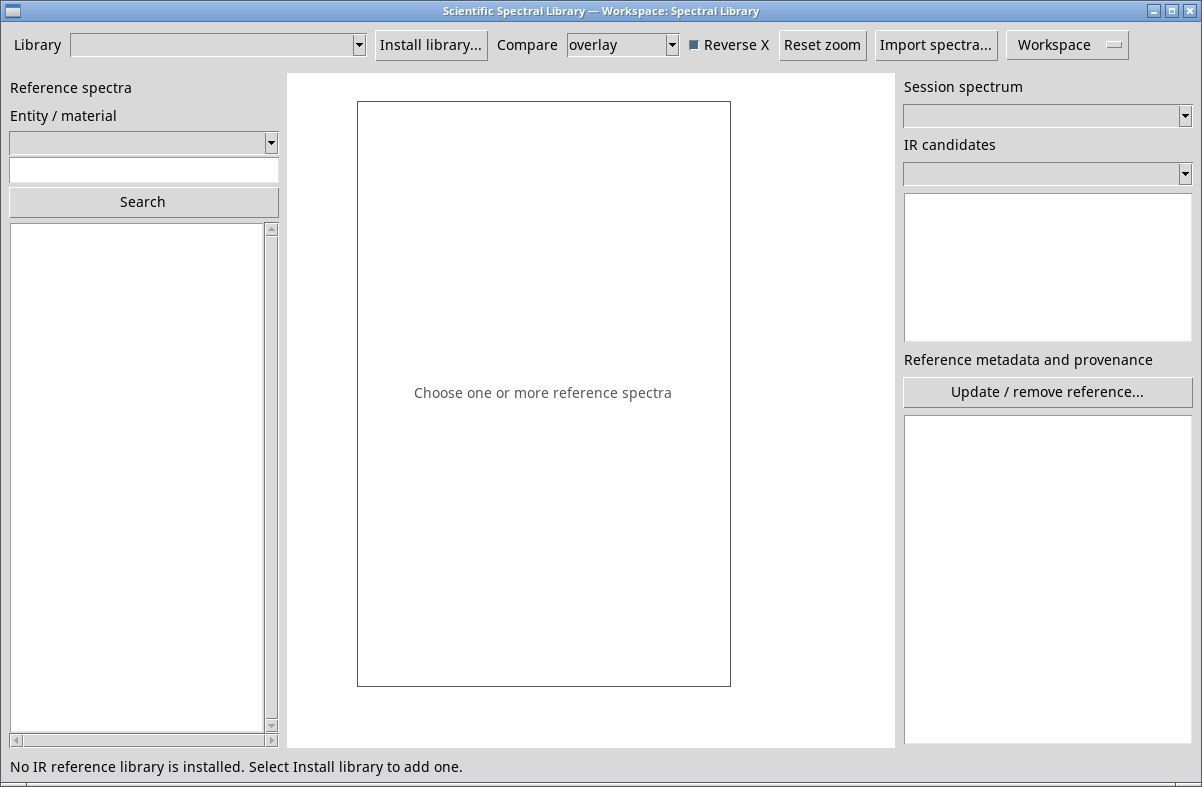
Install a local collection
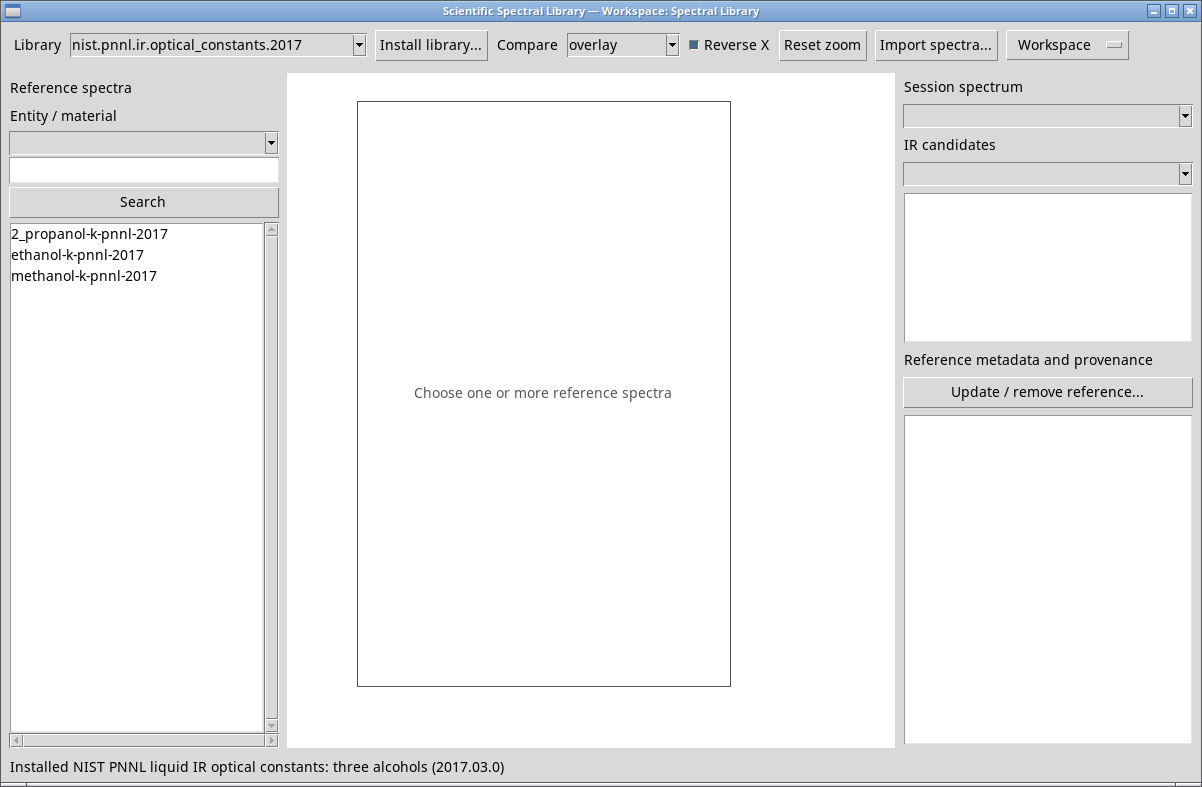
If No IR reference library is installed appears, use Install library…. In the Install IR reference library picker, select the ZIP and press Open. Cancel returns to the viewer. The tests used both a managed Scientific Library package and a Scientific Reference Library .gxsrl.zip archive. A valid portable archive contains the library data, metadata and checksum. When installation completes, the library appears in Library and the status line shows its name and version.
The first example uses the NIST/PNNL package nist.pnnl.ir.optical_constants.2017, version 2017.03.0, supplied with the NIST/PNNL Generator. Individual records show Owner: Public domain and identify data from PNNL under an IARPA contract, March 2017. The declaration applies to the individual data. The WebBook compilation has a separate copyright. Ethanol · Methanol · 2-propanol.
Distinguish library resources
- Persistent library
- Groups numeric spectra and metadata outside Session Datasets. It stays available in Library after reopening the viewer.
- Reference record
- Reference metadata and provenance describes the identity, coordinates, quantities, samples and source of the selected reference.
- Local or remote original
- The source file or cited record. Installation and import add data and provenance to the library.
- Canonical Dataset
- Belongs to a Session and is selected with the controls on the right. Browsing a library or plotting a comparison does not automatically create a Dataset.
This viewer is separate from Scientific Libraries, which manages several kinds of packages and records. IR libraries are the main workflow. In this release, an installed NMR package can also appear in Library. The ethanol BMRB record appeared in the test, but opening it failed and the pane kept the previous metadata. Check that Library, Spectrum and the type shown in the record match your selection. For that package, use Scientific Libraries → Entries → Open entry. The same entry opens in the NMR Reference Spectrum Viewer with a ppm axis. You can also acquire a canonical NMR Dataset through the dedicated workflow.