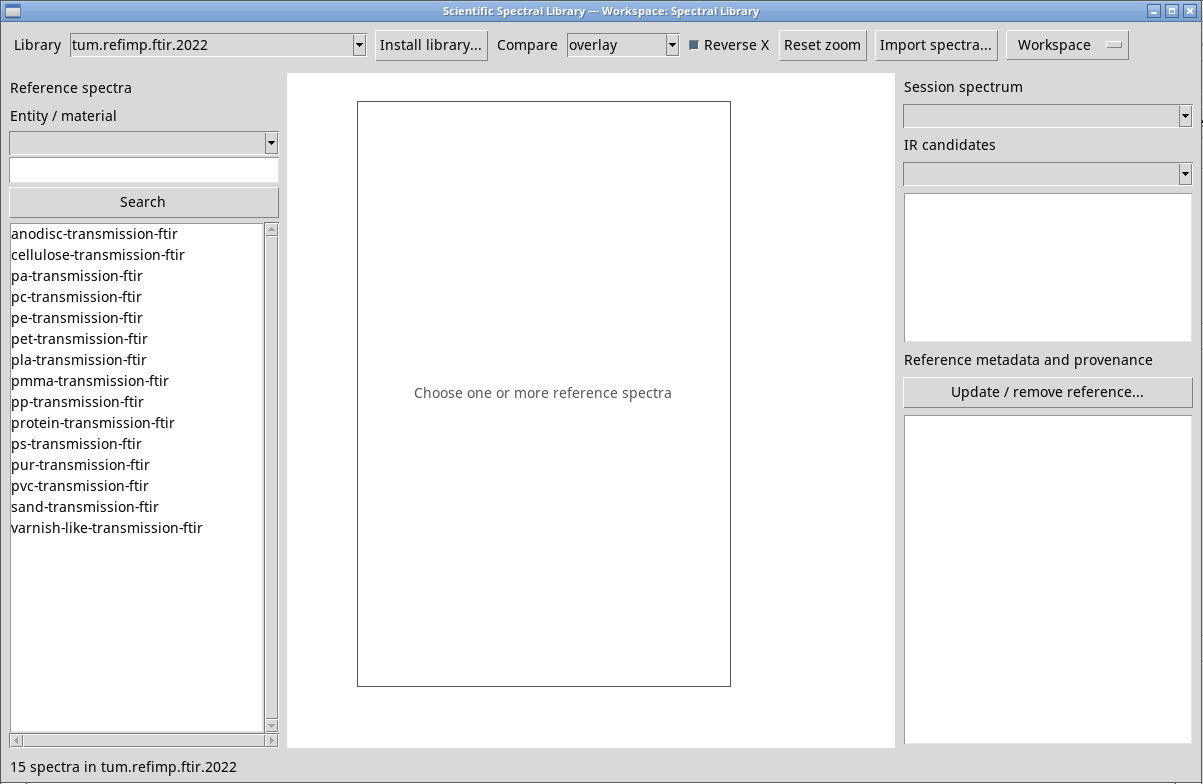
Import CSV and JCAMP-DX
Queue, parsing options, numeric preview, license and destination.
Open the queue and add source files
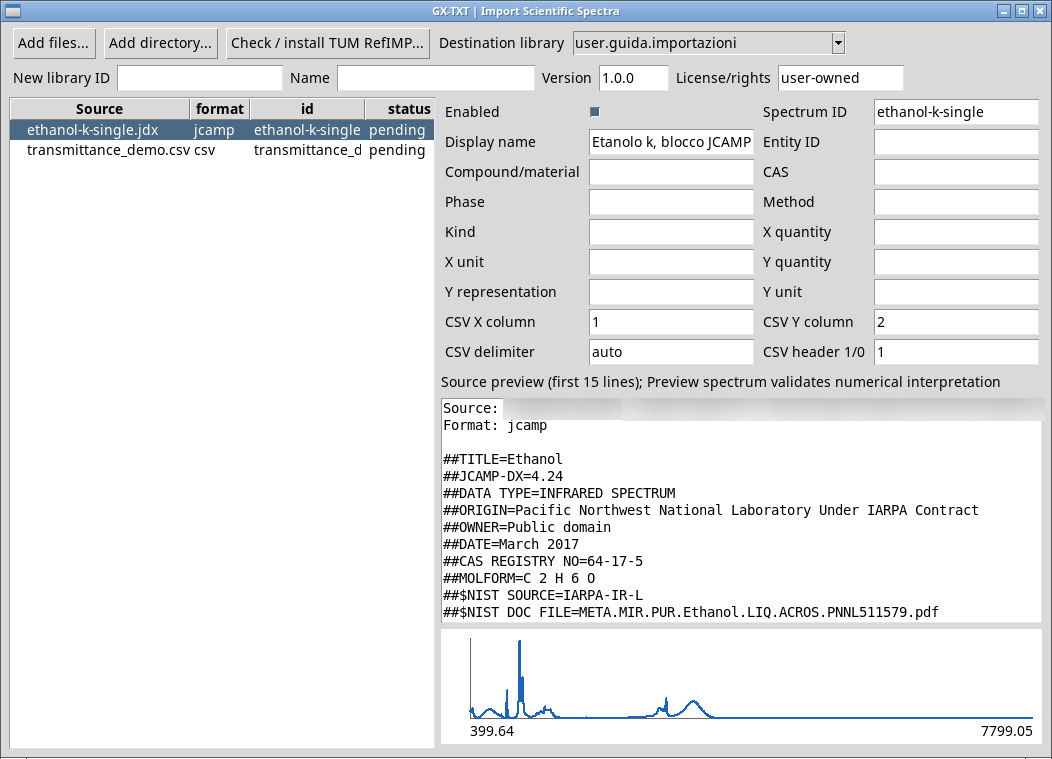
Press Import spectra…. Add files… should let you select one or more originals. In this release, the picker may fail to open on Linux/Tk. Put the originals in a folder and use Add directory…. A folder containing just one file works as well. Confirm the folder in the picker. The queue recognizes CSV and JCAMP-DX (.jdx, .dx, .jcm, .jcamp). It lists Source, format, ID and status. Select a row to configure its fields. Enabled includes that row in the import.
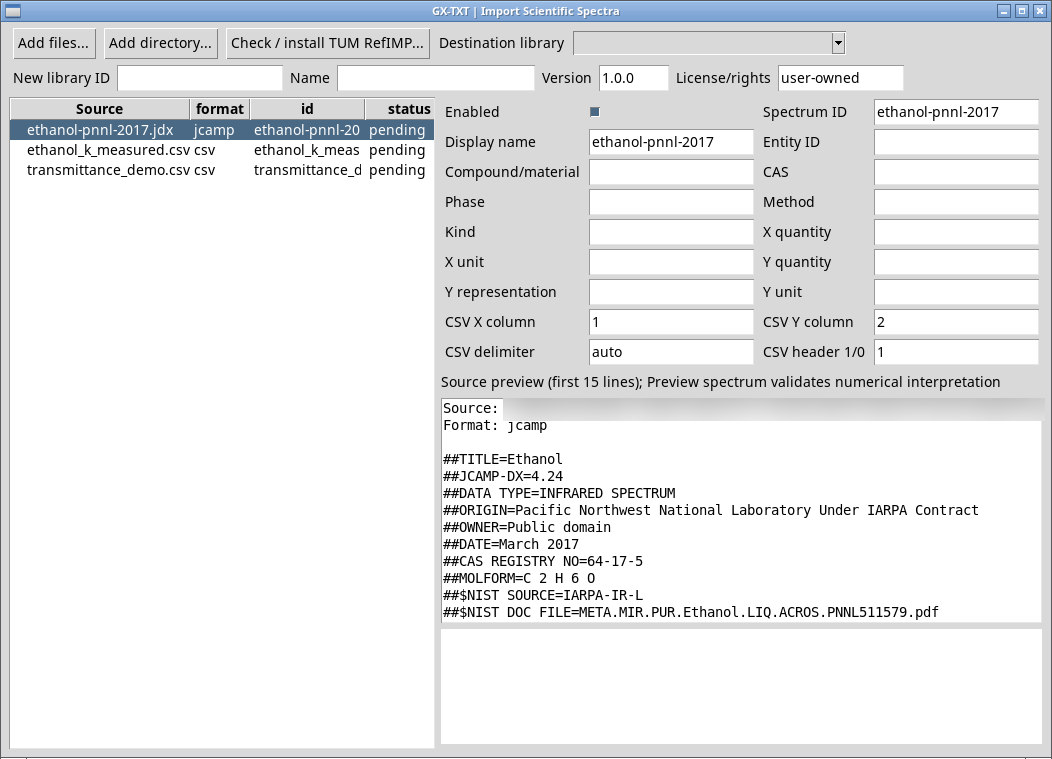
Set identity and metadata for each file
- Spectrum ID
- Unique spectrum ID within the library. The suggested value comes from the filename.
- Display name
- Readable name shown in the record and legend.
- Entity ID
- ID for grouping references for the same material. If blank, the spectrum can still be browsed without grouping.
- Compound/material
- Sample name. Together with Entity ID, it identifies the material.
- CAS
- Verified CAS number, such as
64-17-5for the example ethanol. - Phase
- Declared phase, such as
liquid. The phase should come from the source metadata. - Method
- Documented method, such as
FTIR.
Declare the data coordinates
- Kind
- Spectral family. The initial value for CSV is
IR. - X quantity
- Quantity on the horizontal axis. The suggested value for IR CSV is
wavenumber. - X unit
- Unit of the actual coordinates. CSV defaults to
cm^-1. - Y quantity
- Quantity on the vertical axis. Correct
absorbanceif the file contains an optical index or transmittance. - Y representation
- Signal semantics used to check comparison compatibility, such as
absorbance,absorption_indexortransmission_signal. - Y unit
- Numeric signal unit.
1is dimensionless and%indicates a percentage scale.
For a single-block JCAMP-DX file, leave the parsing fields blank to use the file headers and check the preview. A multi-block JCAMP needs an explicit block selection that this dialog does not offer. Keep the original and put the relevant block in a new file, or use a numeric CSV with verified semantics.
Specify CSV columns, delimiter and header
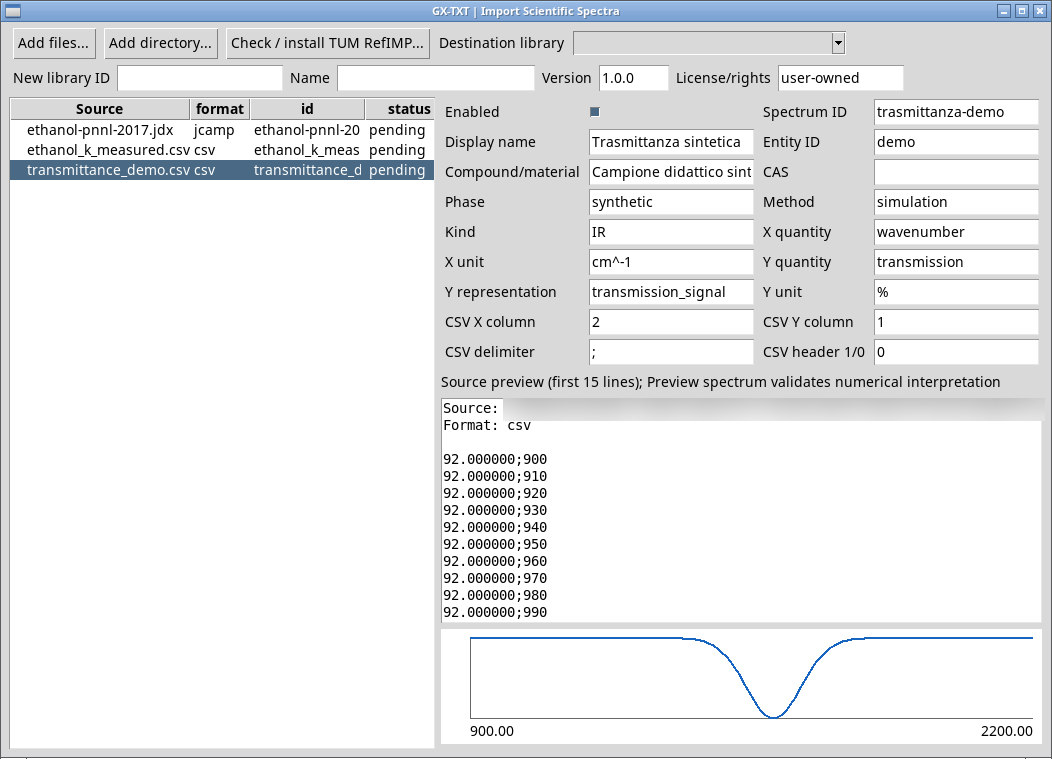
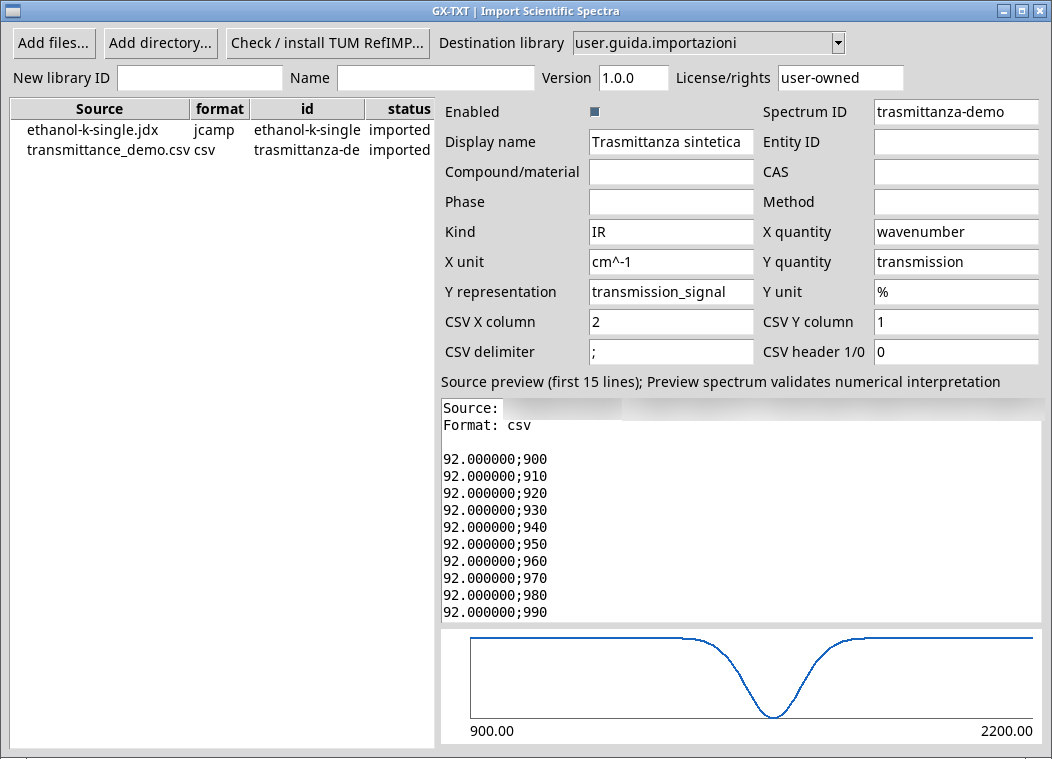
CSV X column and CSV Y column count columns from 1. The suggestions are 1 and 2. In CSV delimiter, leave auto or enter the delimiter used in the file, such as a comma or semicolon. Set CSV header 1/0 to 1 for a header row or to 0 when data begin on the first row. For transmittance_demo.csv (extract the ZIP), use X column 2, Y column 1, delimiter ;, header 0, representation transmission_signal and unit %.
Check preview and numeric status
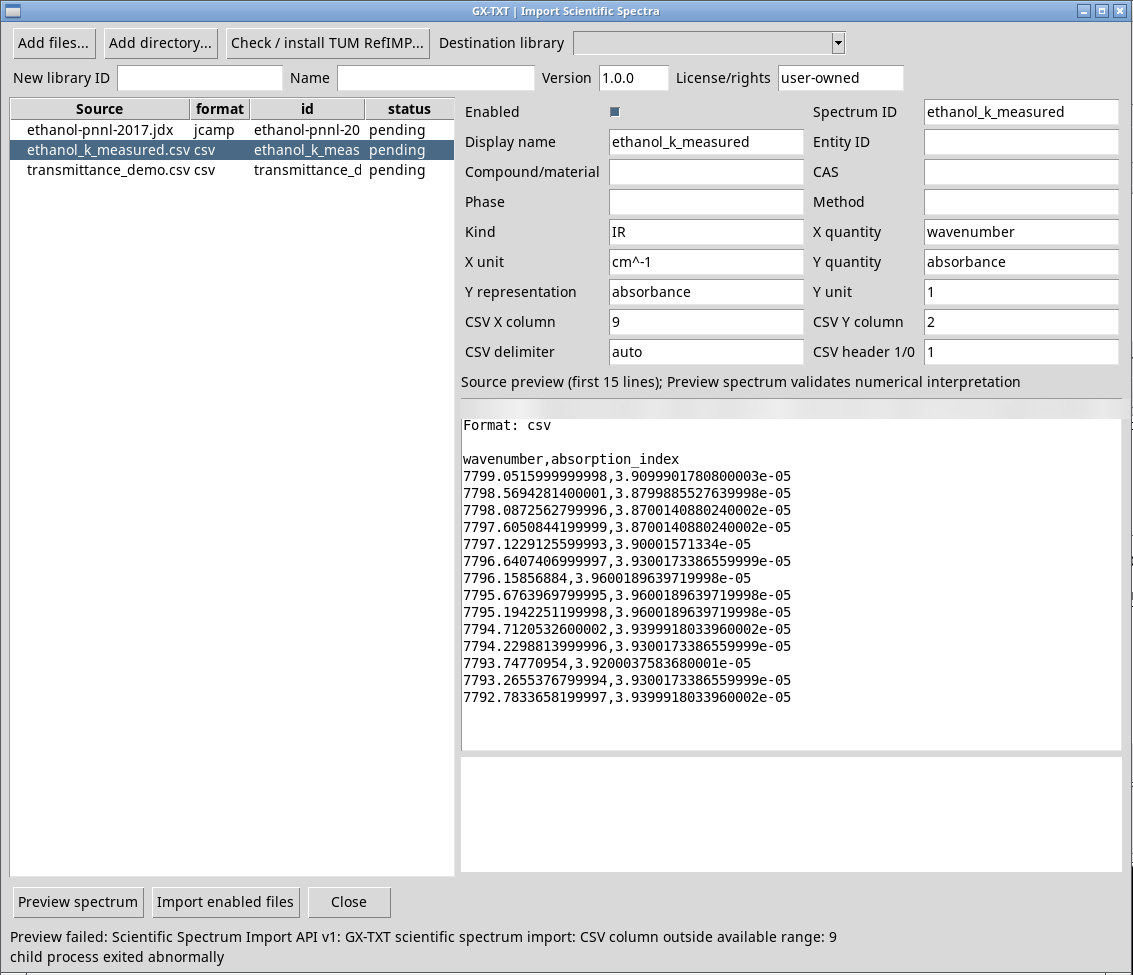
Source preview shows the first 15 text lines. Preview spectrum checks all parsed samples, reports the count, range and representation, and plots a preview. If Preview failed appears, correct the format, columns or axes and try again. A nonexistent column and a multi-block JCAMP file produce different messages.
Import into the chosen collection
In Destination library, choose a user-owned library. Protected external libraries can be browsed or used to create new versions. To create a library, leave the selector blank and complete New library ID, Name, Version and License/rights. The new ID identifies the library. Version suggests 1.0.0, and License/rights suggests user-owned. Replace the suggested values if the source has its own terms.
Import enabled files imports enabled rows and reports imported, failed or skipped for each. One invalid file can fail while others succeed. After correcting the problems, select the existing destination library to continue. Close closes the queue. The new library or new entries are available in Library.
Check the compact TUM collection
Check / install TUM RefIMP… downloads the TUM RefIMP 2022 reference CSV, verifies the expected version’s fingerprint and creates tum.refimp.ftir.2022 with 15 spectra. It needs network access to that version of the source. The confirmation reports the ID and portable package. The compact library and the training/test corpus tum.refimp.ftir.training.2022 are separate resources. Preserve attribution and the CC BY-SA 4.0 license for the data and its representations. RefIMP, Weisser and Pohl, 2022.