Maintain Libraries and Versions
Forking, replacing a reference and removing it in a new version.
Open maintenance for a single reference
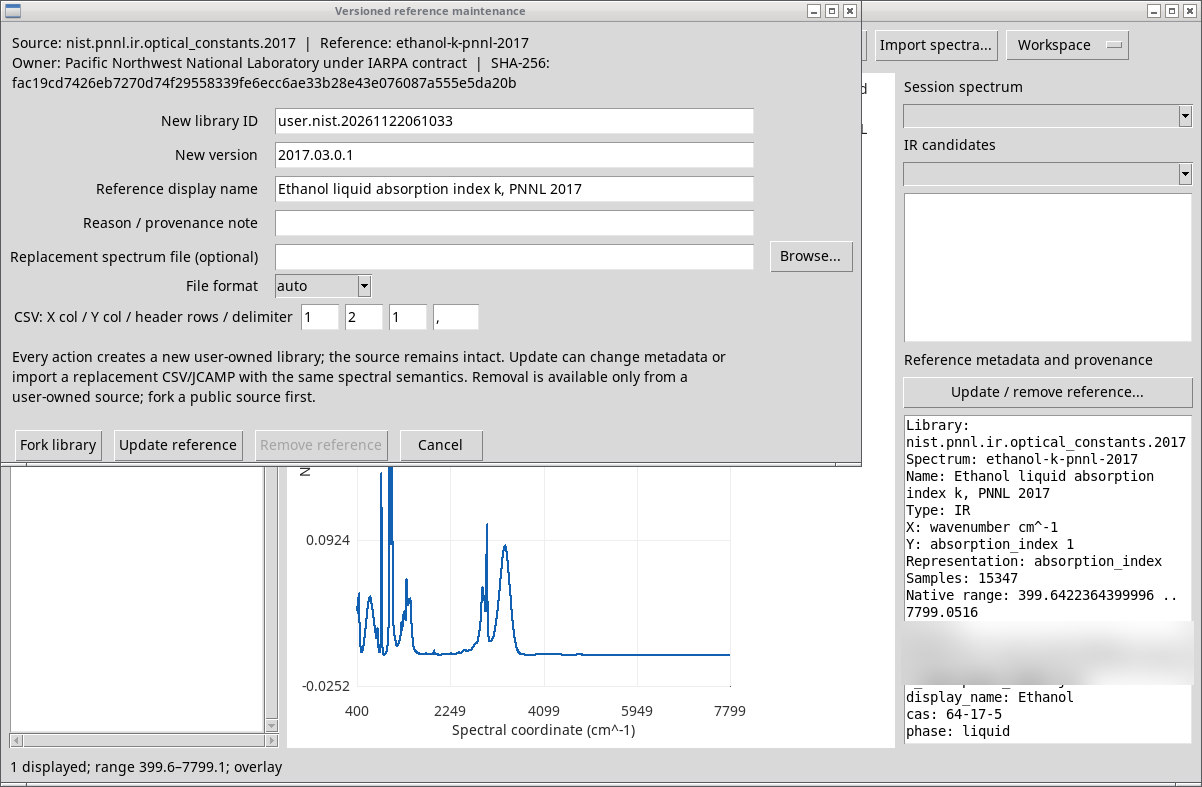
Select a single row in Reference spectra and press Update / remove reference…. If no library is selected or the selection contains zero or multiple rows, the viewer asks you to correct it. The Versioned reference maintenance form shows the source identity, reference ID, owner and library SHA-256.
Define destination and replacement
- New library ID
- New, distinct ID. The suggested value contains the prefix
user.and a time-based suffix. Existing IDs are rejected. - New version
- Version of the new library. The suggested value adds a suffix to the original version.
- Reference display name
- Rename the reference in the new version.
- Reason / provenance note
- Explain the modification and origin of the new data. It is required for an update.
- Replacement spectrum file (optional)
- Choose a CSV or JCAMP file with matching semantics, or leave the field blank to change metadata only. Browse… opens the file picker.
- File format
autodetects the format from the extension,csvuses columns and delimiter settings, andjcampreads the block headers.- CSV: X col / Y col / header rows / delimiter
- Columns start at 1. Use 1 or 0 for the header and specify the delimiter. The defaults are columns 1 and 2, header 1 and a comma.
Duplicate, update or remove
- Fork library
- Creates a user-owned library containing the source spectra and the fork’s provenance.
- Update reference
- Creates a new library with the renamed or replaced reference. Replacement data must retain the source spectrum type, quantities, units and representation.
- Remove reference
- Creates a new library without the selected reference. This action is available for a user-owned source. Fork a public library first.
- Cancel
- Closes the form without creating a version.
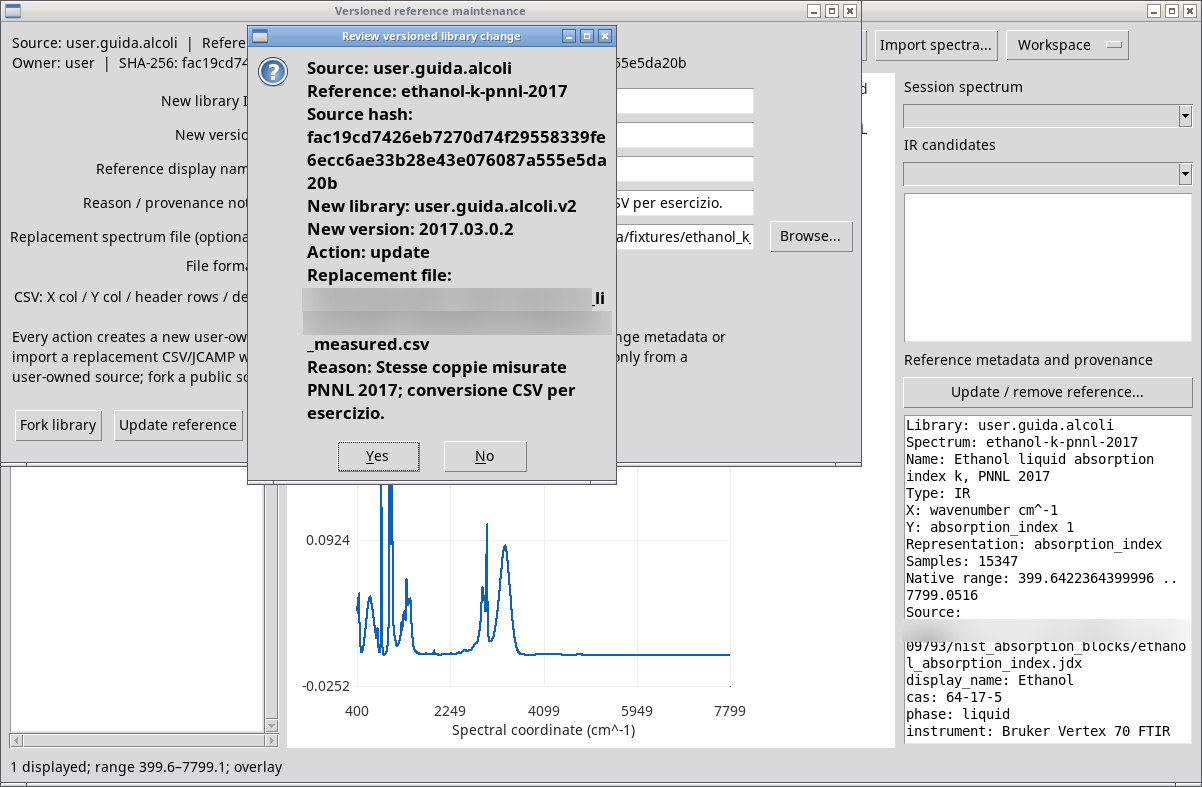
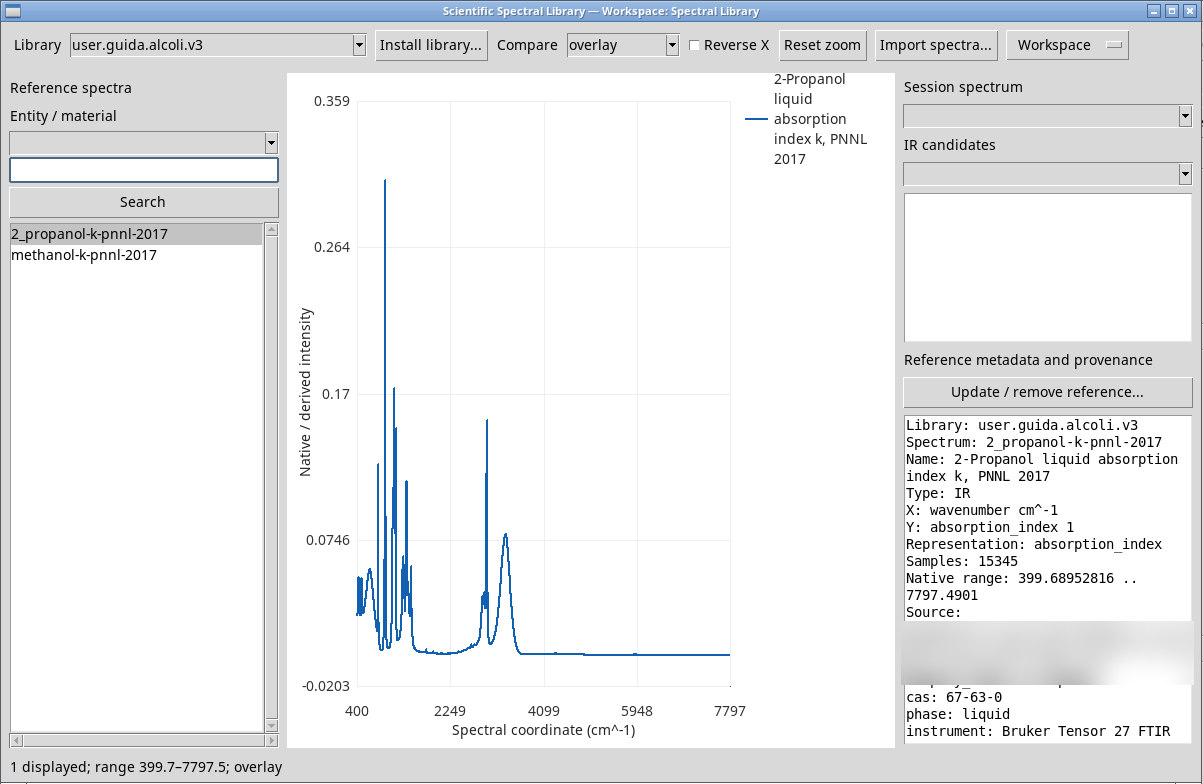
In Review versioned library change, check the ID and reference. No returns to the form. Yes confirms the change. After the operation, Versioned library ready shows the new ID and its fingerprint. In the test, the versions remained available alongside the original source in the Library menu.