

ELEC · Practical Guide 01 — From a source PDF to a working image in GX-TXT
Use Unified Documents to record the source edition and page, then publish Figure 3 as a 300 dpi working image for Curve Digitalizer.
ELEC project · Practical GX-TXT guide 1 of 16.
Reproduction target: GX-TXT DEV112-P013. The original screenshots and recorded results document the historical ELEC session. A rerun on P013 has yet to be verified.
Module: Unified Documents
Learning objective: Organize PDF sources and find the figure
Prerequisites / input: Session copy and retained HAL PDF
Expected output: Traceable source and published page image
Scientific background and reference results
Reconstruction starts from the document actually retained in the Session, with its provenance. This example uses ELEC-01 - Fig 3 native digitization in Project ELEC and the accepted HAL version of the Atrashkevich publication. The screenshots document the historical private Session; reproduction on P013 is NOT_RUN. Practice on a portable copy with new IDs, preserving original Sessions, RAW files and results.
Step-by-step procedure
- Select Project ELEC under Projects. Under Sessions → Experiment Notes use Edit to record Objective, Procedure, configuration and Observations, then Save: these notes help recover the Session purpose and figure conditions. Open Sessions → Session → Open Session…, select the reproduction copy and check the Session name in the window. Sources retained in another Session do not automatically appear here: check the context before searching or importing.
- Open Unified Documents, select
ref-001_atrashkevich_2025_hal_acceptedand check its title and version. The HAL and publisher versions are separate documents; their page numbers may differ. In the HAL PDF, Figure 3 is on physical page 20 and its caption on page 21. Read both to identify panels, variables and conditions.
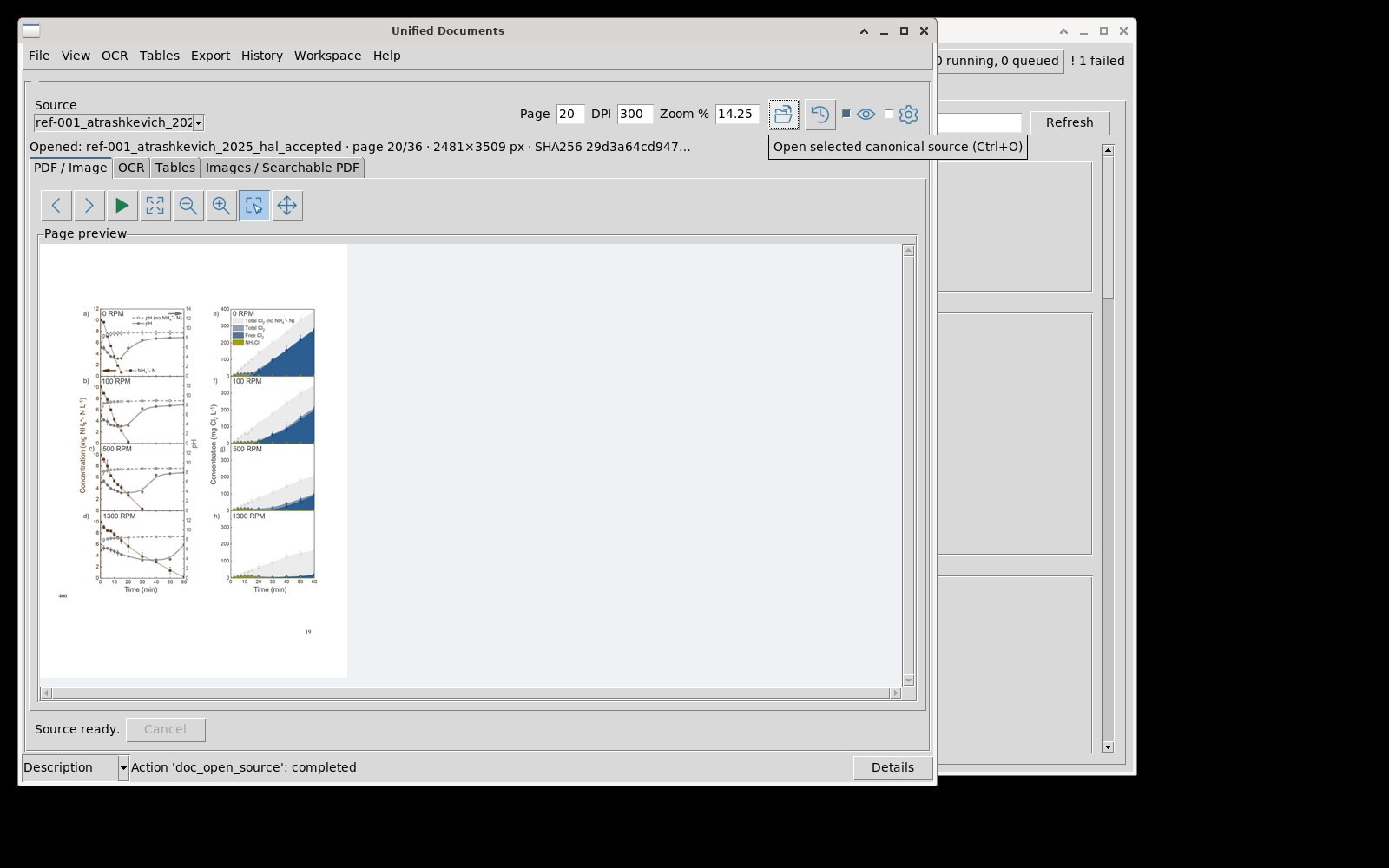
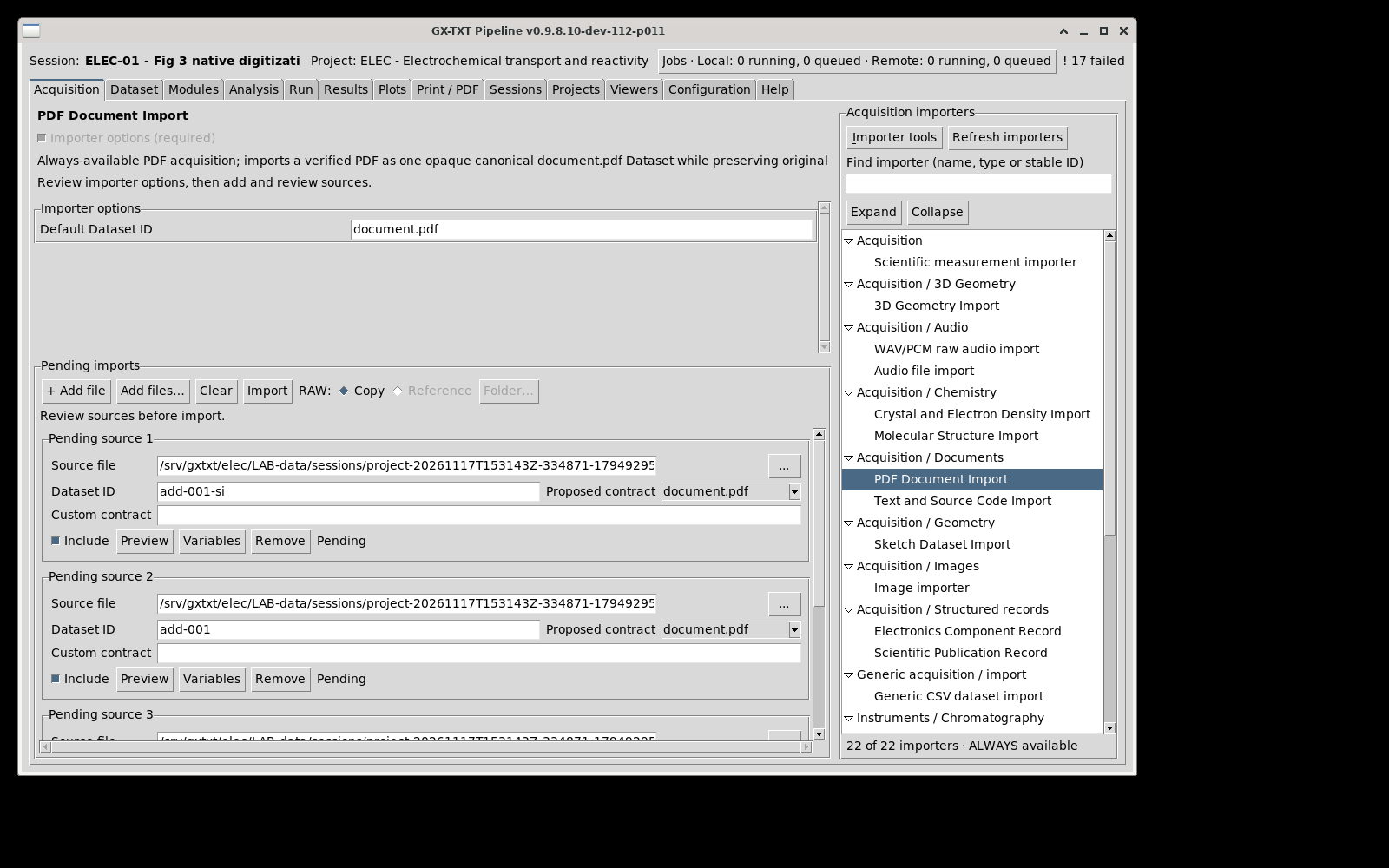
- If a required source is genuinely missing from the copy, choose Acquisition → PDF Document Import → Add files…, select the complete PDF, check the IDs and
document.pdfcontract, keep RAW: Copy, then Import. Assign distinct IDs to different editions and retain the title and version in a note. Do not reimport existing PDFs to reproduce the screenshot.
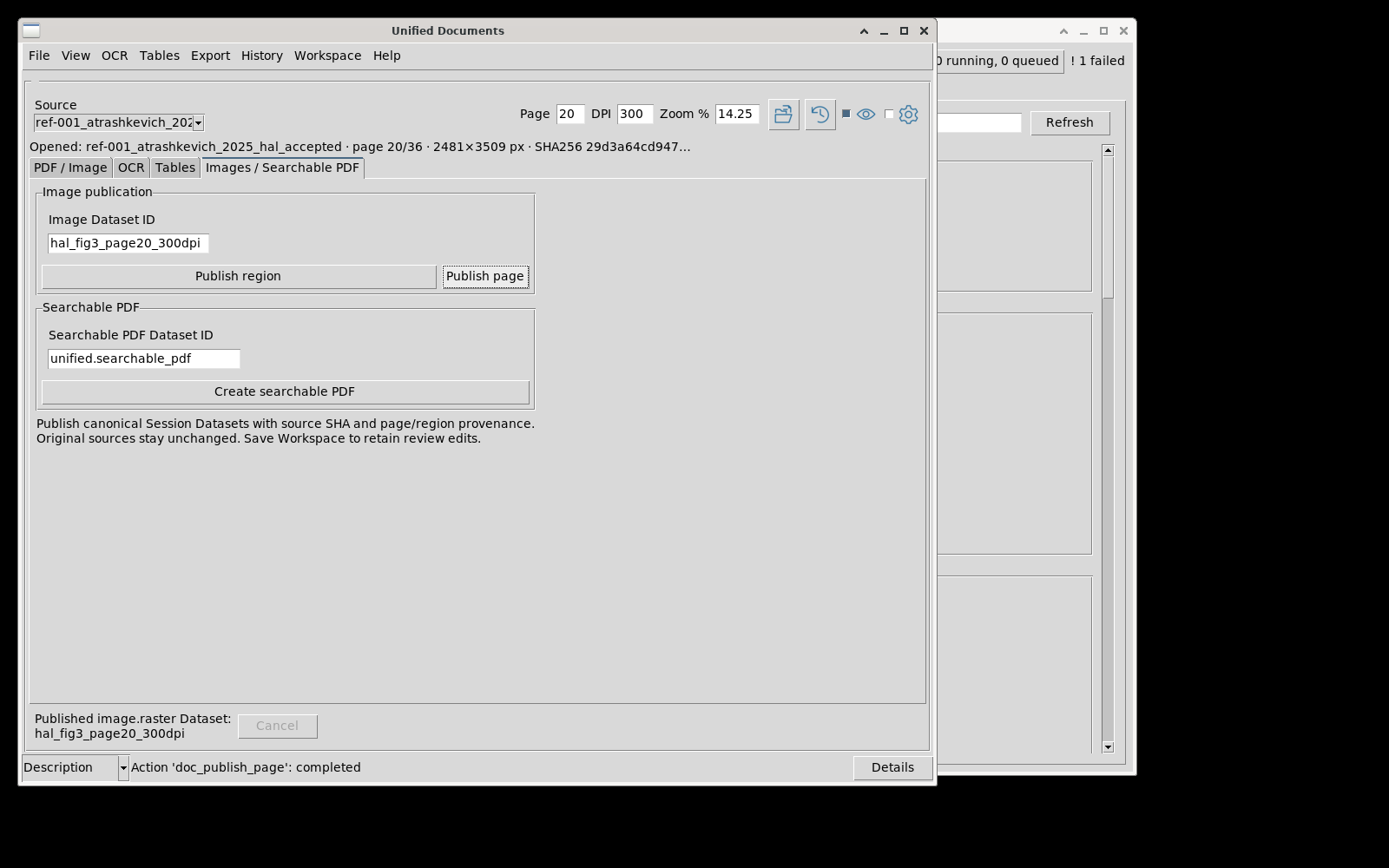
- In Unified Documents select the PDF Dataset, physical page
20and resolution300 dpi. Press Open source, wait for Source ready and check title and page. Press Publish page and assign a new image ID; historical product ishal_fig3_page20_300dpi, a 2481 × 3509 pixel raster.
- In the Digitalizer select the raster page
hal_fig3_page20_300dpi. Compare its panels and caption with the open PDF: the image name does not replace this check. The page provides the pixel coordinate reference; subsequently published curves are Datasets separate from the PDF and raster. - Save a separate working configuration. To transfer the copy choose Sessions → Session files → Tools → Export Session… and a new destination. The historical Portable was exported; opening the destination dialog does not demonstrate a complete restore. Record the source, version and page beside every new product so each digitized point can be traced to the original figure.
What to record
| Item | Details to keep |
|---|---|
| Source document | Title, edition, DOI and PDF dataset ID. |
| Source page | Physical page 20 for Figure 3 and page 21 for the caption in the HAL manuscript. |
| Working image | Raster ID, 300 dpi resolution and panel correspondence with the PDF. |
Working materials
Other steps of this project
- ELEC 02 — Model hierarchy: effective kinetics, transfer and identifiability
- ELEC 03 — From fits to constraints: what does the chlorine balance reveal?
- ELEC 01 — What does the experiment measure? Nitrogen, chlorine and pH
- ELEC 07 — Sources, conclusions and tests that could distinguish the mechanisms
- ELEC 04 — Kinetics, speciation and transport: from local reaction to reactor response
- ELEC 06 — Where the numbers came from: GX-TXT, GNU Octave and reproducibility