

Advanced Octave A69 — Data preparation and validation
Advanced GNU Octave with GX-TXT · Module 12
Before comparing two conditions we verify that the observations are legible, finite and related to the same times. We report the unusual values without automatically erasing them.
Objectives and prerequisites
Perform first A68 at the same Session: Synthetic Datasets octave_project_response_a and octave_project_response_b are used. The test uses GX-TXT dev112-P011-bis and GNU Octave 9.4.0. Import controlla.m, register it and run it in the Runner.
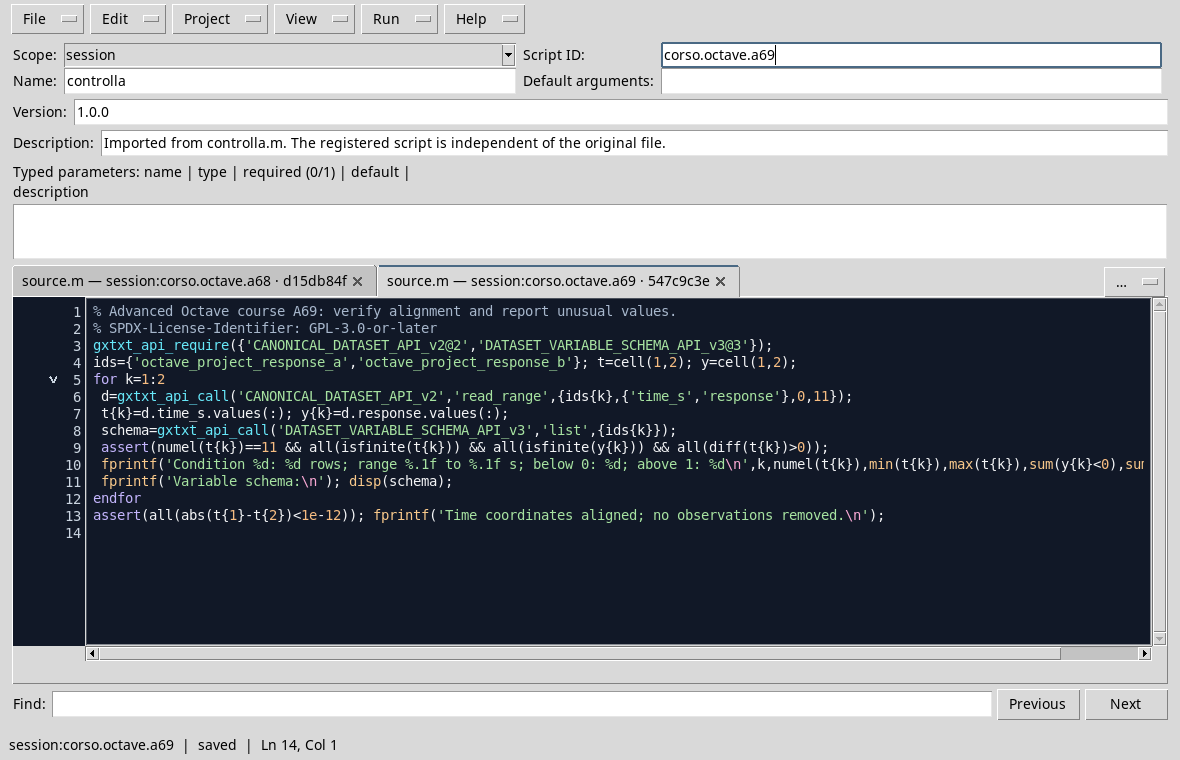
Check schema and samples
CANONICAL_DATASET_API_v2/read_range reads time and response; DATASET_VARIABLE_SCHEMA_API_v3/list shows the metadata of variables, including units to be checked against the protocol. The program checks that each series has 11 finite and increasing times and finite answers, then compares the time of the two conditions within 1 and-12 seconds.
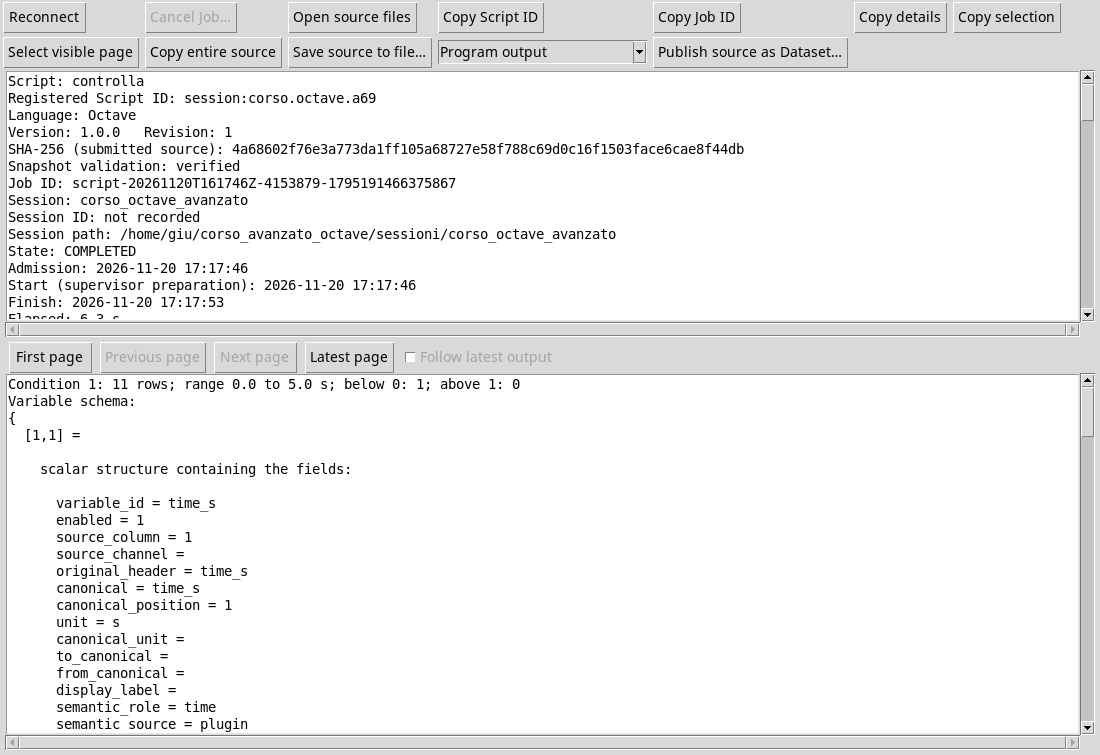
In the test both series cover 0–5 s and have a value below zero and no one above one; the times coincide. The Gaussian noise provided by the protocol explains the possibility of values outside the ideal range. The script counts them, but does not delete them or replace them. Time and response are described in A68 as seconds and dimensionless units.
You do not need to transform or re-align this data because the times are already compatible. If they were not, a transformation or an interpolation would require a reasoned choice and a new Dataset, keeping the source intact.
Exercise
- How many samples do you have each condition?
- Why is a negative value not automatically deleted?
- What should be done before comparing different times?
Worked solution
- Eleven.
- It is compatible with the noise provided by the generator; eliminating observations requires a documented criterion.
- Evaluate an appropriate alignment method and document assumptions and limits.
Other steps of this project
- Advanced Octave A75 — Dynamical systems in phase space
- Advanced Octave A81 — Geography of the waves and a 3D surface
- Advanced Octave A82 — Age, sex and demographic inequalities
- Advanced Octave A83 — All-cause mortality, certified COVID deaths and surveillance
- Advanced Octave A84 — A reproducible public account
- Advanced Octave A73 — Optimization landscapes and 3D trajectories