

Edit scripts and manage revisions
Select the record, edit metadata, source or parameters and use File → Save. To cancel or repeat text changes use Edit → Undo source edit / Redo source edit. The Edit menu also offers Cut, Copy, Paste and Select all. Put the cursor first in the Source or Parameters editor: text actions work on the active editor.
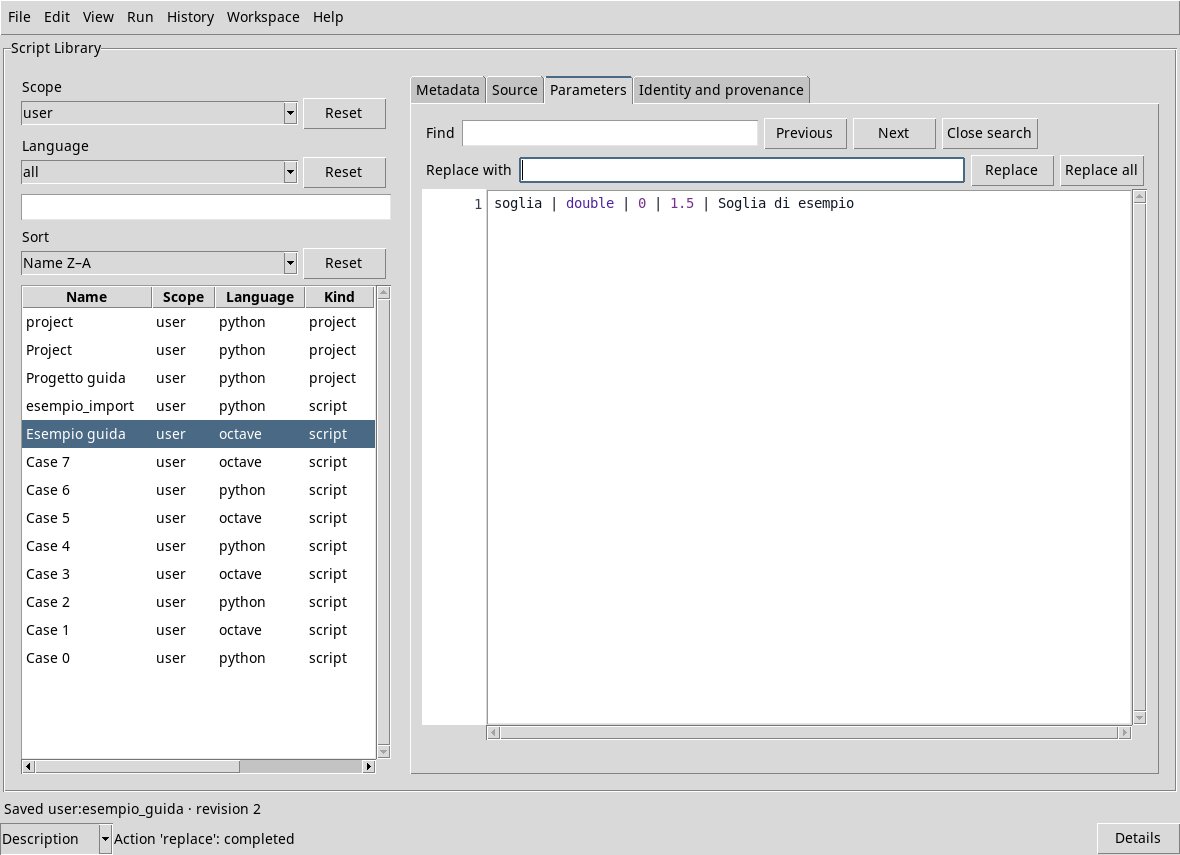
Edit → Find opens the search; Replace adds the replacement field and the Replace and Replace all commands. Previous and Next navigate the occurrences. Close the bar with Close search.
If another process changes the record after opening, saving can report that source or metadata have changed: the local draft is kept and does not automatically overwrite the external revision. Keep the draft in the Workspace first if you need it; to load the external version, choose another record and then the updated one, answering the question on the draft. No only discards the local draft; Cancel stops the passage. Compare content before you resume work.
A restored draft may require a revision of the registered owner. File → Review registered source allows you to compare identity, revision and hash and authorize the connection to the current owner when they coincide. The revision does not save the source: the next Save remains a separate action.