

Export data, CSV files, and standalone models
Choose the files that store the points and information of the fit, or the function to be evaluated outside GX-TXT.
GX-TXT DEV112 P011-bis
Export an accepted curve
Complete Preview fit and Accept, assign a name and select an entry in Accepted fits. Choose Results → Export accepted CSV…, indicate a destination and confirm in the Save As dialog. For the arc in the comparison exercise, exporting the straight line produced 41 rows.
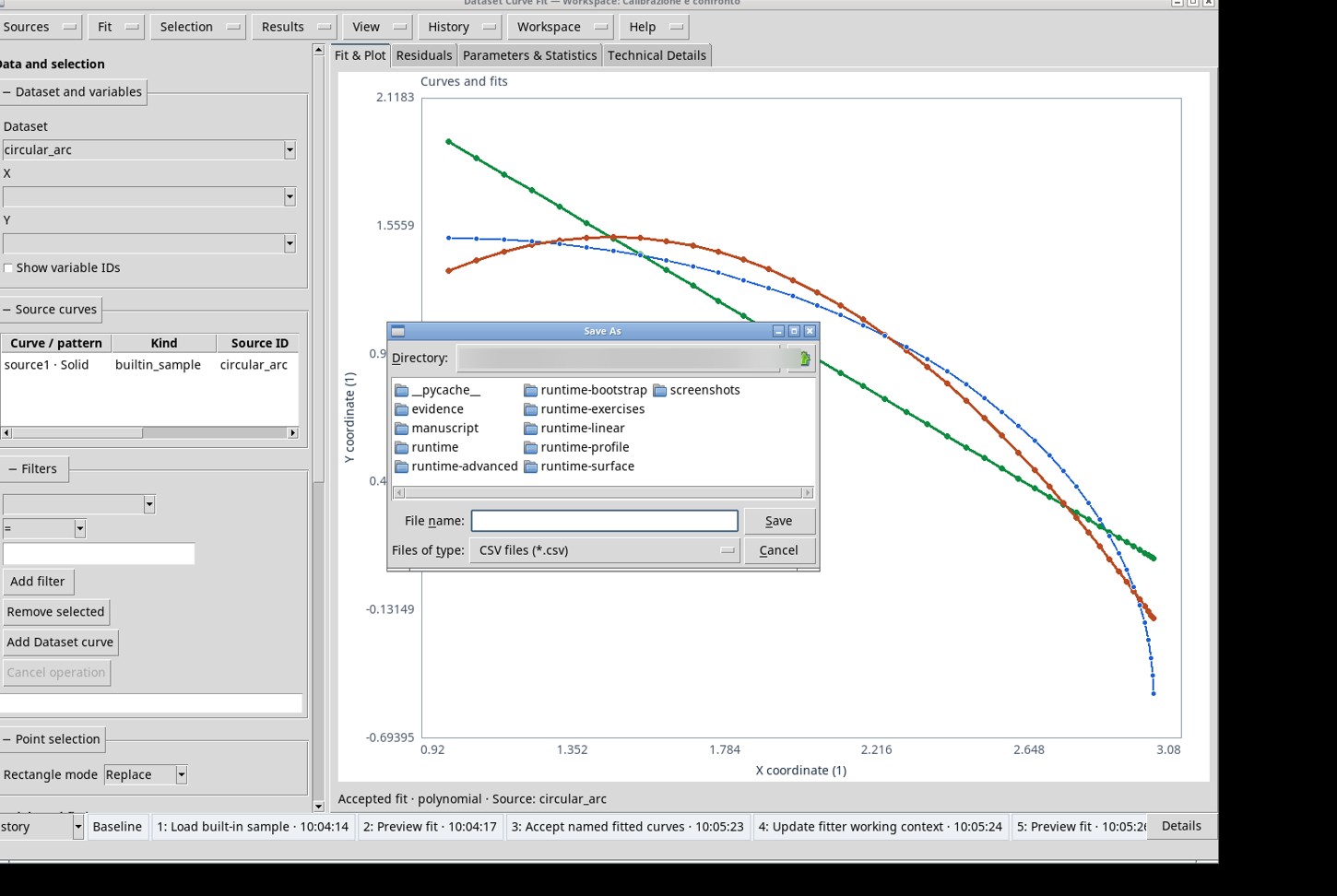
| Test files | Contents |
|---|---|
arc-linear.csv | Modelled X and Y pairs, source identity, model, scope, evaluation coordinate and flag is_extrapolated. |
.csv.preprocessing.csv | Numerical values associated with the preparation of the observations. Check the headers before using a column as a measurement or a residual. |
.csv.metadata.ini | Units, configurations and metadata of the result. |
.csv.report.txt | Scientific report of the accepted result. |
A sample point of the model, an observation and the associated residual play different roles. To read the signed residuals of the selected fit, also use Residuals. Before passing files on to others, check the metadata and the Workspace references.
Export the fitted function
With a selected accepted fit, choose Results → Results and publication → Export selected model (Python, Octave, LaTeX)…. The Export independent model bundle dialog proposes fit_model.py. Use a name that starts with fit_ followed by a letter. The rest of the function name may contain only letters, digits and underscores, within the limit indicated by the GUI. The fit_arc_linear.py test created .py, .m, .tex and .json with the same base name.
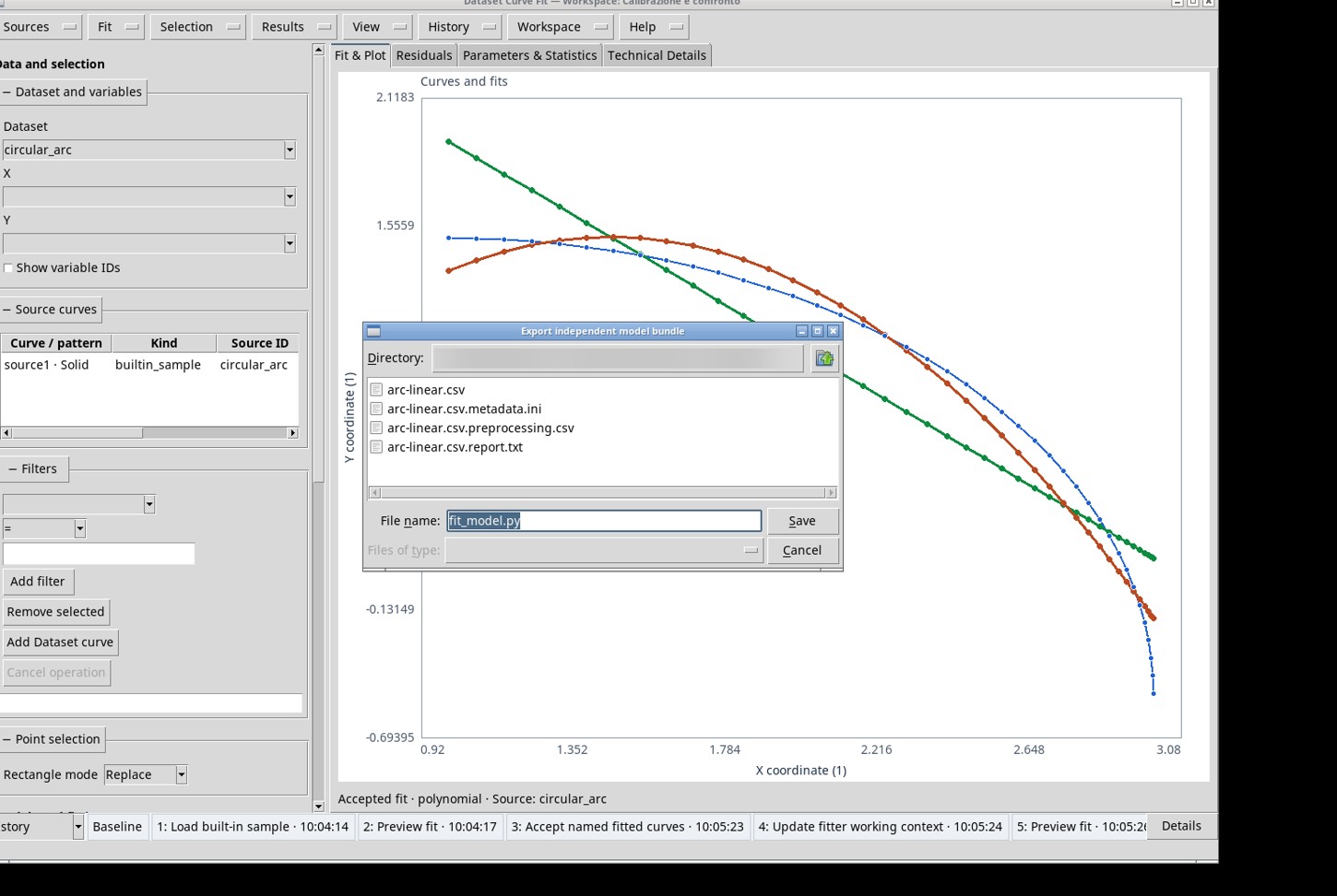
Python and Octave evaluate the already estimated model. The LaTeX file provides the mathematical representation for documentation. The JSON records orientation, domain, units and conventions. To re-evaluate a source, use the rerun procedure instead.
Check an exported value
From Octave, in the bundle folder, use fit_arc_linear([1.25, 2, 2.75]). In Python, import fit_arc_linear from the file of the same name and call the function with the same X values. The test returned about 1.69578552, 1.01001531 and 0.32424509 as Y. The Python comparison on the 41 X values of the CSV gave a maximum absolute deviation of zero. Use the domain declared in the JSON and the physical units of the fit. Out-of-domain values are rejected by the evaluator.