Fit a physical XYZ surface
Open the Surface Fitter Viewer, fit a plane to XYZ coordinates and check the published grid.
GX-TXT DEV112 P011-bis
Use the dedicated viewer
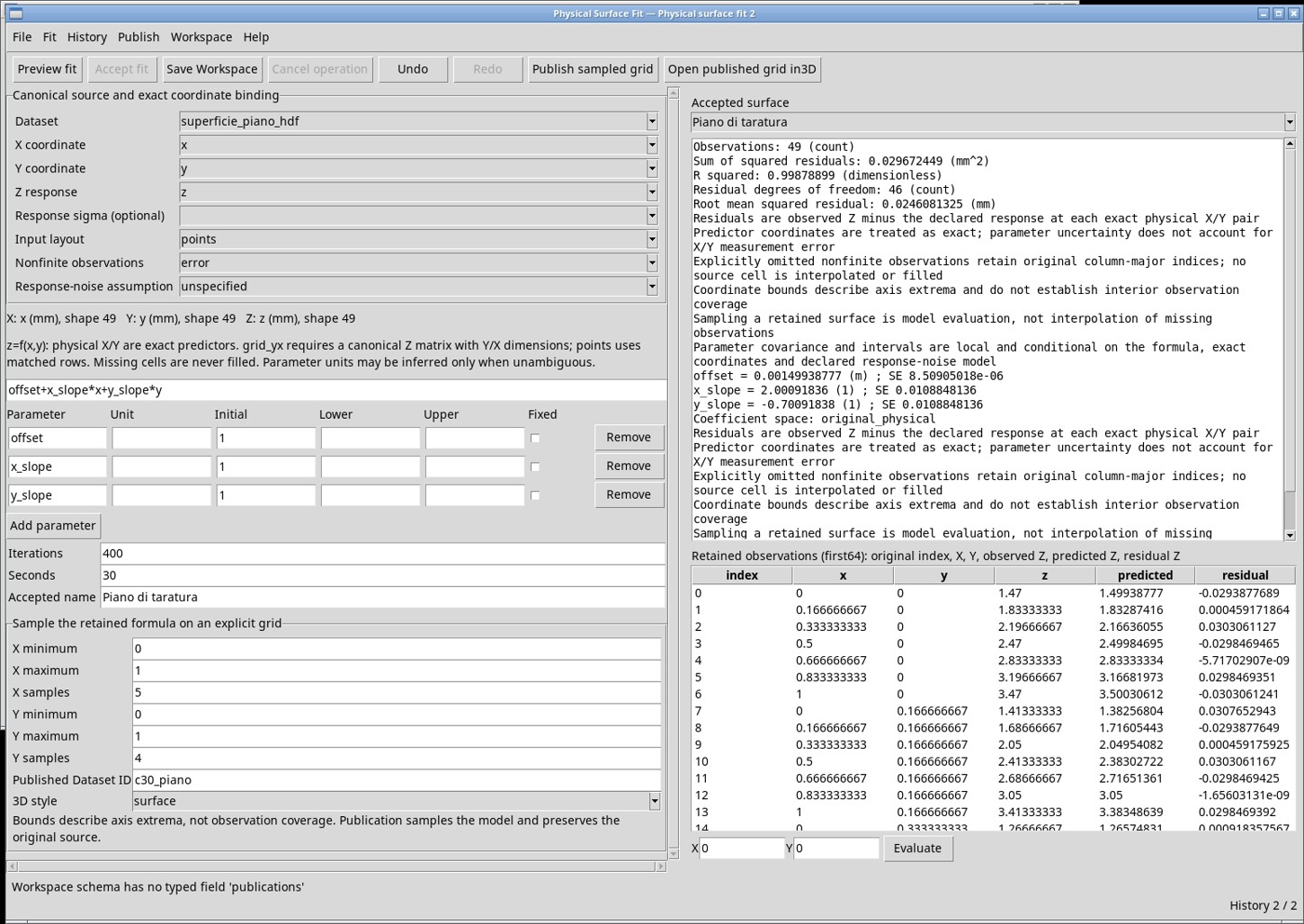
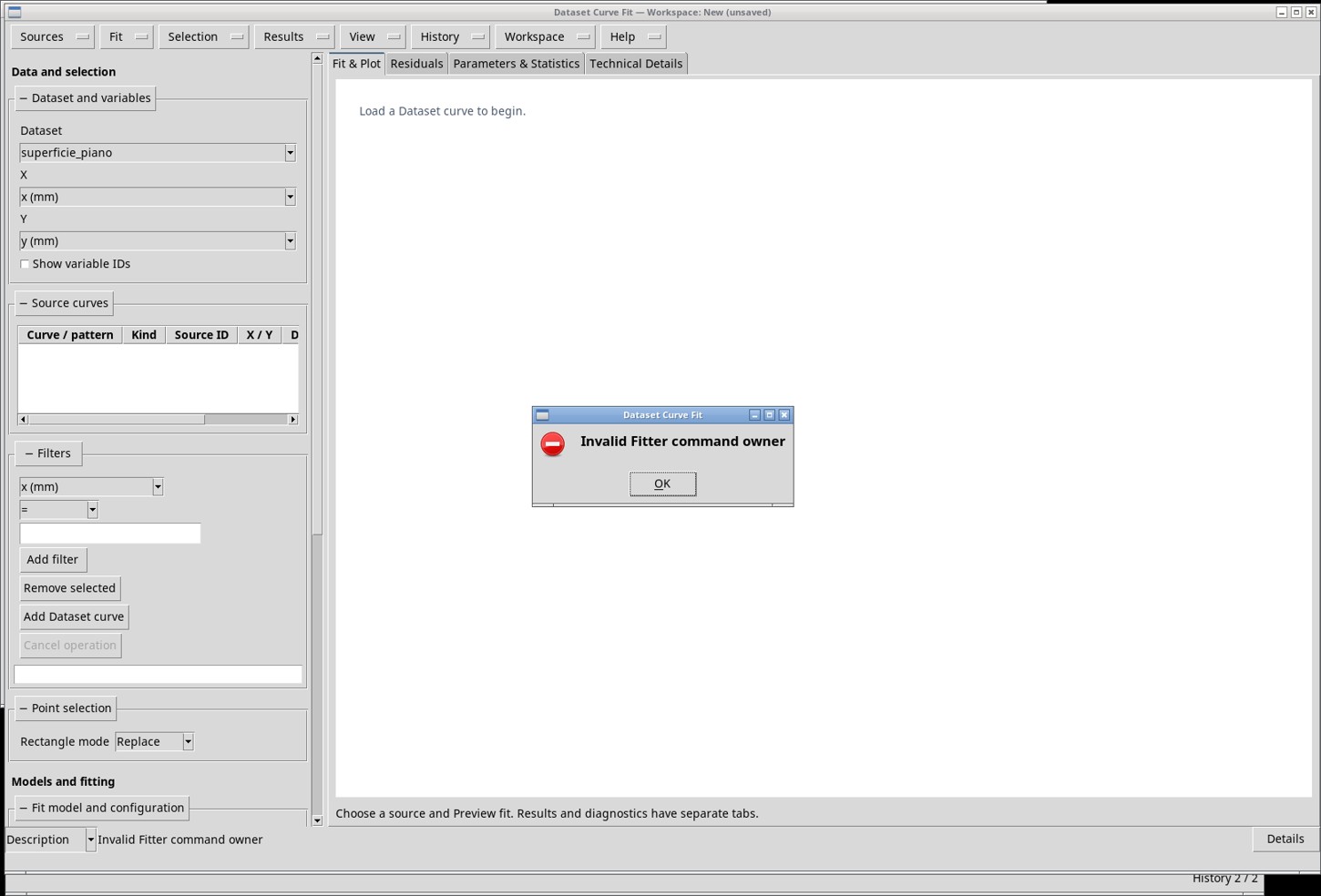
For a surface with two independent coordinates, open Viewers → Surface Fitter. The window title is Physical Surface Fit. In P011-bis the Fit → Models and fitting → Physical surface fit… link from the Curve Fitter window returned Invalid Fitter command owner in two tests. Opening it from the catalogue made it possible to run the fit.
Associate the XYZ Dataset
Download the flat surface in Dataset ZIP format. In an open Session, go to Dataset → Dataset actions → Import Dataset ZIP…. Check the integrity, contract and destination ID, then press Import Dataset. Open Surface Fitter after the import. If the tab was already open and the ID is missing, close and reopen the Viewer.
In the Dataset selector, choose the imported resource. Assign x, y and z in mm. Use points, error and unspecified and leave Response sigma (optional) empty. The Dataset ZIP contains the managed HDF5 data. In the test, a CSV with the same coordinates showed Surface capture requires canonical managed binary reads. The HDF5 archive allows the data to be read.
Fit and accept the plane
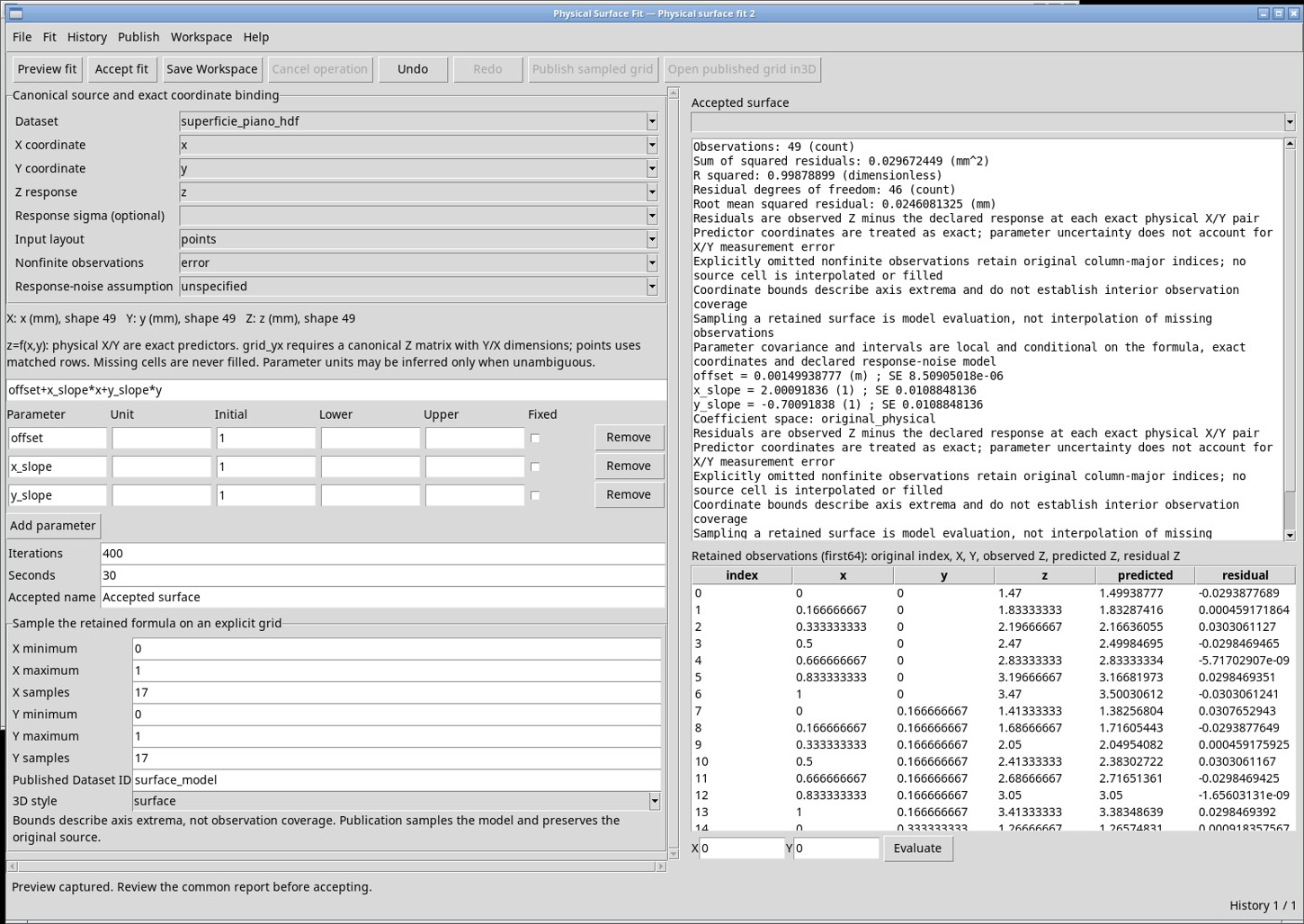
Keep the offset+x_slope*x+y_slope*y formula and initial values of 1. Press Preview fit. Check 49 observations, RMSE about 0.024608 mm and coefficients of about 1.49939 mm for the offset and 2.00092 and −0.70092 for the dimensionless slopes. If the report uses m for the offset, the equivalent value is about 0.00149939 m. Write Calibration plane in Accept name and press Accept.
Publish and verify the nodes
Select the accepted result. In the grid section, set the X and Y limits within the fit domain. Set X samples to 5, Y samples to 4 and Published Dataset ID to c30_piano. Press Publish → Publish sampled grid. The Dataset samples the formula on a 4 × 5 Z matrix in Y/X order. Because it samples the model, the observed values remain distinguishable.
In P011-bis the following may appear Workspace schema has no typed field ‘publications’ after creation. In the test, c30_piano was present in the Dataset browser. Check the shape and units of the Dataset before retrying the publication. Recording the link with the Workspace and opening the grid from the accepted result must be repeated after the fix.