Reproduce a fit and transfer the results
Keep data and settings, and treat templates, rerun, external evaluation and transfer to Workbench as separate checks.
GX-TXT DEV112 P011-bis
Reproduce the result from the source
Keep the Session or Dataset with its units, variables, range and identified rows. Record the model, initial values, constraints, signal preparation, solver settings and statistical assumptions. Reopen the work with Workspace → Open workspace… or, in a new Session, associate the same source and repeat the configuration. The complete calibration is a procedure with downloadable data, expected estimates and a verified range. To see the accepted curves already stored, reopen the Workspace as described in Save, reopen, and duplicate a Workspace.
Save and apply a template
Select a single result in Accepted fits and use Results → Results and publication → Save selected fit as template…. A reusable template requires a Dataset source. On the built-in sample, the Save reusable fit template dialog asks you to publish the sample as a Dataset first. The name field identifies the reusable template. Apply confirms and Close exits.
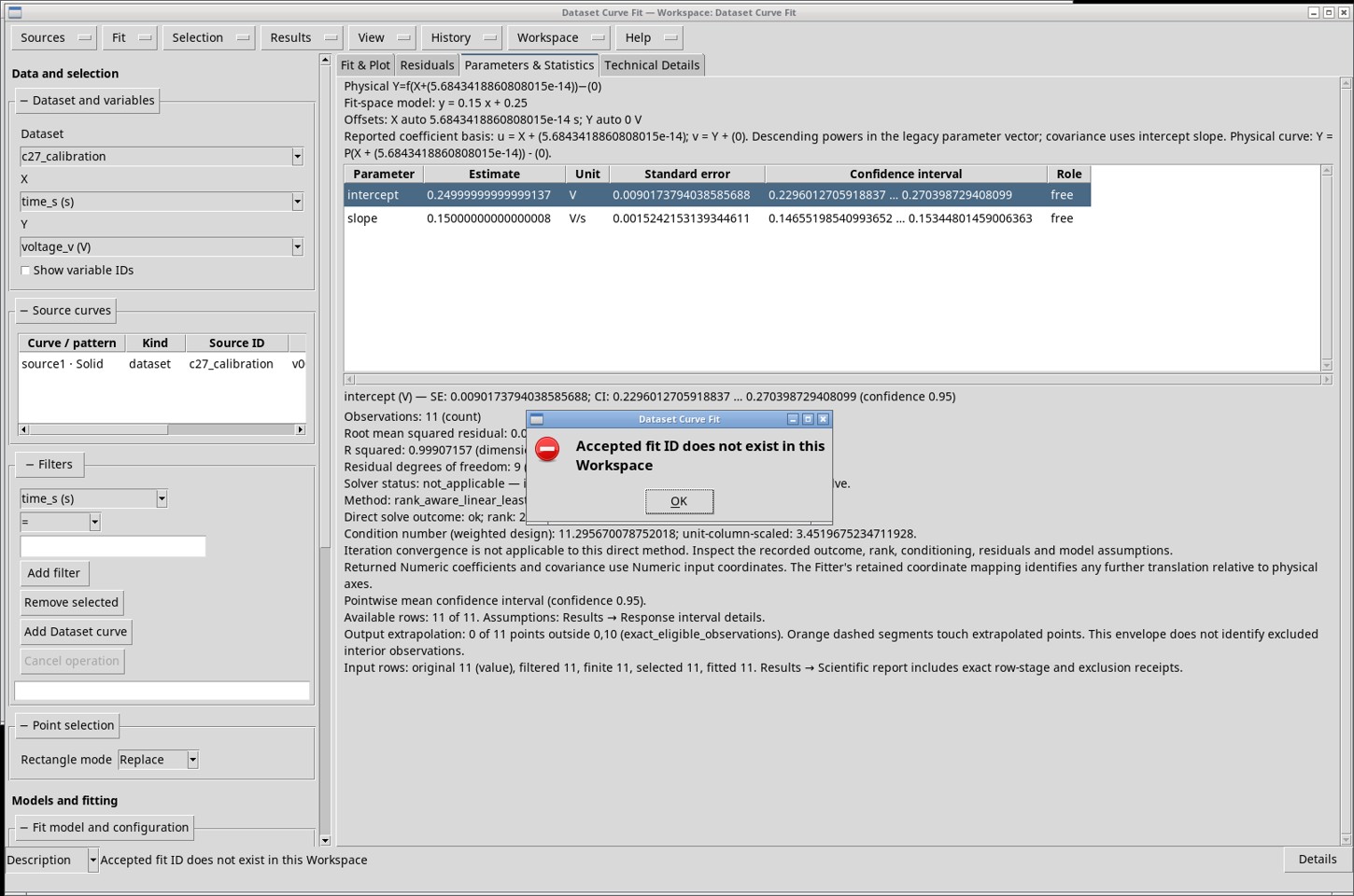
In P011-bis, the calibration imported as a Dataset, accepted and saved returned Accepted fit ID does not exist in this Workspace even after reopening the Workspace and selecting the curve. Fit → Models and fitting → Apply fit template… requires an available template and a compatible source. The save-and-apply chain must be retested after the fix. Copying the Workspace and repeating the fit manually from the data are tested paths.
Export a script to rerun the fit
In Results → Results and publication choose Export selected fit rerun (Python)… or Export selected fit rerun (Octave)…. Complete the destination selector. The test created both programs. The recipe captures the source, the options and the associations of the fit. Execution goes through the DATASET_CURVE_FIT_API_v1 API in GX-TXT and requires the source to be resolvable.
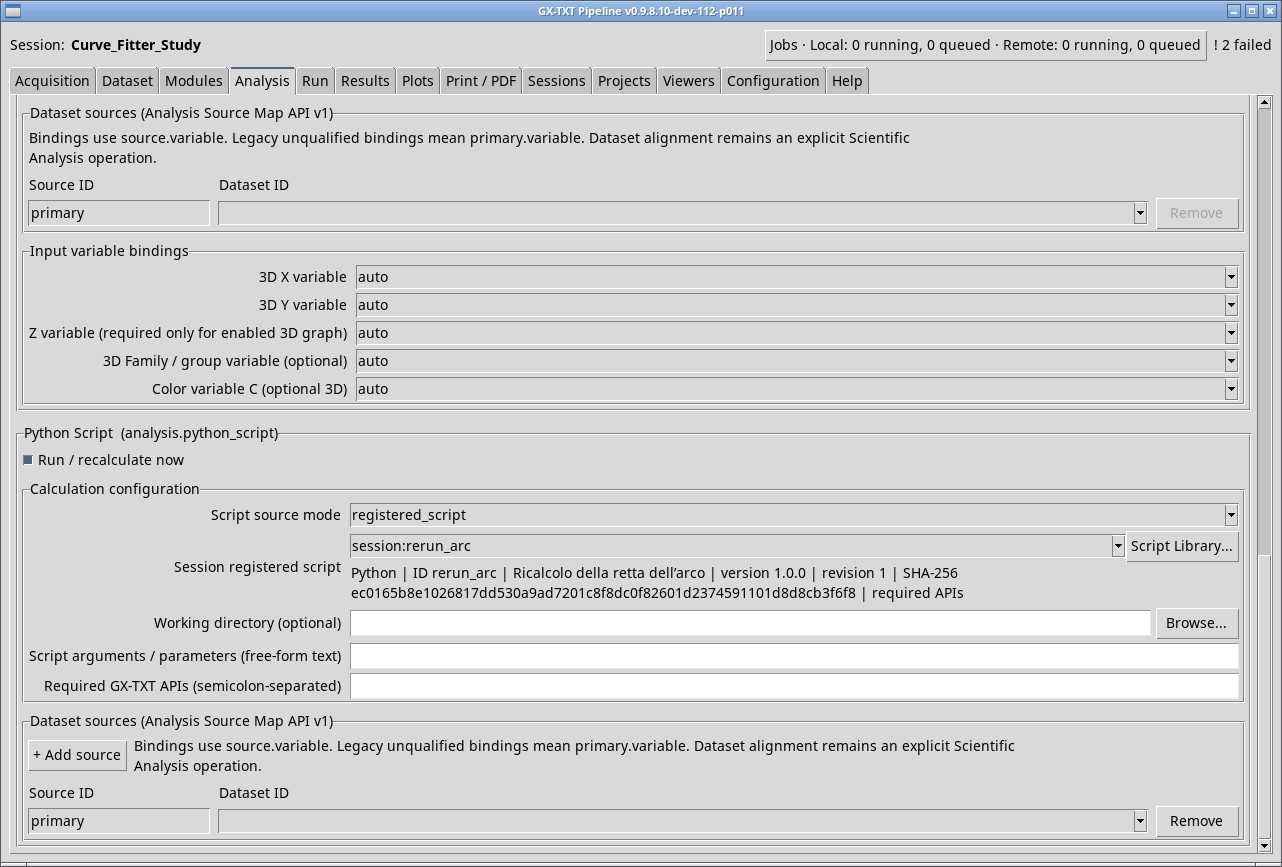
For the Python program, open Viewers → Python Scripts, create a Session script, then paste and save the exported text. From Analysis → Python Script choose the registered script and enter DATASET_CURVE_FIT_API_v1 in Required GX-TXT APIs. Tick the module and start the selective analysis with Run. In the tested P011-bis, the worker report returns Session Workspace database already has an active writer or invalid lock even after Workspace → Close on the Curve Fitter. Creating the Workspace from the recipe must be retried after the fix. To evaluate the already estimated coefficients in a Python or Octave environment, use the standalone bundle.
Transfer to Curve Workbench 2D
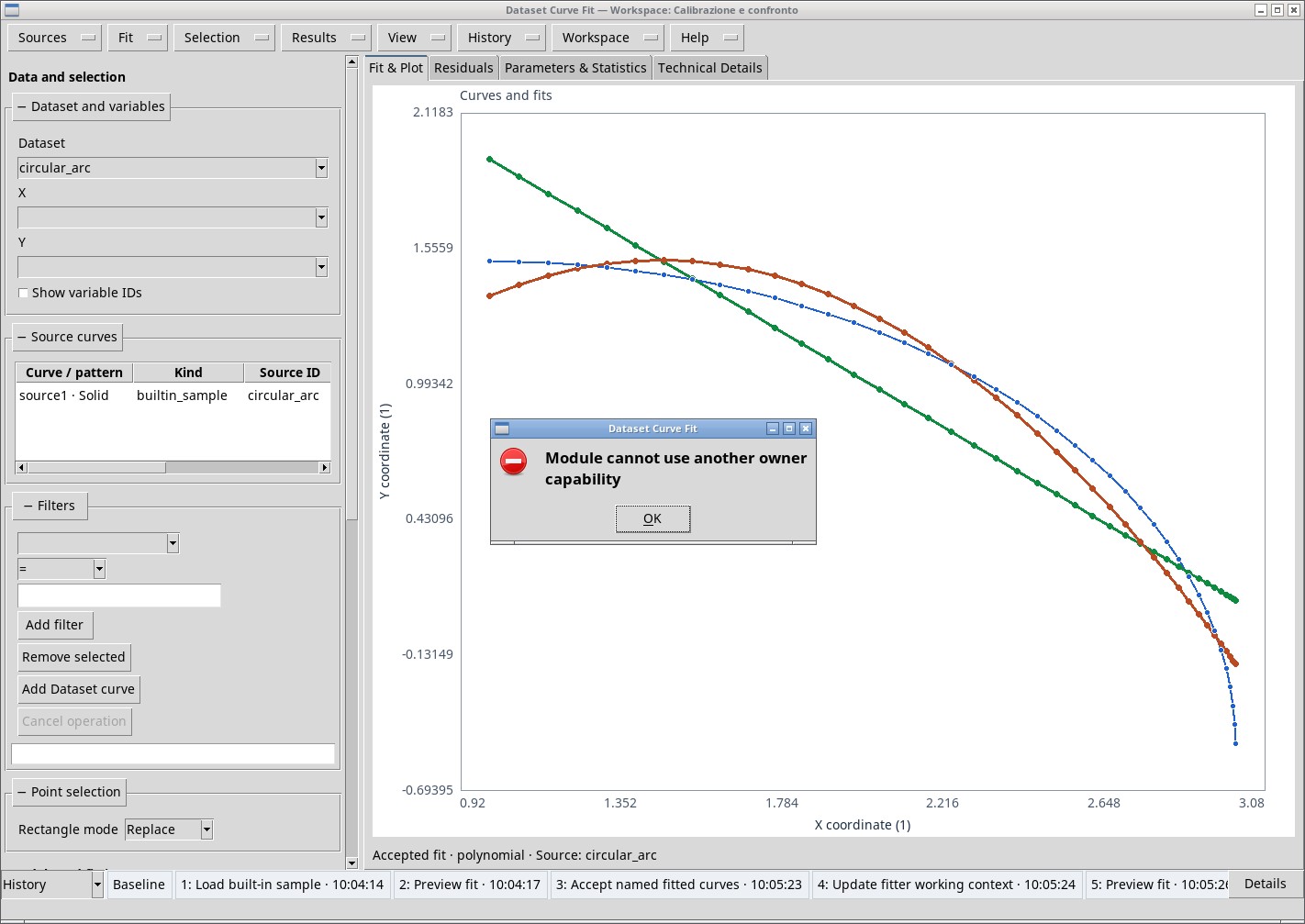
Results → Results and publication → Transfer selected model to Workbench… is the command for working on the model in the 2D Viewer. In the test on an accepted curve, the first attempt returned Module cannot use another owner capability. After the message the name of the new draft was already taken, and the Workspace object with that name had been registered. In this condition keep the curve in the Fitter and, if necessary, use the exported CSV or the standalone model. After a fix, retry the transfer and check in the 2D Viewer that the draft contains the expected profile and result.