Choose and import sources
Installed examples, local files and Session Datasets.
Read the example library
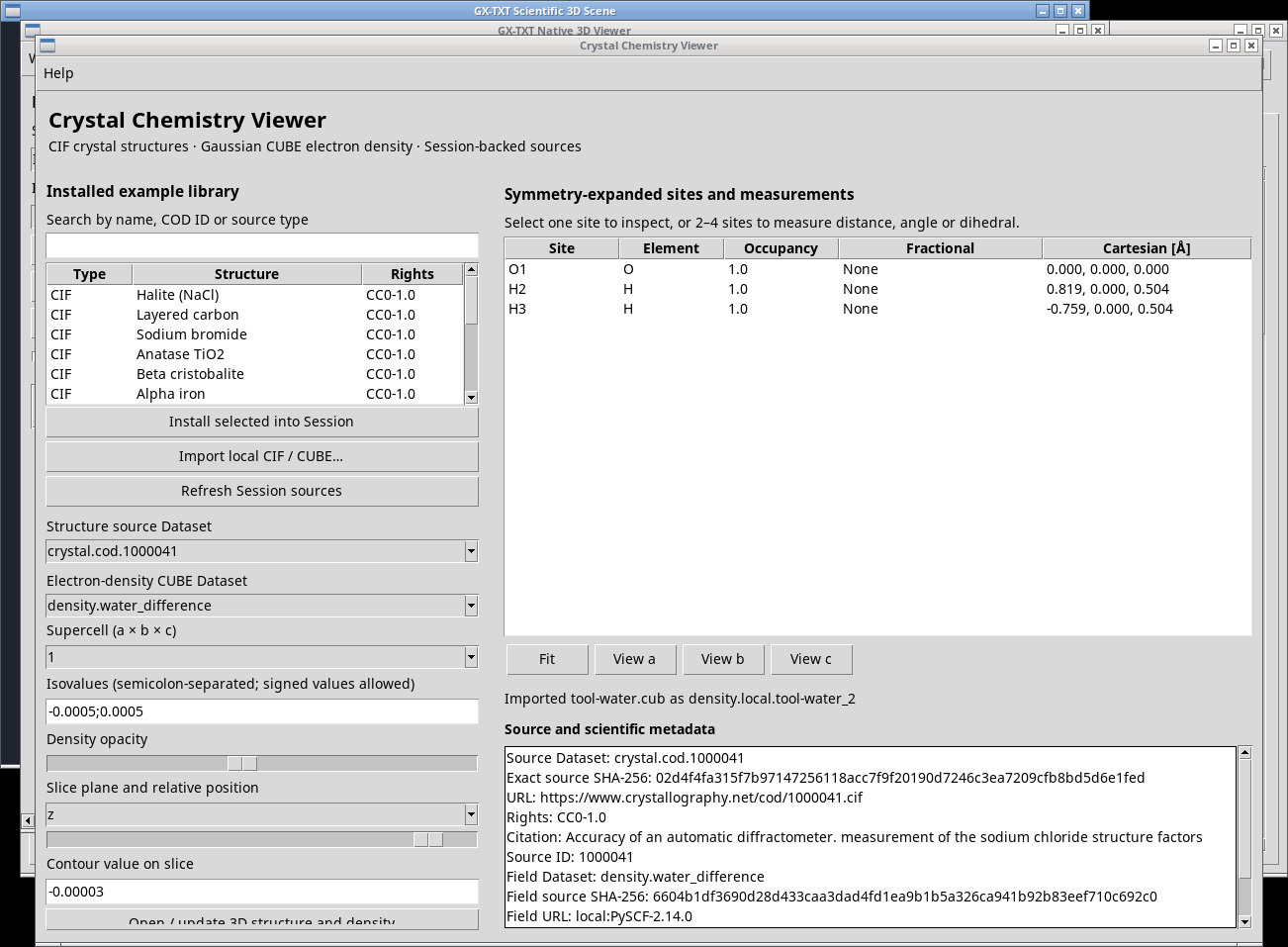
Installed example library is the collection provided by the module. In the grid, Type identifies the format, Structure gives the readable name and Rights the terms declared by the source. Select a row to choose which file to install, and scroll the list to see the other examples.
| Example in the list | ID | When to use it |
|---|---|---|
| Halite (NaCl) | 1000041 | Check the cubic cell, eight sites and the supercell. |
| Layered carbon | 1000065 | Look at the layered arrangement of carbon. |
| Sodium bromide | 1010045 | Compare an ionic structure with halite. |
| Anatase TiO2 | 1010942 | Read sites of several elements in the anatase cell. |
| Beta cristobalite | 1010944 | Explore another crystal structure of silica. |
| Alpha iron | 1100108 | Look at a single-element metallic structure. |
| Alpha quartz | 1536409 | Examine fractional coordinates and the cell shape of quartz. |
| Urea molecular crystal | 2003112 | Examine the molecules repeated in a crystal. |
| Diamond | 2101499 | Open the CIF of the diamond lattice, also with its paired CUBE field. |
| Calcite | 9000095 | Compare the cell shape and sites of calcite. |
| High pressure quartz | 9011495 | Consult the separate record of high-pressure quartz. |
| Copper | 9013014 | Look at the published structure of copper. |
| Silicon | 9013102 | Look at the published structure of silicon. |
| Water RHF electron density | water | Open a molecule and a computed density grid in a single source. |
| Diamond periodic RHF charge density | diamond | Open the periodic field and the CIF it is paired with. |
| Water displacement signed difference | water_difference | Show the positive and negative regions of the density difference. |
Filter the examples
In Search by name, COD ID or source type enter part of the name, for example halite, the identity 1000041 or the type CUBE. The grid updates as you type, capital letters included. The search can also match words in the citation. A search with no matches leaves the list empty. Clear the field to show all the examples.
Install a row into the Session
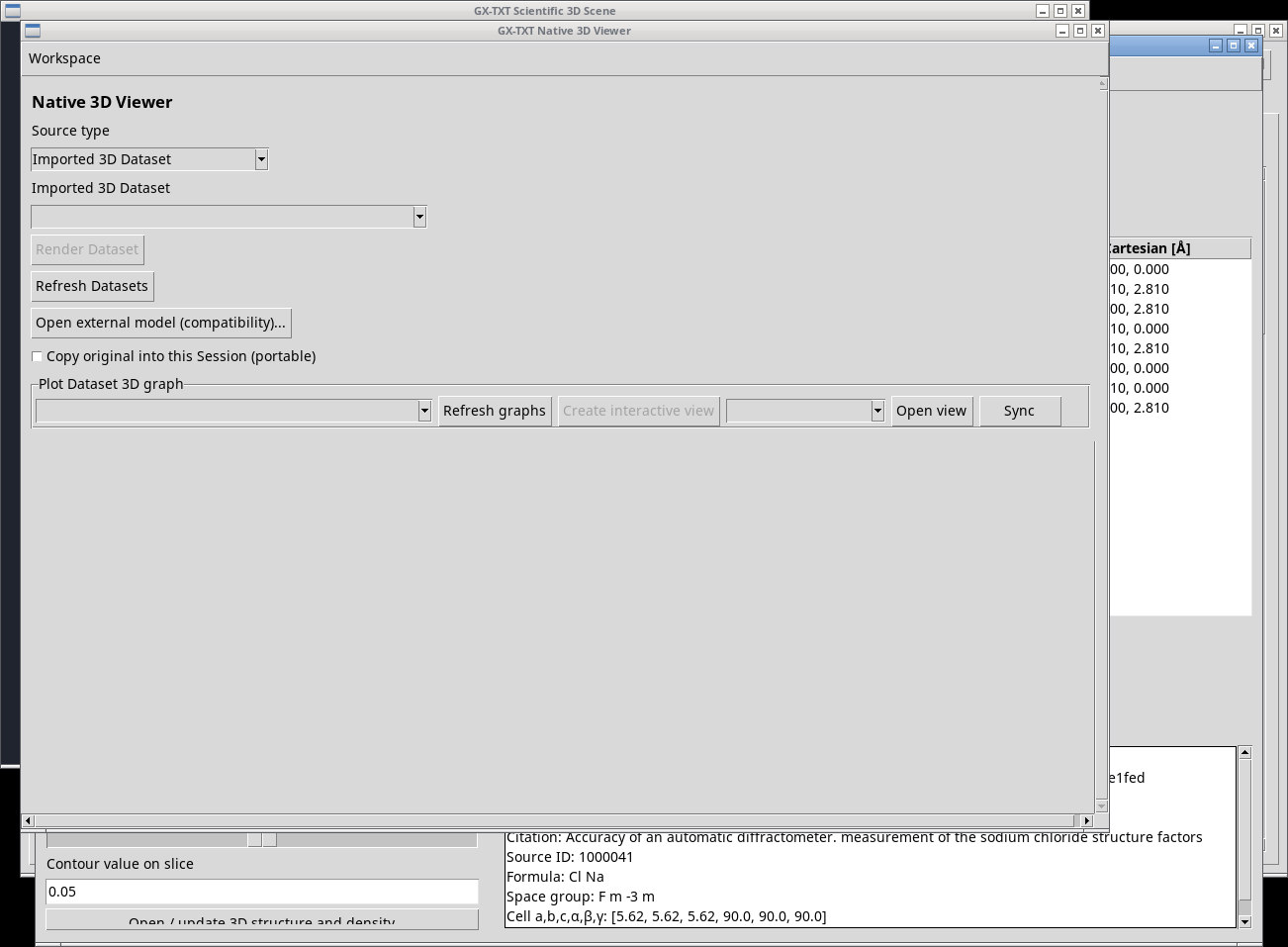
Select a row and press Install selected into Session, or double-click the row. The message at the bottom shows the installed ID. For a CIF the viewer selects the structure Dataset. For a CUBE it selects the field and, when a pairing is declared, the associated CIF as well. With Halite (NaCl) you get crystal.cod.1000041. Installing the same entry a second time uses the same identity. If nothing is selected, Select a library entry appears. Close the message and select a row.
After installing, press Open / update 3D structure and density and wait for Rendered. To check a file directly, use the halite original, COD 1000041, attributed in the CIF itself. Halite CIF distributed with GX-TXT, CC0-1.0 (ZIP).
Import a local CIF or CUBE
- Press Import local CIF / CUBE…. In the file dialog, Crystal structures and density shows the
.cif,.cubeand.cubformats. All files shows other names too. Acquisition checks the extension and the content anyway. - Select the file and confirm with Open. Cancel leaves the Datasets unchanged. A supported CIF requires cell parameters and sites with fractional coordinates. The CUBE must contain an accepted scalar grid and the atom coordinates. A CIF without cell data is rejected, and the last line of the message names the required value. An unrelated extension produces Choose a CIF or Gaussian CUBE source.
- Read the ID in the Imported message. The prefix is
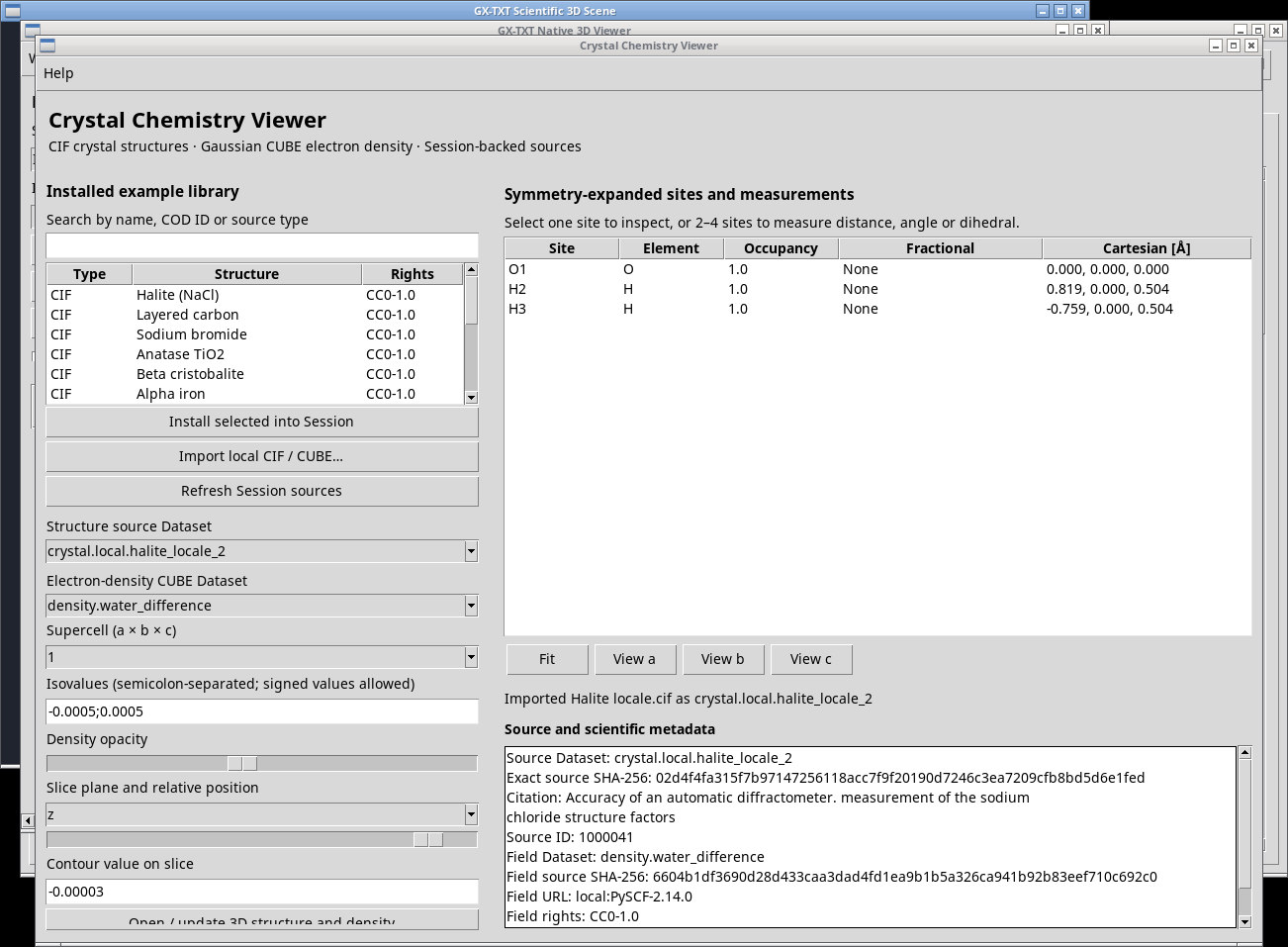
crystal.local.for a CIF anddensity.local.for a CUBE. Importing a name already in use adds_2, then the next available suffixes. If you import a CUBE it also becomes the selected field. A newly imported CIF may leave the CUBE field already chosen. Check both selectors before rendering.
Choose Datasets already in the Session
Structure source Dataset lists the accepted CIF and CUBE files of the Session. The CIF provides the crystal structure and the cell. The CUBE can provide the atomic geometry stored in the file. Refresh Session sources rereads the available IDs, for example after an acquisition made outside the viewer. Electron-density CUBE Dataset lists only the CUBE fields and the empty choice. For an overlay, choose the structure and the field separately. Always press Open / update 3D structure and density after the change.