Change source and recognise the states
Reopen the reader, change Session and handle missing or unreadable documents.
Tell the choice apart from the open document
With letture open, go back to the launcher and choose nota in the selector. The reading window keeps letture until the next click on Open PDF. After the click, the title of the separate window shows nota and the counter becomes Page 1 / 1. To go back to the cover of letture, choose it again and use Open PDF.
The list contains the canonical PDF documents of the Session. A plain-text Dataset, imported alongside the two examples, appears in the Dataset tab and stays out of the PDF Dataset list.
Close or reopen the reading window
Use the close command of the separate window to end the reading. The launcher stays available and keeps the choice. Press Open PDF again to start from page 1. Closing the launcher also ends its associated reading window. When the tile is reopened, the selection starts empty.
Recognise the current Session and the prerequisites
With no Session the panel shows No Session is open. With a Session open but no compatible PDFs it shows No compatible canonical pdf Dataset is available in this Session. With compatible PDFs and an empty selection it asks Select a compatible canonical Dataset, then Open. In this last case choose the ID in the menu and press Open PDF.
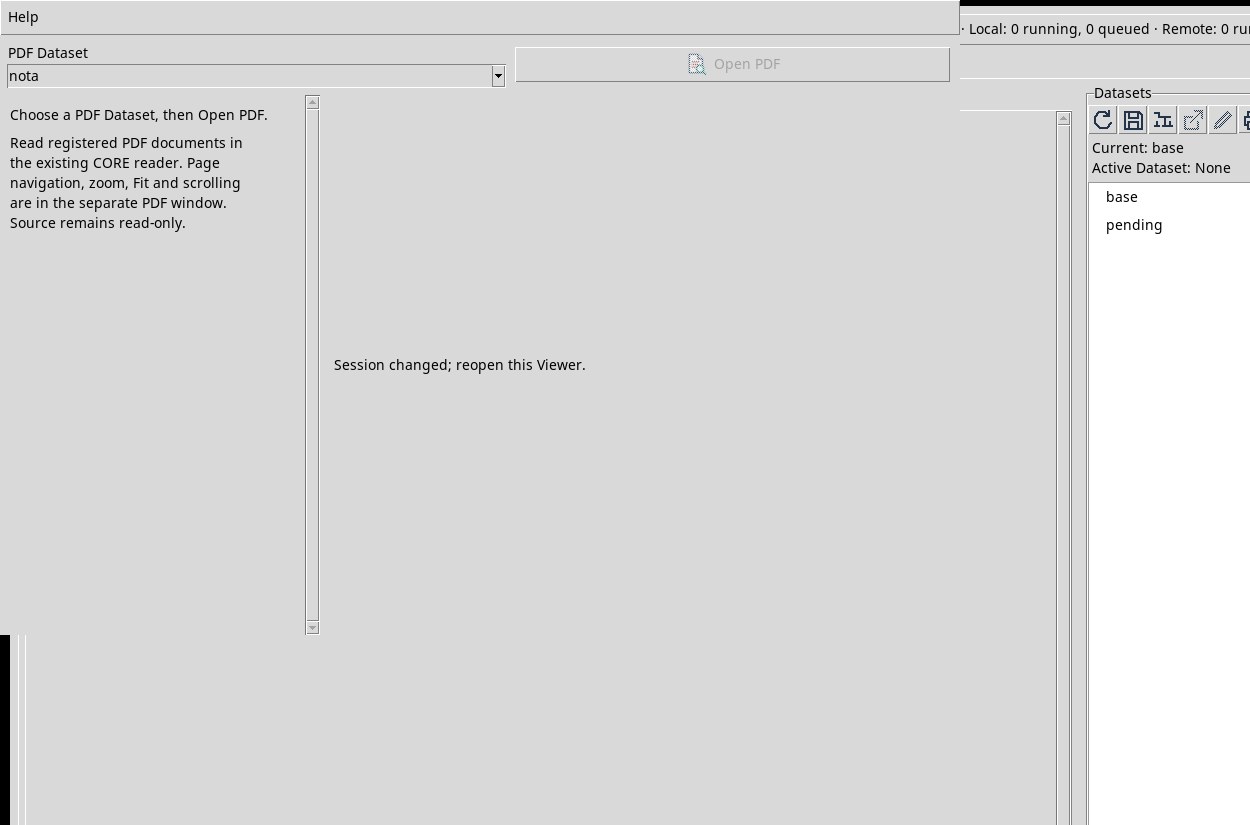
When you switch to another Session, the open PDF is closed. The old launcher shows Session changed; reopen this Viewer and disables Open PDF. Close the old launcher and reopen the tile, then choose a PDF from the new Session.
Recover from a missing or modified PDF
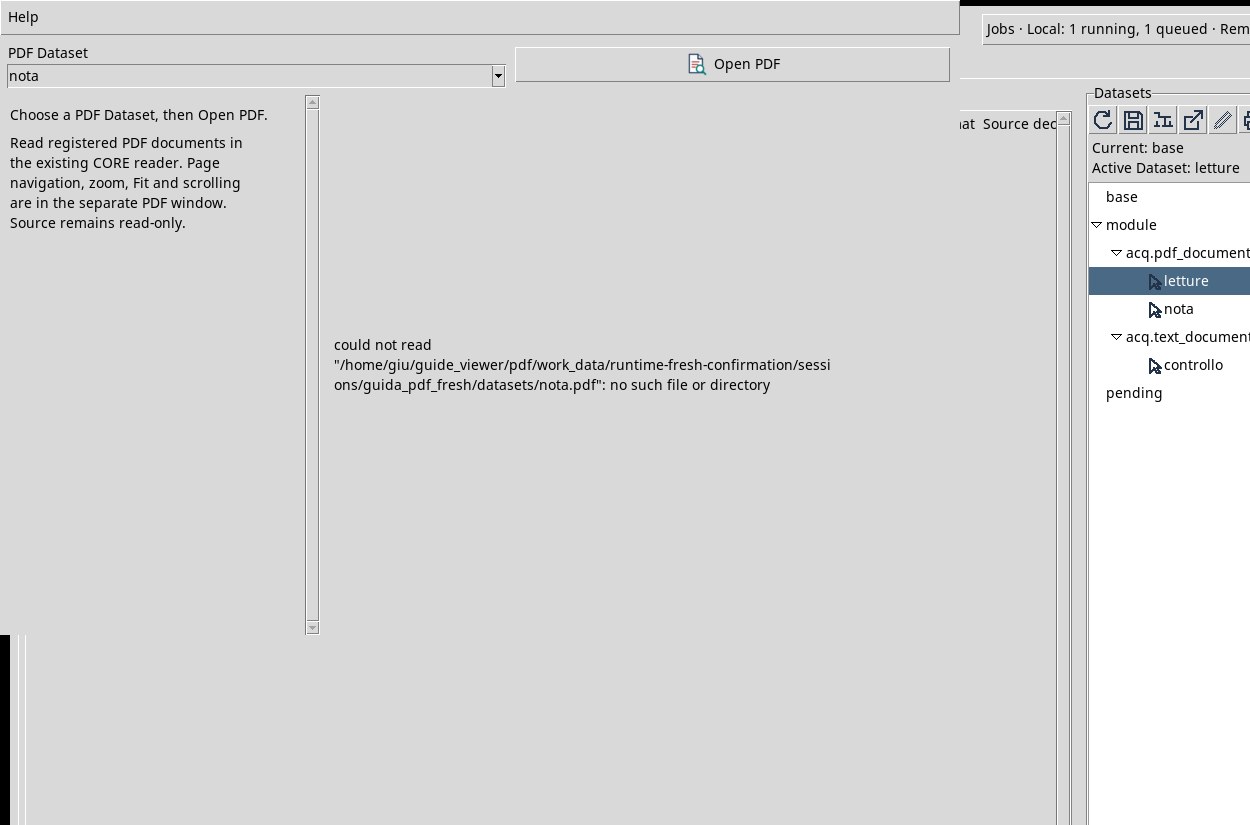
If the registered file disappears, the associated reader closes and the launcher reports that the source path is missing. Restore the exact source or acquire a valid PDF. Then select the ID and explicitly press Open PDF. Check the title and the counter of the newly opened window.
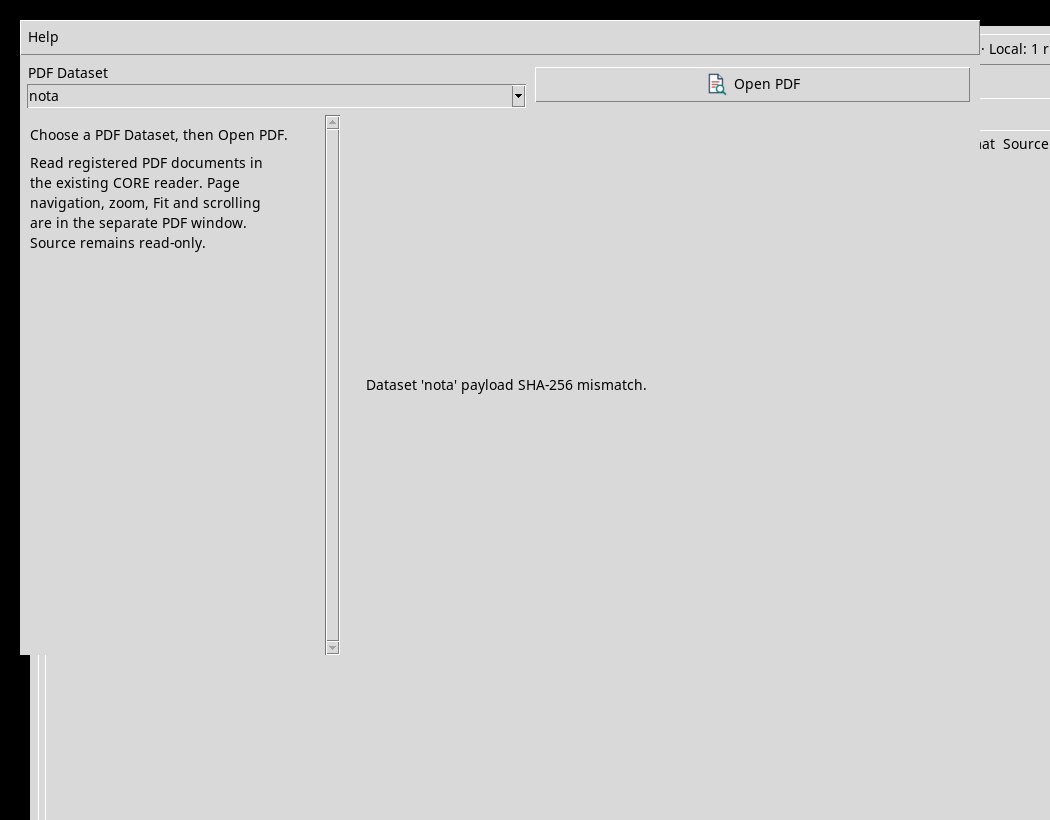
If the content at the Dataset path has changed, the launcher may show payload SHA-256 mismatch. The tests reproduced this warning with an altered synthetic copy. Restoring the file byte for byte made it possible to reopen the note. To change document, acquire the new file with its own ID. A truncated file chosen for acquisition may stop before registration with Failed: details…. Read the detail of the import row and choose a readable PDF.
Read an error in the separate window
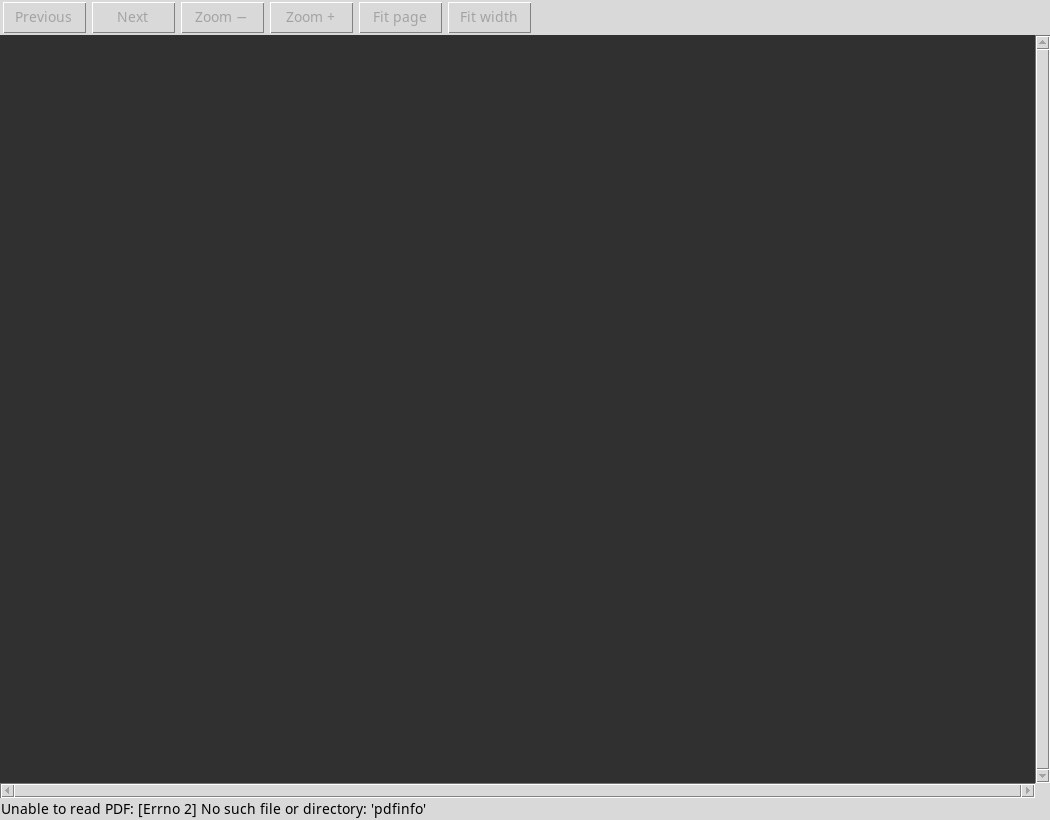
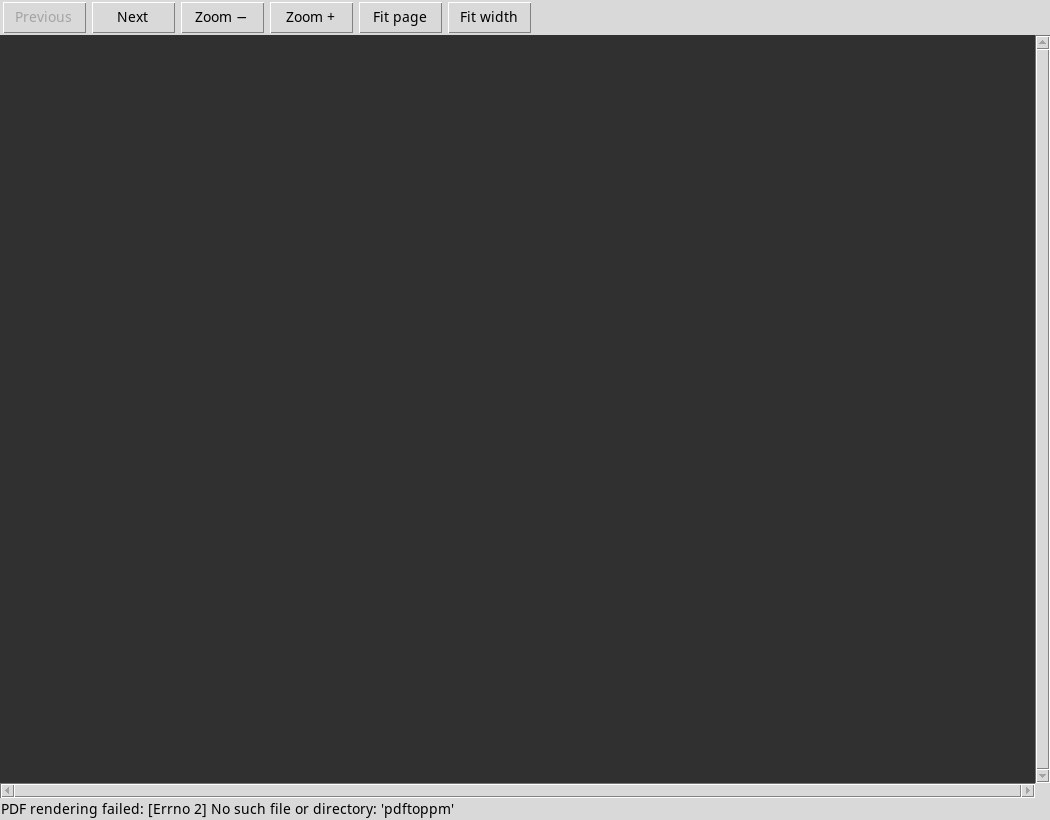
With Unable to read PDF the separate window has no page to show and the six controls are disabled. In the isolated test the message named pdfinfo, the dependency that reads structure and dimensions. With PDF rendering failed the pages may already have been recognised, but the panel cannot draw them. In the isolated test pdftoppm was missing and the page-compatible commands were still available.
Read the detail in the status at the bottom. If it names a missing executable, restore Poppler in the GX-TXT environment and reopen the PDF. If the detail concerns the file, try a copy that can be acquired and read. Confirm the recovery by looking at the page and the counter in the separate window.