Explore volumes and save the view
Explore an NMR volume in the F1/F2, F1/F3, and F2/F3 planes, change slices, and restore your saved view.
Choose two axes of the volume
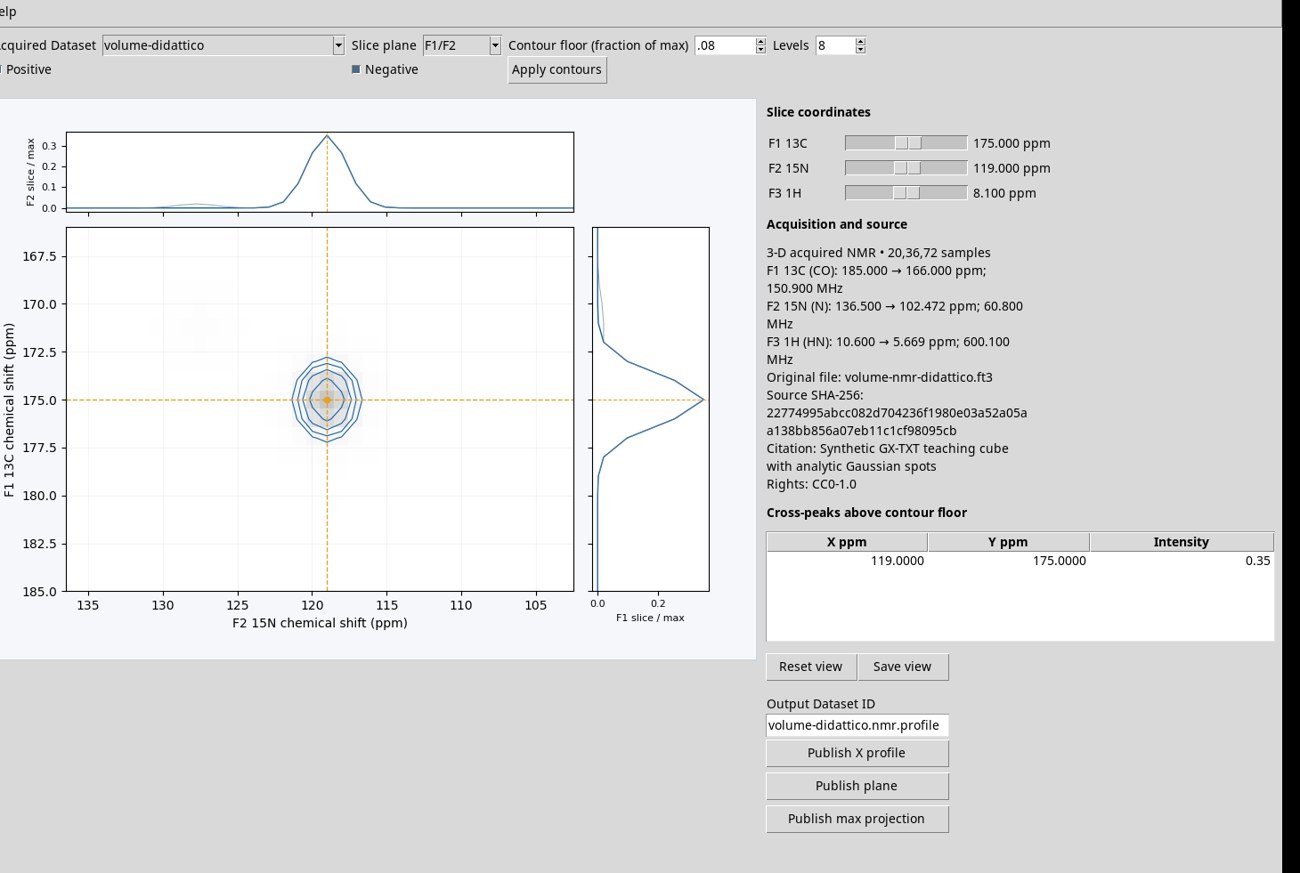
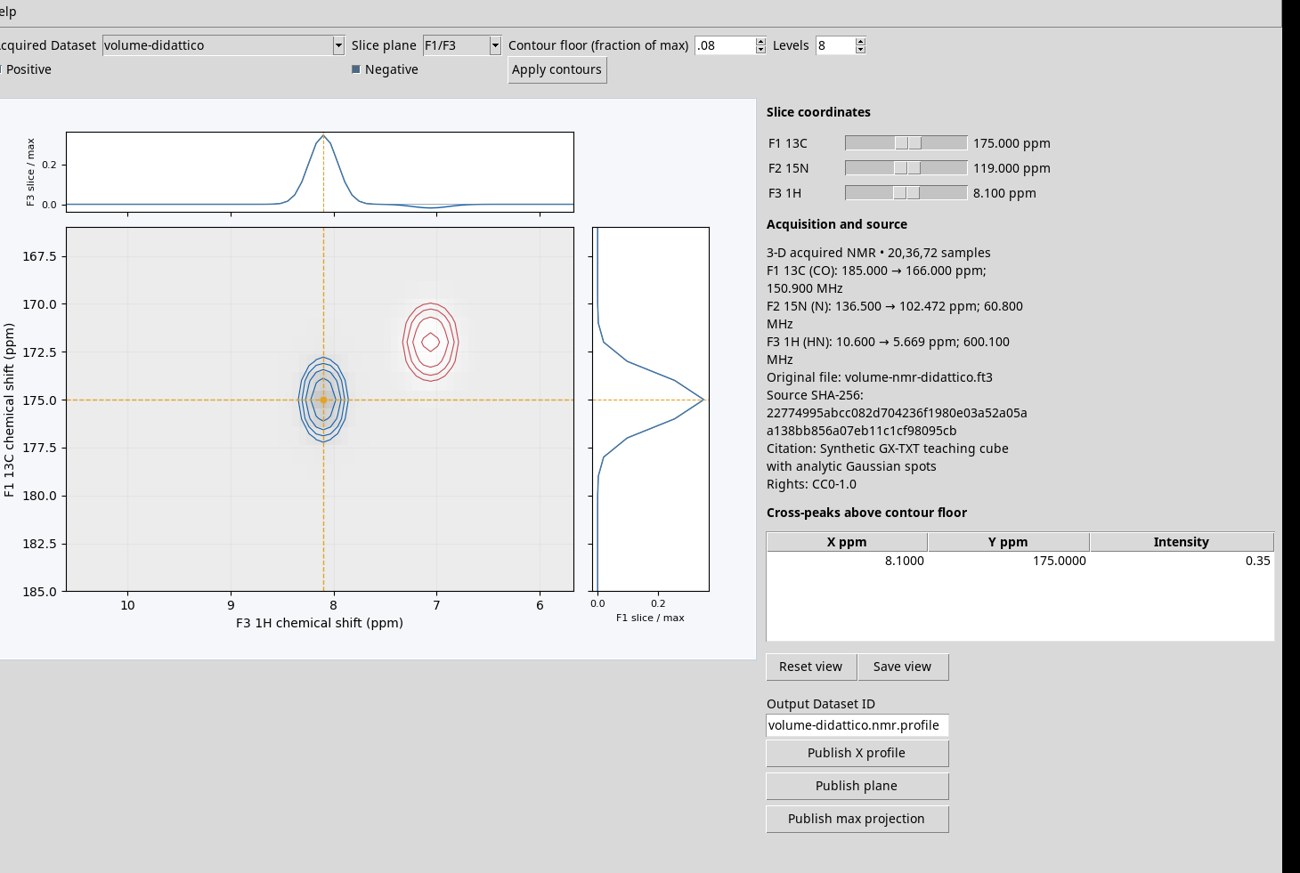
Select the 3D Dataset in Acquired Dataset, then choose a pair in Slice plane. The first axis in the pair is vertical and the second is horizontal. The third axis selects the slice. Move that axis’s slider to see a parallel plane. Move the sliders for the displayed axes to change the crosshair and marginal profiles.
| Plane | Y axis | X axis | Slice axis |
|---|---|---|---|
| F1/F2 | F1 | F2 | F3 |
| F1/F3 | F1 | F3 | F2 |
| F2/F3 | F2 | F3 | F1 |
In the teaching volume, the nuclei are F1 ¹³C, F2 ¹⁵N, and F3 ¹H. The ranges are 185→166, 136.500→102.472, and 10.600→5.669 ppm. The sliders span 20, 36, and 72 samples, respectively.
Recover from a slice with no positive maxima above the floor
- Choose
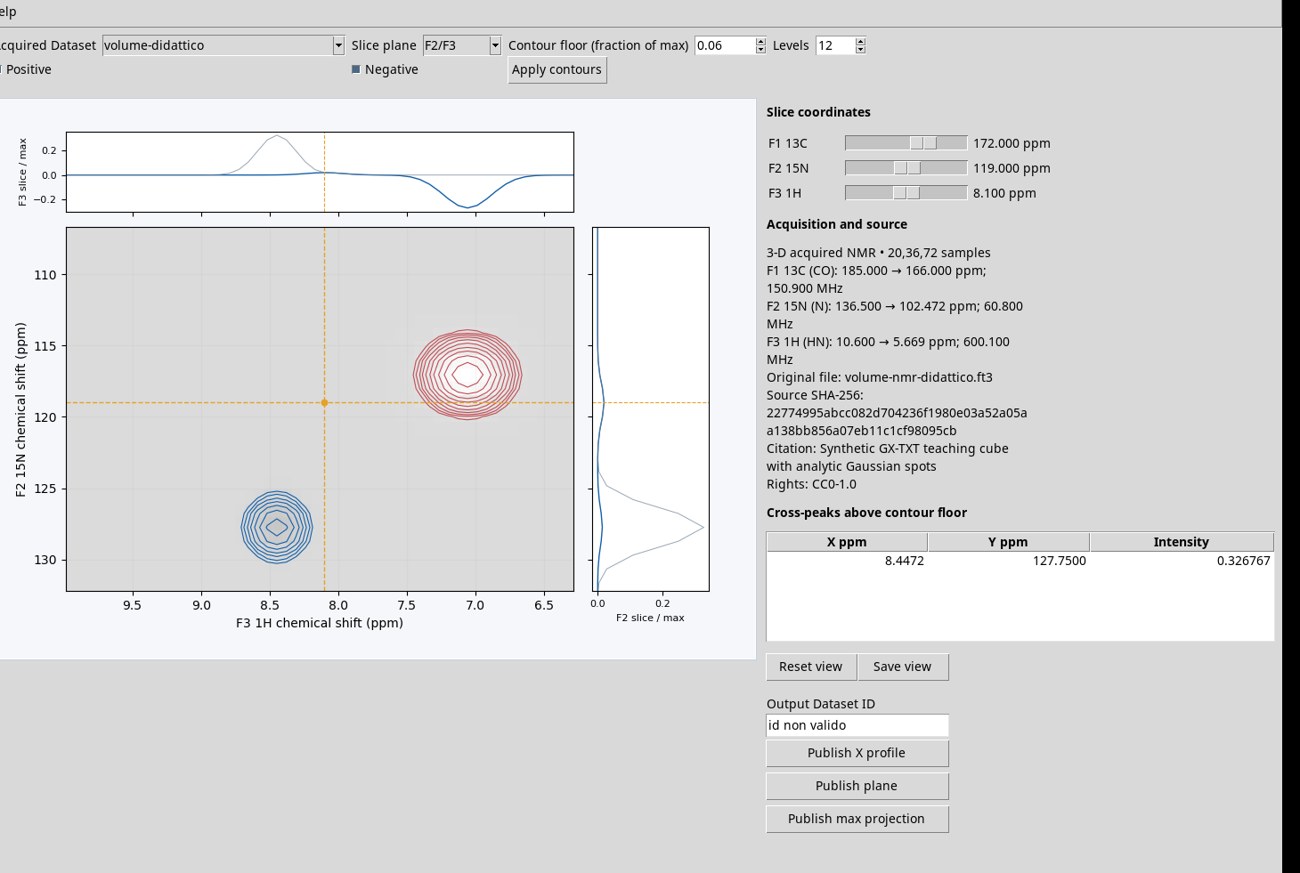
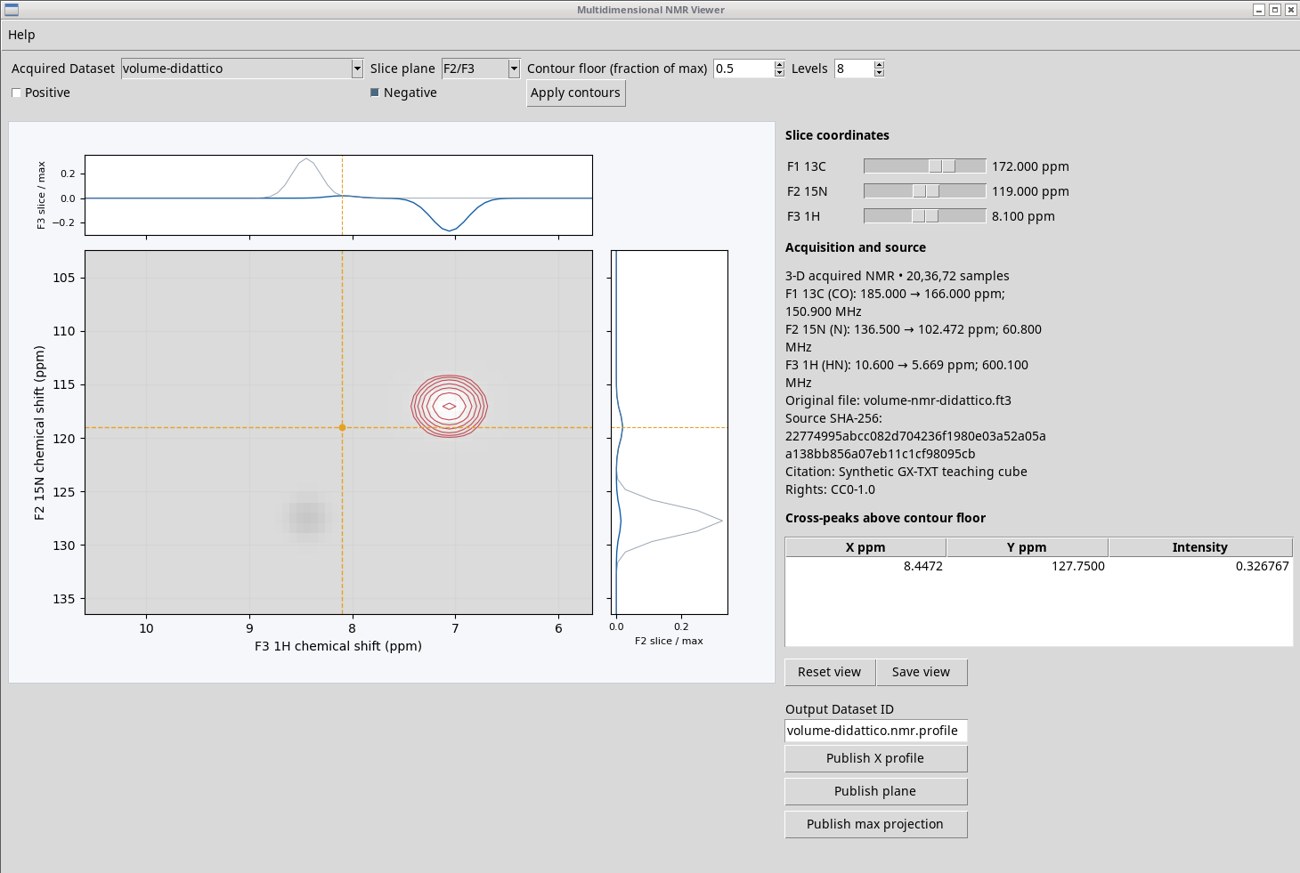
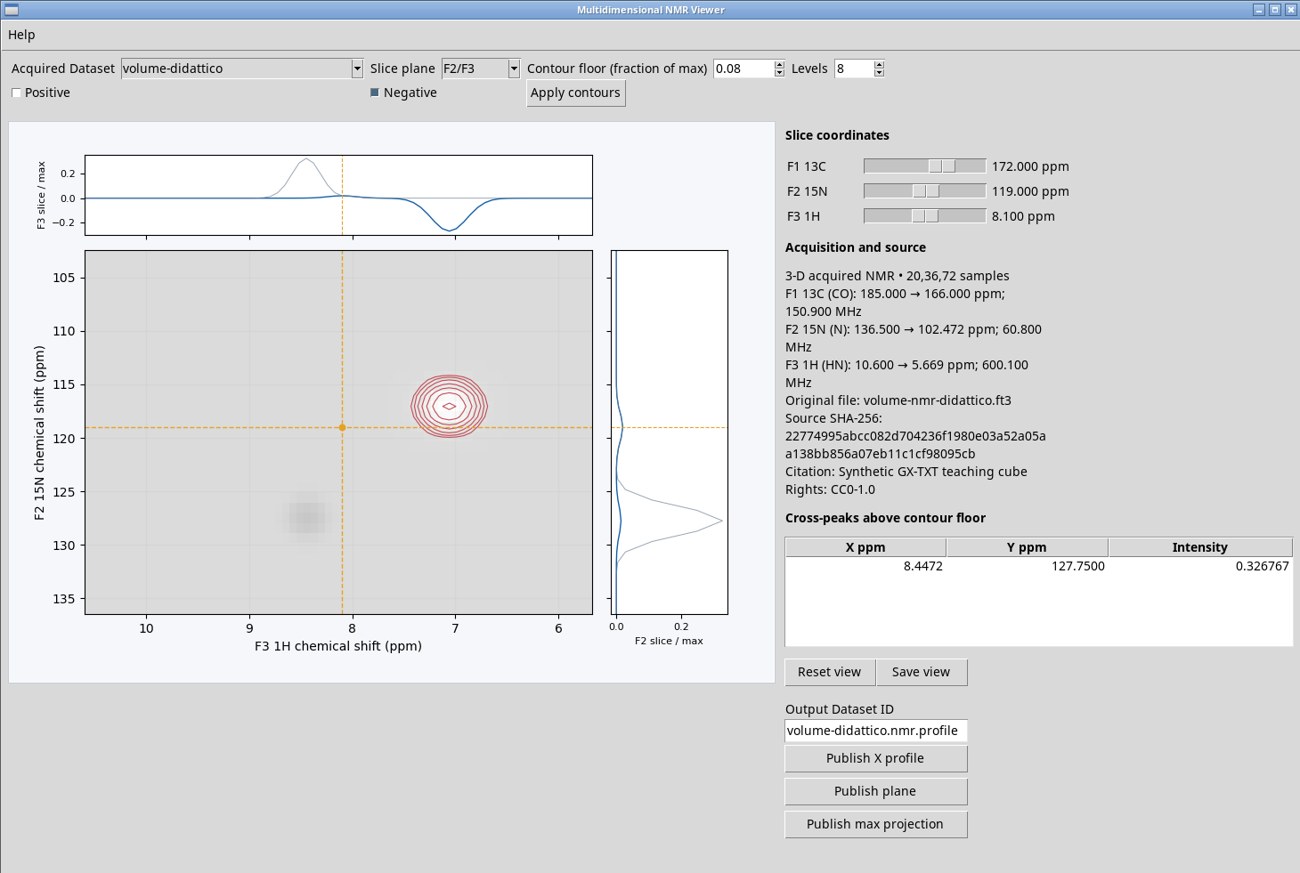
volume-didatticoand the F2/F3 plane, then set F1 to 172 ppm. Leave Negative enabled and switch off Positive. The negative lobe is visible at a floor of0.08. - Set Contour floor to
0.5and click Apply contours. In DEV112 P011-bis, if the slice has no positive maxima above the floor, the viewer may showNMR worker returned malformed output. In this test, the error occurred even with Positive disabled. The floor field shows 0.5, but the map may still display the last successful result. The error means that the map cannot be interpreted as the result at the new floor. - Dismiss the message, restore
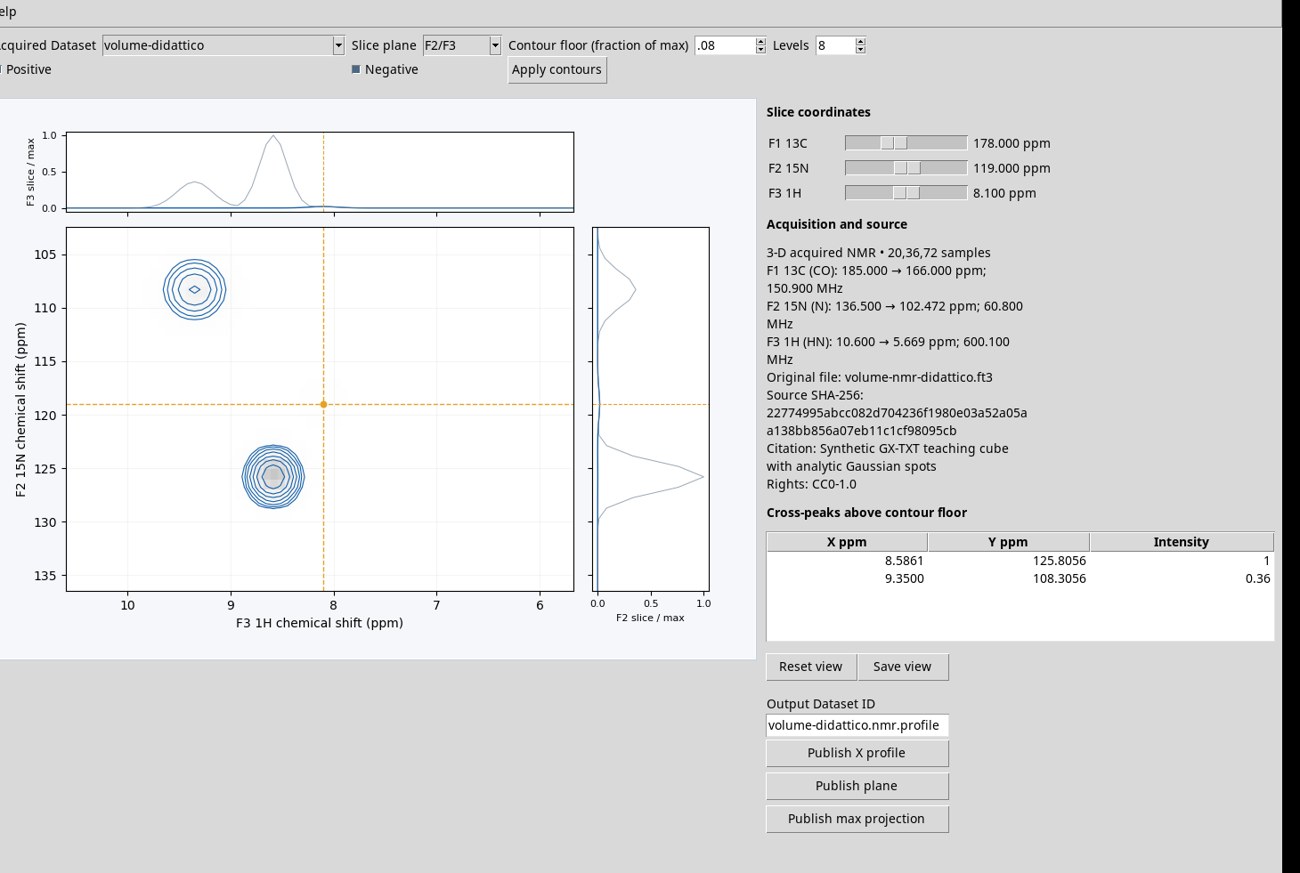
0.08, and click Apply contours. Check the red lobe and F1 at 172 ppm in Selected. You can also switch to a slice with a positive maximum, such as F1 at 178 ppm with a floor of 0.08. The negative slice still cannot be rendered at 0.5 in this build.
Save and restore the view
Click Save view while the Session containing the Dataset is active. This saves the source, plane, cursor indices, floor, level count, sign toggles, and visible limits. Reopen the tile in the same Session and check that the settings have been restored. The window also presents the Output Dataset ID again when reopened. Use the publication commands to record a numeric table.
Close the viewer before switching to another Session and reopen it from the tile afterward. In DEV112 P011-bis, a window left open may continue to show the previous Dataset. During the test, Save view showed View saved in Session. and wrote the ID volume-didattico and the F1/F3 plane to the new Session, which did not contain that Dataset. The confirmation indicates that a write occurred. Before clicking Save view, check which Session owns the Dataset and window. If you just switched Sessions with the viewer open, close the old window and reopen the tile. An empty Session displays No acquired 2-D or 3-D NMR Dataset is available. Return to the Session that owns the volume to resume and save its view.