Open the viewer and acquire Datasets
Open NMR Spectrum and identify the empty state
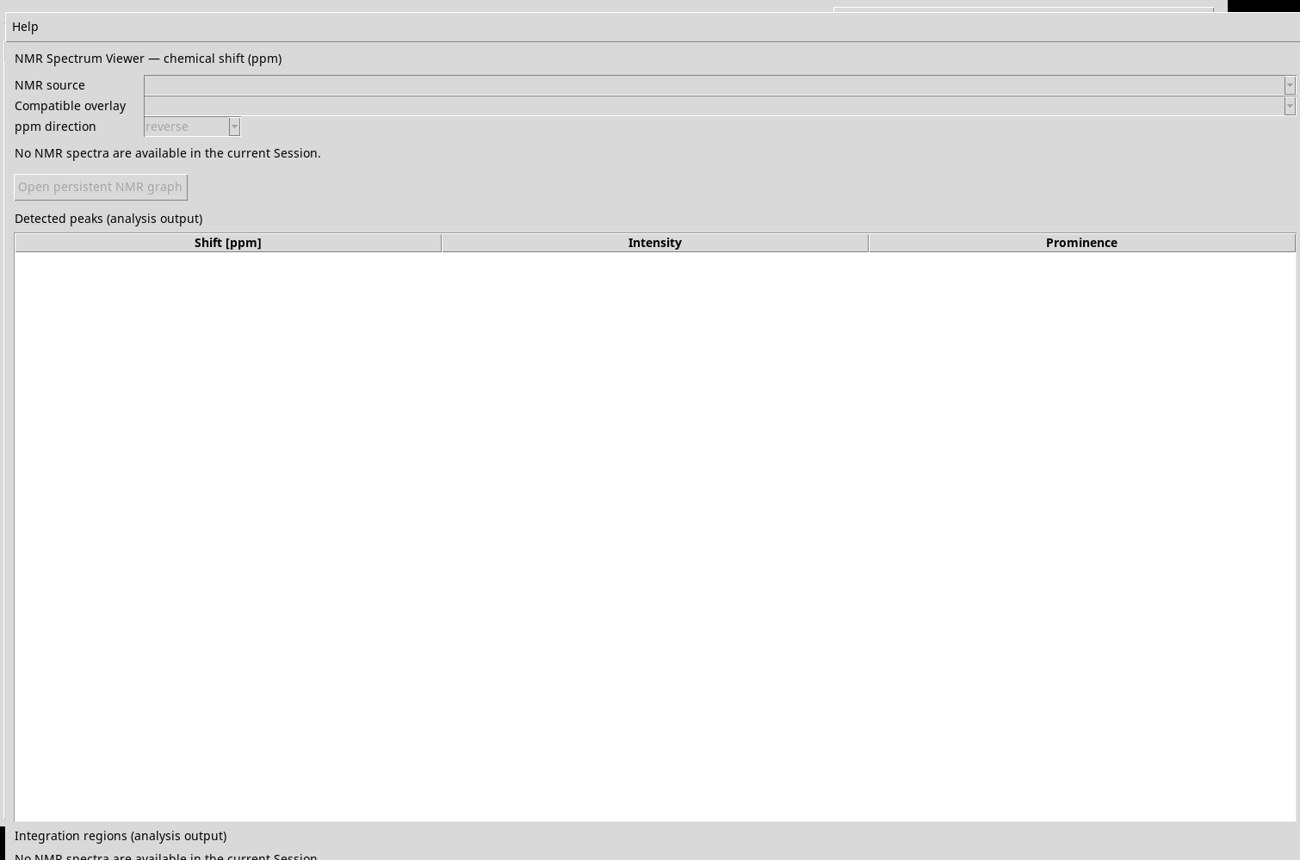
Open Viewers, search for NMR Spectrum, and click the tile. The NMR Spectrum Viewer window can open without an active session. If no compatible NMR spectra are available, it displays No NMR spectra are available in the current Session and disables NMR source, Compatible overlay, ppm direction, and Open persistent NMR graph. The peak table remains empty. After acquiring the files in the session, reopen the viewer from its tile to refresh the list.
Acquire the original 1D JCAMP-DX files
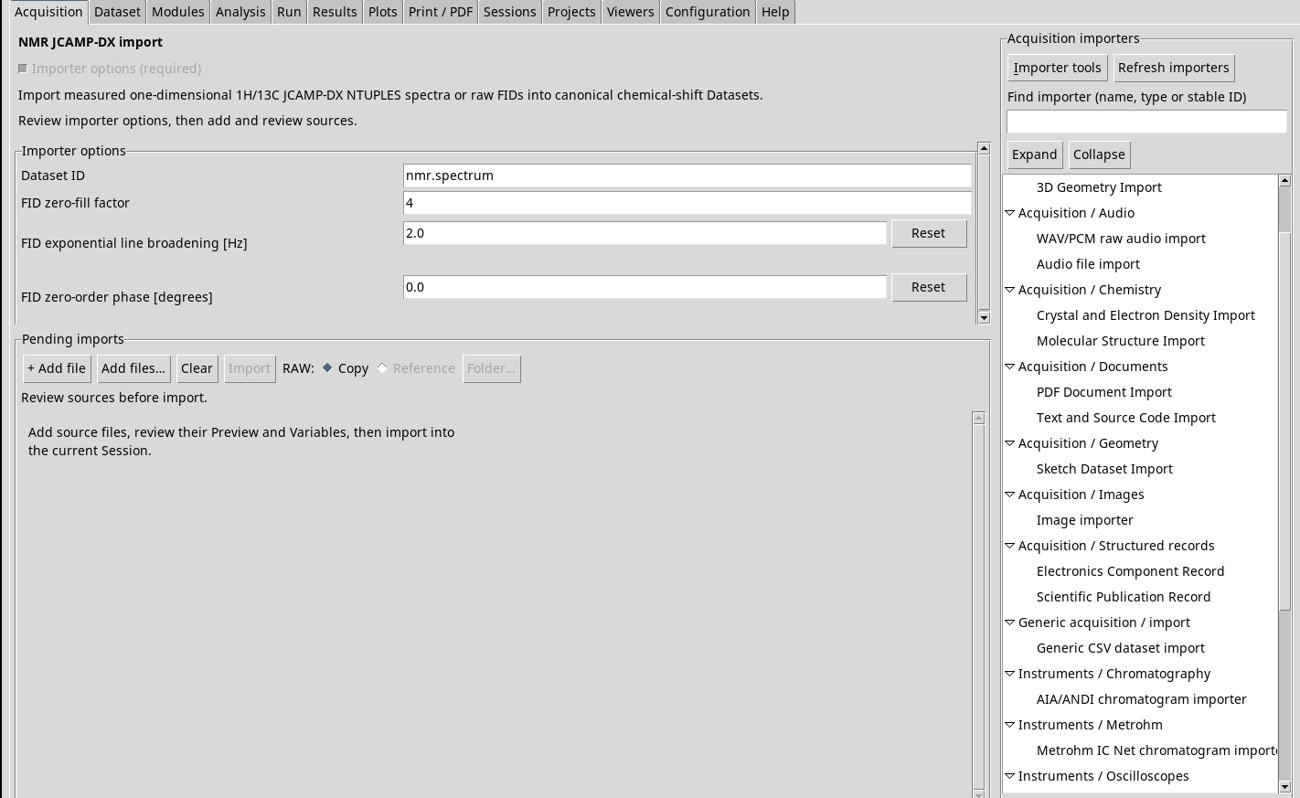
- Download and extract the four Cambridge JCAMP-DX files. Create a session and go to Acquisition → NMR JCAMP-DX import. The importer reads 1D NTUPLES with real and imaginary pages. It accepts the usual file extensions
.dx,.jdx, and.jcamp. - Set the acquisition parameters described below. Click + Add file, select a file, and choose Open. In the Pending imports row, leave Include selected and enter the Dataset ID specified in the exercise.
- Verify the
spectrum.scientificcontract and click Import. The Dataset appears in the session when the acquisition job finishes. The original JCAMP file remains in RAW. The canonical Dataset containsspectral_xin ppm andspectral_yas relative intensity.
Set zero filling, line broadening, and phase for the FID
FID zero-fill factor defaults to 4. Adding zeros increases the FFT length and gives a denser numerical grid. Physical resolution is still determined by the acquisition. For the ¹H test file, 1 yields 8,192 points and 4 yields 32,768 points. The software selects the required power of two.
FID exponential line broadening [Hz] defaults to 2 Hz. Exponential weighting attenuates the tail of the FID before the FFT. A higher value can reduce the noise contribution from the tail and broadens the lines. FID zero-order phase [degrees] defaults to 0°. It changes how the real and imaginary parts combine after transformation and can shift the maxima of the real component or change the lobes and integrals. Save each variant with a different ID so you can compare them.
If a file is labeled NMR SPECTRUM, the viewer shows already_processed. FID settings remain visible in the import form. For this frequency-domain source, the import preserves the file’s representation and calibrates it in ppm. For NMR FID, the import generates the fid_fft representation before displaying it in the viewer.
Open the built-in manual
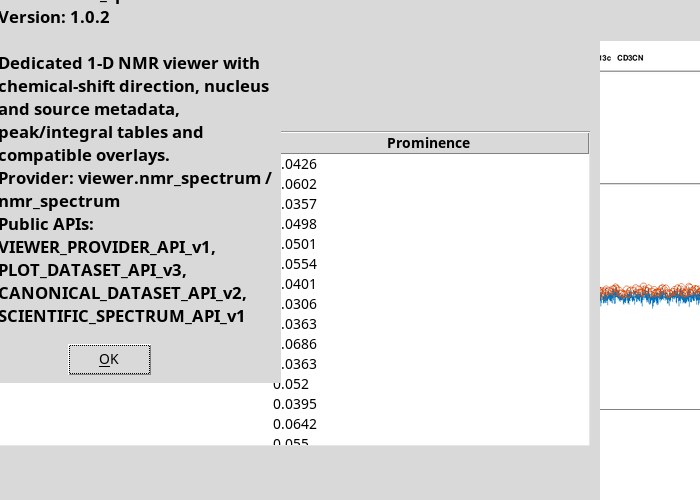
Press F1 or choose Help → User Manual…. About Module… identifies the module, provider, and version. Close the dialog with OK.