Parameters, systems and families
Exact inputs and sliders
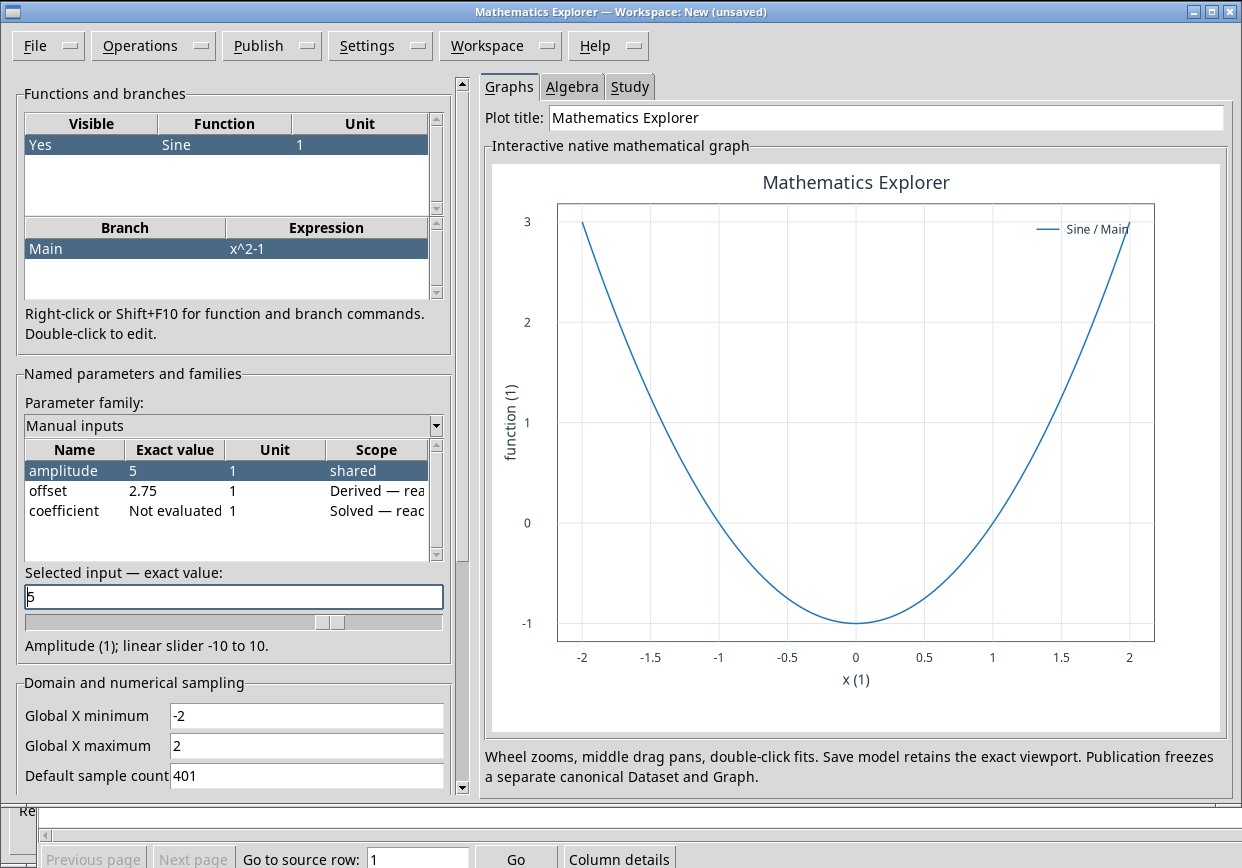
In Parameters choose a row. Name, Exact value, Unit and Scope identify the effective value. Enter a finite number in Selected input — exact value and confirm with Enter or Tab. An input with a configured slider can also be dragged. For a derived result the exact field stays read-only.
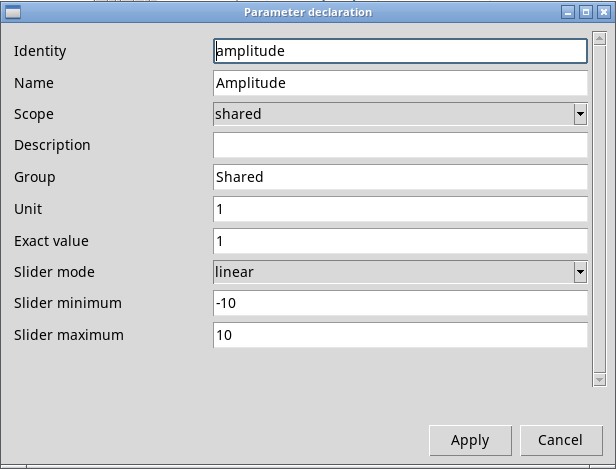
Right-click or Shift+F10 on the table opens Add declaration…, Edit selected…, Duplicate selected… and Delete selected. Identity is the symbol used in the expressions. Name, Description and Group organise and explain the input. Scope is shared for all functions or local for the selected function. A local input can hide the shared one with the same name for that function only. Specify Unit and Exact value. In Slider mode, none disables the slider, linear follows the linear scale and logarithmic requires positive limits. Slider minimum and Slider maximum are increasing ends of the control, in the unit of the input. An exact value can lie outside the slider range.
Declaration managers
The three managers open from the context menu in Parameters. Add… opens a new declaration. Edit…, Enter or double-clicking the row open the selected one. Delete removes the selected declaration. Close returns to the model. In the declaration window Apply validates the fields and adopts the edit in memory. Cancel leaves the dialog. Use Save model to keep the change.
Reusable definitions
From the table menu open Reusable definitions…. In Identity choose a valid symbol, in Scope choose shared or local, in Expression (bare named relations) enter the expression with the admitted names and in Declared result unit set the unit of the result. A local definition concerns the selected function. Edit the declaration in the manager, not in the result cell. Use distinct identities and resolvable references. A cyclic dependency is rejected. After a valid edit check the computed value in the panel and the plot.
Linear systems
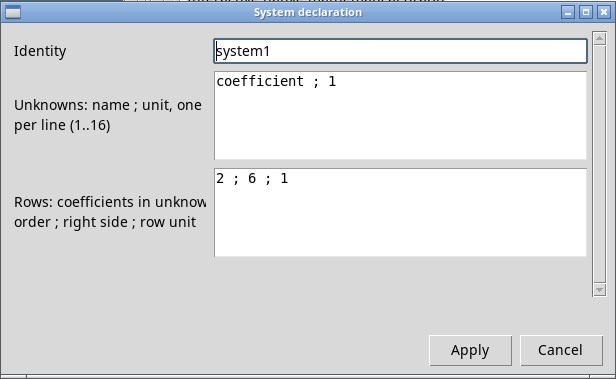
Linear systems… organises unknowns, coefficients and known terms with the declared units. Use a square full-rank system. The unknowns become derived values. Insufficient rank, conditioning above 10¹², relative residual above 10⁻¹⁰ or a name collision prevent admission. For a simple check set Identity = equazione. Write coefficient ; 1 in Unknowns: name ; unit, one per line (1..16) and 2 ; 6 ; 1 in Rows: coefficients in unknown order ; right side ; row unit. Look for coefficient=3. With several unknowns enter an explicit coefficient for each one in the declared order, even when it is zero. The last item of each row is the unit of the known term and of the combination.
Families
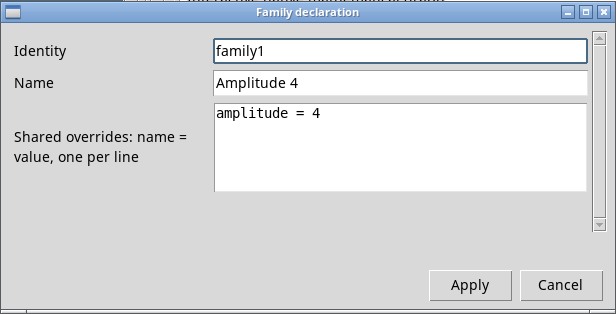
In Parameter families… record Identity, Name and Shared overrides: name = value, one per line. Write for example amplitude = 4 and, if the shared input is declared, offset = 2.75 on another line. A repeated or unknown name is rejected. The units are inherited from the inputs. Parameter family applies the chosen combination. Manual inputs indicates the effective values set by hand. If you change an item in a family, check the switch to Manual inputs and watch the other values. Select the family again to restore its set. In the test Amplitude 4 (family1) set 4. Changing the exact value to 5 with Enter, the selector went back to Manual inputs, while the derived offset stayed at 2.75. After recalculating the imported Workspace the table showed coefficient=3.0. Keep the point as decimal separator when you type in the declarations.