

Workspaces, history and transfer
File and first save
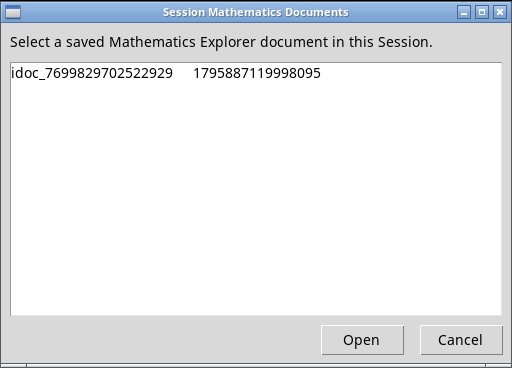
File → New prepares a new model. If the model has been modified, answer the confirmation to save, discard or cancel. File → Save model fixes the declarations and the view in the Session. File → Open… opens Session Mathematics Documents and lets you choose the row and Open, or close without changing model.
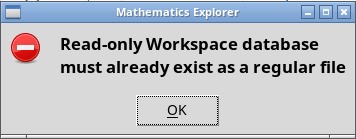
P012 limit (213). In a newly created Session that has no Workspace archive yet, File → Open… can show the read-only database error. Run File → Save model to create the archive of the current model, then reopen File → Open…. In the test the document selector opened after the first save.
Manager and commands
| Workspace command | When to use it |
|---|---|
| New workspace… | Starts a Workspace. Handle the pending edits before changing context. |
| Open workspace… | Selects a document available in the Session. |
| Save | Saves the Workspace you are working on. |
| Save as / Duplicate… | Creates a copy with a distinct identity. It becomes enabled when the source Workspace is available. |
| Rename… | Updates the name of an available Workspace. |
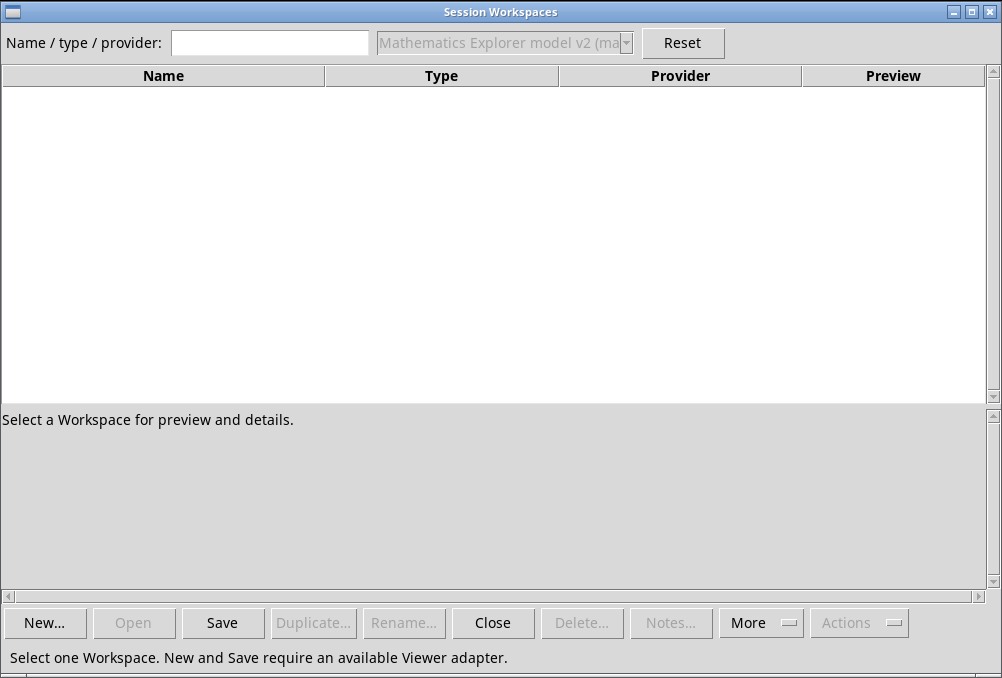
| Session Workspaces… | Lists the documents and the management controls. Filter with Name / type / provider and the provider selector. Reset restores the filter. Select a row before the context actions. Enter or double-clicking opens the entry. In a narrow window More collects the actions that do not fit in the bar. |
| Close | Leaves the current Workspace. Check the pending edits. |
| Delete… | Removes the selected Workspace after confirmation. Check name and identity before confirming. |
| Notes…, Preview… | Open notes and preview when present or editable for the row. |
| Import…, Export… | Transfer documents and resources through a Workspace package. |
| Refresh | Reads again the entries available in the Session. |
| Actions | Exposes owner actions if applicable to the available row. With no selection it can show Select an available Workspace disabled. |
| Cancel Algebra request, Undo Algebra operation, Redo Algebra operation | Follow the state of the Algebra request and history, even with the palette hidden. |
History, revision and layout
Tell the revision of the declaration apart from preview, published plots and Algebra results. Save model keeps the layout, the current page, the plot view and the admitted history. When you change tab the last result may stay visible. Read the request or revision indication before using it. In Algebra move along the history with Undo and Redo and check the selection again.
ZIP transfer
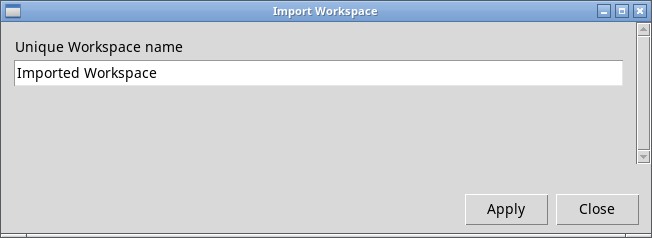
Save and select the Workspace. Use Export…, choose where to keep the ZIP package and check which resources, notes and previews are included. In the destination Session use Import…. Read the outcome and the identity assigned, then open the document. Resources and Session objects outside the package must be checked at the destination. A corrupt or incompatible file may be rejected before opening. Enter Unique Workspace name and confirm with Apply. The test with x^2-1 reopened the Workspace as Mathematics Imported P012 in a second Session and returned amplitude 5, offset 2.75 and solved coefficient 3.
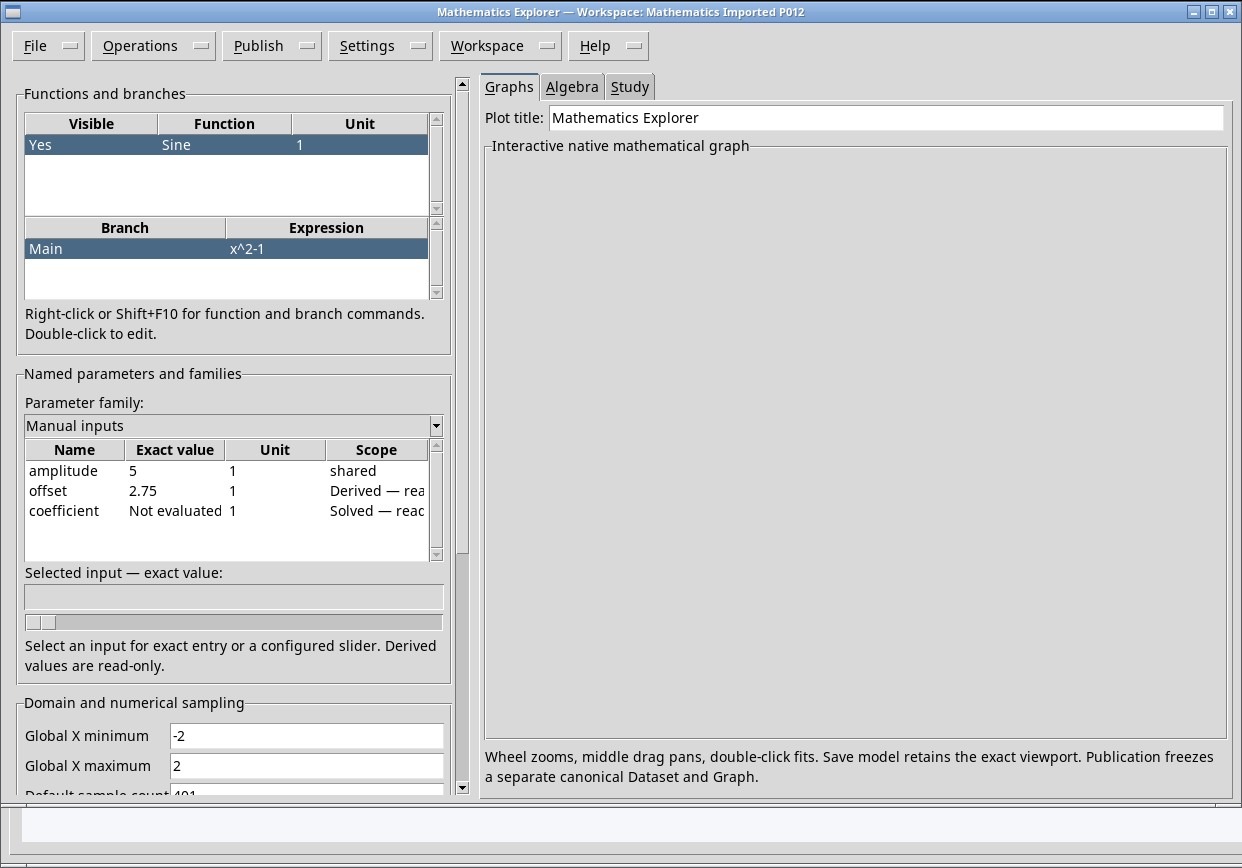
Reopening
Reopen the Session, select Viewers → Mathematics and use File → Open… or the manager. The previous model may ask for Plot / Refresh before drawing again. In a reopening after GX-TXT had been closed, the review of the branch with exclusions kept the expression x, the X unit in seconds and three components.
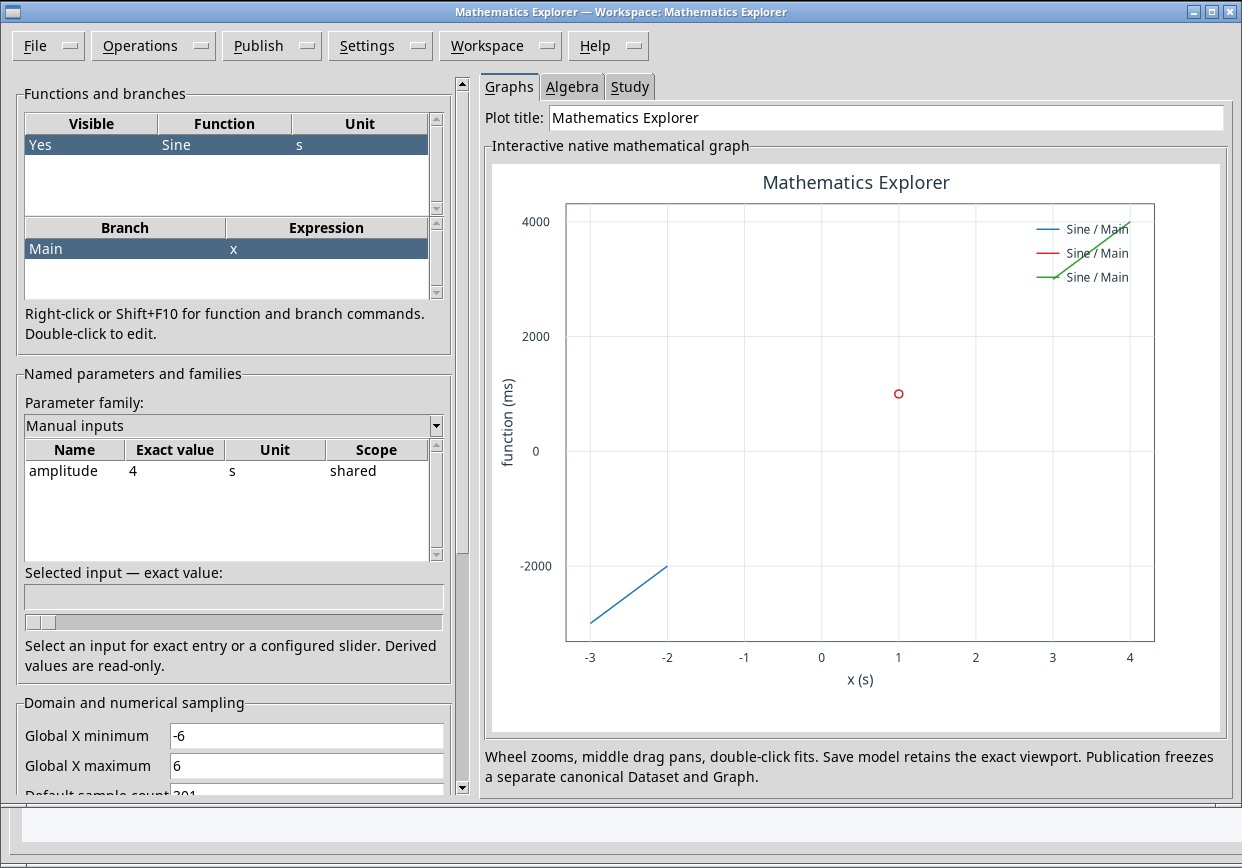
Open the published Graphs from Plots and the Datasets from Dataset. A historical schema 1 document keeps the three original rows. To start schema 2 work on a new identity, create a named model.