

Script Projects and Importing Local Modules
Scientific Python in GX-TXT · Module 9 · Lesson 49
When a script grows, separating the input point from reusable functions helps to read and maintain the code. GX-TXT allows you to record a Python project consisting of multiple files and to perform a revision in the Runner.
Objectives
- Create a project in the Script Workspace.
- Distinguish entrypoint and auxiliary module.
- Import a function belonging to the same project.
- Save the files and perform the audited.
Create the project
Open the Python Script Workspace at the corso_python Session. Choose Project → New Project, assigns a stable name and ID, keeps the uncovered Session and the main.py, then creates the project. In the project add calculations.py with Project → New file.
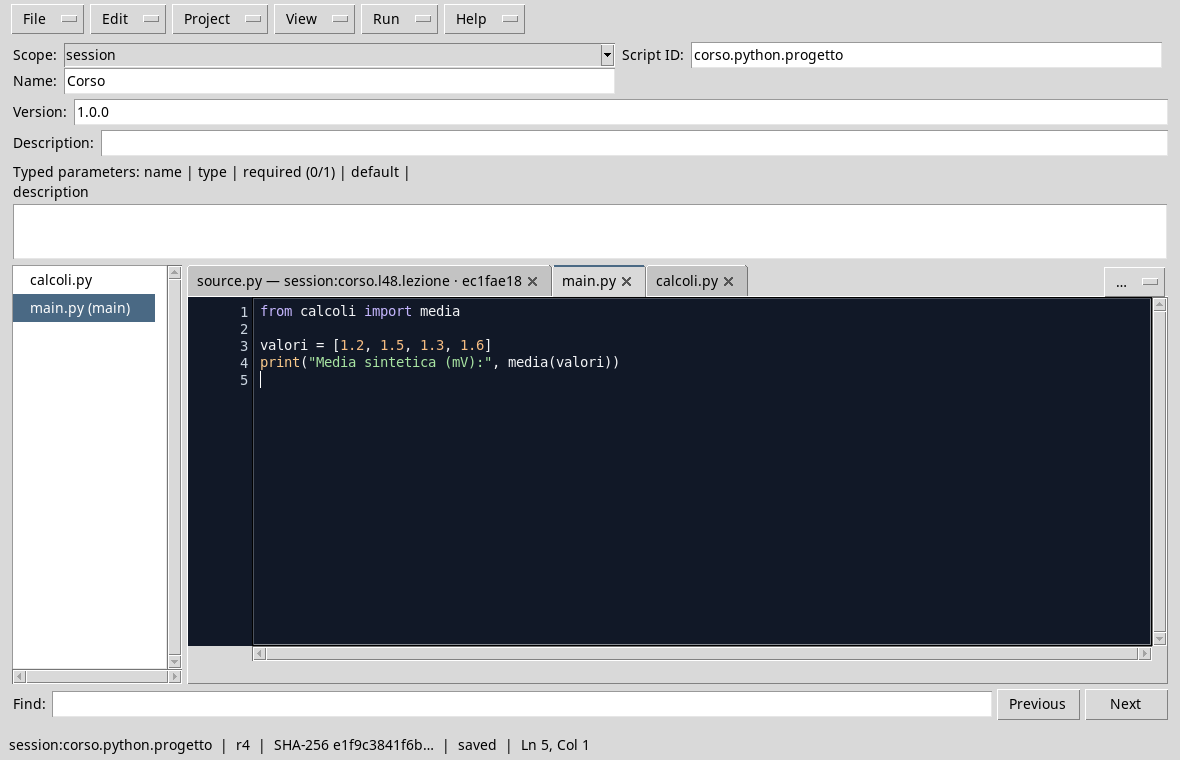
Insert in calculations.py:
def mean_value(values):
    if not values:
        raise ValueError("The list cannot be empty")
    return sum(values) / len(values)
Insert in main.py:
from calculations import mean_value

values = [1.2, 1.5, 1.3, 1.6]
print("Synthetic average (mV):", mean_value(values))
from calculations import mean_value makes the function defined in the other file of the project available in theentrypoint. The function rejects an empty list and otherwise divides sum by number of items. The four values are synthetic and are expressed in mV.
Save all project files, open Run → Open Script Runner and start Job. If the editor reports unsaved changes, save them before opening the Runner: so the review performed includes both updated files.
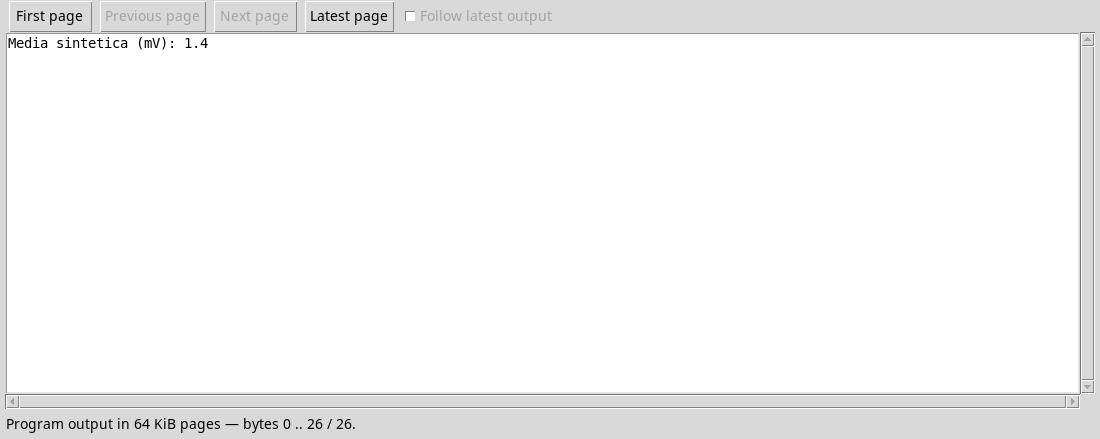
The result is 1,4 mV. The Runner uses the revision of the registered project, including the files that compose it. Do not modify sys.path to upload external files and do not rely on local files not included in the project. For larger organizations, Python packages can use __init__.py and import consistent with the registered structure; always check that all necessary files are included.
Exercise
- Which file is the entry point and which contains the reusable function?
- What error is raised for an empty list?
- Why save both files before opening the Runner?
Worked solution
main.pyis the entry point;calculations.pydefinesmean_value.ValueError, with a message explaining the problem.- The Job must perform a consistent review of registered files, not a combination of changes still in the editor.
In the next lesson we will use types and dataclasses to describe a reference to Dataset.