Copy and check the consultation
Read-only mode, sessions, originals and sizes.
Select and copy
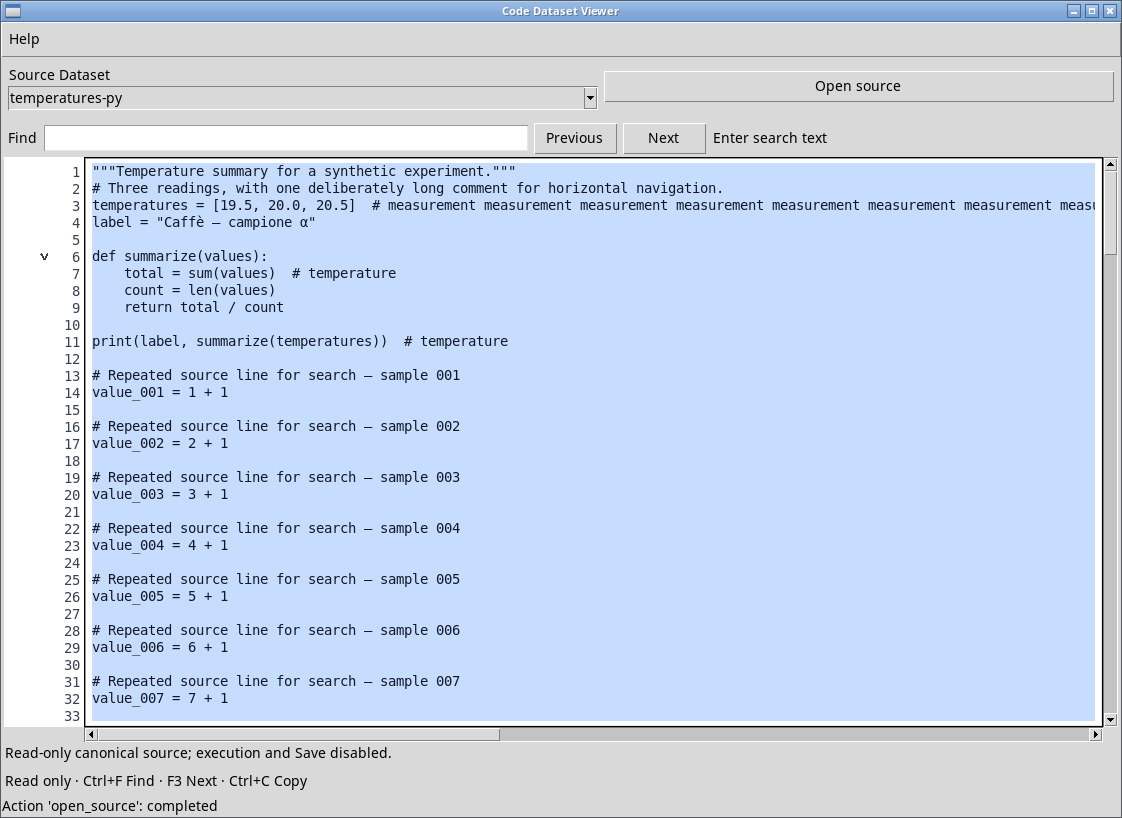
In the source pane, drag the mouse over the range to copy. Use Ctrl+A to extend the selection to the whole source available in the view and Ctrl+C to copy it. When the focus is in the Find field, the shortcuts act on the text of that field. You can paste what you have copied into another tool. The tests include lines with accented characters and Unicode characters.
Understand the limits on editing and saving
The status bar shows Read-only canonical source; execution and Save disabled.. Typing, deleting, pasting and Ctrl+S leave the source unchanged. The Code interface has no commands to run, compile or save the source. Find, scrolling and folding blocks change the presentation. For a revision, create the file with your editor and import it into the Session with an appropriate identity.
Manage the Session and the current identity
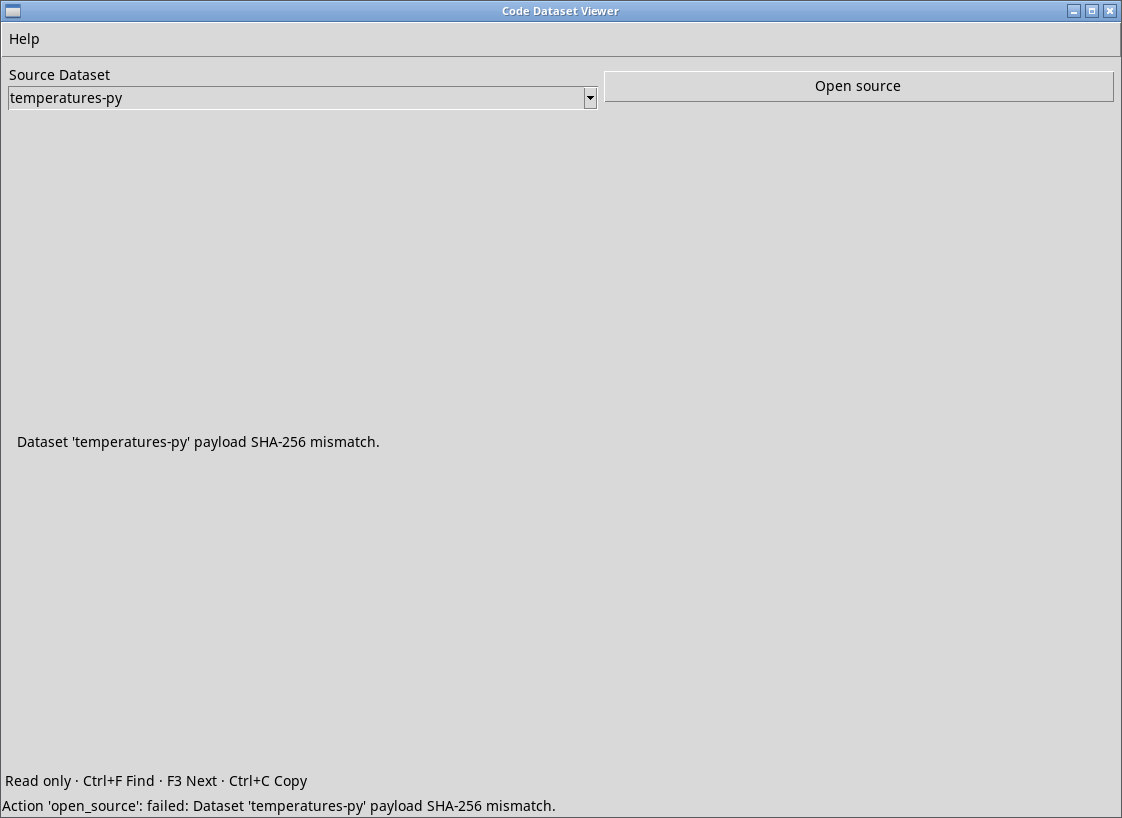
Each entry is tied to the current Session and to the canonical Dataset. When you switch to another Session, Code empties the source pane of the old window and disables Open source. The previous ID and the old outcome in the bar may stay visible. Close that window, reopen Code from the catalogue and choose a source from the current Session. If Open source reports payload is missing or payload SHA-256 mismatch, Code removes the unverified source from the view. Recover the verified Dataset or import a copy again with another ID. When the Dataset is intact again, use Open source to reopen it. The identity of the Dataset distinguishes files with the same name.
Recognise the partial view of a large file
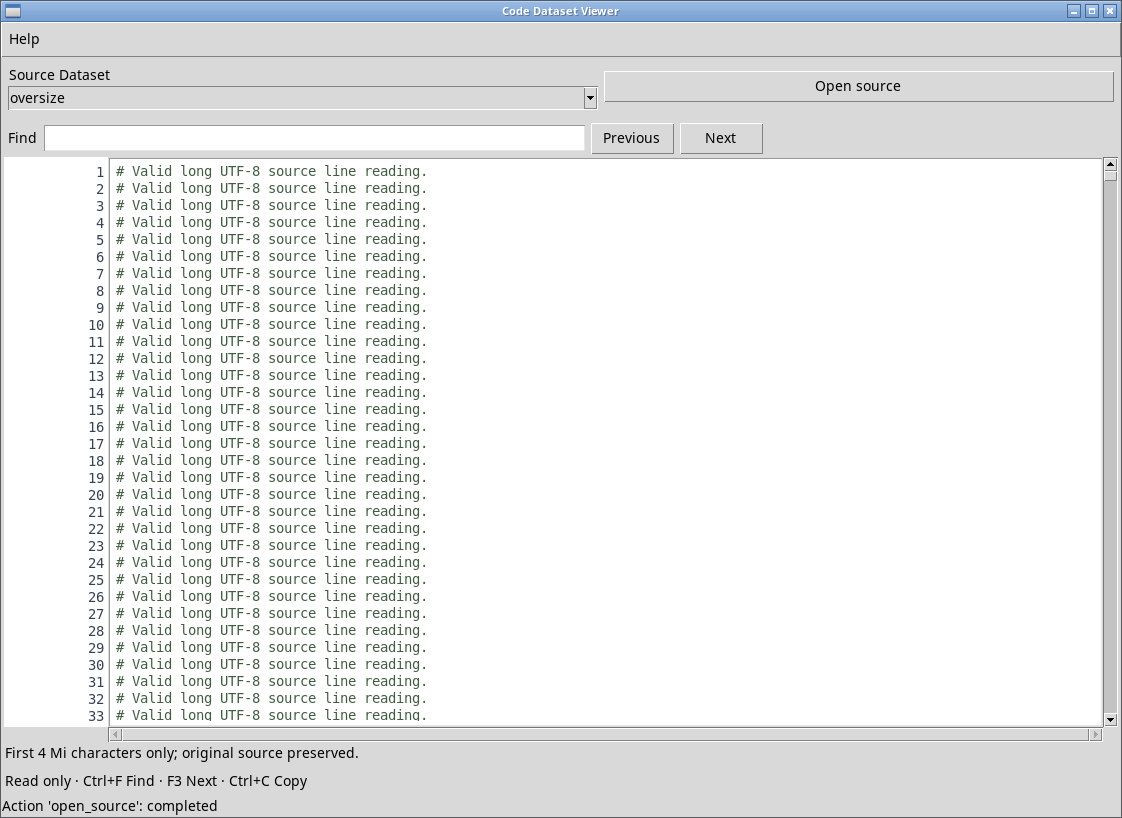
For a large Dataset, read the status below the source. With a file of five million characters, First 4 Mi characters only; original source preserved. appeared. In that case the viewer presents the first 4,194,304 characters. Search, navigation and copying act on the loaded part. The complete original remains in the Dataset. The limits of the shared lexical model also apply to highlighting. A large file can take some time before line numbers, highlighting and status settle.