Navigate and interact with the page
Use anchors and page controls, manage loading, and resume reading with Home if Back stops working.
Use the page controls
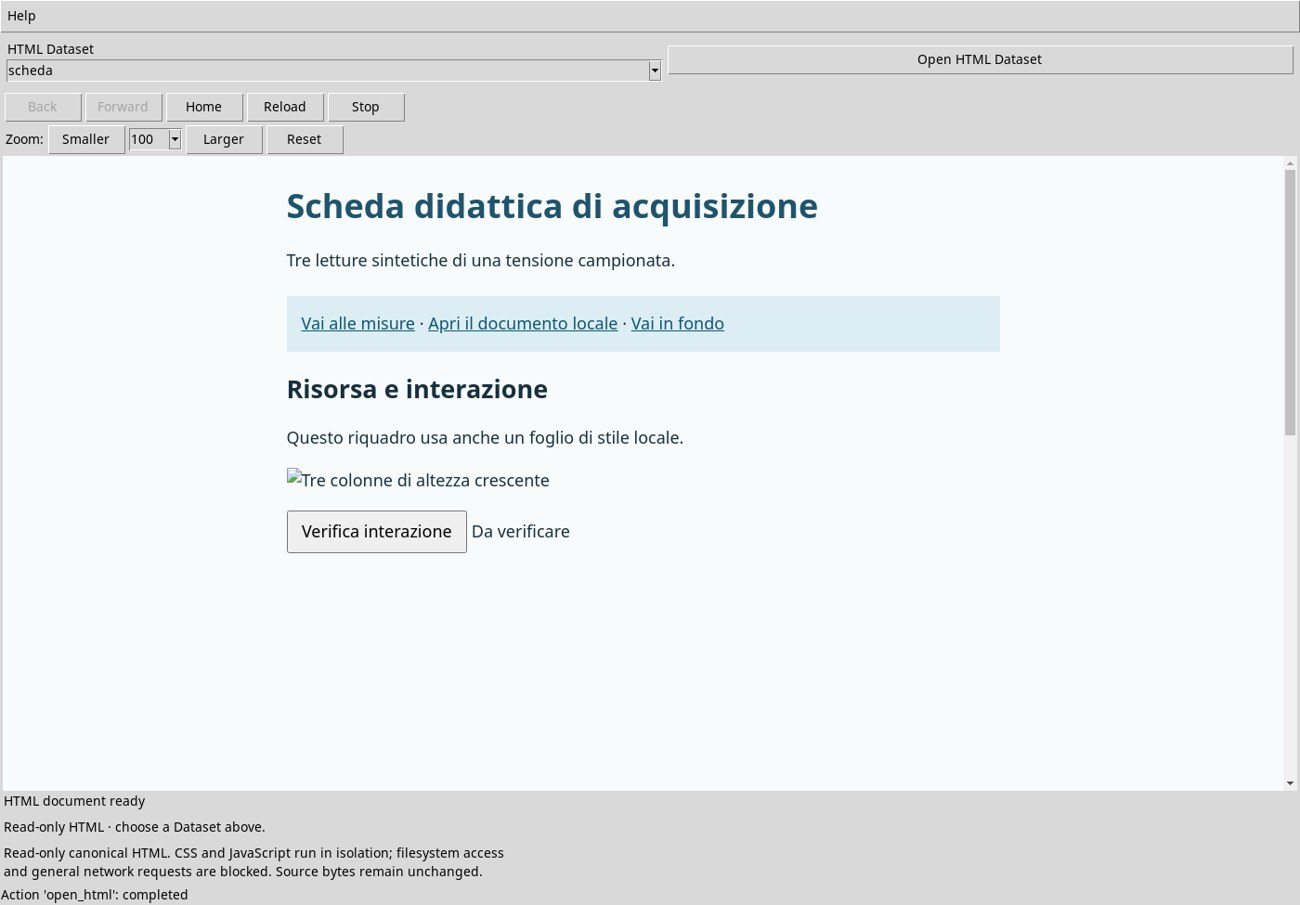
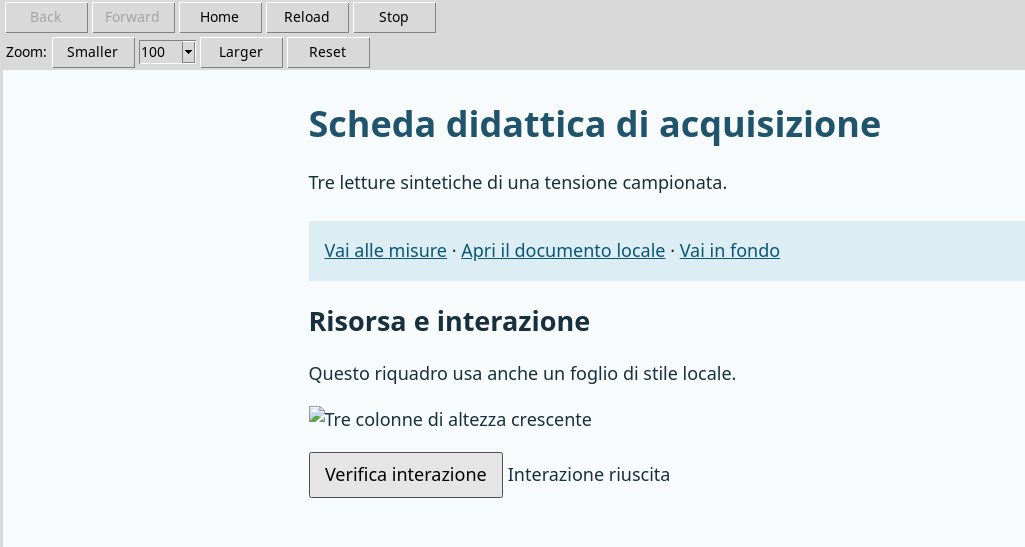
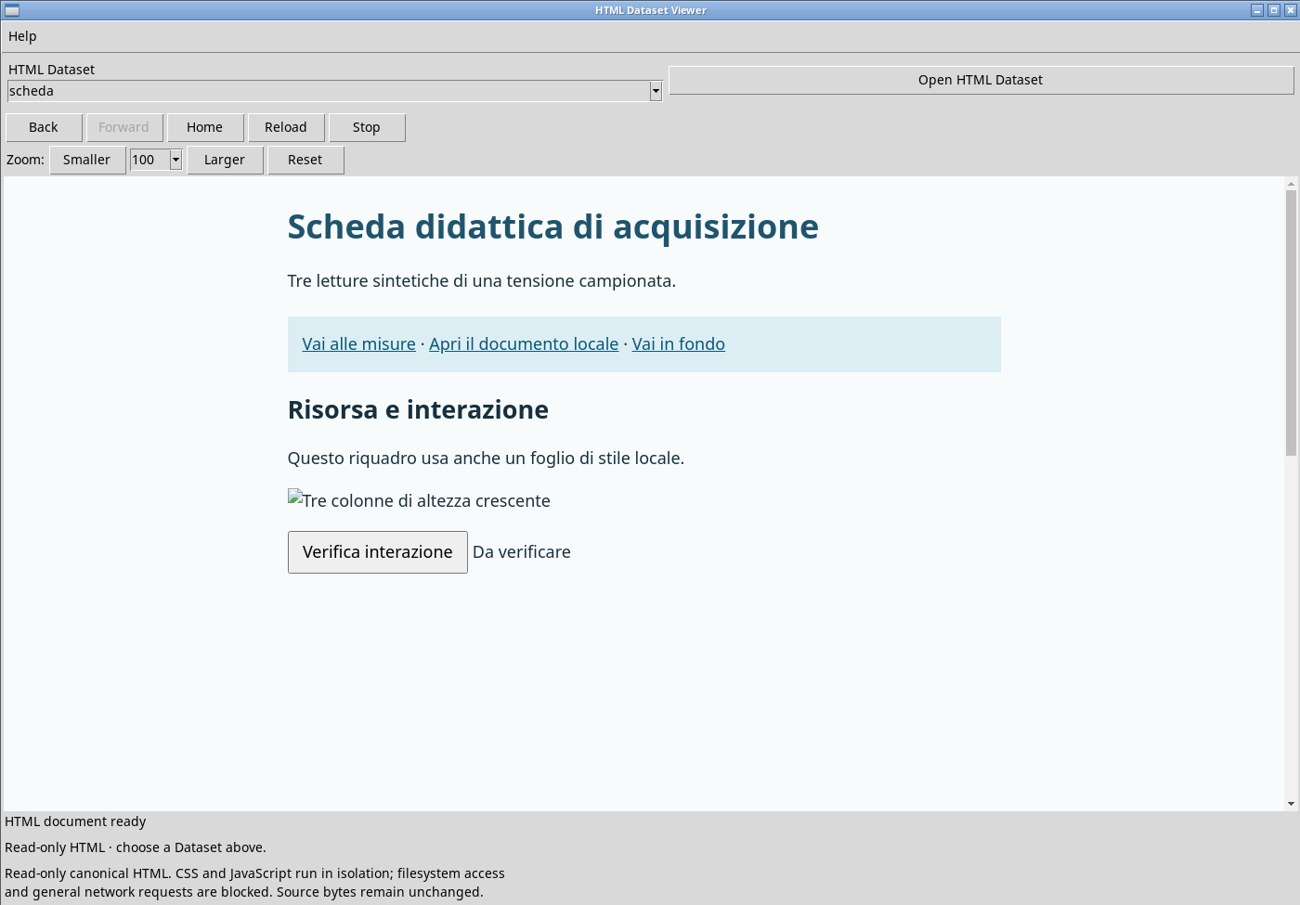
Open scheda at 100%. Click Verifica interazione (Test interaction) in the page. The text to its right changes from Da verificare (Not yet checked) to Interazione riuscita (Interaction successful). This shows that the embedded JavaScript ran in the pane. Reopen the Dataset to repeat the test from the initial state.
Place the pointer inside the document and use the scroll wheel to reach the table and then the end of the page. Click inside the pane to focus the content. Tab moves between interactive elements. Press Ctrl+A followed by Ctrl+C to copy the displayed text. When pasted into an editor, the example begins with the title Scheda didattica di acquisizione and includes the table data.
Jump to headings within the page
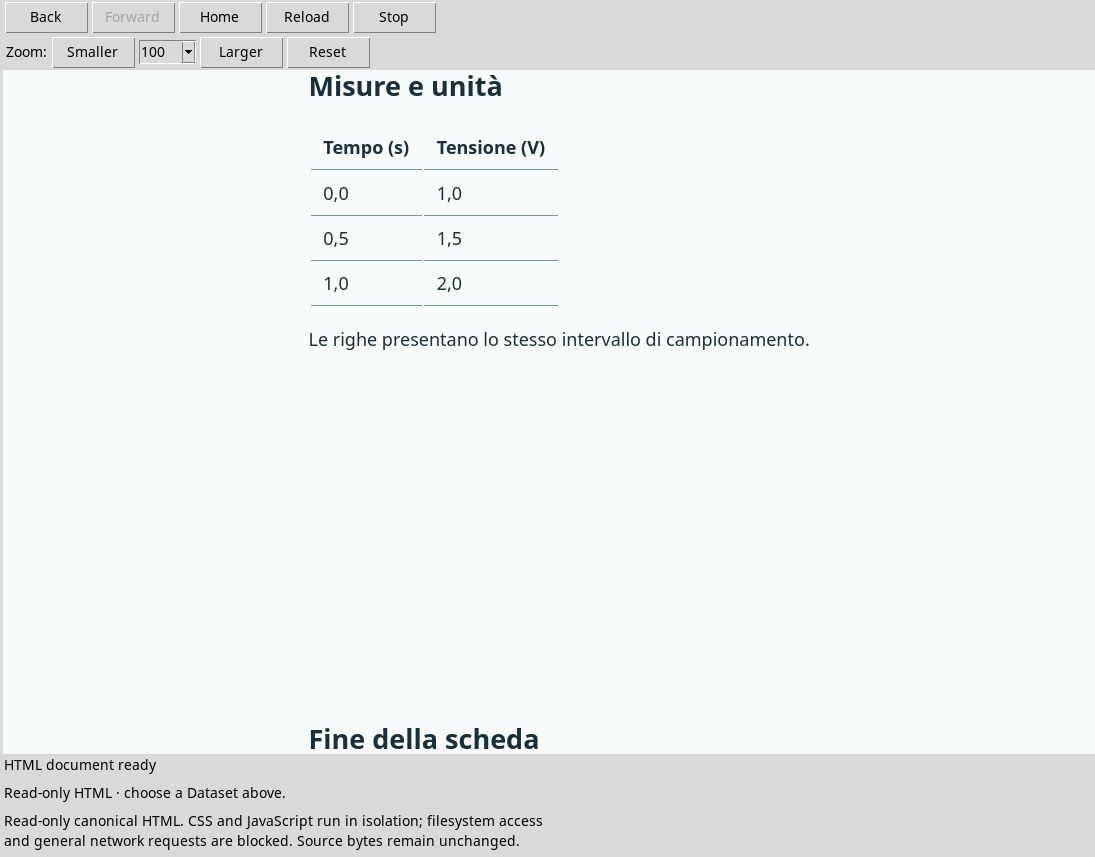
At the top of the sample page, click Vai alle misure (Go to measurements). The pane jumps to Misure e unità (Measurements and units). In the table, time advances by 0.5 s per row and voltage increases by 0.5 V per sample. Vai in fondo (Go to the end) points to the last heading. Use the scroll wheel to read between headings and Home to return to the start.
Resume reading when Back stops working
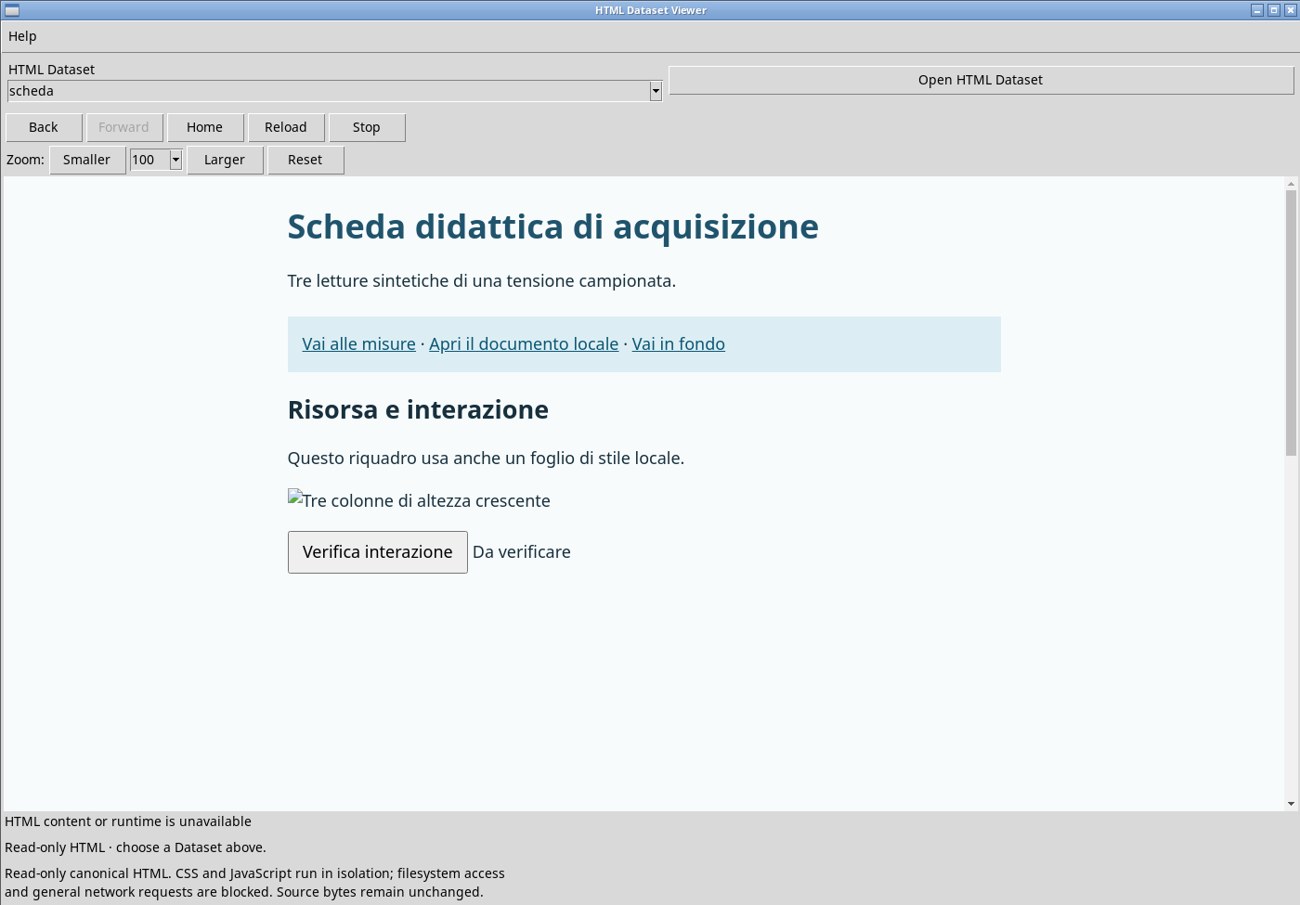
When the page first opens, Back and Forward are disabled. In scheda, click Vai alle misure to jump to the table. Back becomes available. On DEV112 P011-bis, clicking it after following an anchor may leave the pane showing HTML content or runtime is unavailable. Forward remains disabled. The renderer diagnostics recorded ASSET_DENIED in this case. The Dataset remains selected.
- Click Home in the HTML pane. Wait for
HTML document readyand check for the title Scheda didattica di acquisizione. - Use the link within the page to reach the section, for example Vai alle misure or Vai in fondo. To read between sections, use the scroll wheel with the pointer inside the page. In the test, reading resumed and Forward remained disabled.
Return to the start, reload, and stop loading
Home returns to the Dataset’s initial source. After jumping to the table in the exercise, it restored the initial title and the HTML document ready status.
Reload reloads the current page. To see the effect, click Verifica interazione and then Reload. The text returns to Da verificare, and the toolbar again shows HTML document ready.
Stop sends a stop command to the renderer. During Loading HTML document, the button was disabled in the test. After the page was ready, clicking it left the page visible with the HTML document ready status.