Recognize renderer states and limitations
Distinguish Session, source, and renderer states. Check relative resources and reopen the viewer after switching Sessions.
Recognize the renderer status from the pane
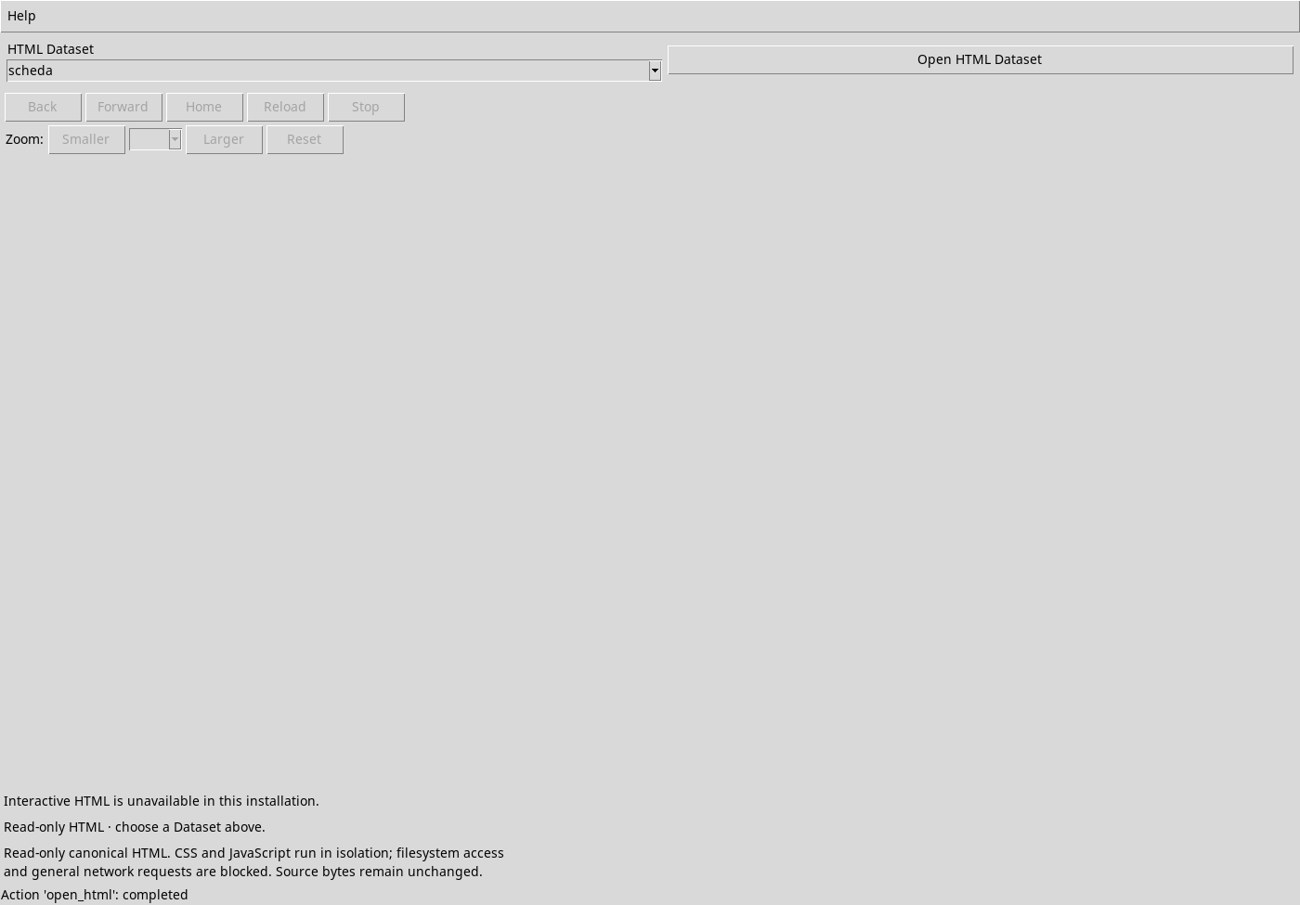
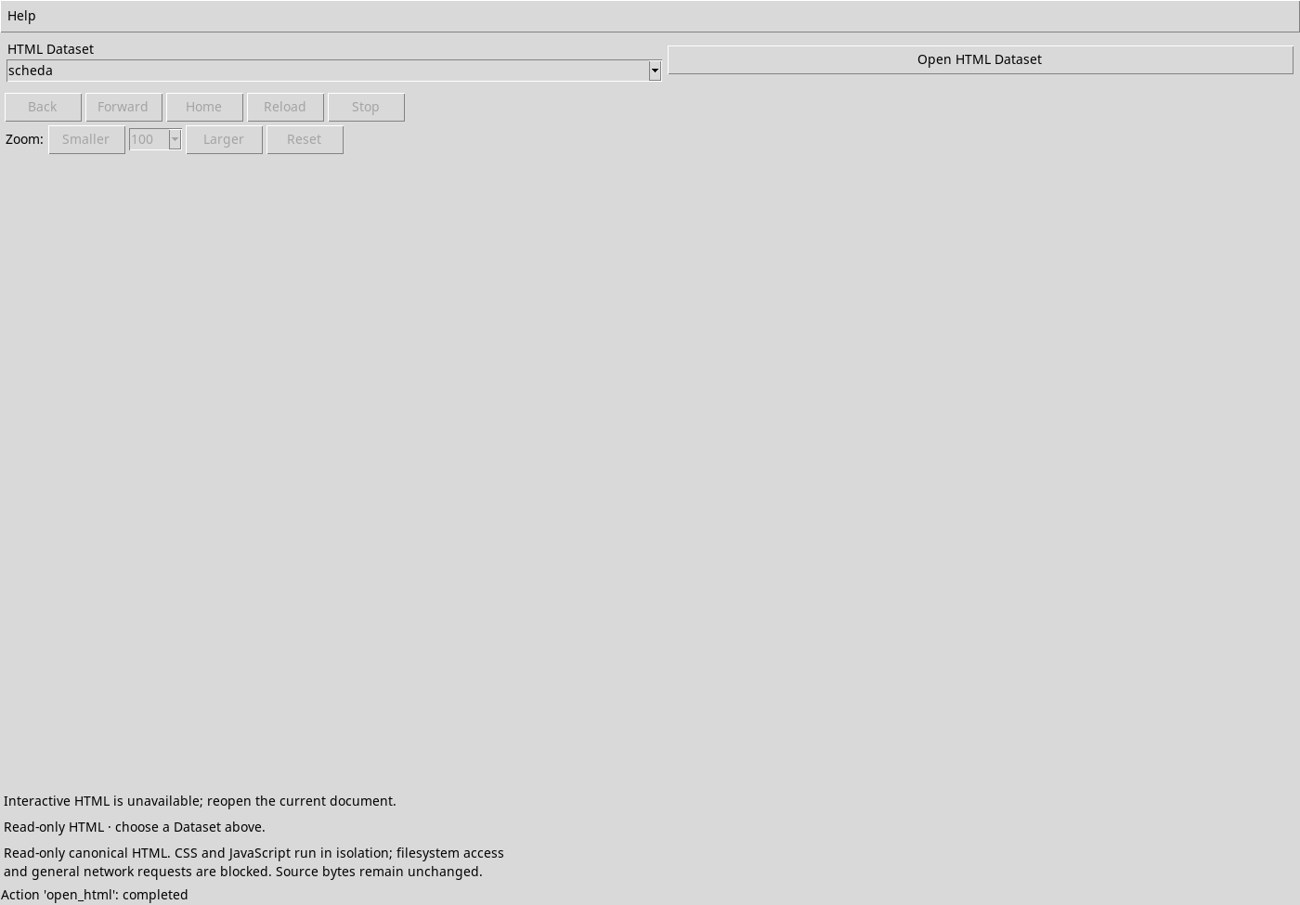
After opening the document, the pane may show Loading HTML document. Wait for HTML document ready before using navigation or zoom. In the initial test configuration, the pane showed Interactive HTML is unavailable in this installation and these controls remained disabled. The command status at the bottom could still show completed.
Embedded rendering requires the native HTML runtime and its Qt 6 WebEngine dependencies. On Debian 13, the test loaded the GX-TXT runtime with WebEngine 6.8.2 libraries and resources extracted into an isolated test configuration. The framework patch was the same. If your installation shows the warning, check that your distribution provides the required dependencies and reopen the document in the viewer.
Test a relative resource in the page
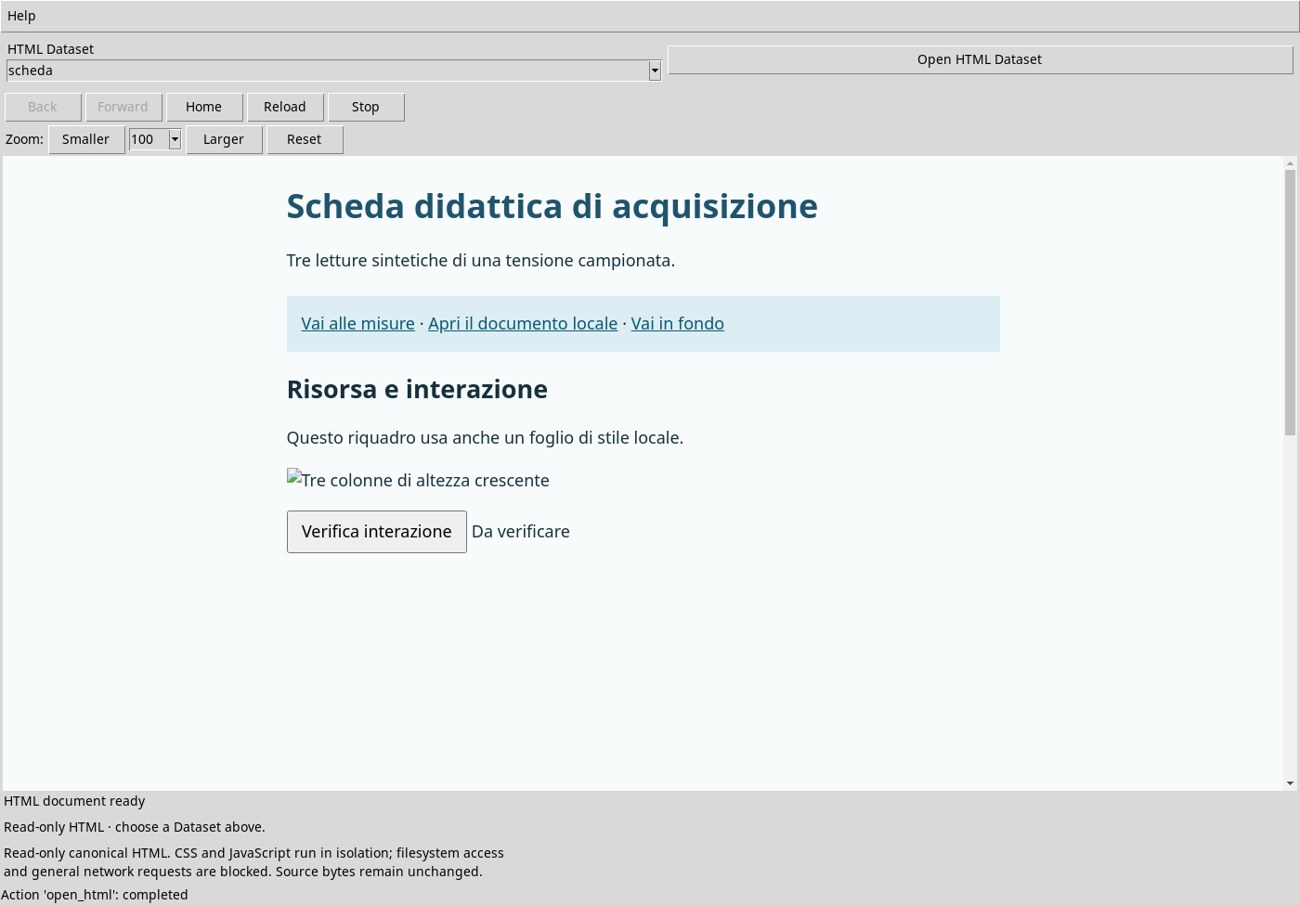
The example Dataset contains the HTML document alone. The image campioni.png, stylesheet laboratorio.css, and file note.html were stored next to the original. The example HTML displays its embedded styling. The image referenced by a relative path shows its alternative text, and the relative stylesheet does not color the pane.
The Apri il documento locale link (Open the local document) points to the file next to scheda.html. In the test, the pane reported that the presentation was unavailable and asked you to reopen the document. To read the note, import it separately and choose note in HTML Dataset. To compare the behavior with all the files next to the document, download the exercise folder and open scheda.html in a browser.
Open a Session and resume work
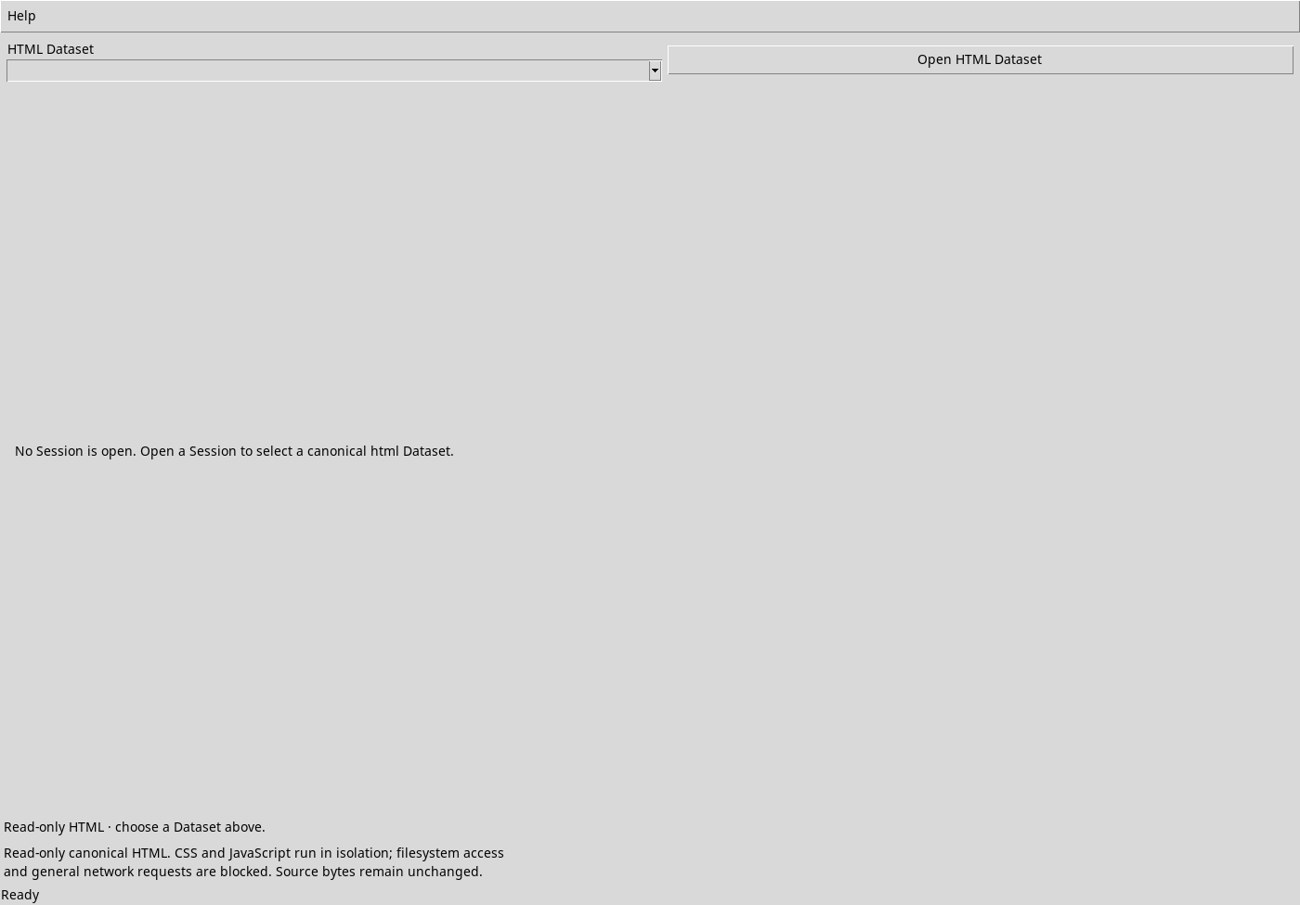
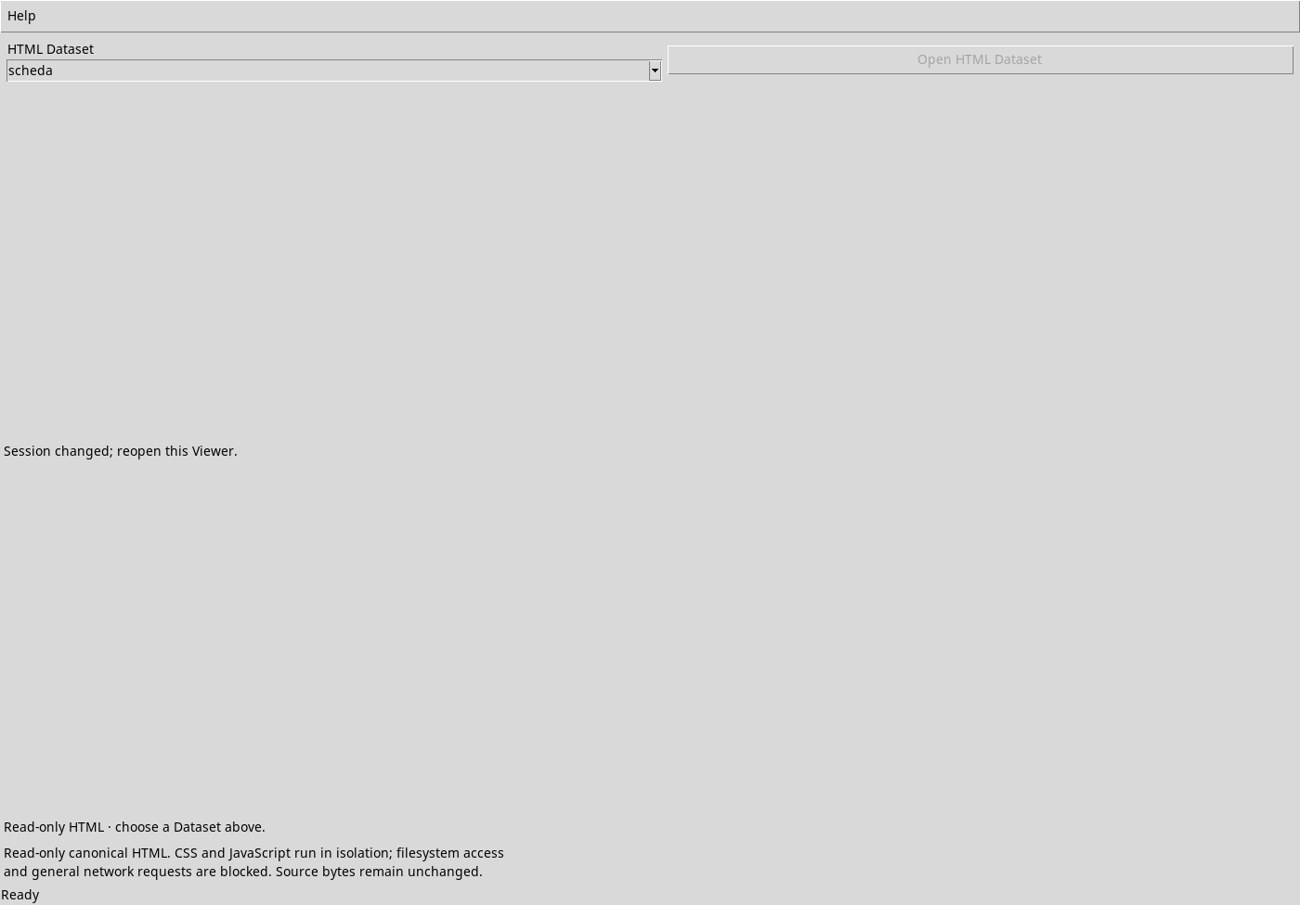
If no Session is open, the pane displays Open a Session to select a canonical html Dataset. Create or reopen your working Session and open the HTML tile. If you switch Sessions, the pane shows Session changed; reopen this Viewer. Close the window, reopen the tile, then choose or import a Dataset in the current Session. The list and selection refer to that Session.