Open a reference in GX-TXT
Identify the viewer window
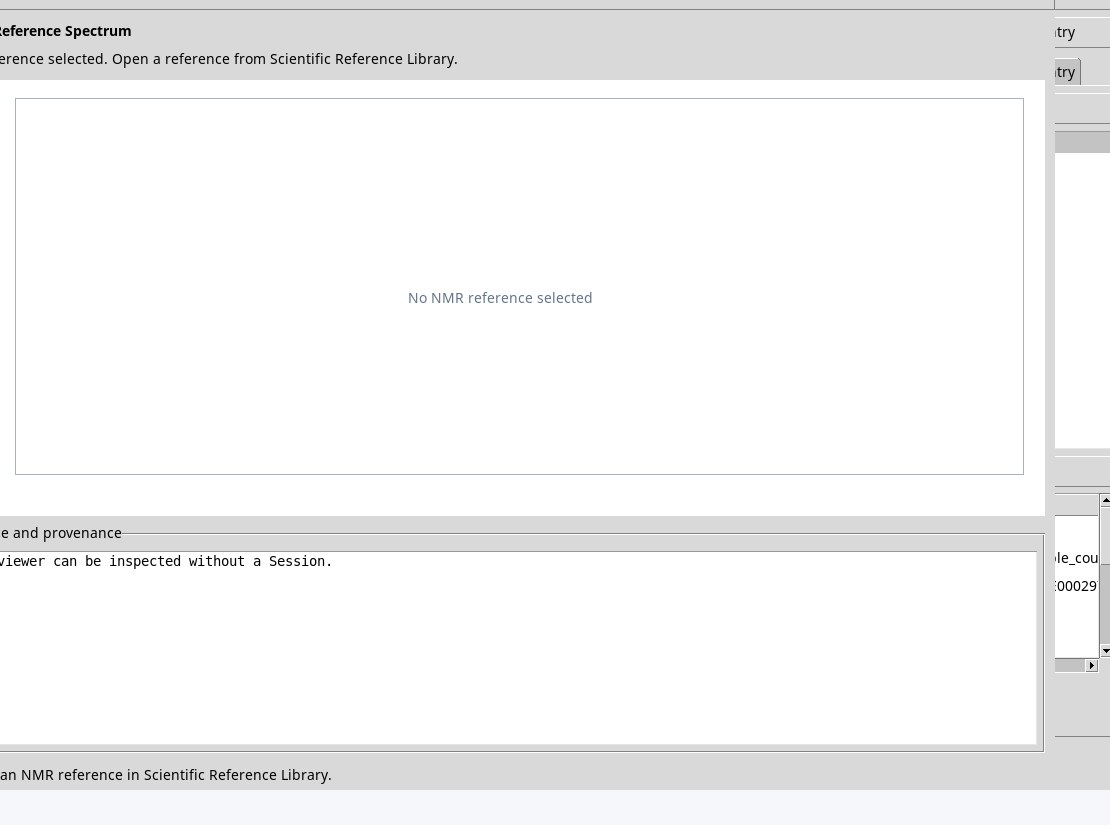
In Viewers, search for NMR Reference and click its tile. The NMR Reference Spectrum Viewer window can open without an active session. If you open it immediately after starting GX-TXT, the pane shows No NMR reference selected and identifies the catalog to choose from. To load a trace, go to Scientific Libraries.
Install the reference library
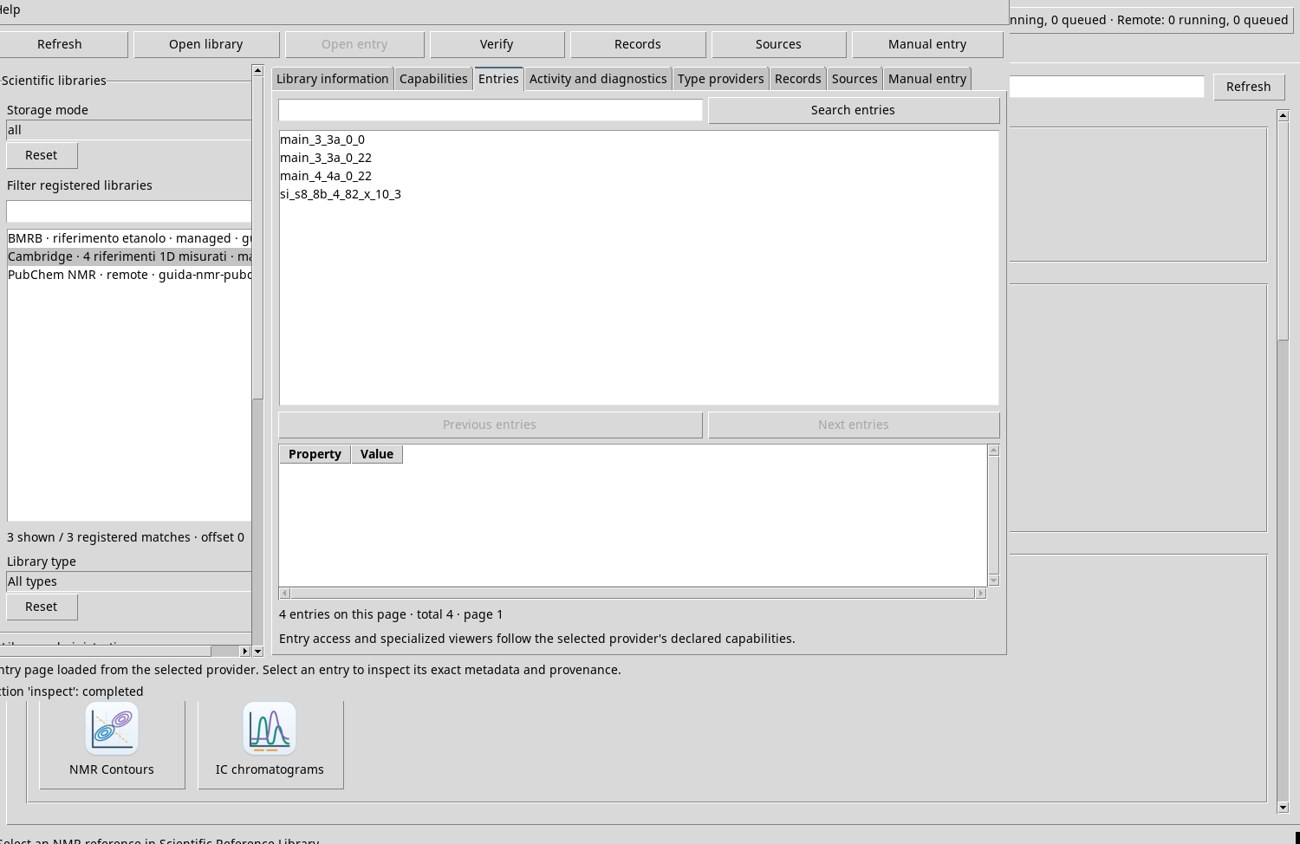
- Download guida-cambridge-nmr.zip. Open Scientific Libraries from Viewers. The viewer message refers to Scientific Reference Library, the browsing feature available in Scientific Libraries in this version.
- In Library administration, click Install managed package…. Select the ZIP in Select scientific library package and wait for the list to refresh. To narrow the list, select
managedin Storage mode andspectroscopy.nmr.referencein Library type. The package appears with the IDguida-cambridge-nmr. - Select the library in the left pane. The Entries tab lists the IDs. When you select an entry, the status bar confirms that its metadata and provenance have loaded.
Use Open library and Open entry
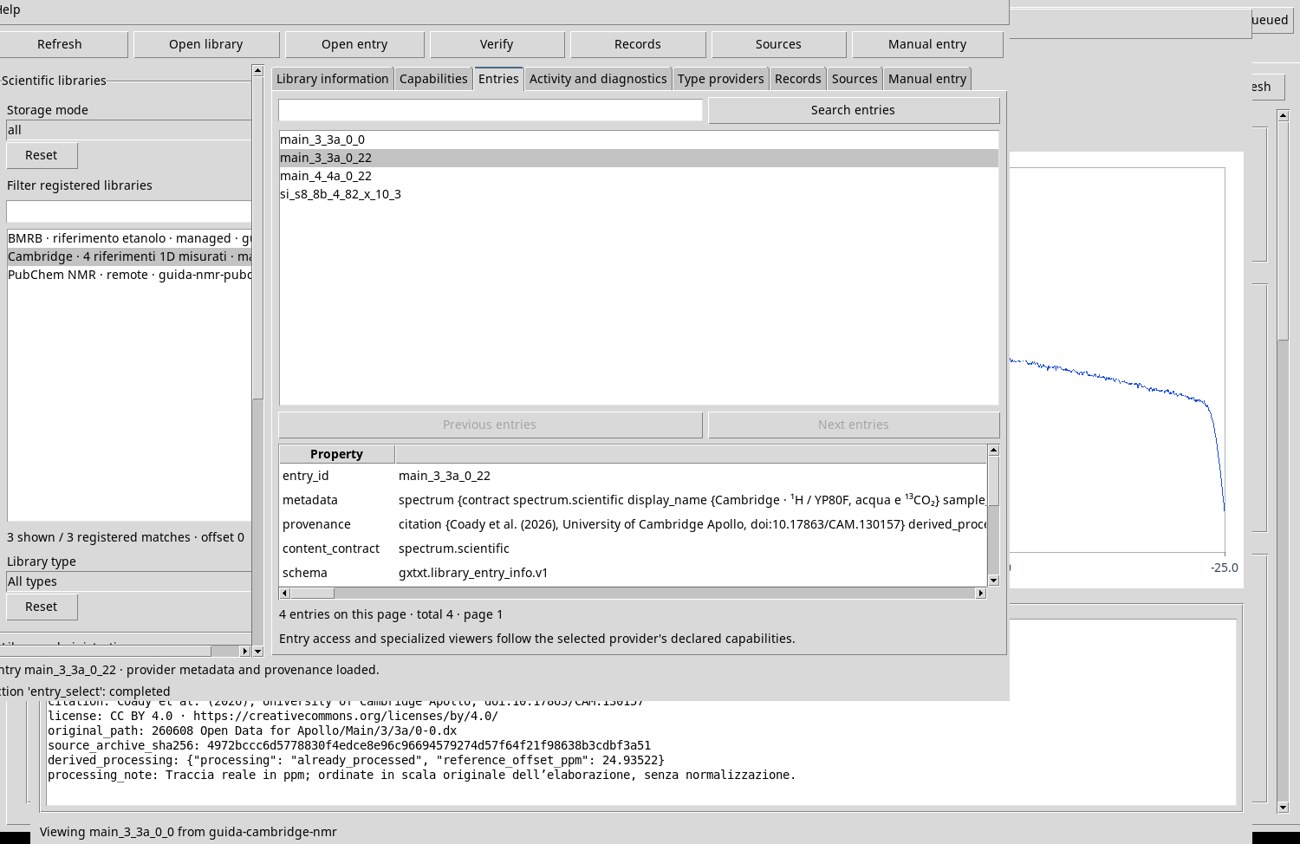
Open library opens the provider’s viewer. For the Cambridge package, it opens the first entry, main_3_3a_0_0. In Entries, select a row and use Open entry to open that specific ID. Check Viewing at the bottom and Reference and Library in the provenance pane. If NMR Reference is already open, the new entry updates that same window.
The catalog buttons may be disabled until you select a compatible library. Use Open library to start from the first available reference, or choose an ID in Entries. Use the window’s close control to close the viewer. Reopening it from the tile starts with no reference selected. Reopening it from the library starts with the requested ID.
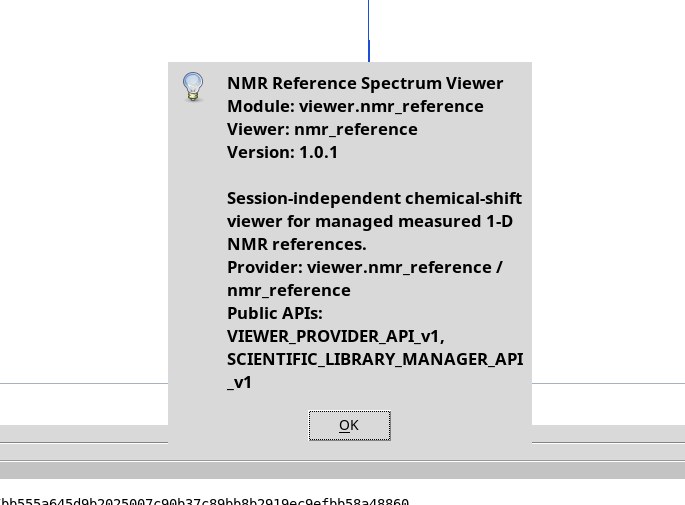
Open the built-in manual or the About dialog
With the viewer in focus, press F1 or choose Help → User Manual…. Help → About Module… opens a dialog showing the version, module, and provider. The tested module was viewer.nmr_reference version 1.0.1. Click OK to return to the plot.