

Advanced Parameters and Model Validation
Scientific Python in GX-TXT · Module 7 · Lesson 37
The parameters allow you to reuse the same script with different values without changing the code. In this lesson we declare type, default value and range allowed, then we compare two executions in the Runner.
Objectives
- Declare parameters with type, description and limits.
- Read the selected values and the pattern from the Job context.
- Use exclusively nominal arguments in a Python function.
- Check the data even within the calculation.
The problem
For n equidistant samples, the time between first and last sample is (n - 1) × step: the intervals are one in less than the points. With four samples at a distance of 0.5 s the duration is 1.5 s; with six samples at a distance of 0.25 s is 1.25 s. They are synthetic parameters for exercise.
Run the script
Import parameter_validation.py to the corso_python Session, save it and open Run → Open Script Runner.
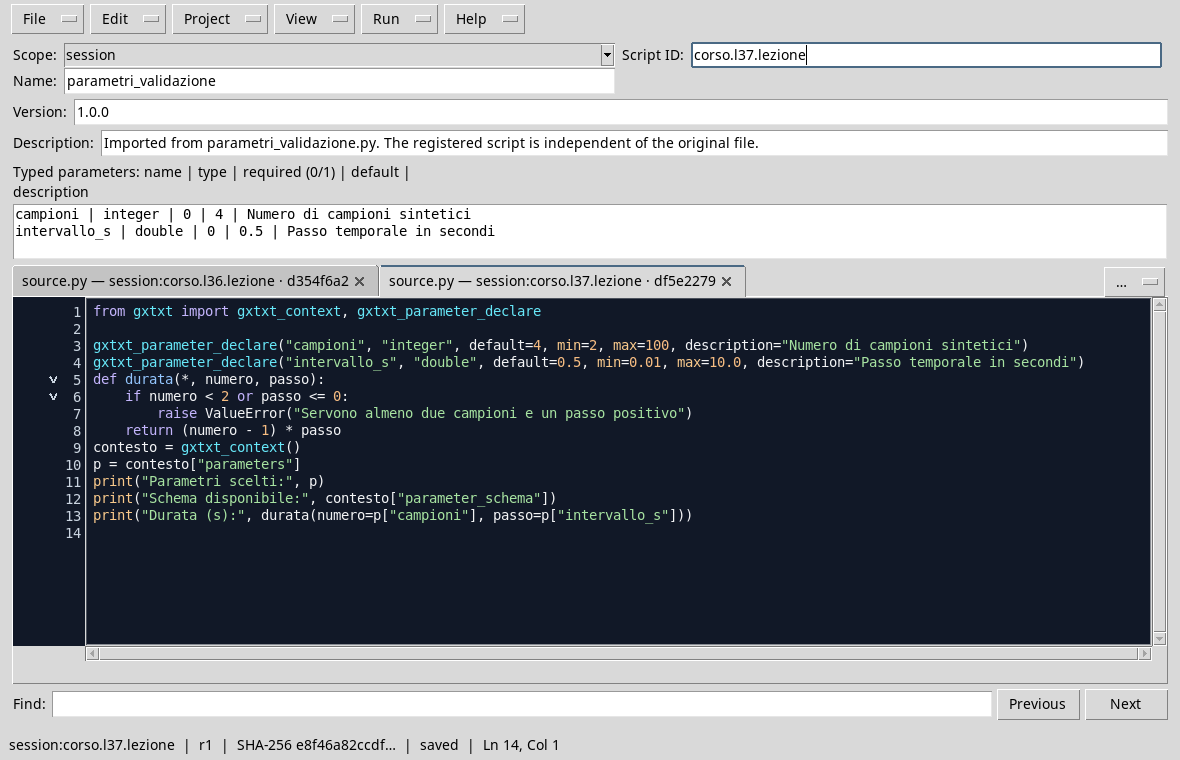
from gxtxt import gxtxt_context, gxtxt_parameter_declare

gxtxt_parameter_declare("campioni", "integer", default=4, min=2, max=100, description="Number of synthetic samples")
gxtxt_parameter_declare("intervallo_s", "double", default=0.5, min=0.01, max=10.0, description="Time passage in seconds")
def duration(*, number, step):
    if number < 2 or step <= 0:
        raise ValueError("We need at least two samples and a positive step")
    return (number - 1) * step
context = gxtxt_context()
p = context["parameters"]
print("Parameters chosen:", p)
print("Available diagram:", context["parameter_schema"])
print("Durata (s):", duration(number=p["campioni"], step=p["intervallo_s"]))
gxtxt_parameter_declare declares samples whole between 2 and 100 and interval_s real between 0.01 and 10 s. The defaults are 4 and 0.5 respectively. gxtxt_context()["parameters"] exposes the values of the single execution; parameter_schema describes the pattern and origin of the statements.
In the def duration(*, number, step) definition, the asterisk requires to call the arguments by name: duration(number=..., step=...). This makes clearer what value represents the number of samples and which step. The function also checks that the values are significant for their calculation and signals an error if they are not.
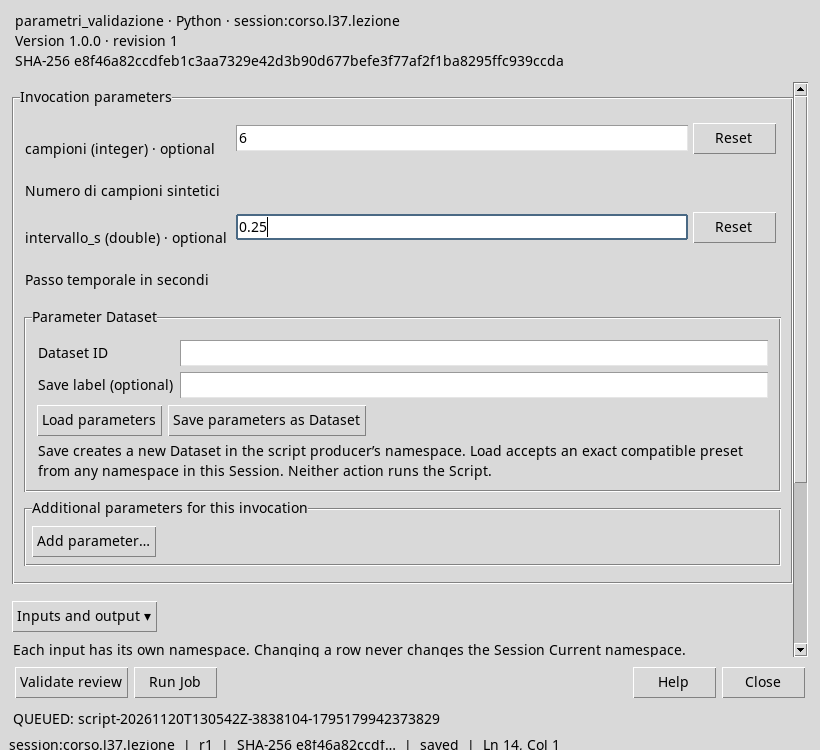
Run first with defaults. Then reopen the Runner, set samples to 6 and interval_s to 0.25 and start a second Job, without changing the script.
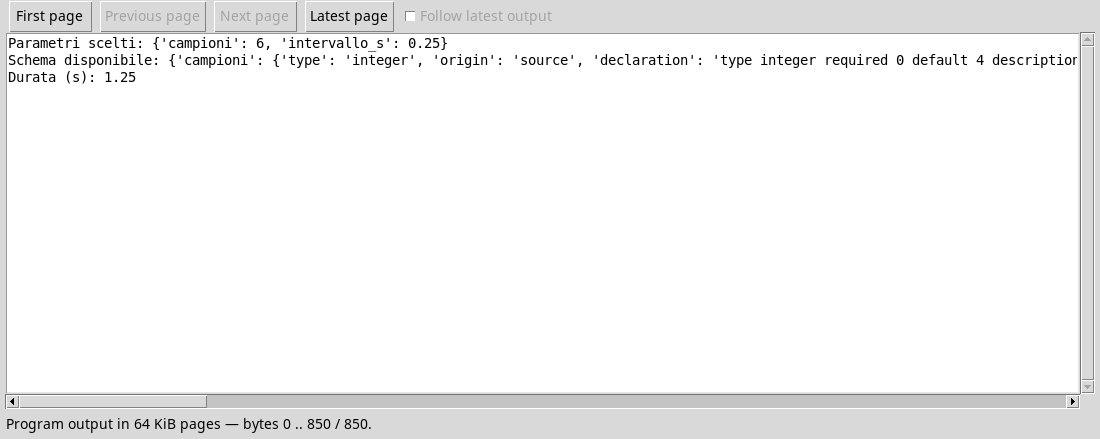
The second output shows the selected values and Durata (s): 1.25. Conserving together version of the script and parameters of the single execution allows you to understand how a result was obtained. Change the code after verifying the Runner produces a different script: save and check again before running it.
Exercise
- What is the duration of five samples with 0.2 s pitch?
- Why does the formula use
n - 1? - What is the advantage of
duration(number=5, step=0.2)compared to two numbers without names?
Worked solution
(5 - 1) × 0,2 = 0,8 s.- Five consecutive points limit four intervals.
- Names make explicit the meaning of arguments and reduce the risk of trading them.
In the next lesson we will explore Sessions, Workspaces and scientific notes.