

Install libraries and generate a session
NIST/PNNL and RefIMP Generators, prerequisites, and reopening a session.
Prepare GX-TXT for the IR exercises
This guide uses the IR Spectroscopy — Reference Evidence 1.0.1 viewer in GX-TXT 0.9.8.10-dev-112-p011. Open it from Viewers → Spectroscopy & Signals → IR Spectroscopy. You can browse a Library without a Dataset. Open a session to compare Datasets, run analyses, and work with variants, scientific history, and Workspaces.
Automated reference matching requires the IR Spectroscopy and Reference Matching 1.2.0 module (analysis.spectroscopy.ir). Select it in Configuration → Modules → Analysis & Services. If the state is CORE / OFF, click Enable module. The module is active when the button reads Disable module.
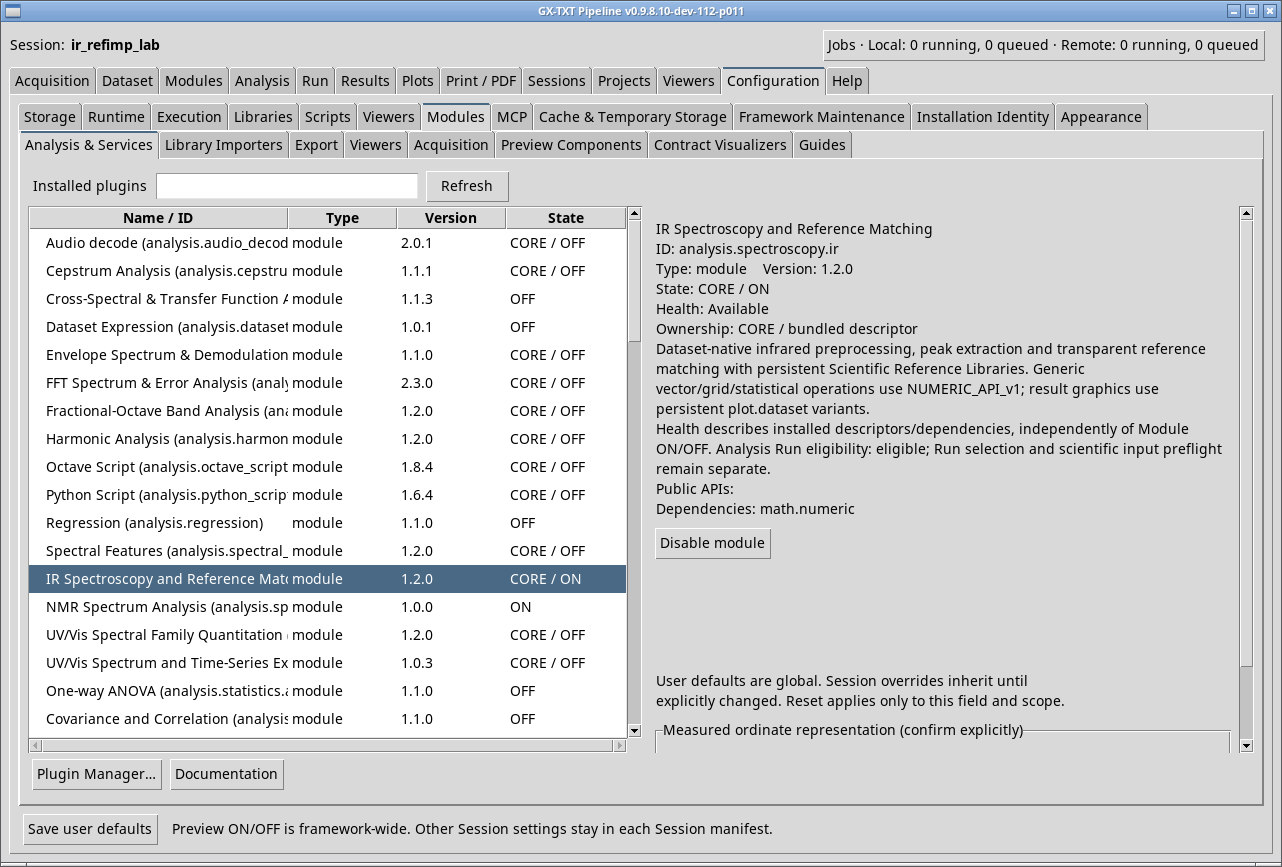
Install the scientific reference libraries
- Open Configuration → Libraries → Open Libraries…. In Scientific Libraries, choose Install managed package… in the catalog manager.
- For the NIST/PNNL exercise, choose the NIST/PNNL managed package with ID
nist.pnnl.ir.optical_constants.2017. The individual 2017 PNNL records list Public domain. The spectra in this exercise use the optical constant k, the dimensionless imaginary component of the refractive index. Ethanol in the NIST Chemistry WebBook. - For the RefIMP exercise, install the RefIMP managed package (42 MB) with ID
tum.refimp.ftir.training.2022. It contains 9,537 references. Thetum.refimp.ftir.2022collection has 15 entries and a different ID. If you already have the full-training collection as a scientific.gxsrl.ziparchive containinglibrary.gxsrl, you can build the managed package with the packaging script (extract the ZIP first). The command checks the original checksum and preserves the payload byte for byte. - Check the name and ID in the list. If a required library is missing, the Generator displays
BLOCKED_LIBRARY_REQUIREDwith the library ID. Finish installing the library, then try again with an available session name.
Download and reassemble the RefIMP package (23 parts)
Download all parts and extract each ZIP into the same folder. Run the command from that folder to reassemble refimp-training-managed.zip.
- Part 01
- Part 02
- Part 03
- Part 04
- Part 05
- Part 06
- Part 07
- Part 08
- Part 09
- Part 10
- Part 11
- Part 12
- Part 13
- Part 14
- Part 15
- Part 16
- Part 17
- Part 18
- Part 19
- Part 20
- Part 21
- Part 22
- Part 23
Use Python 3. On Windows, use py -3 in place of python3 if needed.
python3 -c "from pathlib import Path; from hashlib import sha256; n='refimp-training-managed.zip'; data=b''.join(Path(n+'.part-%02d'%i).read_bytes() for i in range(1,24)); assert sha256(data).hexdigest()=='cd37d60fab3f064a73f7153aa22ad09bf17d52baa808887d10d2bae42d80cf10', 'SHA-256 checksum mismatch'; Path(n).write_bytes(data)"The command checks the SHA-256 digest before writing the file. In Scientific Libraries, select the reassembled ZIP using Install managed package…
python3 prepare_ir_references.py tum.refimp.ftir.training.2022.gxsrl.zip refimp-training-managed.zip \
  --name "RefIMP FTIR full training 2022" --license "CC BY-SA 4.0" \
  --origin https://mediatum.ub.tum.de/1656656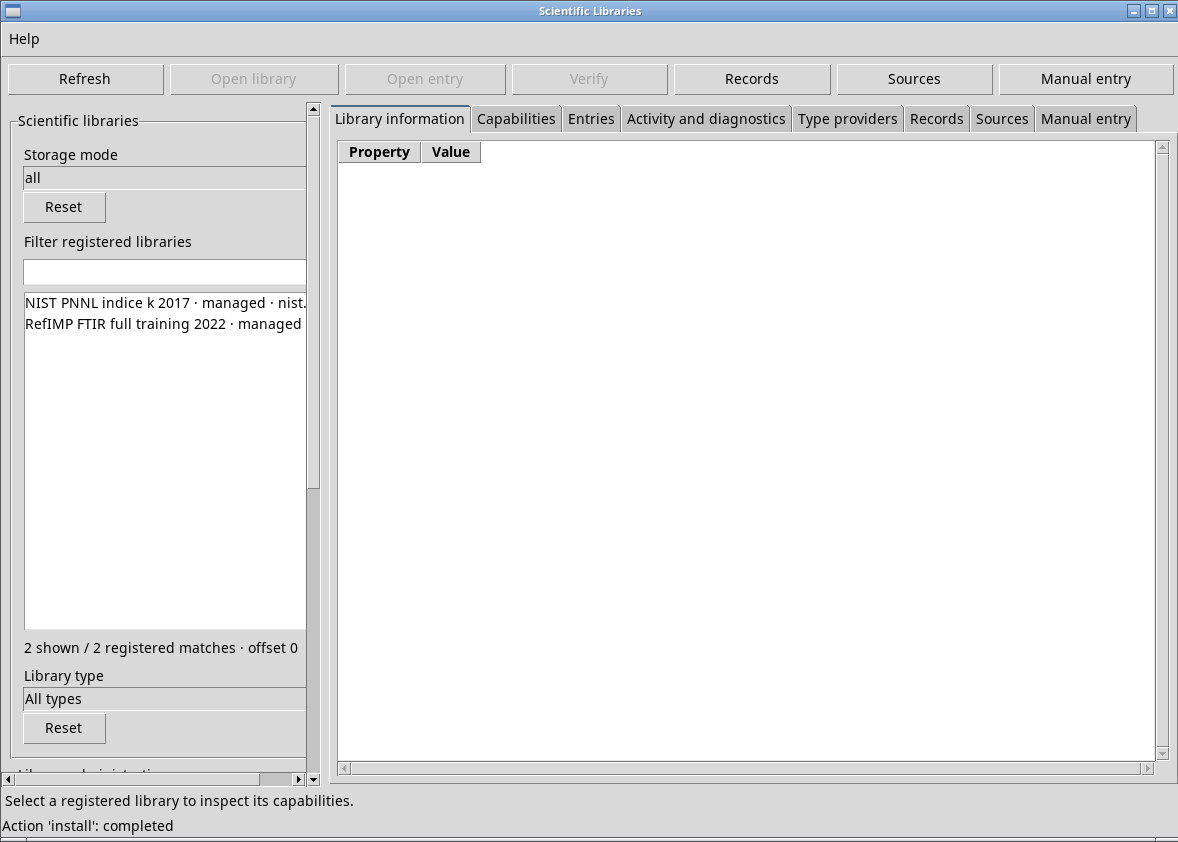
Install the 1.1.0 Generators and generate a session
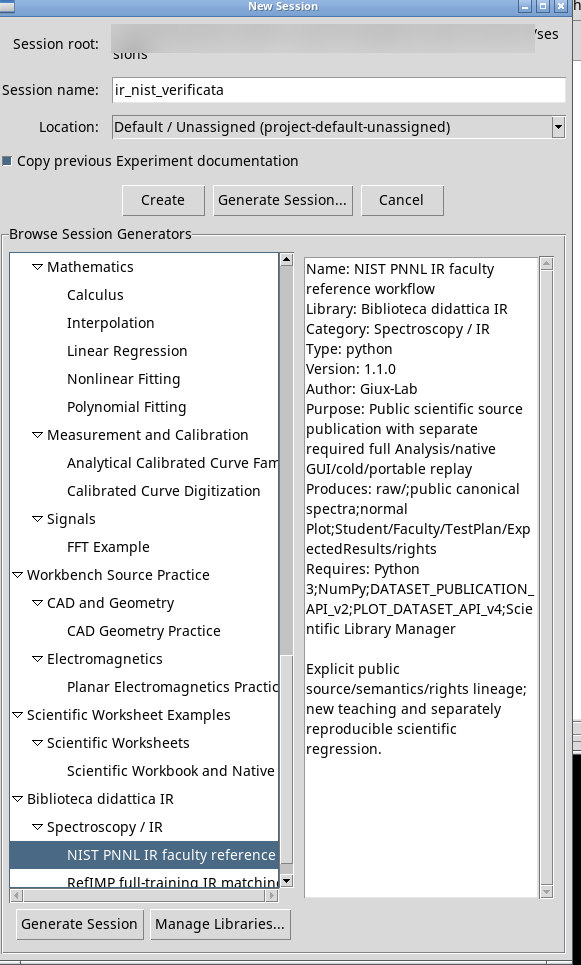
- In Sessions → Session → New Session… open Generate Session…, then Manage Libraries….
- Use Create Library… to create a writable Generator library and select it. Click Import Generator… and choose the NIST Generator 1.1.0. Repeat with the RefIMP Generator 1.1.0. Files ending in
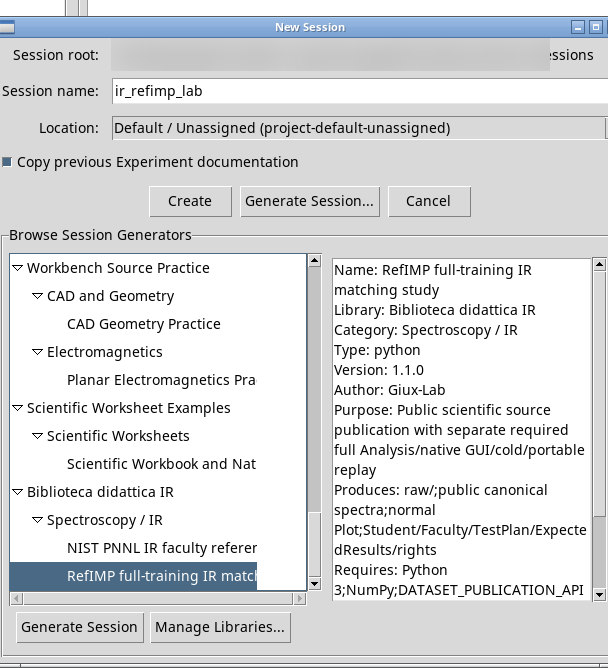
_DEMO.gxtxt-session.zipare ready-made sessions for the session import command. - Return to Hide Manager / Back to browsing. Expand the library and Spectroscopy / IR. Select NIST PNNL IR faculty reference workflow or RefIMP full-training IR matching study.
- Check Session root, enter a new Session name, and click Generate Session. Wait for the generated session to open. The Generator publishes the sources and documentation. Run subsequent analyses from the viewer once you have set the parameters.
- To reopen the session, use Sessions → Session → Open Session… and choose the folder with the name you assigned. Open IR Spectroscopy in that context.
Identify the generated sources
nist_pnnl_ir_faculty1.1.0- Six HDF5 Datasets. Each compound has Datasets with the suffixes
.standard_gridand.legacy_grid. Ethanol has 15,347 samples. Methanol and 2-propanol have 15,345 each. The standard grid uses FIRSTX, LASTX, and NPOINTS. The legacy trace reconstructs X from the nominal DELTAX. Both grids use the same PNNL Y values. refimp_full_training_ir1.1.0ir.refimp.item13in HDF5 andir.refimp.csv_compatin CSV. Both contain the same 637 pairs for ItemID 13, with wavenumber in cm⁻¹ and a dimensionless relative transmission signal (unit 1).