Axes, units and style
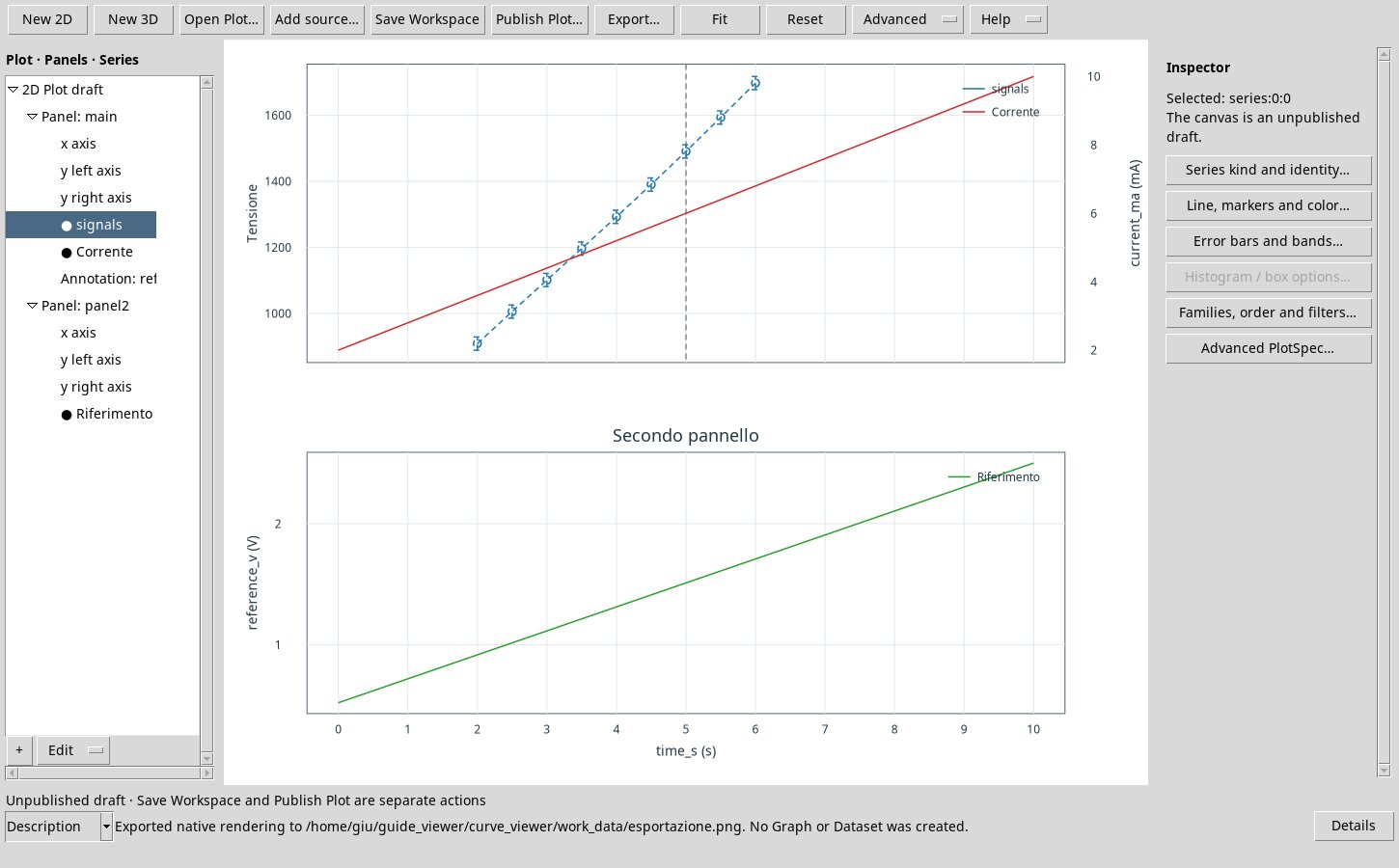
Select an axis in the tree and open Axis, units and bounds…. Set the label, a compatible unit, linear or logarithmic scale, direction, minimum, maximum and major tick spacing. Limits use the displayed units. For example, when the unit is mV, entering 500 sets 500 mV. Clear both limits and apply before running Fit to restore the automatic range. A logarithmic scale requires valid data and limits.
Select a series and choose Line, markers and color…. You can set line pattern and width, marker shape, size and fill, RGB color, and opacity. Automatic, Inherit and an explicit value have distinct meanings. None suppresses the corresponding geometry. Select Apply to confirm the changes.