

Exploring a 3D figure
- Choose New 3D, add a Dataset, and bind numeric X, Y and Z variables with compatible shapes. An optional independent C variable controls color. Family groups the samples into members.
- In 3D kind and scalar…, choose
scatter3,line3,surface,mesh,contour3,trisurforheatmap. Surfaces and grids require compatible topology. A surface representation requires scientific justification for the underlying observations. - Wait for the view-ready message. Rotate, pan or zoom the view, and use Fit to fit it. Native camera… offers orthographic and perspective projection, camera position, target and clipping, among other controls.
If a scatter3 family fails to prepare after opening a surface Graph: You may see an error requiring a rectangular grid even when the current view is scatter3. The last accepted draft remains available. First create a separate project with Advanced → Workspace actions → New workspace…, then choose New 3D, bind the same Dataset directly as scatter3, and select Family immediately. Save the new Workspace and publish a new Graph if needed. This creates a separate draft and preserves the identity of the original Graph.
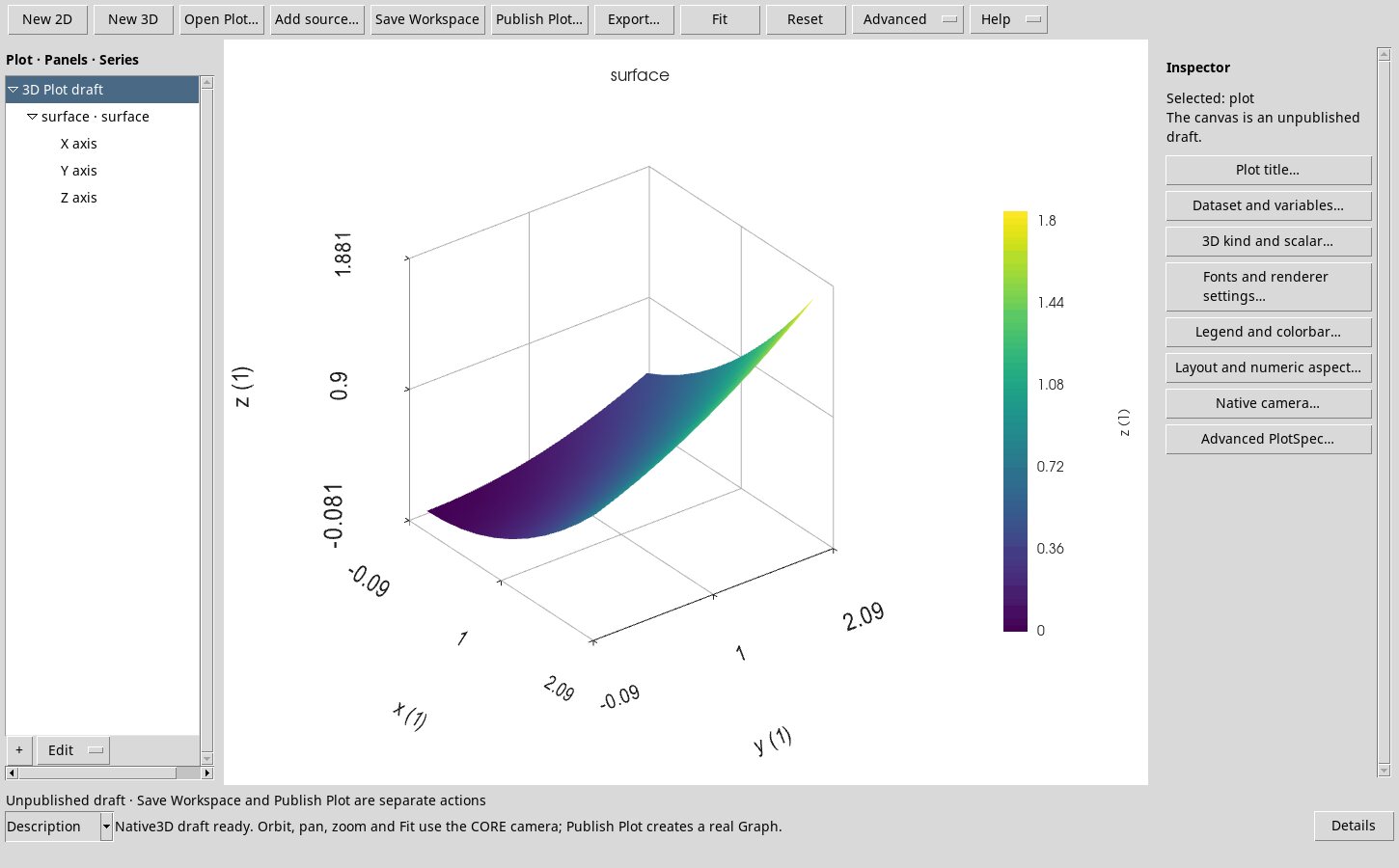
While the 3D view is being prepared, the previous frame may remain visible. Wait for the accepted frame or cancel preparation before exporting or publishing. Display reduction leaves the source samples intact.
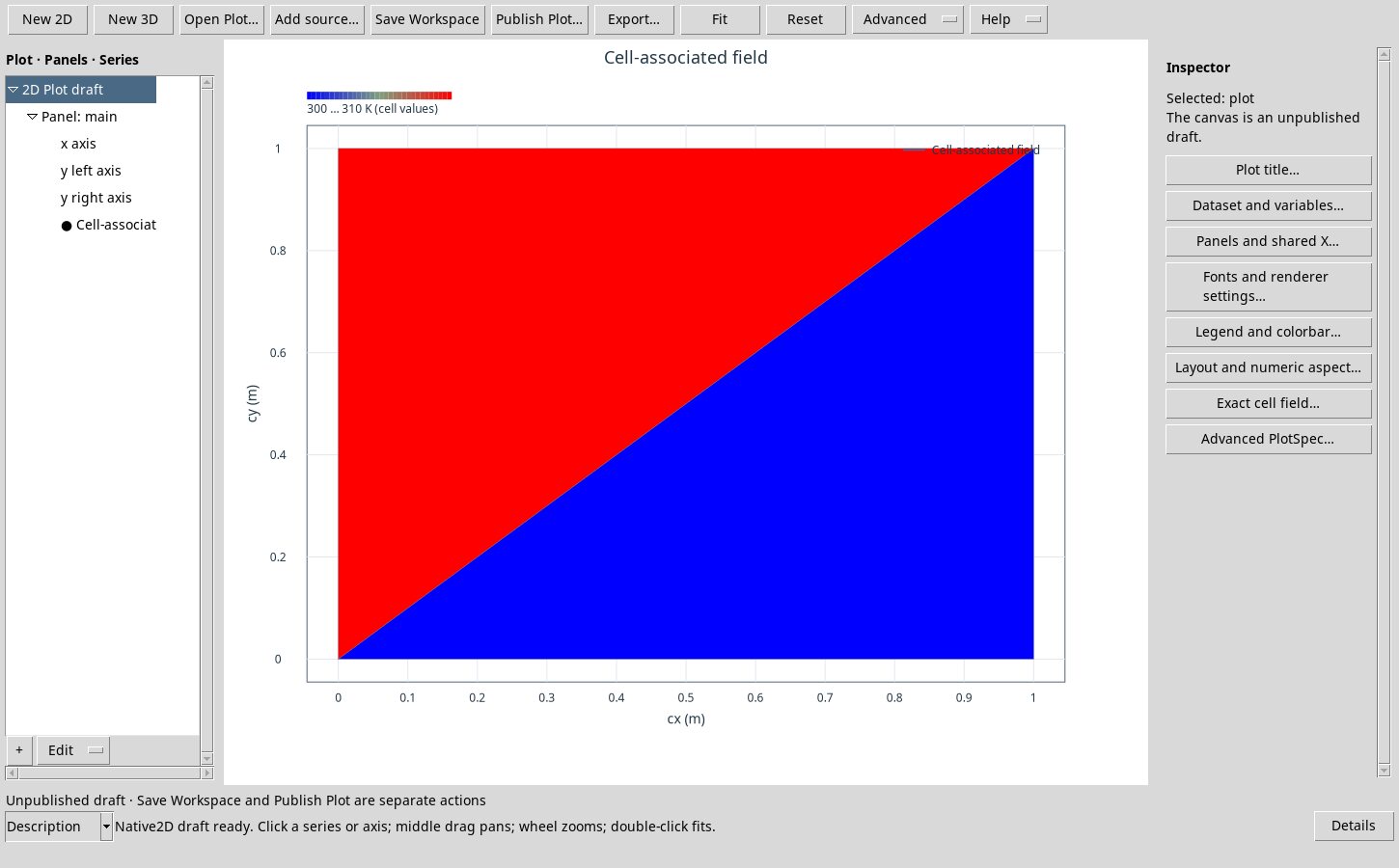
Field on exact triangles
Exact cell field… requires Cells and Nodes Datasets, integer node and cell identifiers, coordinates, three node references per triangle, and a scalar bound to the cell. The exact field preserves topology. The centroid profile shows the actual samples without interpolating a field at the nodes. Missing references and invalid bindings are rejected.