

Uncertainty, panels and annotations
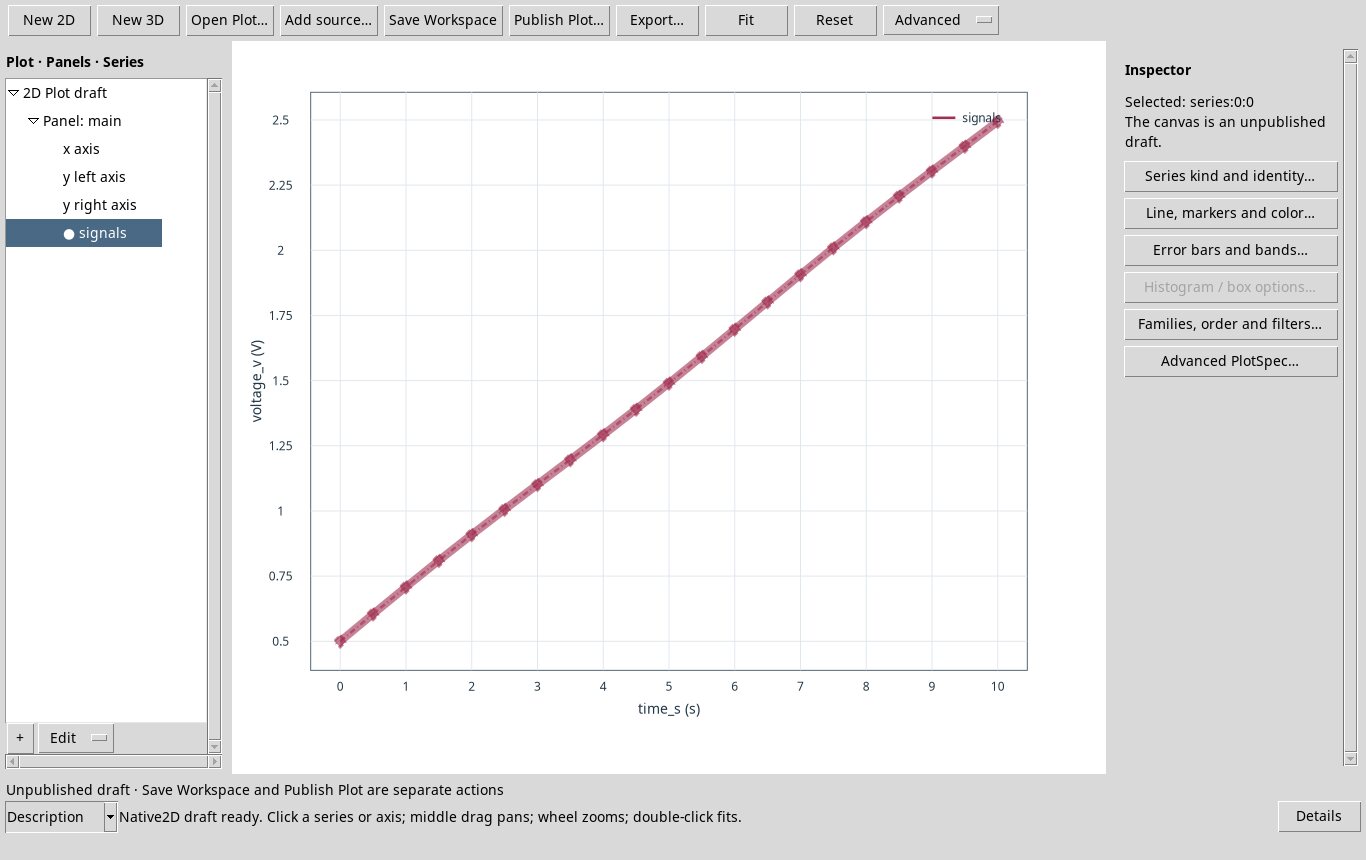
For error bars, select a series and open Error bars and bands…. Bind compatible numeric variables for symmetric X or Y errors or for the two sides of asymmetric errors. Sigma gives an error magnitude. The Band lower/upper and Bar lower/upper fields take absolute bounds. Supply the uncertainty yourself. The viewer does not infer a standard deviation or confidence interval from the data.
In Panels and shared X…, choose Add panel, supply a unique ID and title, and enable separate panels with a shared X axis. Select the new panel before adding its series. At least one panel must remain. Check that the shared axes are compatible.
Select a panel and open Annotations…. reference_line takes an axis and value, reference_region takes an axis and minimum and maximum, and text takes an X/Y position and text. Set color, line pattern and width to control the appearance. Add a separate text annotation to label a line or region.