Browse and Manage the Catalog
Libraries, providers, entries, packages and diagnostics.
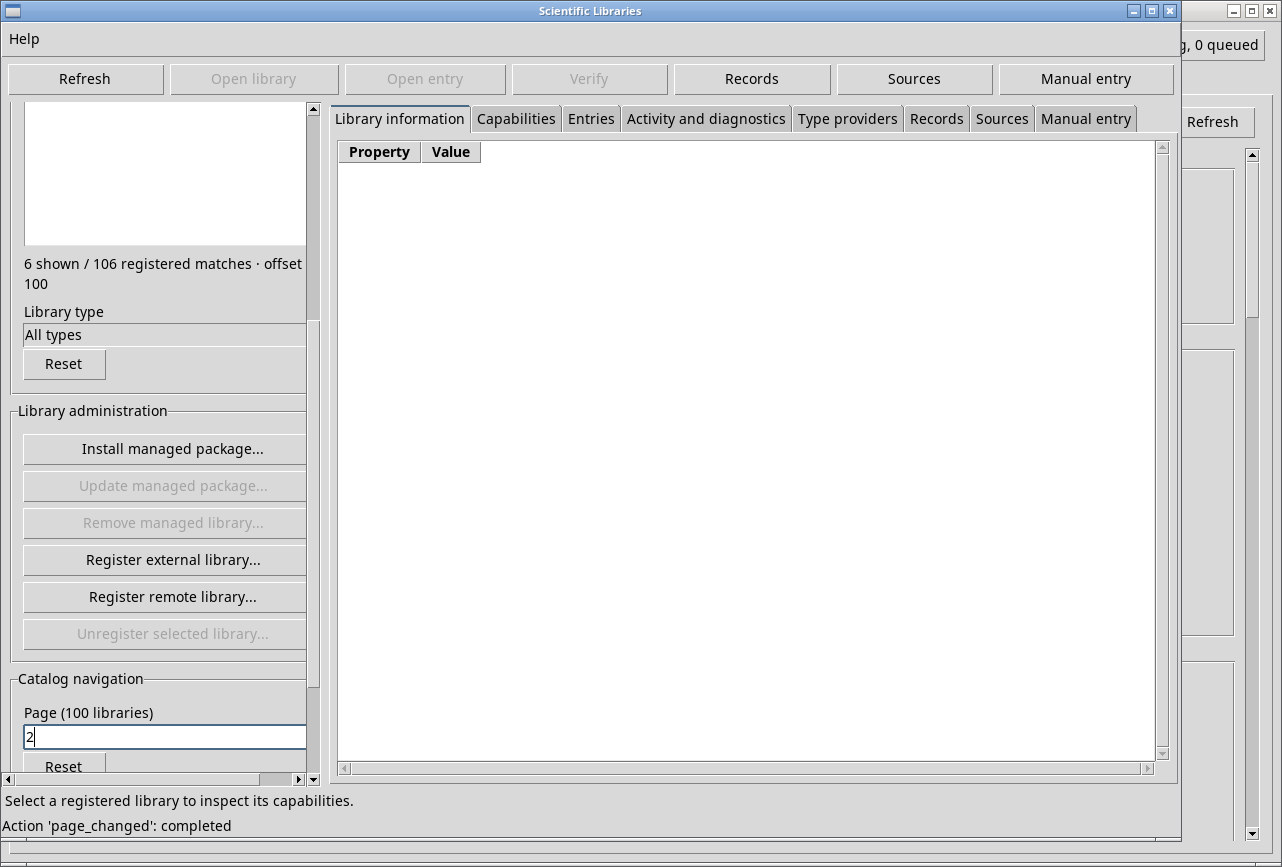
Filter the registered libraries
- Storage mode
allshows all storage modes.managedshows copies installed and stored by GX-TXT.externalshows references to external sources, such as a local file that stays in place.remoteshows registrations for services or sources, including ones that require credentials. Reset restoresall.- Filter registered libraries
- Enter a name, ID, type, source or provider ID. Press Enter or move focus. Clear the text and confirm to remove the filter. It applies to the list on the left.
- Library type
- Select an exact type alongside the other filters.
All typesand Reset include every type. The count shows how many libraries match the filters. - Page (100 libraries)
- Choose a page in the filtered list. The catalog numbers pages from 1 and shows up to 100 registrations per page and the row offset. A new filter returns to the first page. Reset resets Page to 1.
- Refresh
- Reloads the registry. Use it after a write completes. Remote availability depends on the source configuration and the provider response.
Library type values
| Type | When to select it |
|---|---|
chemistry.records | Substance records, properties, identifiers and chemical references. |
electronics.components | Component records and associated technical documentation. |
molecular.structures | Declared geometry, such as a PubChem conformer. |
scientific.reference.json | Scientific references from the general-purpose JSON provider. |
scientific.publications | Bibliographic citations and publication records. |
scientific.spectra | Numeric spectra and typed scientific descriptions. |
spectroscopy.ir.reference | Reference libraries for the dedicated IR viewer. |
spectroscopy.nmr.reference | NMR references such as nuclei and chemical shift values. |
technical.resources | Documents and technical images recorded as records. |
Read information, capabilities and providers
- Library information
- Select a library.
registry.*fields contain registered values, including stable ID, type, provider, mode, version and origin.status.*fields describe the observed state. A missing or unknown value leaves the state unverified. Select one or more rows and copy the tab-separated cells with Ctrl+C. - Capabilities
- Compare what the provider declares with what is actually enabled. Check why a view, search, verification or action is unavailable.
read_onlyapplies to the scientific content. A managed package can still support administrative updates. - Type providers
- Shows providers by type even if the registry is empty. Check the modes, available opening actions, declared configuration and version before registering a library. Scroll horizontally to read long fields.
- Provider action / Run provider action
- If a provider offers extra actions, choose one in Catalog navigation and run it with Run provider action. A blank value or Reset disables the command. The diagnostics tab records the request identity and outcome.
Search and open library entries
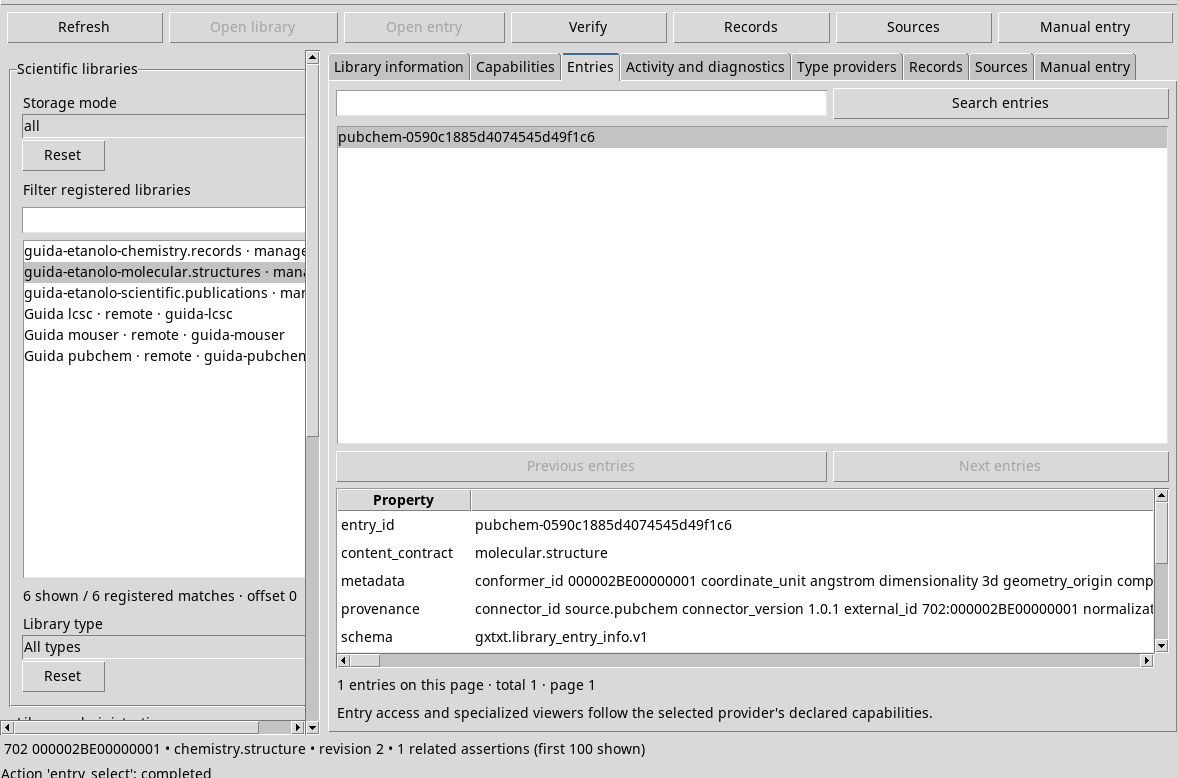
Select a library and open Entries. Search entries searches by ID or the metadata indexed by the provider. Leave the field blank to list all entries. Next entries and Previous entries move through pages of up to 100 entries from the confirmed search. If the next page is stale, run the search again. A successful search with no matches returns no rows. Access, authentication and support errors appear in the status line and diagnostics.
Select an entry ID to view its exact metadata. Check its revision, contract, hash and provenance. result_json shows complete structured values and preserves their types. Open library uses the library viewer declared by the provider, for example the IR viewer. Open entry opens the selected entry if the provider declares a viewer for individual entries. An NMR reference library can open at its first entry and use Open entry to select a specific reference. For an SDF file, the provider may leave Open entry disabled and offer opening from Records → Images and documents.
IR and NMR reference views
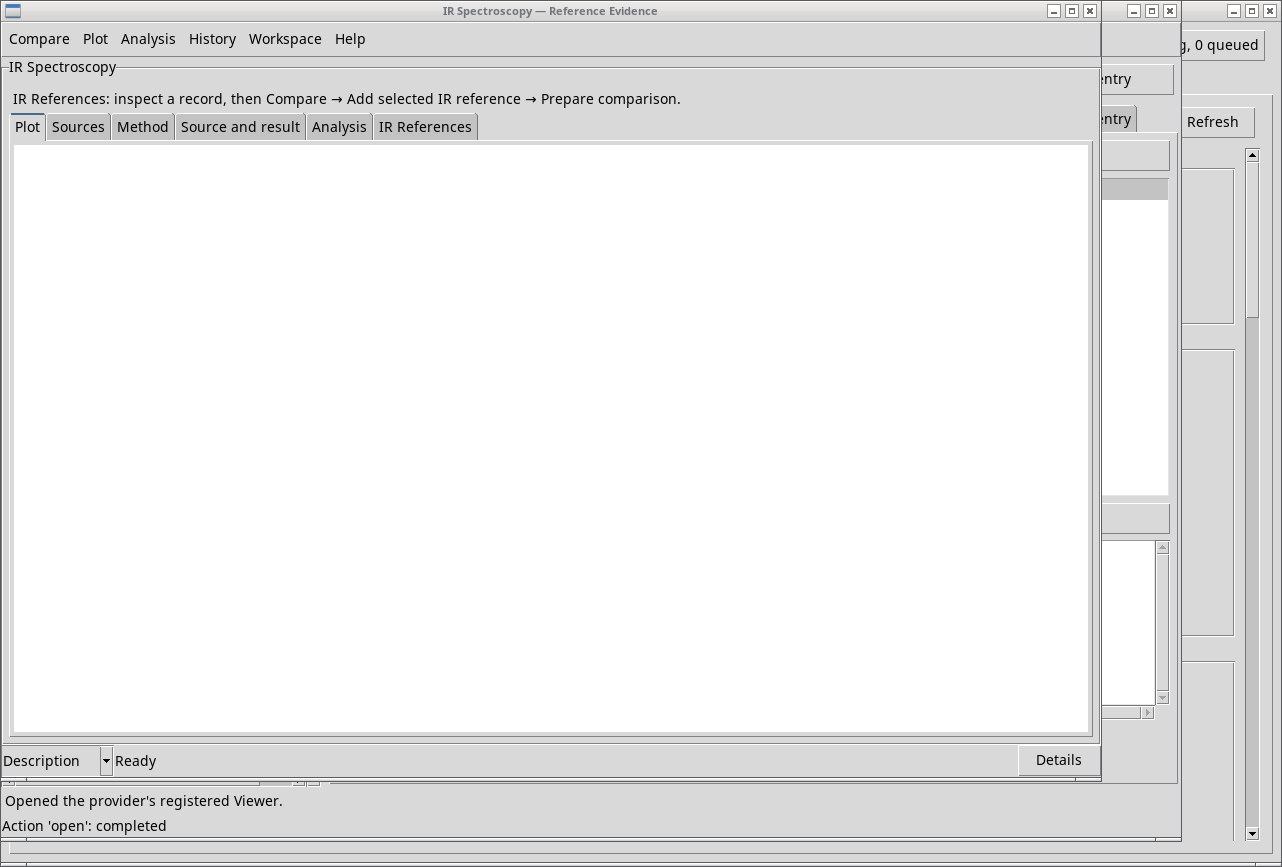
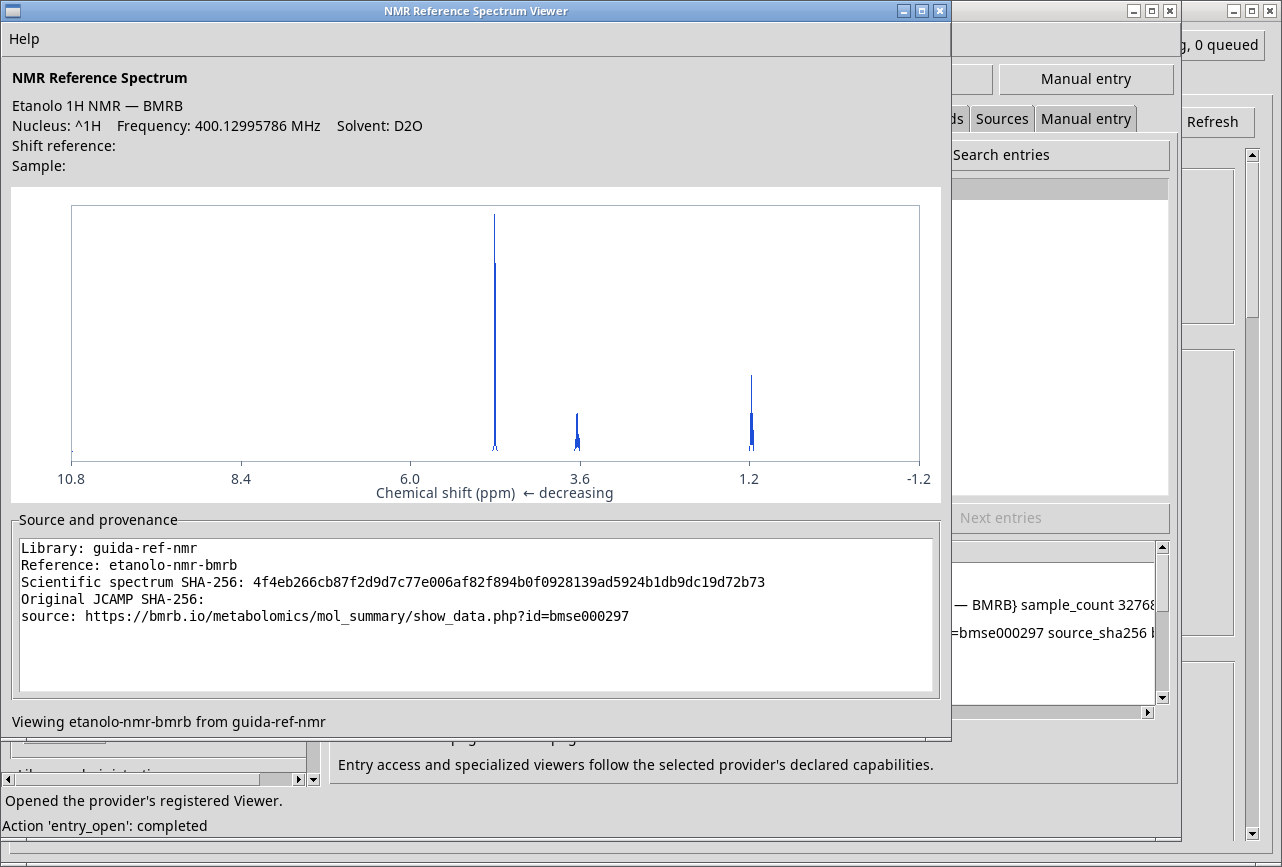
For spectroscopy.ir.reference, Open library opens IR Spectroscopy — Reference Evidence when the viewer is available. The tested IR provider does not declare a separate Open entry action. In a spectroscopy.nmr.reference library with at least one record, Open library starts at the first entry, and Open entry opens the entry selected in Entries in NMR Reference Spectrum Viewer. These browsing actions are separate from acquiring numeric scientific.spectra records into a Session.
Install, verify and update
- Install managed package…
- In Library administration, select a ZIP prepared for the Library Manager. It contains
library.ini, the declared content and SHA-256 checksums. Confirm with Open in the picker or use Cancel to leave. The manager checks the format and provider before installing. Then find themanagedrow by ID. - Verify
- Select the row and run the toolbar command. When enabled, it checks the content and integrity according to the provider. Wait for the result in Activity and diagnostics.
- Update managed package…
- Select a managed library and provide a compatible package with the same ID and an appropriate version. When the update finishes, check the version in Library information. References to another revision or hash may become stale.
- Remove managed library…
- Select the managed package to remove, check its ID in the confirmation and proceed if you intend to withdraw it. Yes confirms. No keeps the installation.
Register and disconnect sources
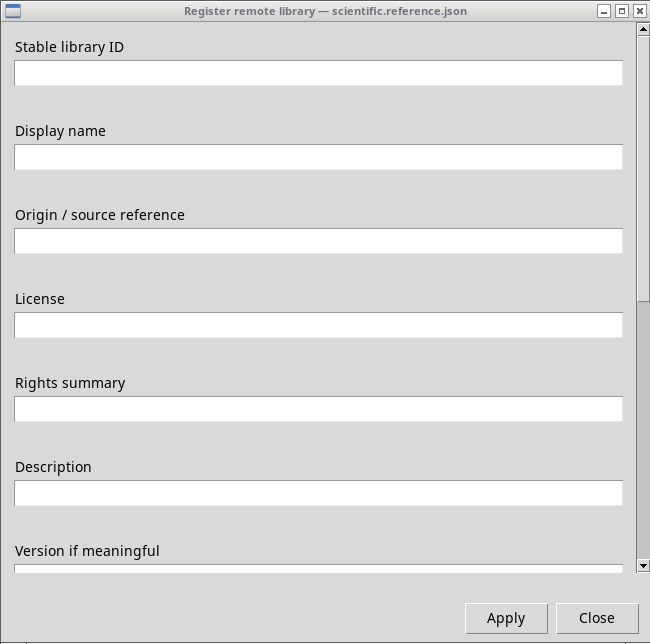
Register external library… and Register remote library… ask for the installed type, stable ID, name, source, declared rights and provider fields. Enter an actual path or URL compatible with the selected mode. If the provider supports registration alone in that mode, the row can exist with browsing disabled. Keep secrets and tokens in the Credential profiles… manager. Follow the Register installed connector… procedure for the three importers.
Unregister selected library… applies to the selected external or remote registration. Check the identity and choose Yes to disconnect it or No to keep it. The registry retains a trace of the withdrawn identity, and the original archive stays in place. For a managed copy, use Remove managed library….
Interpret Activity and diagnostics
Read the last action’s ID and type alongside its result and message. An operation that is still running or a cancellation request precedes the final result. If the operation already finished, its changes still apply. A missing provider, unsupported mode or required credential are distinct conditions and can leave the same library registered. Use Refresh after restoring the provider or configuration.
Fields in the registration dialogs
- Library type / registered provider
- Select an installed type and press Apply to see the fields for the chosen mode. Close closes the dialog. A valid type may warn that the selected mode supports registration alone.
- Stable library ID / Display name
- Assign a stable, unique ID and a readable catalog name. The name helps with search. The ID ties together references and receipts.
- Origin / source reference, License, Rights summary, Description, Version if meaningful
- Enter the source, declared license, rights summary, a description and a version where applicable. These values describe the registration and are shown in Library information.
- Read only
- Enabled initially. It declares read-only browsing of the source. Actual write capability also depends on the supported operations.
- Registration availability declaration
unknownleaves availability unspecified.availabledeclares the source available,unavailableunavailable andtemporarily_unavailabletemporarily available. Choose the declaration that matches the source configuration. The outcome of an actual read can differ.- scientific.reference.json, external mode
- In Provider path, enter the absolute path to the JSON reference file. Provider expected_sha256 is optional. If supplied, the source must match that checksum.
- scientific.reference.json, remote mode
- Provider endpoint is the source URL, normally HTTPS. Provider cache accepts
off(the default) orpermittedto use the source cache. Provider ca_file can point to the CA file for the HTTPS connection. Provider loopback_http uses0for the normal policy or1for a local HTTP loopback test. These visible configuration fields are for metadata and contain no secrets.