Open PDFs, Raster Images and Molecules
Open record resources in their respective viewers.
Identify a stored copy
In Records → Images and documents, verify the role, availability, MIME type and SHA-256. local means the Library holds the bytes. external indicates a reference to a service or publication. Metadata such as a spectrum title can exist without a file. Local resources open in read-only mode. To create a Dataset, explicitly acquire it into a Session.
Read a PDF datasheet
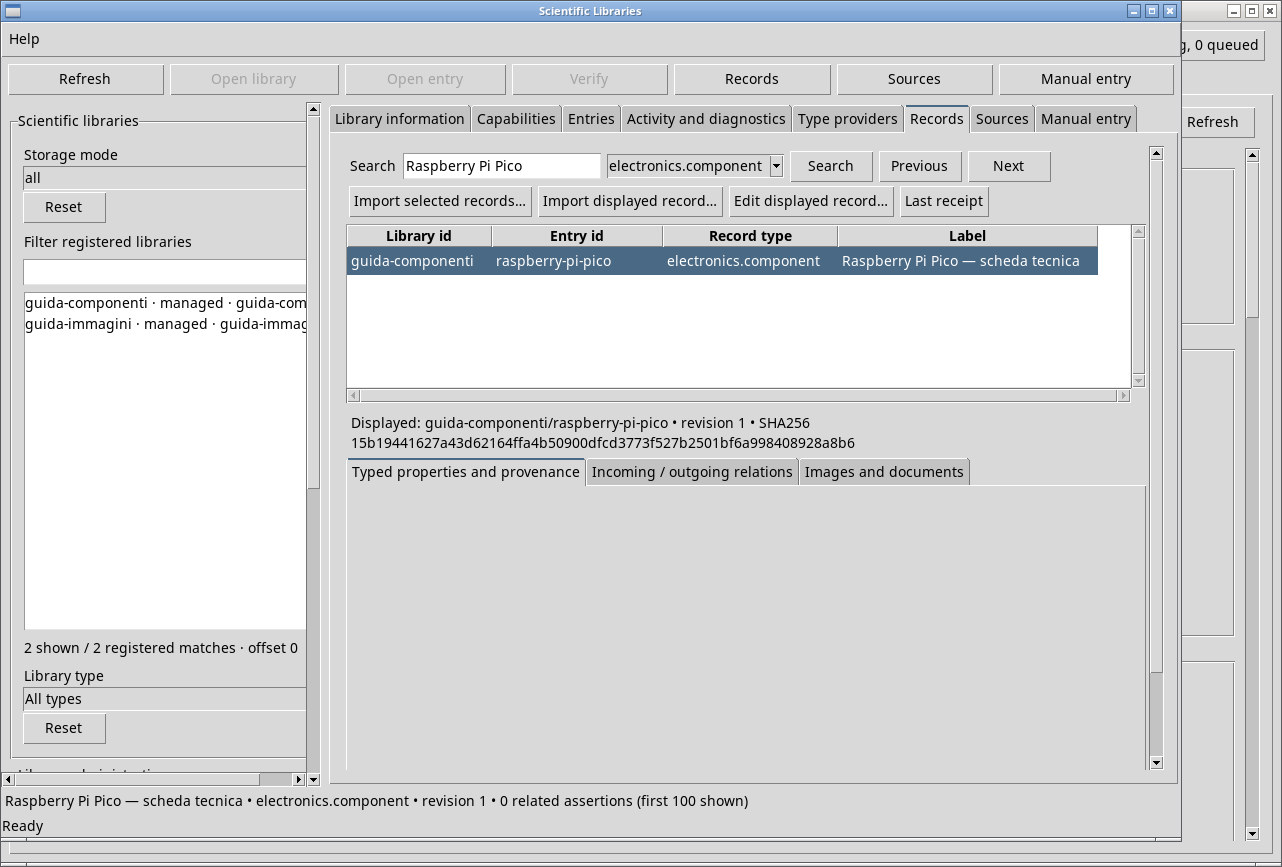
- Save the record with its local document by following the Raspberry Pi Pico example. In Records, find the record, open Images and documents and select the row
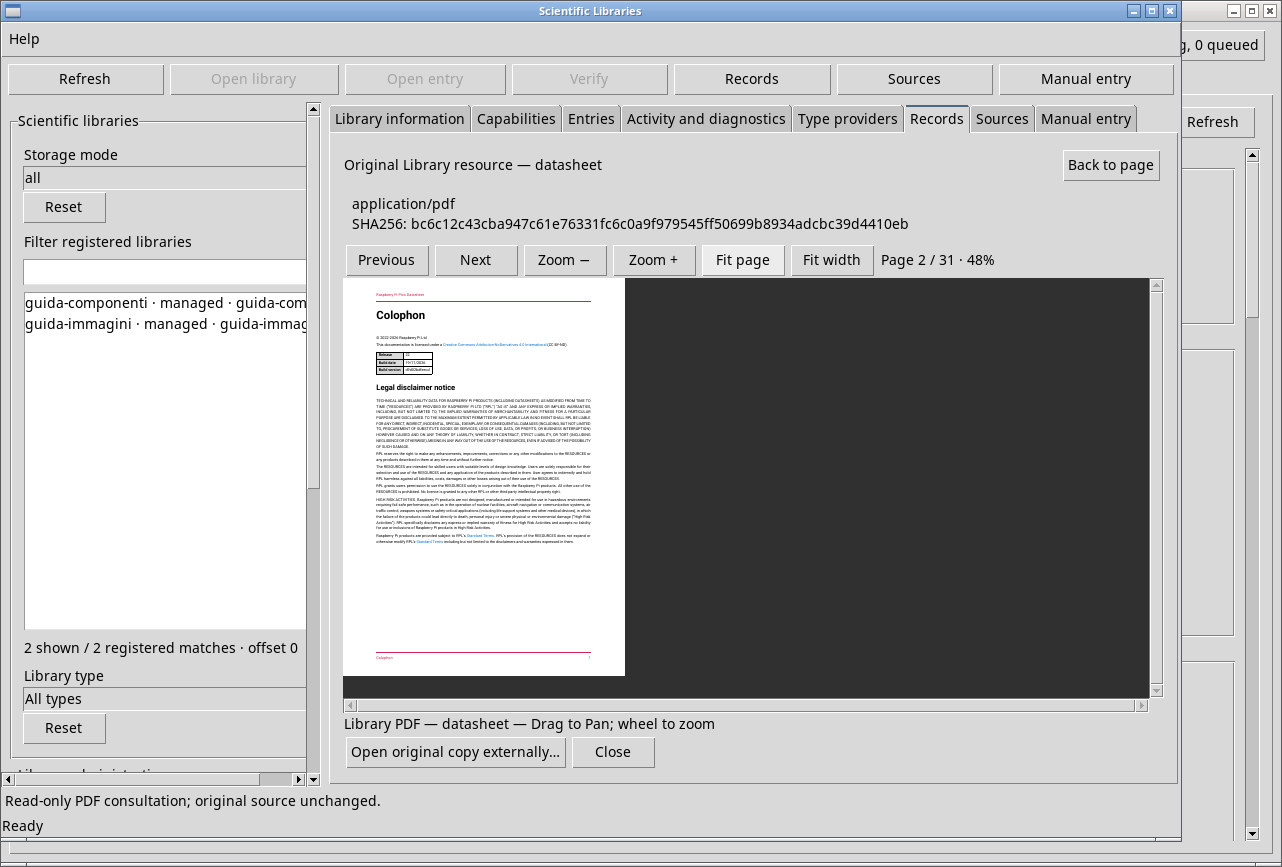
datasheet · local · application/pdf. - Use Open selected original / image. The reader shows the page, MIME type and original file’s hash. The example datasheet has 31 pages.
- Use Previous and Next to browse. Check the page number in the PDF toolbar. Fit page fits the entire page, and Fit width fits the pane width. Zoom − and Zoom + change the zoom. Drag to pan and use the wheel to zoom. Previous is disabled on the first page.
- Open original copy externally… opens the copy in the PDF reader configured on your system. Close or Back to page closes the built-in viewer and returns to the record. After reopening Scientific Libraries, repeat the search and selection. The MIME type and SHA-256 identify the same copy.
Open a raster representation
- Get the 2D PNG image for PubChem CID 702. In Manual entry, use
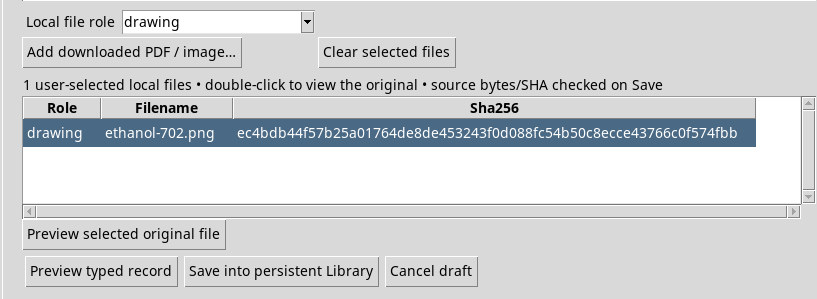
technical.media. Assign a new Library ID and the labelEtanolo — immagine 2D PubChem. Complete title and media_role (drawing), provide source_url and set Source / attribution to NIH PubChem. Check that the draft starts with no attachments. - Set Local file role to
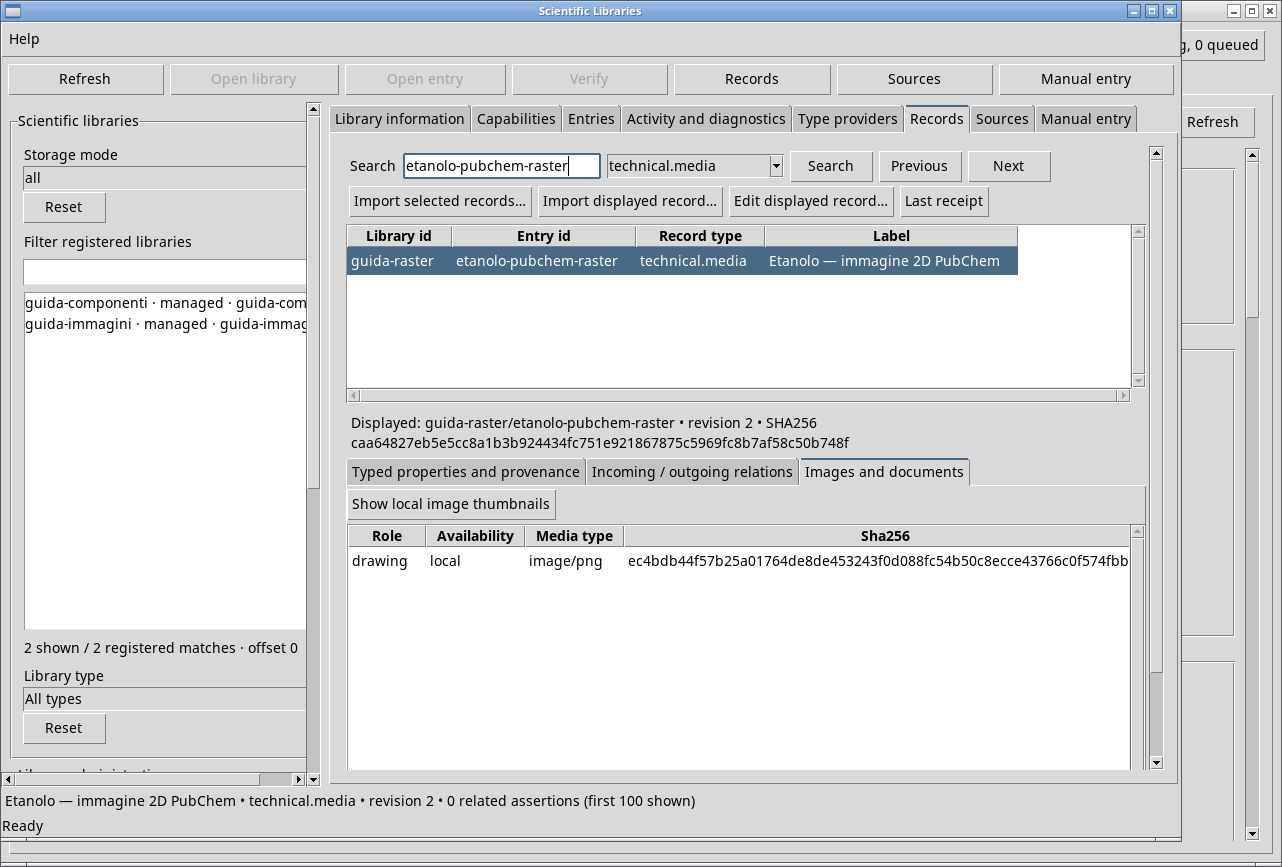
drawingand attach the PNG with Add downloaded PDF / image…. Check the hash in the table, then save to the Library. - In Records, search for
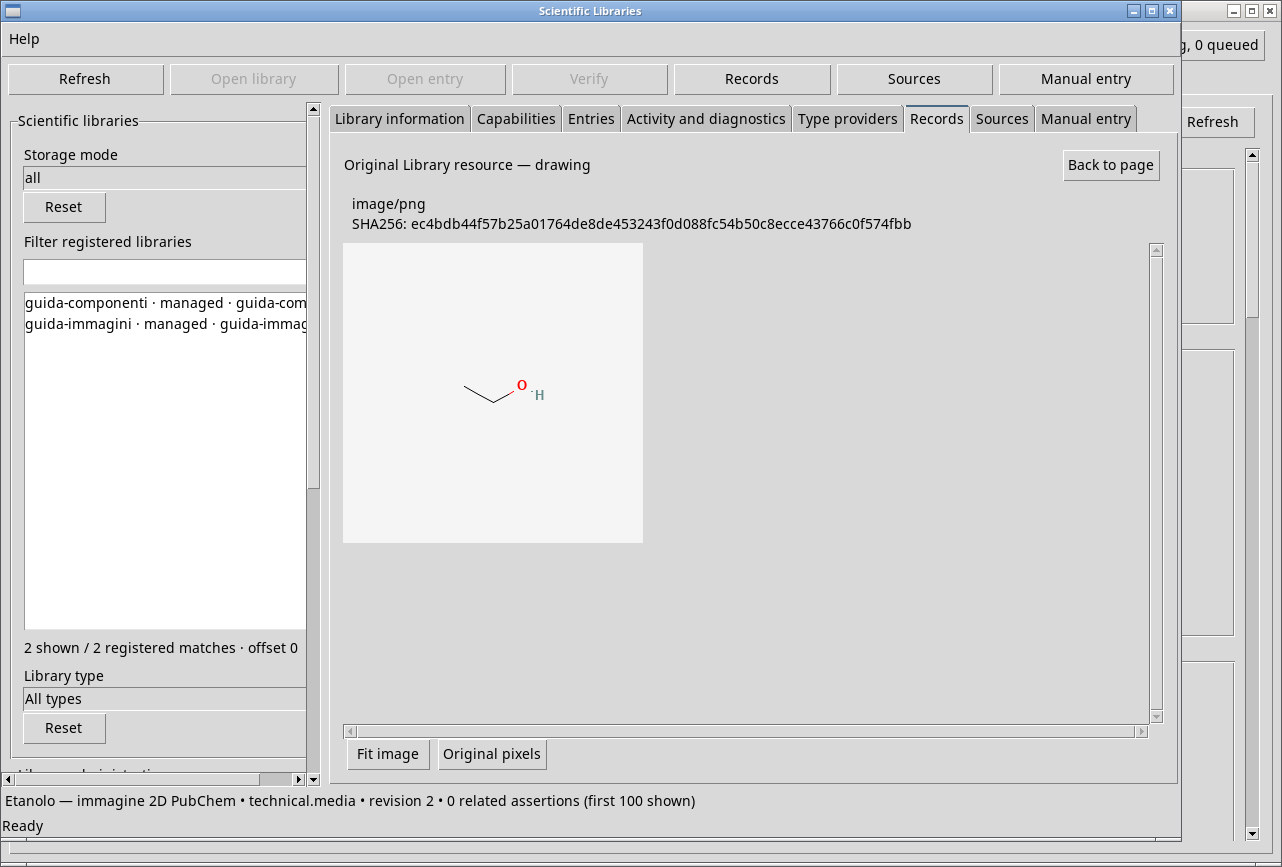
Etanolowith typetechnical.media. Open Images and documents, use Show local image thumbnails and select thedrawing · local · image/pngrow. Press Open selected original / image. - Fit image fits the image to the pane. Original pixels uses the image’s native pixel dimensions. Return to Back to page. After reopening, find the row and compare the PNG’s hash.
Source and download link for the image generated for the verified identity. PubChem CID 702 · PubChem PNG · PubChem download documentation.
Open a 3D conformer with coordinates
- Import the
chemistry.structureentry for CID702from Sources → PubChem with Download selected linked files enabled. - In Records, search for
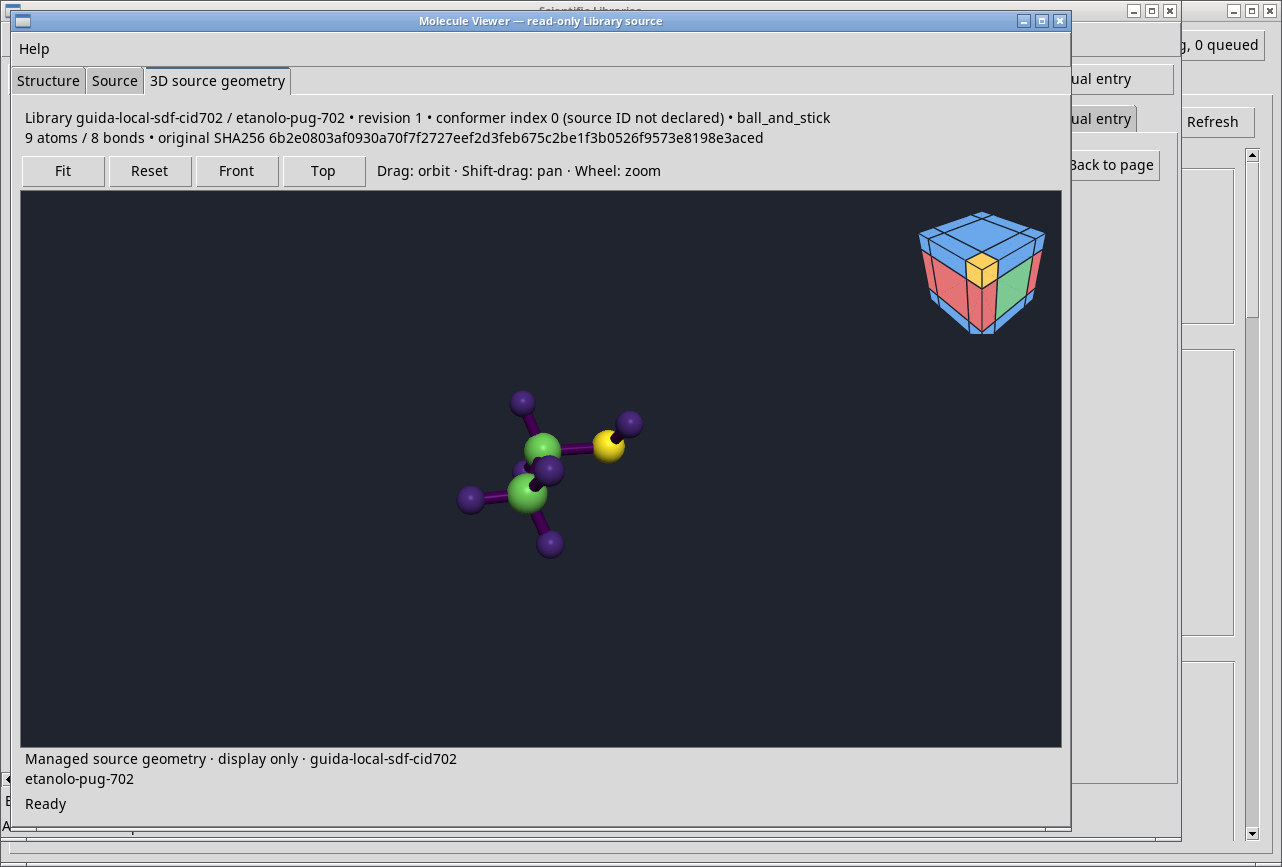
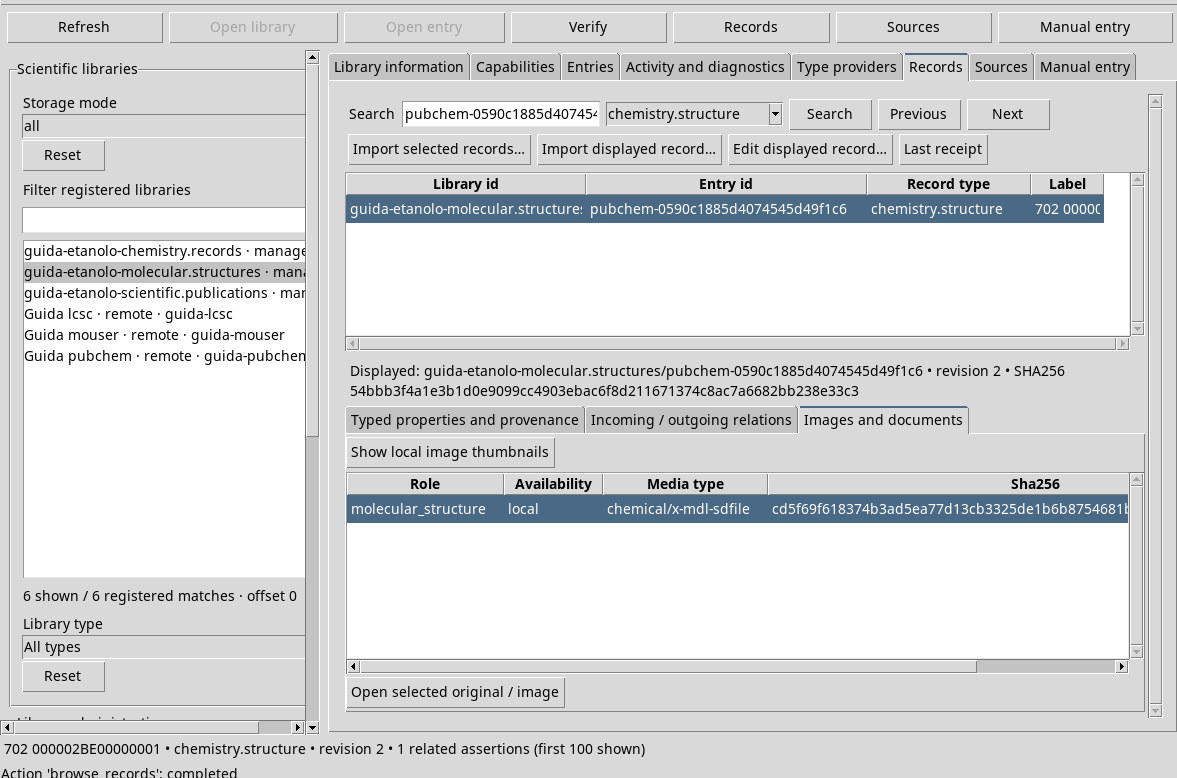
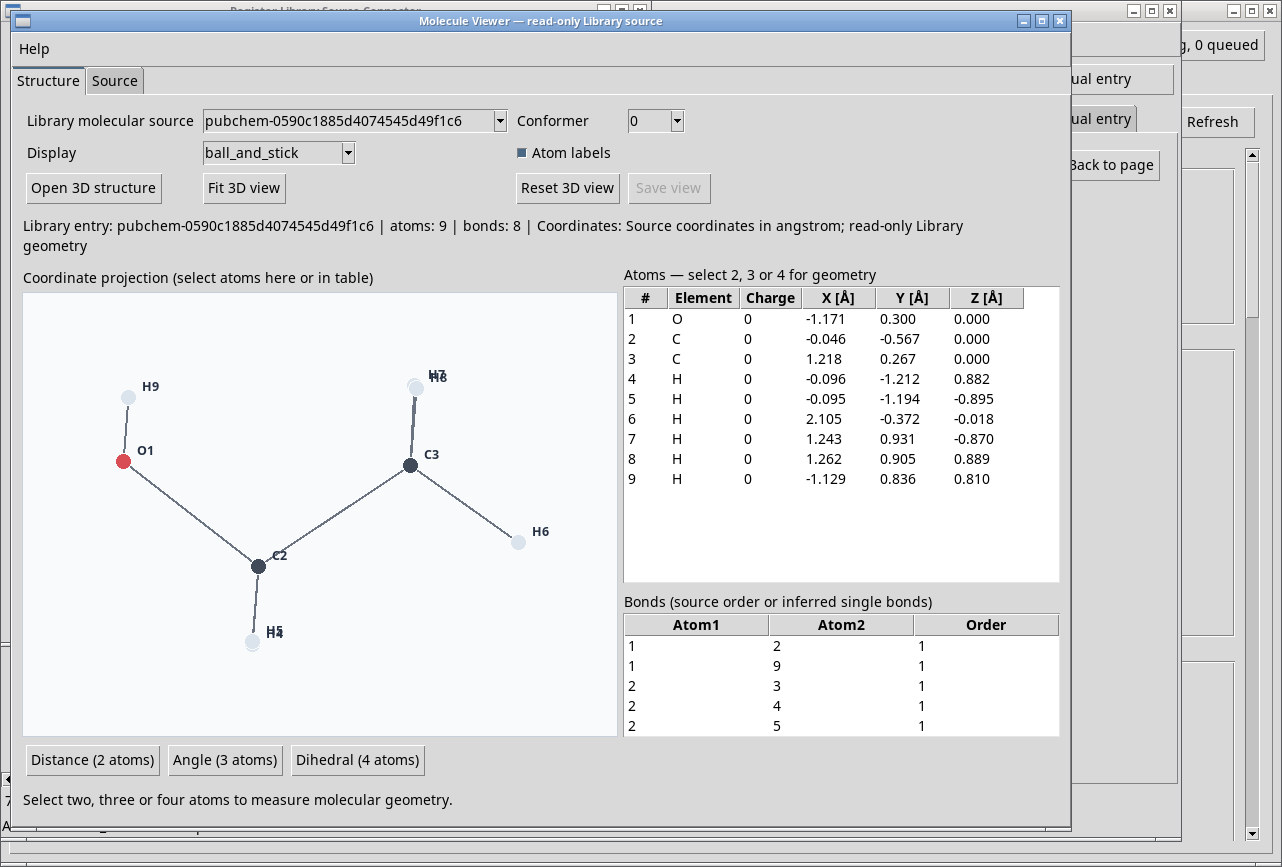
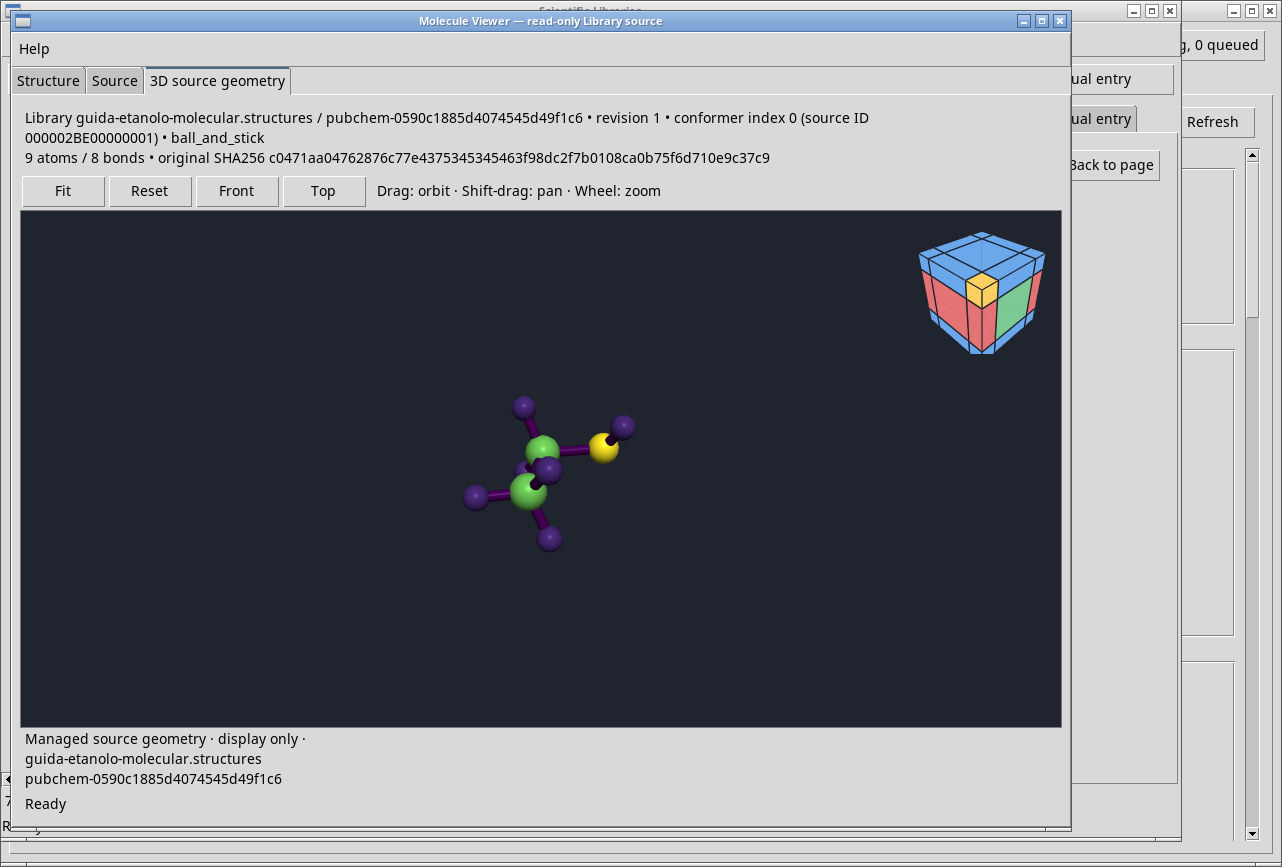
702with typechemistry.structure. Choose conformer000002BE00000001. In Images and documents, selectmolecular_structure · local · chemical/x-mdl-sdfile. - Use Open selected original / image to open Molecule Viewer — read-only Library source. Structure shows the projection and the atom and bond tables. The example has 9 atoms and 8 bonds, with original coordinates in ångströms. Atom 4 has z of about
0.882and atom 5 about−0.895. This distinguishes the spatial geometry from the 2D formula and drawing. - Open 3D structure opens 3D source geometry. Its information pane identifies the Library, record, revision, conformer and SDF SHA-256. Use Conformer when more than one conformer is available and Display to change the style, then refresh the view. Atom labels changes the labels. Fit 3D view and Reset 3D view help frame the model. Save view is disabled in the read-only Library view.
- Close the windows and reopen Scientific Libraries. Find the same record and open the 3D view again. In this example, the conformer and its hash match.
PubChem assigns distinct identities to the compound and its conformer. The record preserves the SDF with its actual coordinates and its hash. PubChem CID 702 · PubChem PUG REST.
Install an existing local SDF
Manual entry rejects SDF attachments, including for schema chemistry.structure. For a local SDF, use a managed molecular.structures package. The record contains its identity, geometry metadata and the molecular_structure resource with the bytes, SHA-256 hash, MIME type chemical/x-mdl-sdfile and original_filename with suffix .sdf.
For the CID 702 example, download the original SDF and prepare the ZIP with Python and Tkinter. Replace GX-TXT with the installation root. PubChem CID 702 3D SDF · Preparation script.
Note. The site delivers the programs with the .py_.txt extension. After downloading, rename them by removing _.txt, for example from gxtxt-sl-prepara_sdf_702.py_.txt to prepara_sdf_702.py, so that you can use the command names on this page.
python3 prepara_sdf_702.py --framework GX-TXT ethanol-702.sdf guida-local-sdf-cid702.zipInstall the ZIP with Install managed package…. In Records, select record etanolo-pug-702 in Library guida-local-sdf-cid702. In Images and documents, select the SDF and use Open selected original / image. In the Molecule Viewer, choose Open 3D structure. The scene shows the prepared file’s hash. If the original lacks a verified conformer ID, the scene marks it as undeclared.