

From an XYZ Dataset to Your First Surface
GX-TXT P011-bis · Scientific Dataset Plot 4.4.2
Import a table with X and Y coordinates, Z height and an independent color C. Scientific Dataset Plot can publish the base figure to Plots and use the same samples for a Native3D variant.
The test grid
Download superficie-reticolo.csv (ZIP). The synthetic file contains X/Y pairs on five values per axis, each appearing once. The heights are in millimeters and the scalar C is in volts. The coordinates and the height use the columns x_mm, y_mm and height_mm. The column intensity_V gives the surface a color independent of the height.
- Create a Session. In Acquisition select Generic CSV, add the file and assign
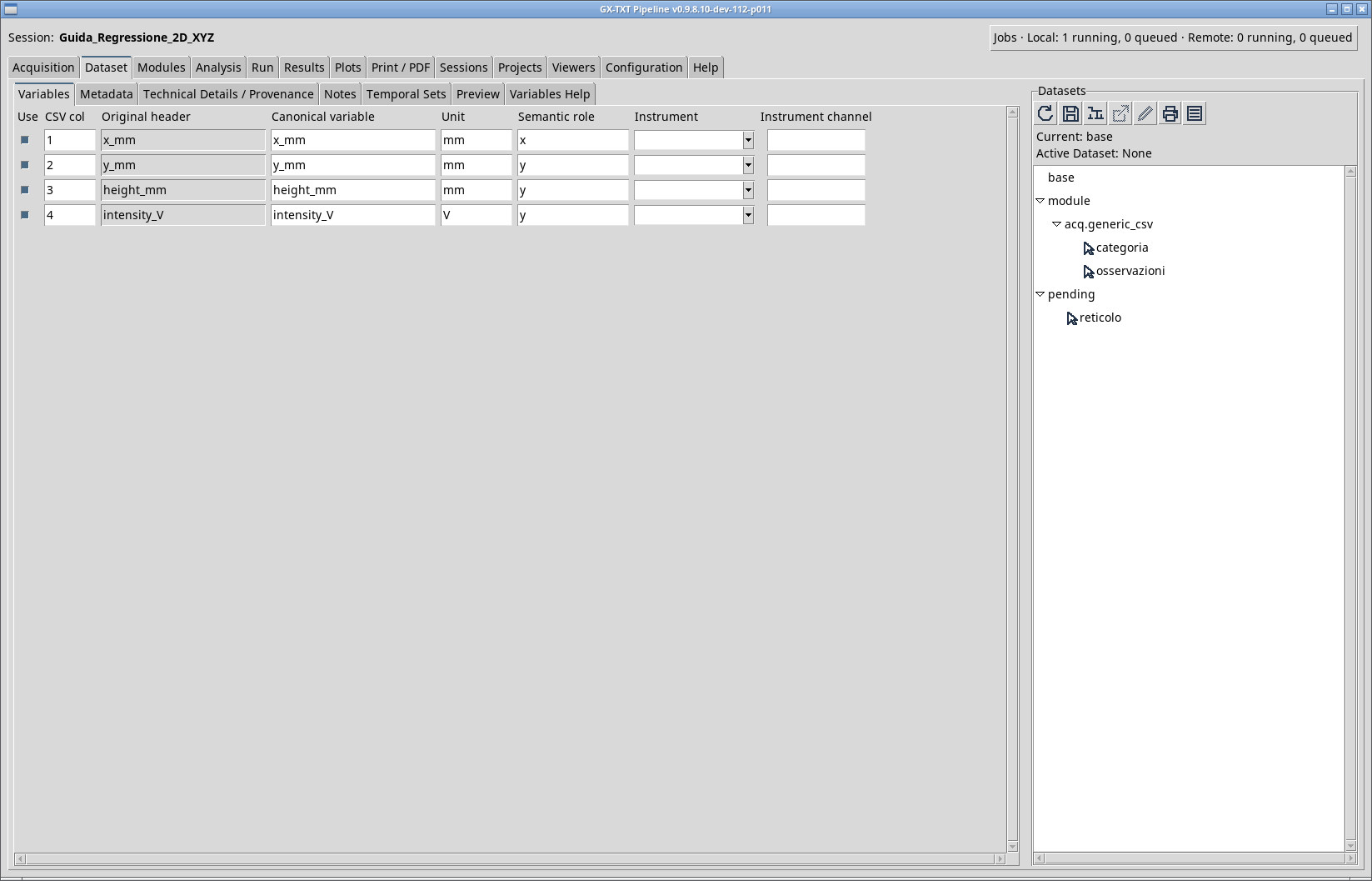
reticoloas Dataset ID. Confirm comma separator and header. - Open Variables. Set
mmfor the first three columns andVforintensity_V. Check the numeric preview, then go back to Acquisition and choose Import current. - Open the Dataset and check four variables and 25 rows. The import order assigns the stable IDs from
v0001av0004. The Script Bridge examples use these IDs.
Publish the base surface
- Open Analysis → Scientific Dataset Plot. If the module is missing, enable Scientific Dataset Plot in the module browser. Enable Scientific dataset 3D. Disable the other two bases if you have not set up their series.
- In Dataset sources set
reticoloforprimary. Chooseprimary.x_mm,primary.y_mm,primary.height_mmandprimary.intensity_Vin the X, Y, Z and Color bindings. Leave Family onauto. - Press Configure… on the 3D row. Write a recognizable title, set
surfacefor 3D plot type, keep Additional output format onnoneand close Configure. - Select Run / recalculate now. From Run use Refresh plan and Run enabled analyses. After confirming, open Plots and select the row to check the surface and the scalar C.
- Save the Session with Save Config. To get the 3D button and the standalone variant, also follow Bindings and Save and render.
Check which file the Run produced
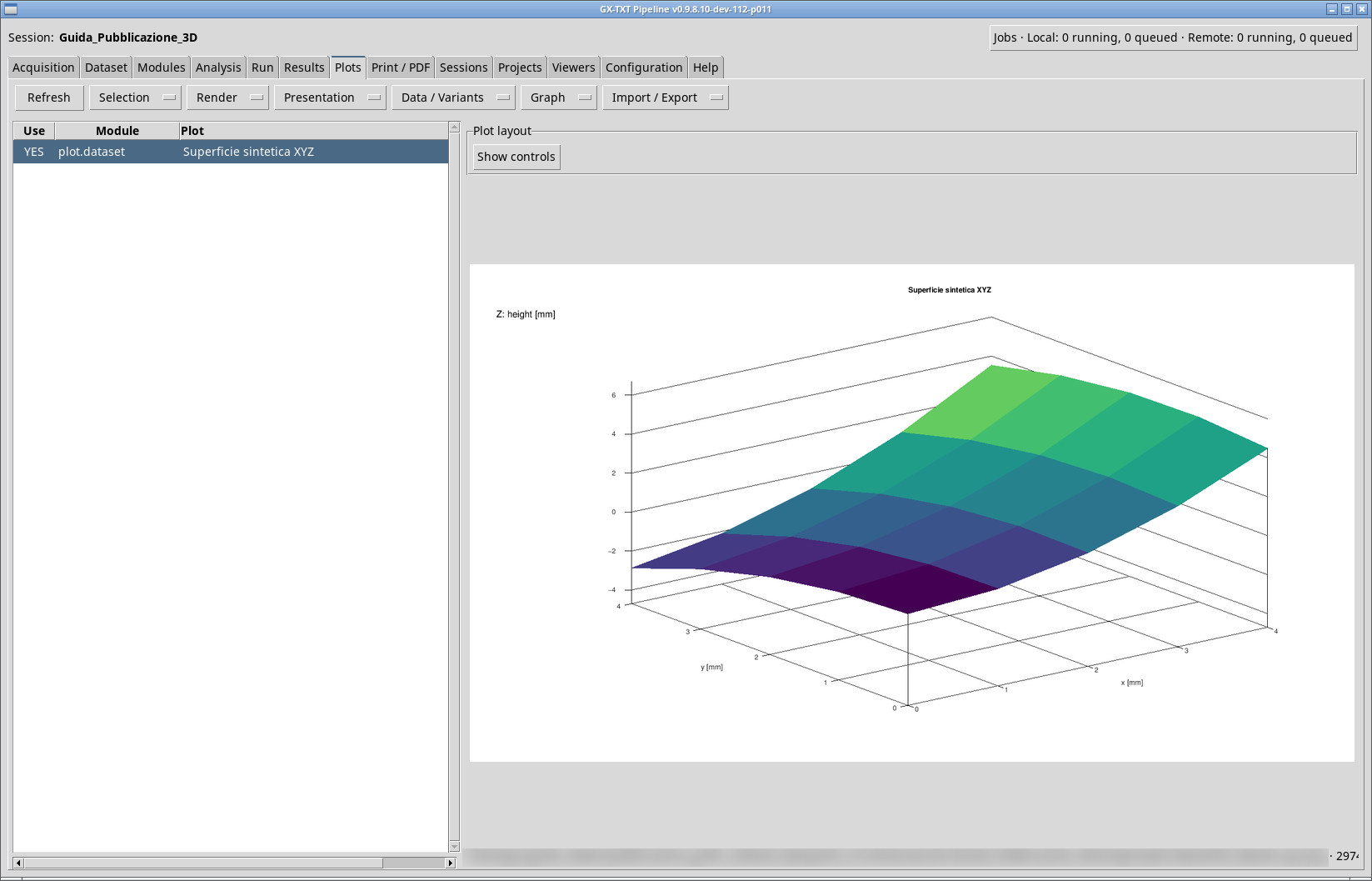
In Plots, check the title and the selected row. The base plot uses 03_dataset_xyz.png. A Run that stops can leave the previous PNG visible. To check the update, look at the job conclusion and the file time under the preview. Variants have separate directories.
To try irregular XYZ use superficie-sparsa.csv (ZIP). Set mm, mm, mm, mV and 1 for X, Y, Z, C and Family. Start from scatter3. The chapter on representations shows the other uses.