

Publish XYZ from Python and Octave
GX-TXT P011-bis · Scientific Dataset Plot 4.4.2
Publish XYZ plots with Python and Octave Jobs. Prepare a cartesian_3d specification and check the results in the Plots tab.
PlotSpec cartesian_3d
First import the tabular grid as reticolo. The XYZ specification uses the PlotSpec v2 schema inside the v3 or v4 APIs. new_spec can supply the schema name; even with an XYZ ID it generates a seed cartesian_2d. Build the three-dimensional specification explicitly.
- Field
schema- Value and meaning
- Schema ID of the public PlotSpec v2 signature.
- Field
graph_type,graph_id- Value and meaning
cartesian_3dandplot.dataset.xyz.create_plotallowsvariantfor this specification. The GUI Run can still produce the base PNG.
- Field
dataset_id,x_variable_id,y_variable_id,z_variable_id- Value and meaning
- Canonical Dataset and three mandatory stable references. In the example they are
reticoloandv0001–v0003.
- Field
family_variable_id,color_variable_id- Value and meaning
- Optional. Same Dataset. The script chooses C
v0004and leaves Family implicit.
- Field
title,config- Value and meaning
- Single-line title and values allowed by Configure.
plot_typeidentifies the type.reduction_mode,target_points,extra_format, label and type options come from the product descriptor.
validate_spec checks structure and identifiers. Geometric success is checked with render, which reads and prepares the values. upsert_plot uses a stable key. Two calls with the same key return the same reference. load_spec returns to the PlotSpec view, read_plot reads the plot state and artifacts lists the actual artifacts.
Python Job
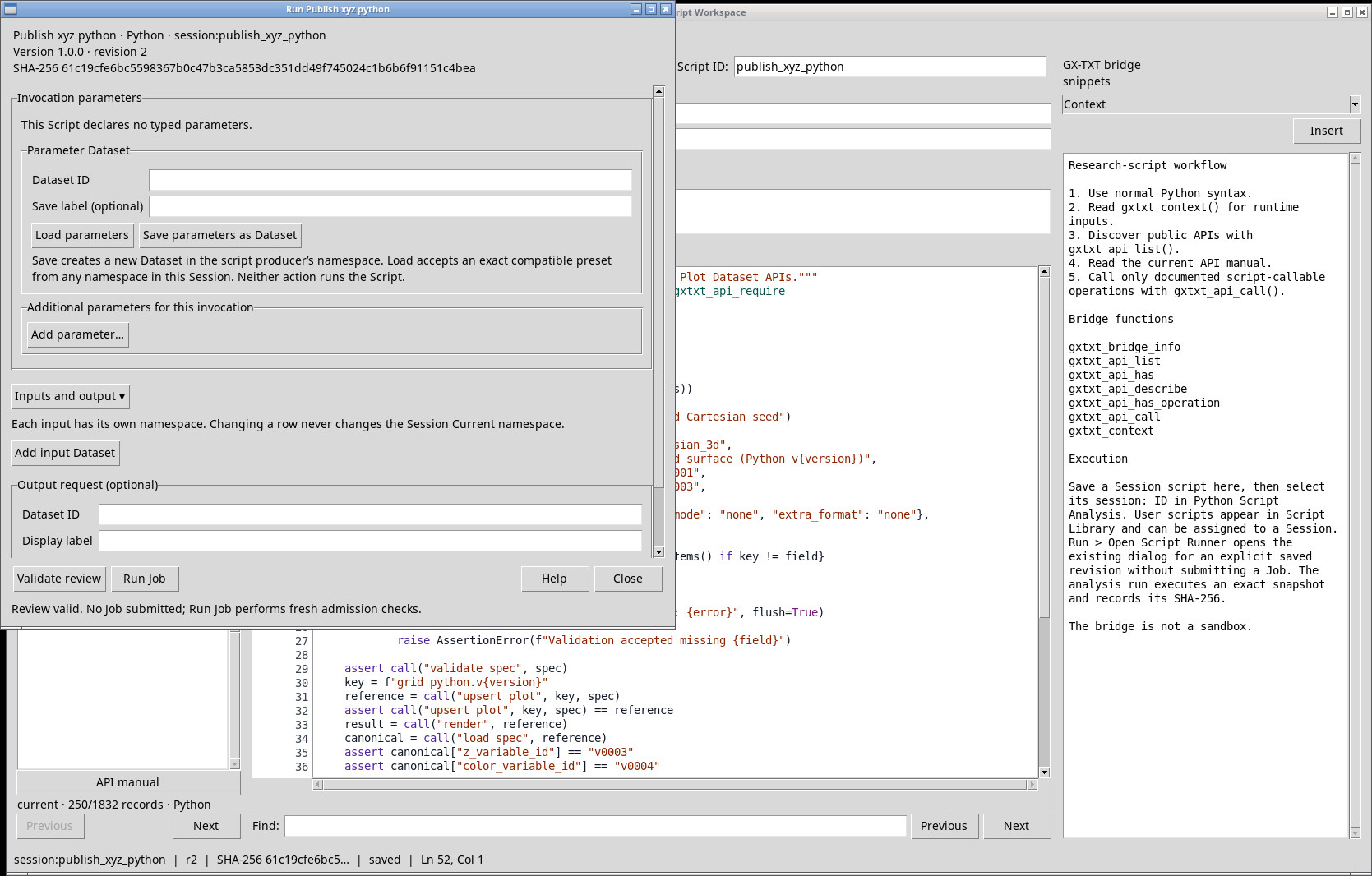
- Download publish_xyz_python.py (ZIP). In Viewers → Python Scripts creates a Session script and pastes the code. Save.
- From Run choose Review and Run, then Validate and Run. In Script Jobs, open the output. The code uses both API IDs, checks the rejection of missing coordinates or graph IDs, and checks bindings and artifacts after rendering.
- Open the two variants in Plots. The legacy one is produced by the module’s Octave path and the v4 one uses the native renderer. If you have already run the same script, look for the existing identities instead of expecting new rows.
Octave Job
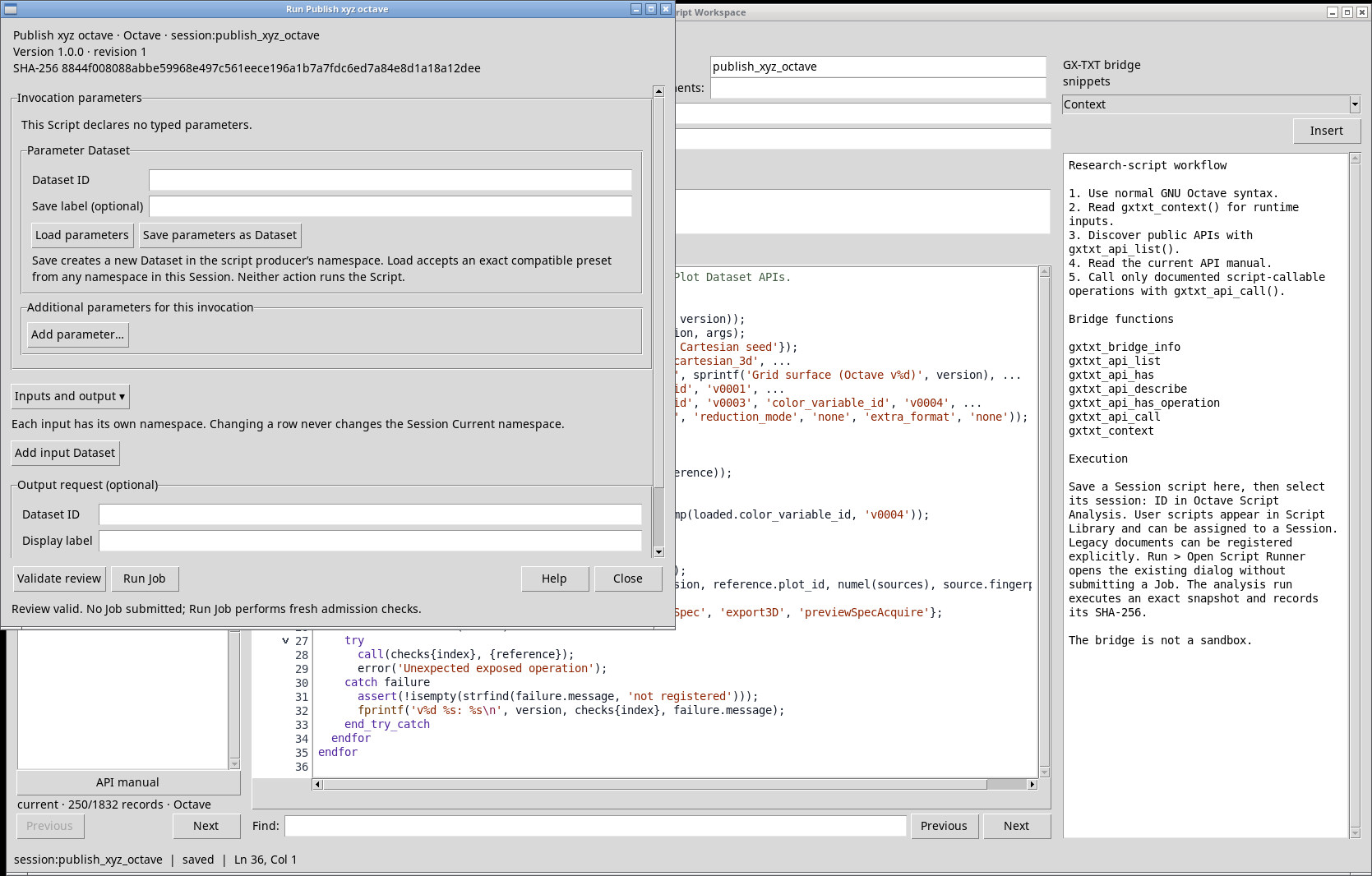
Open Viewers → Octave Scripts and repeat with publish_xyz_octave.m (ZIP). The calls use cells for the arguments and structs for the specification. The Job prints the reference, the render result and the source fingerprint. Direct native export, window management and the Tk draft remain host runtime operations.
Bridge representations and surfaces
interactive_sources enumerates XYZ sources, interactive_source_info checks a specific reference. build_scene builds the persistent representation. interactive_representations lists the identities, interactive_status reads the state and sync_interactive explicitly regenerates the same representation. The managed Job can synchronize without a desktop window. For inspecting the v4 source, pair consultation_source and consultation_scene in the same Job with the returned handle. xyz_source and xyz_coordinate_presentation refer to three distinct canonical variables and allow an interval read with a stamp.
The registered key is written in snake_case. The rejection of a Tcl name such as buildScene does not prevent the call to the key build_scene. openInteractive, render3DSpec, export3D and previewSpecAcquire are host functions and are rejected by the managed dispatcher. For signature and dependencies, go back to the API comparison.
Trying representations and coordinates
Use xyz_workspace_python.py (ZIP) and xyz_workspace_octave.m (ZIP) in the same dedicated Session. With v4, the Python Job creates a representation, edits the source, checks OUT OF SYNC, synchronizes it and observes SOURCE MISSING after removing its own test variant. The Octave Job tries building and Sync in the two contracts. The v4 Jobs read three rows from a canonical interval and build a scene from a source resolved in the same run. The returned fields include dtype, unit, canonical values, ordinals, context and stamp. The presentation can use a local transformation of the points.
P011-bis · first legacy representation. In a Session without a Workspace archive, build_scene v3 can stop with Read-only Workspace database must already exist as a regular file after a successful rendering. In the test, the v4 build initialized the archive and the following Octave Job built and synchronized the v3 representation. The v3 PNG was already available before that initialization.
Publishing a canonical grid from Octave
Run publish_typed_xyz_octave.m (ZIP) from the same Octave Scripts window. The Job registers octave_canonical_xyz in HDF5. It declares two dimensions, px with five non-uniform abscissas and py with four ordinates, and publishes height and C as py;px 4 × 5 matrices. The roles, unit and rank of each column are explicit. It then prepares a v4 variant of type surface and checks the render owner. Look for the reference printed by the Job in Plots.
To repeat it in Python and compare the admitted and rejected grids, use the script with the six shape and dimension cases. In Analysis the rank-two variant uses its own Save and render according to the limits of P011-bis.