Audio Decoding
GX-TXT DEV112 P011-bis
Decode an audio file in GX-TXT and check the sampling frequency, channels and duration of the imported tracks.
Enable Audio decode
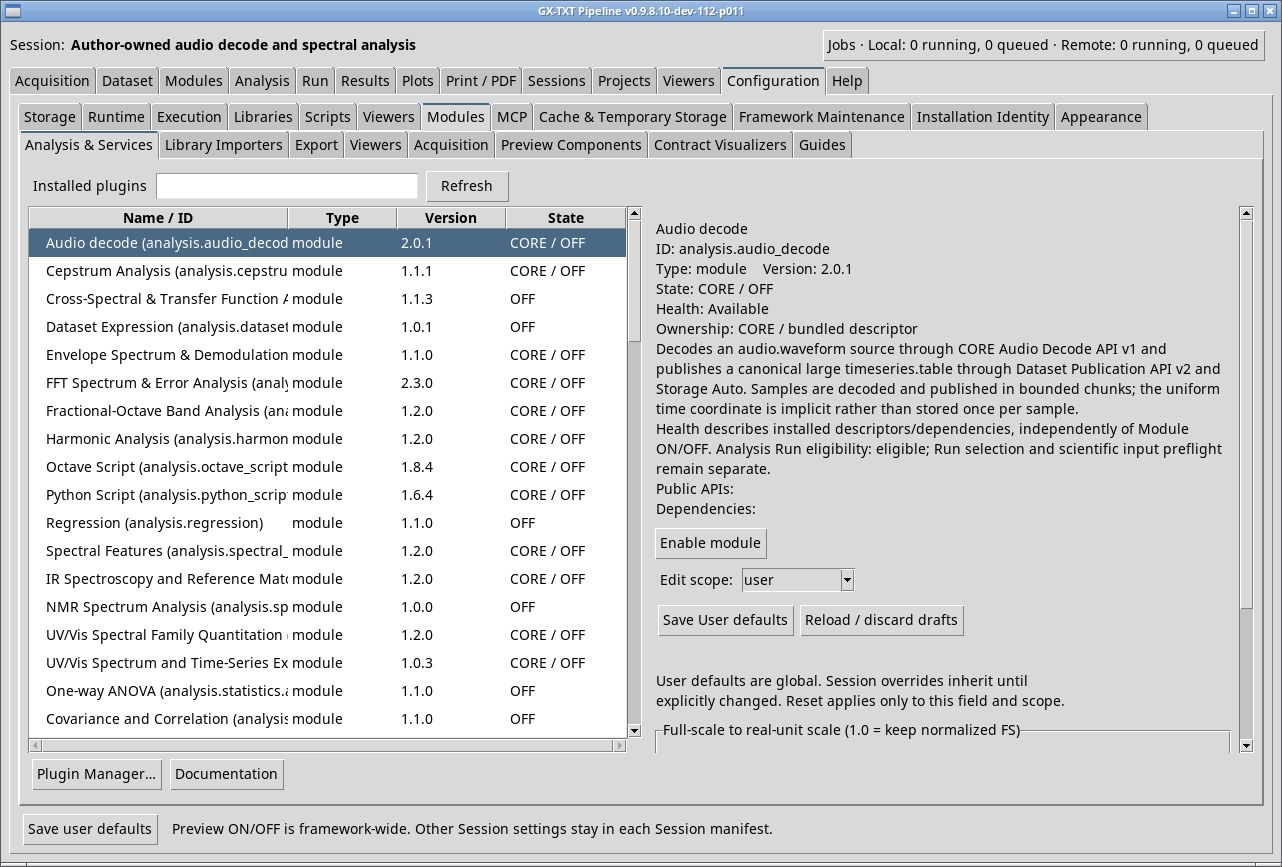
In Configuration → Modules → Analysis & Services find Audio decode, ID analysis.audio_decode, version 2.0.1 in P011-bis. If Health is Available and the module is off, use Enable module. In Analysis, Run / recalculate now includes the module in the next run.
Prepare the lab WAV
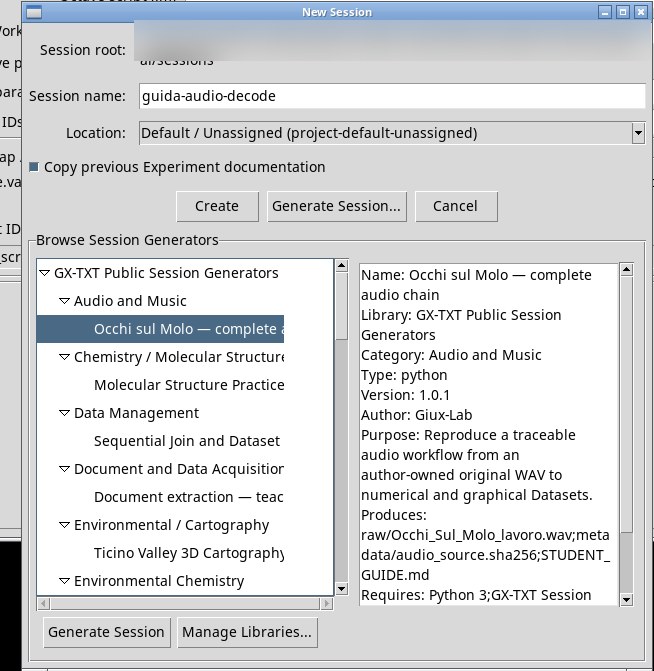
From New Session… → Generate Session…, in GX-TXT Public Session Generators → Audio and Music choose Occhi sul Molo — complete audio chain (occhi_sul_molo_audio_chain 1.0.1). Leave Standalone Session, give it a name and press Generate Session. The example uses the stereo WAV prepared by the Generator, identified in Dataset as occhi_sul_molo_lavoro.
Enable the Dataset in Dataset. Preview identifies the binary support of the WAV. In Technical details check the contract audio.waveform and the provenance. To do the same exercise with your own file, use a source registered with that contract and a decoder available in the GX-TXT configuration.
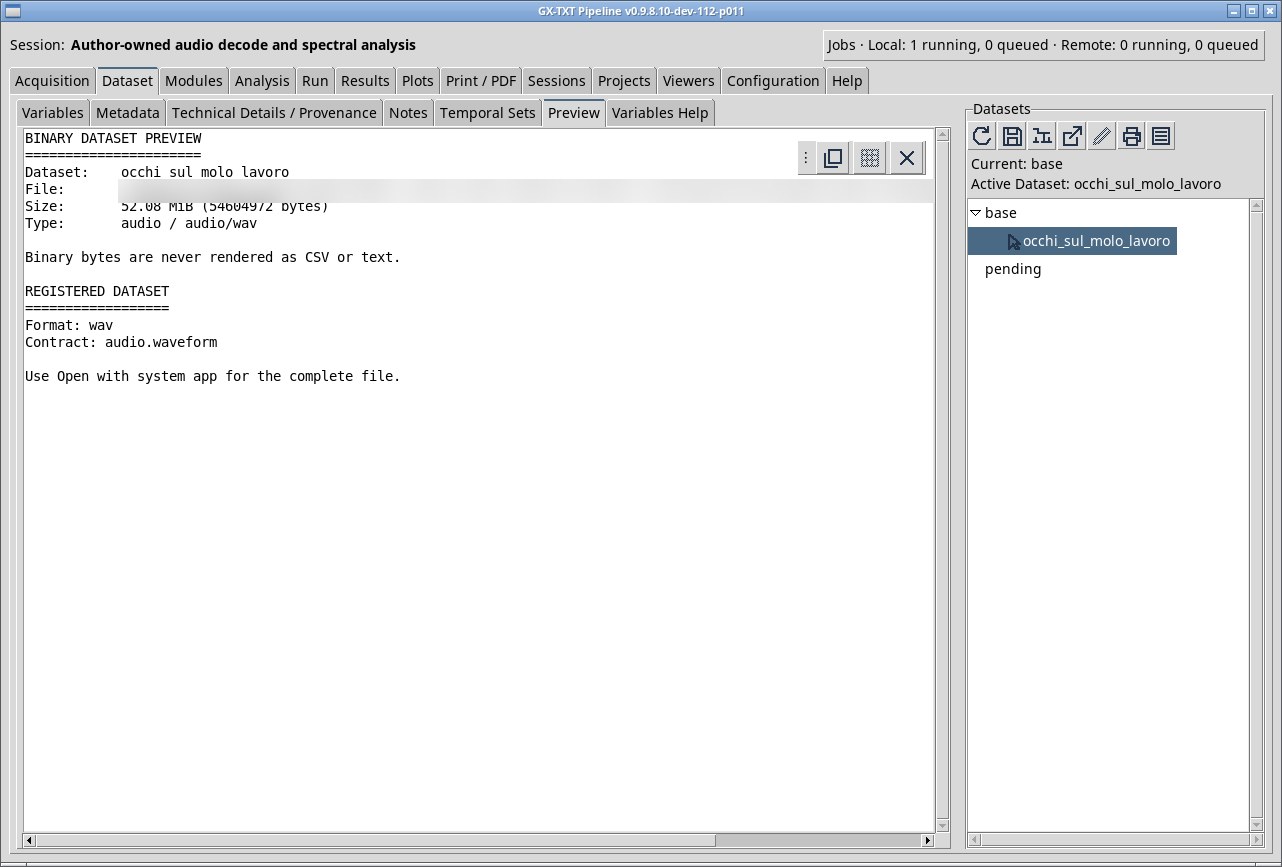
Choose the source and the amplitude unit
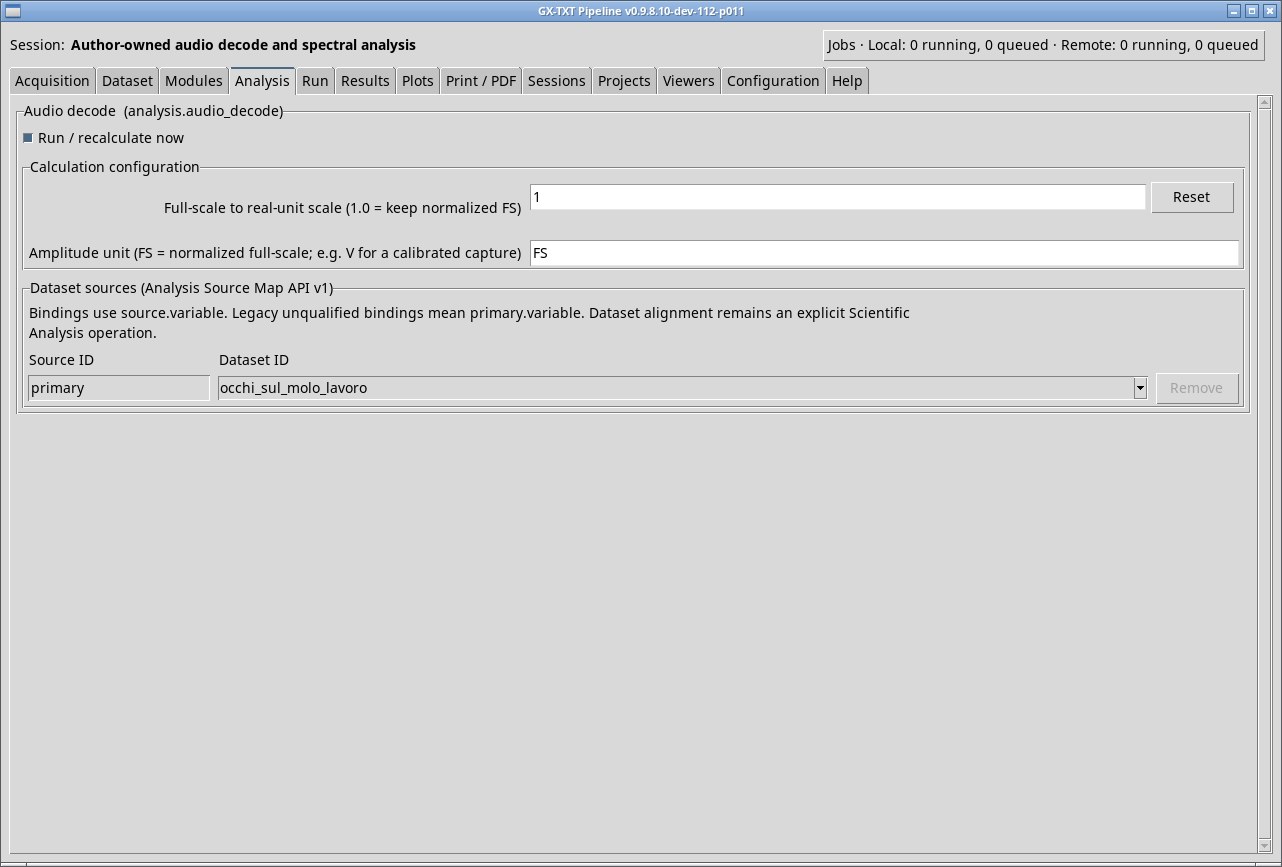
In Dataset sources assign occhi_sul_molo_lavoro to the role primary. The module reads channels, frequency and duration from the audio stream. Its button Remove is disabled for the mandatory role.
- Control
- Full-scale to real-unit scale (1.0 = keep normalized FS)
- Use
- Factor that multiplies the normalized samples. Initially
1. Enter a positive finite value. In the test0produced an error. Reset restores1.
- Control
- Amplitude unit (FS = normalized full-scale; e.g. V for a calibrated capture)
- Use
FS, the default, indicates amplitude relative to digital full scale. Write a physical unit such asVonly when you have a calibration factor for the acquired chain. The label does not calibrate the samples.
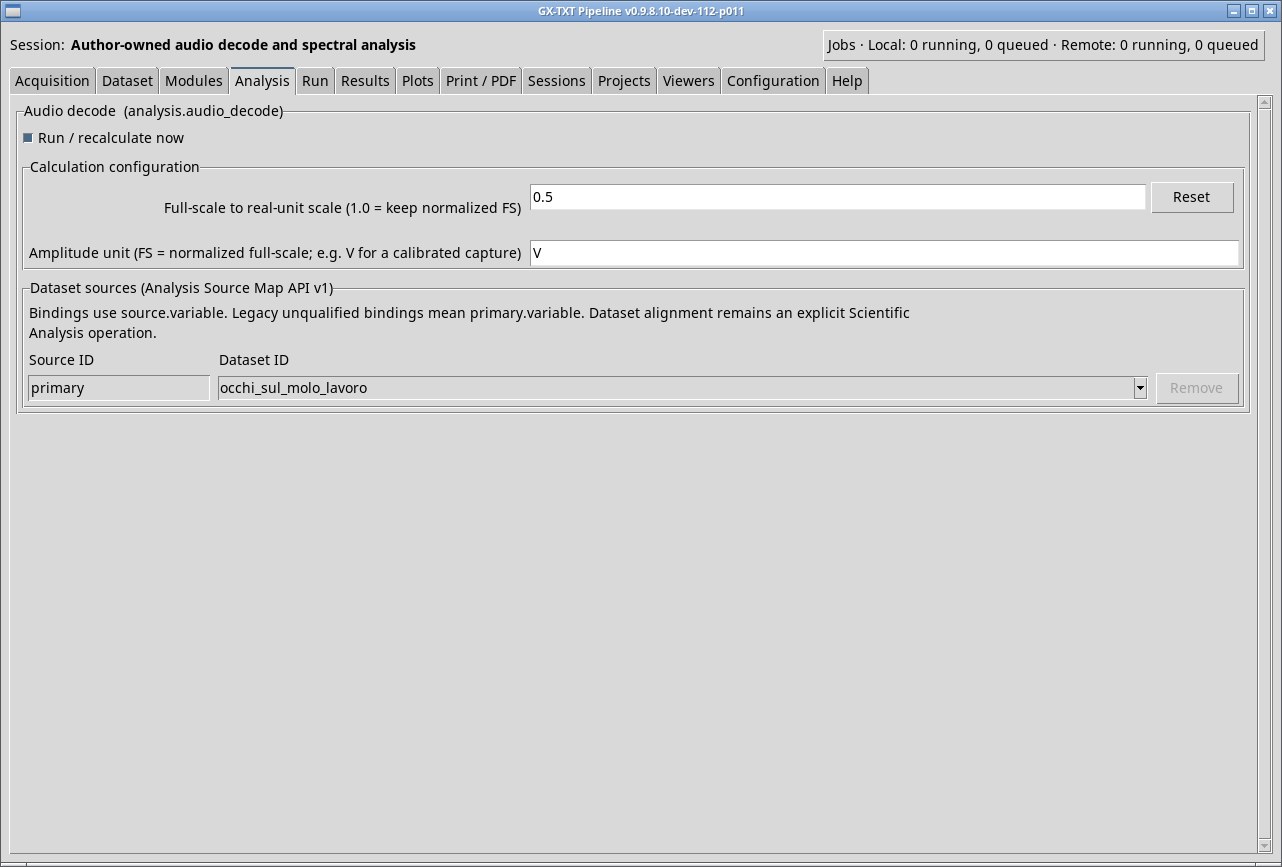
To try the effect of the two fields on a test Session, set 0.5 and V as an illustrative calibration. Recalculate and compare the same rows. The numerical value of each channel is halved and the declared unit changes. Restore 1 and FS for the lab WAV.
Read the decoded Dataset
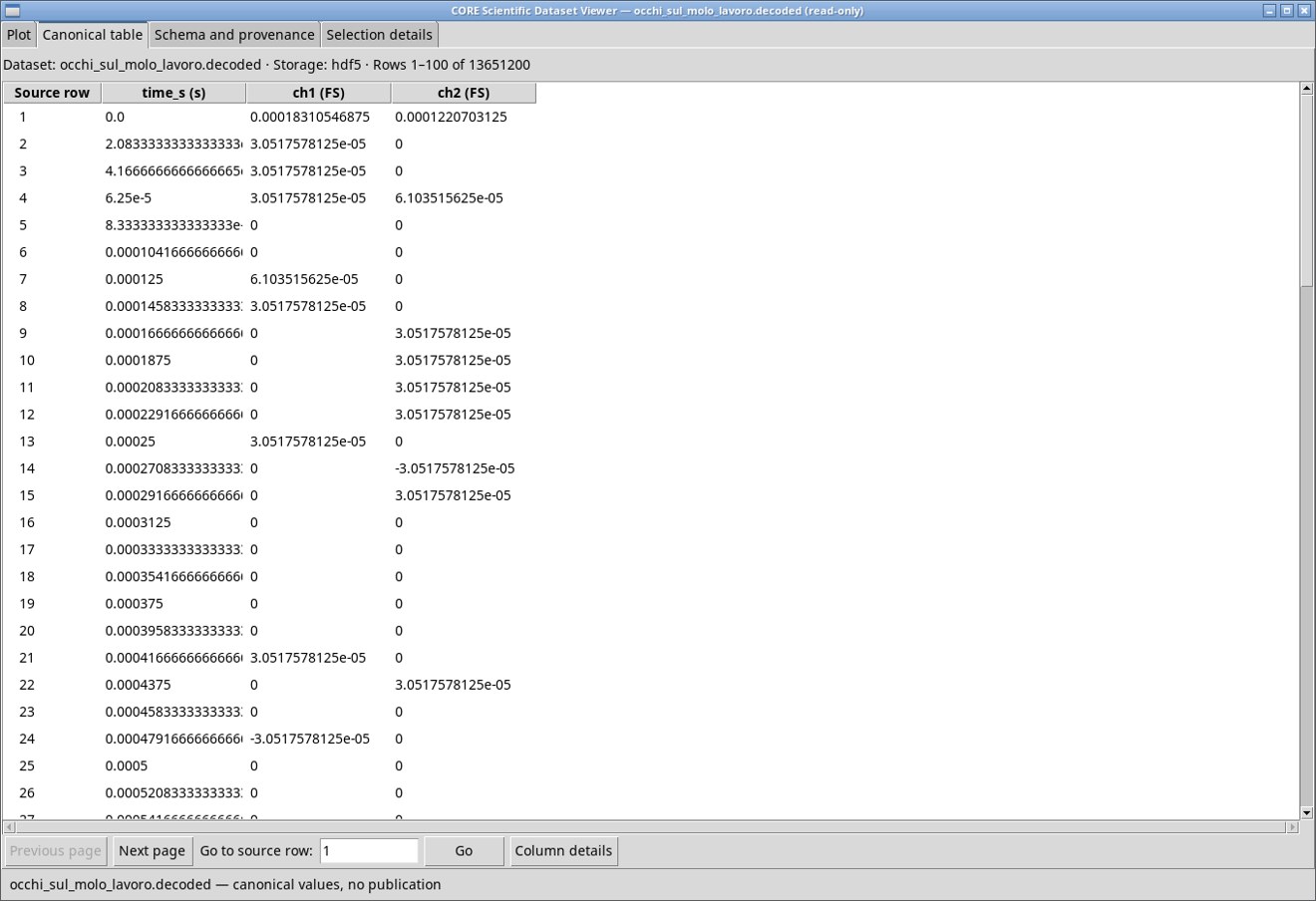
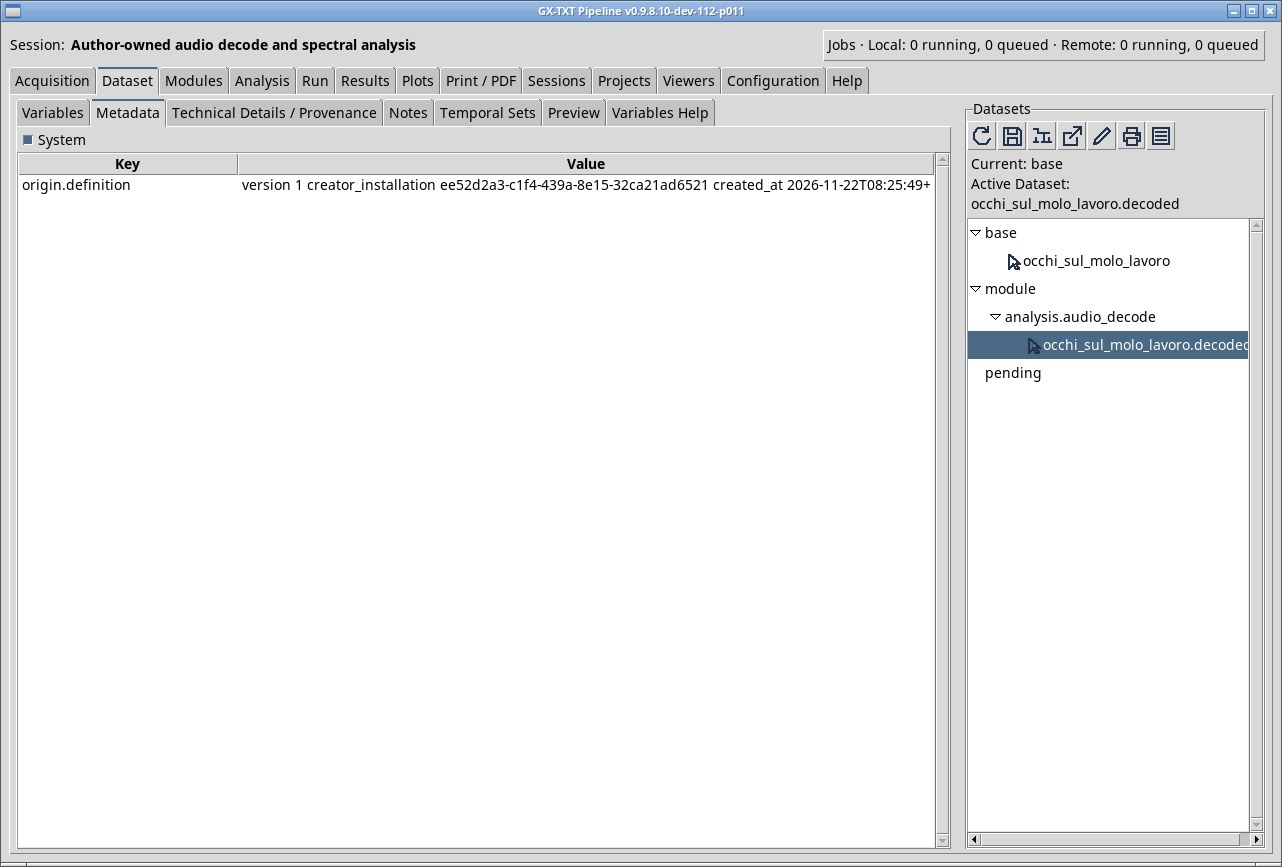
Open Run, check the role primary and start. After Selective analysis completed, go back to Dataset and select occhi_sul_molo_lavoro.decoded. The WAV source stays in the list. Preview enter timeseries.table. Use Open Dataset → Canonical table to read time_s, ch1 and ch2 in pages. The time origin is zero and the step is 1/48000 s. Time is an implicit axis. Metadata shows the origin of the product. In Technical details check HDF5, row count, units and data type.
In Results open decode_info.txt. The lab produces 13,651,200 stereo rows at 48 kHz, for 284.4 s. The source is 16-bit PCM, the published channels are Float64. The report contains codec, blocks, factor, unit and storage provider. A file of this size is decoded in blocks. In the panel Plots Audio decode does not produce automatic plots. You can use Scientific Dataset Plot on an interval of the decoded Dataset.