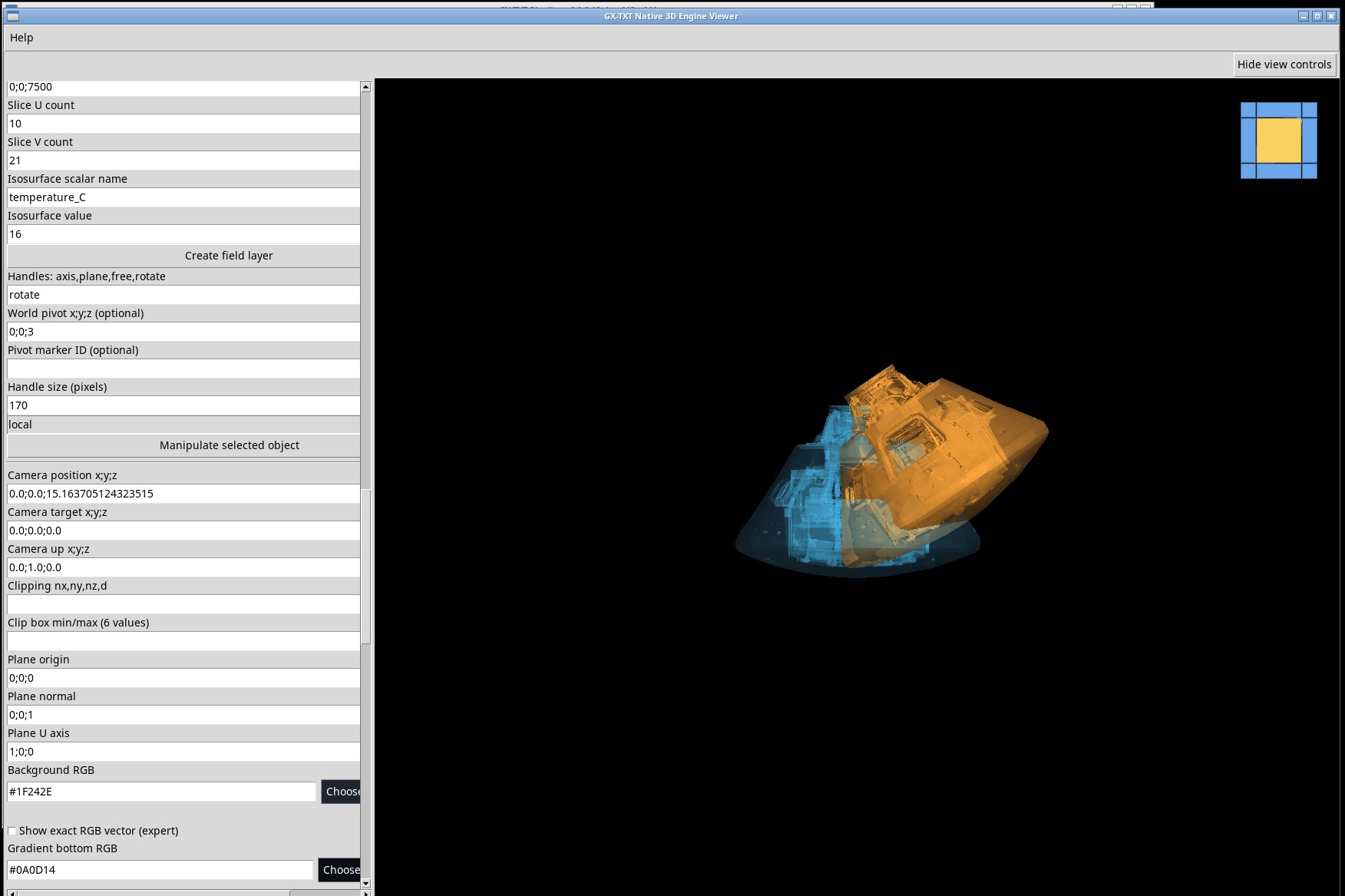
Moving two instances of the same mesh
Load two instances of the Apollo 11 mesh and see how 3D Studio applies transformations to each geometry independently.
Exercise files
- apollo11_studio.obj (extract the ZIP first)
Procedure in 3D Studio
Use the CC0 Smithsonian scan from the previous exercise. The translation and rotation are practice transformations applied to a copy of the same object. Apollo 11 Command Module (Combined)
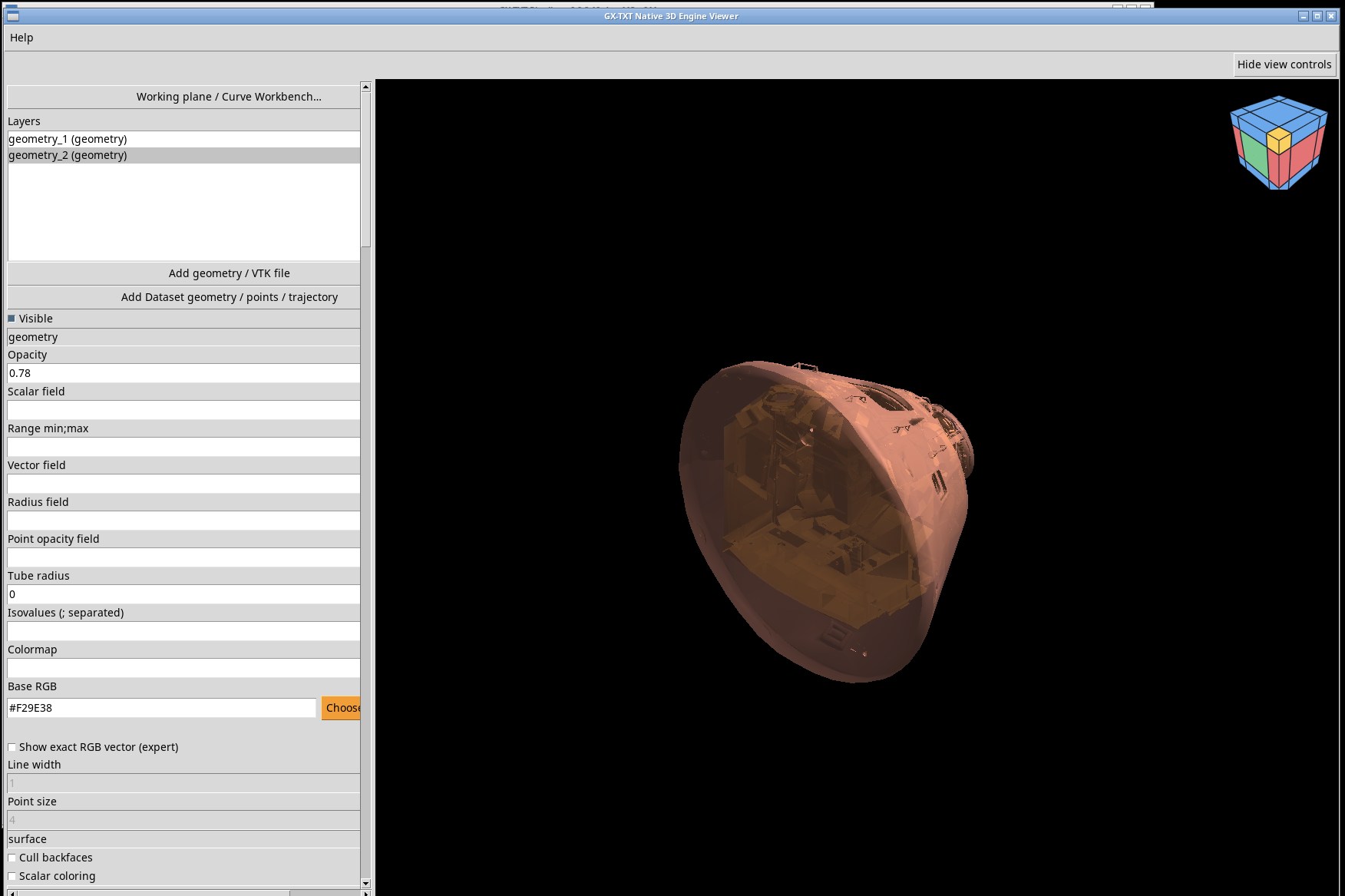
- Load the OBJ twice in Studio. Select each row in turn and use different colors and opacities, for example 0.45 and 0.78.
- Select
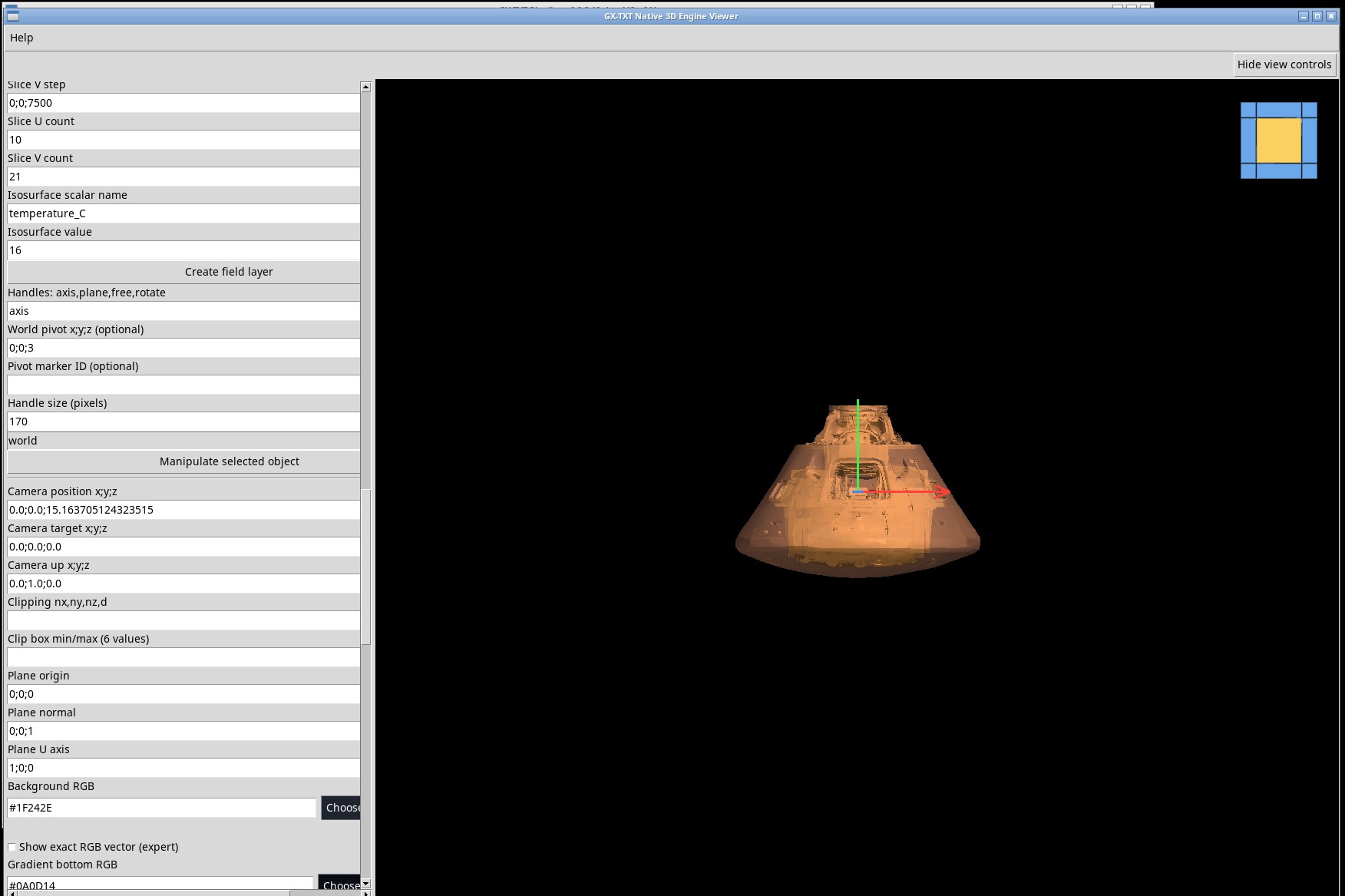
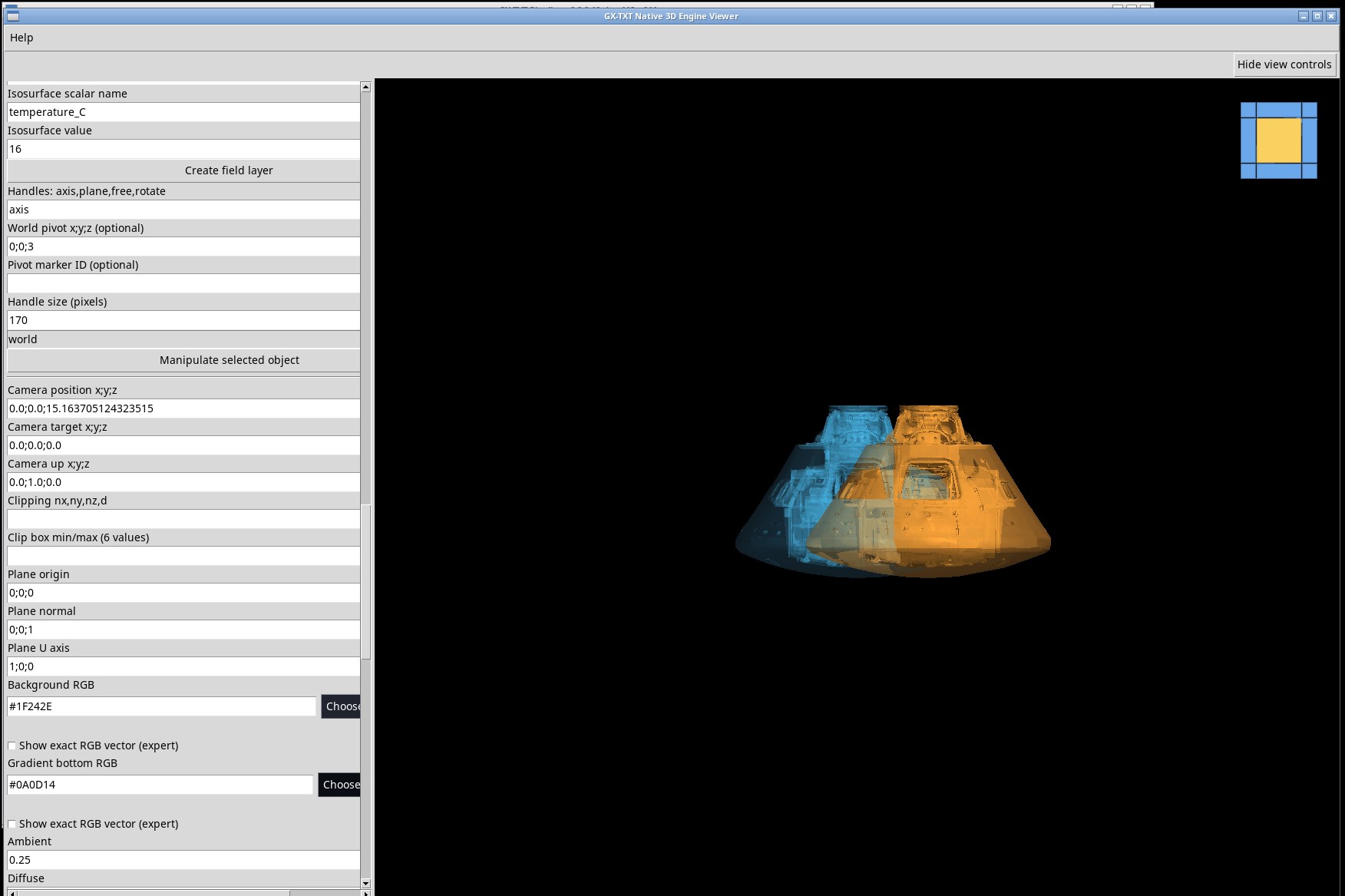
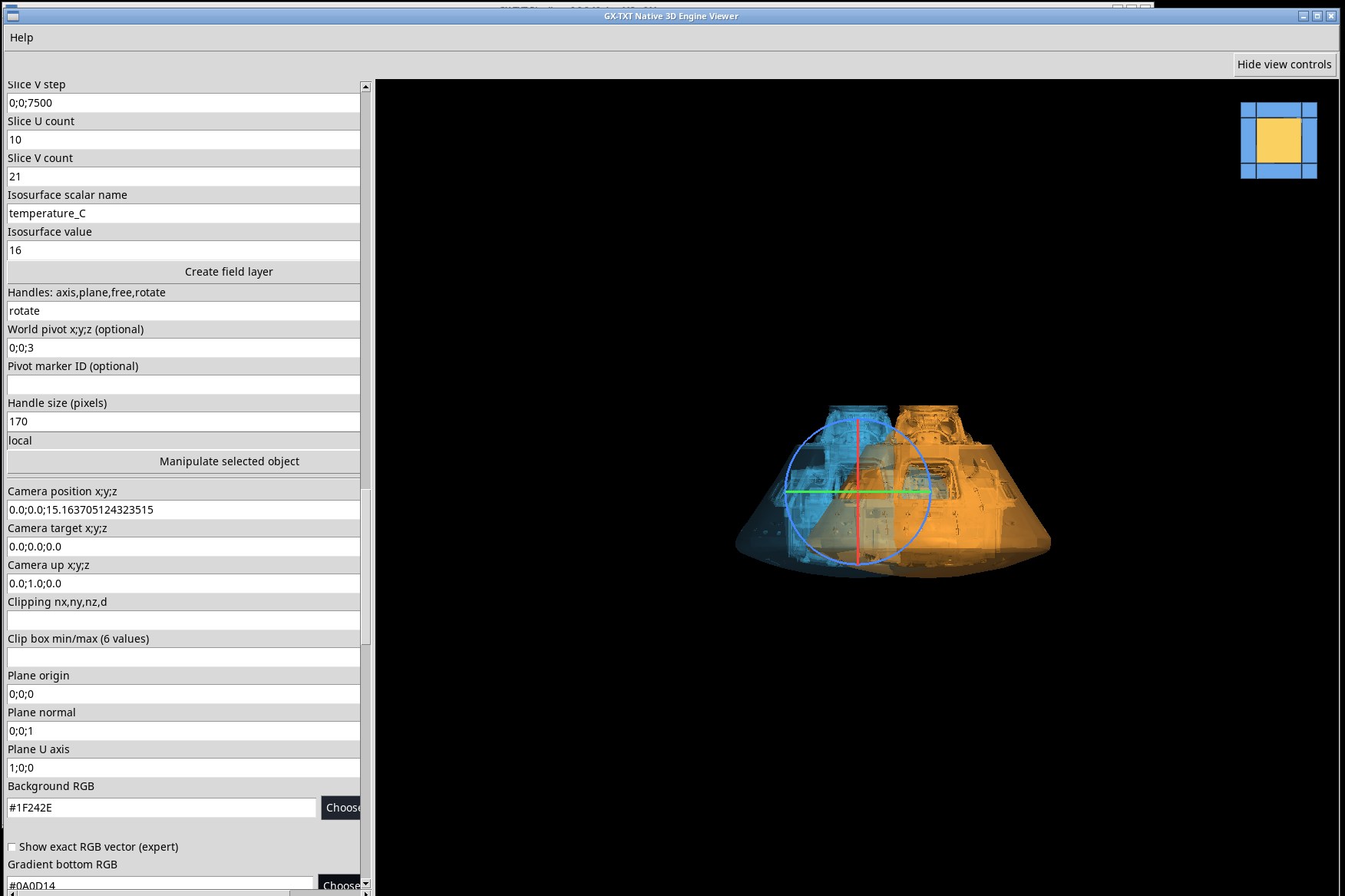
geometry_2, setworldandaxis,plane,free,rotate, then click Manipulate selected object. To reproduce the comparison, use Top, set Handles toaxisand the world pivot to0;0;3, and set Handle size to 170. Drag the red X handle and release. The first instance serves as a visual reference. The test moved the second instance by approximately 1.524 units along X. Pressing Esc on the second attempt kept the pose unchanged even after release. Save the Session configuration before reopening. - Use a marker on the second instance to test the pivot, or enter
0;0;0for the world origin. Use a rotation handle, then compare world and local after rotating. - To compare two points on the same instance, add both markers before moving it. Use
distance, make another rigid move, then check the measurement again. Internal distances are preserved within picking precision. The difference along X may change if the orientation changes.
If the two objects overlap, hide the first while picking and check the layer ID in the status before adding a marker. Compare the objects after release to verify the resulting pose.
Screenshots and results