

Gizmo, marked points, and measurements
Transform objects with the gizmo and use marked points to measure distances and angles from the picked coordinates.
Transform an object
Turn off Drag plane / clip on canvas. Select a layer with one object and click Manipulate selected object. world aligns the handles with the world axes, and local aligns them with the object axes. In Handles, enter one or more comma-separated handle families. Use axis for one axis, plane for two, free to drag in the screen plane, and rotate to rotate about an axis. World pivot takes scene coordinates in the form x;y;z. Pivot marker ID lets you refer to a marked point. Handle size is in pixels and defaults to 96. Use the dedicated workflow to manage individual occurrences in a STEP file with multiple occurrences.
Drag the handle directly and release it to confirm. Press Esc during the gesture to restore the starting pose. Check the pose after release and after reopening. A rigid transformation preserves distances within the same object, although offsets along the world axes can change.
Measure using the picked points
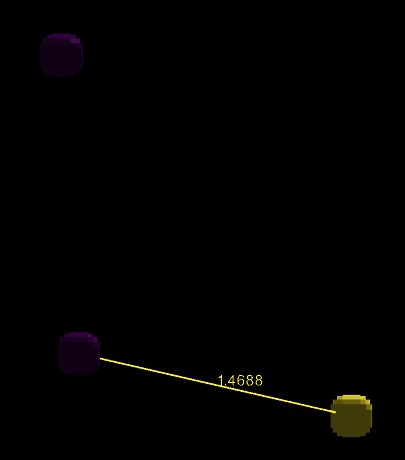
Click an available surface or point and read the detected layer. Click Mark selected point to add a marker with a sequential ID starting at marker_1. The marker is anchored in the object’s local coordinates and follows its pose. In the three-point tyrosine test, a global X translation of 0.2750 Å preserved the local markers and the distance between N1 and C2. Escape canceled the next gesture. The saved configuration restored the pose and markers when reopened. On a surface, the picked point can lie between vertices. With a CSV, compare the pick coordinates with the sample coordinates before interpreting a measurement.
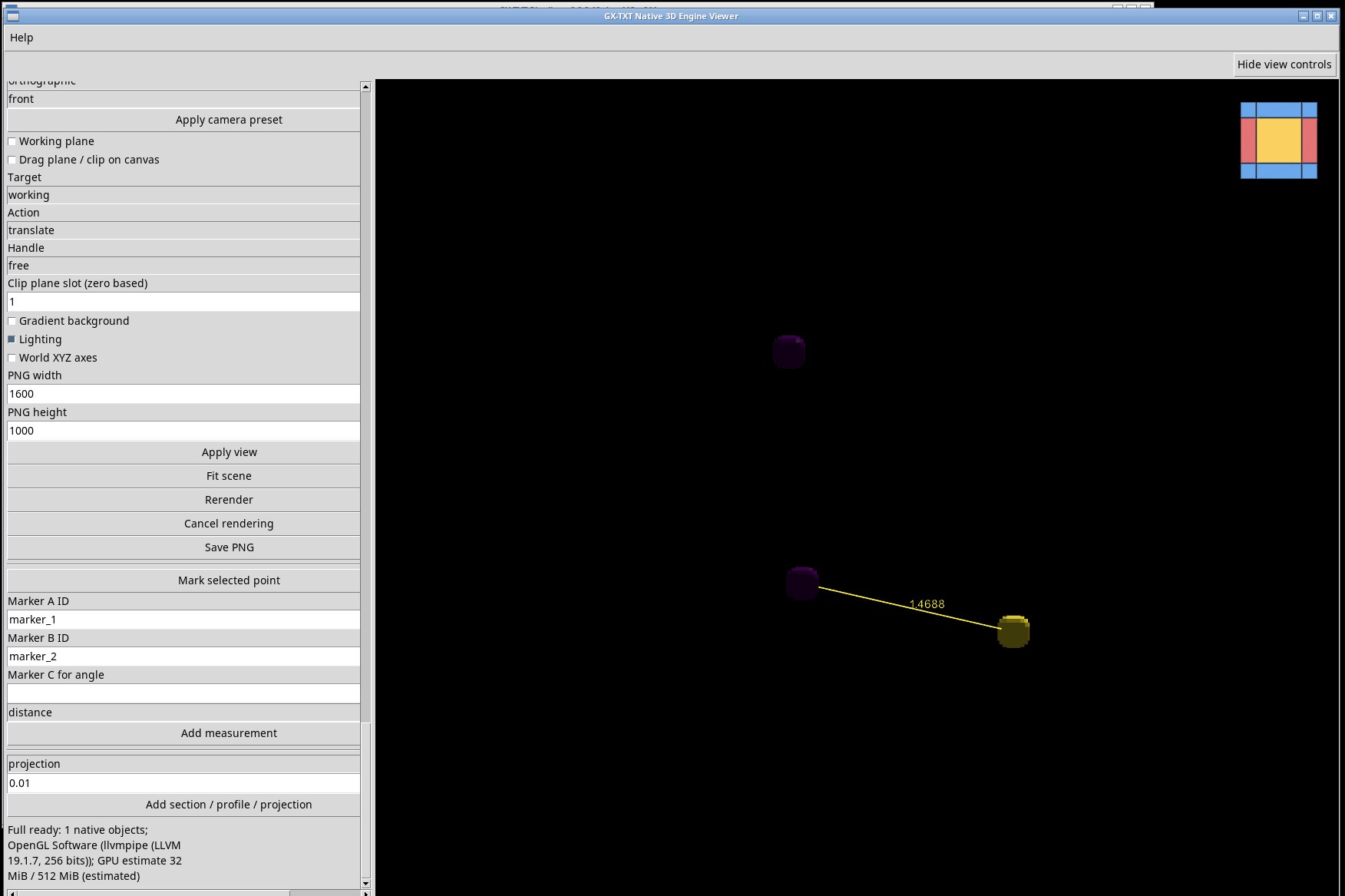
Enter the IDs in Marker A ID and Marker B ID. Fill in Marker C for angle when the measurement needs three points. Click Add measurement to display the measurement on the canvas once the references and geometry are available. Distance is the norm between A and B. The angle has its vertex at B, and Studio displays it in radians. Projecting B−A onto the world axes gives the signed coordinate differences. In the tyrosine test, the X difference is −1.338 from N1 to C2 and +1.338 with the markers reversed. Swap A and B to check the sign. Interpret distances in the units of the actual coordinates, such as Å in the tyrosine exercise. Displaying the scene does not supply units missing from the source.
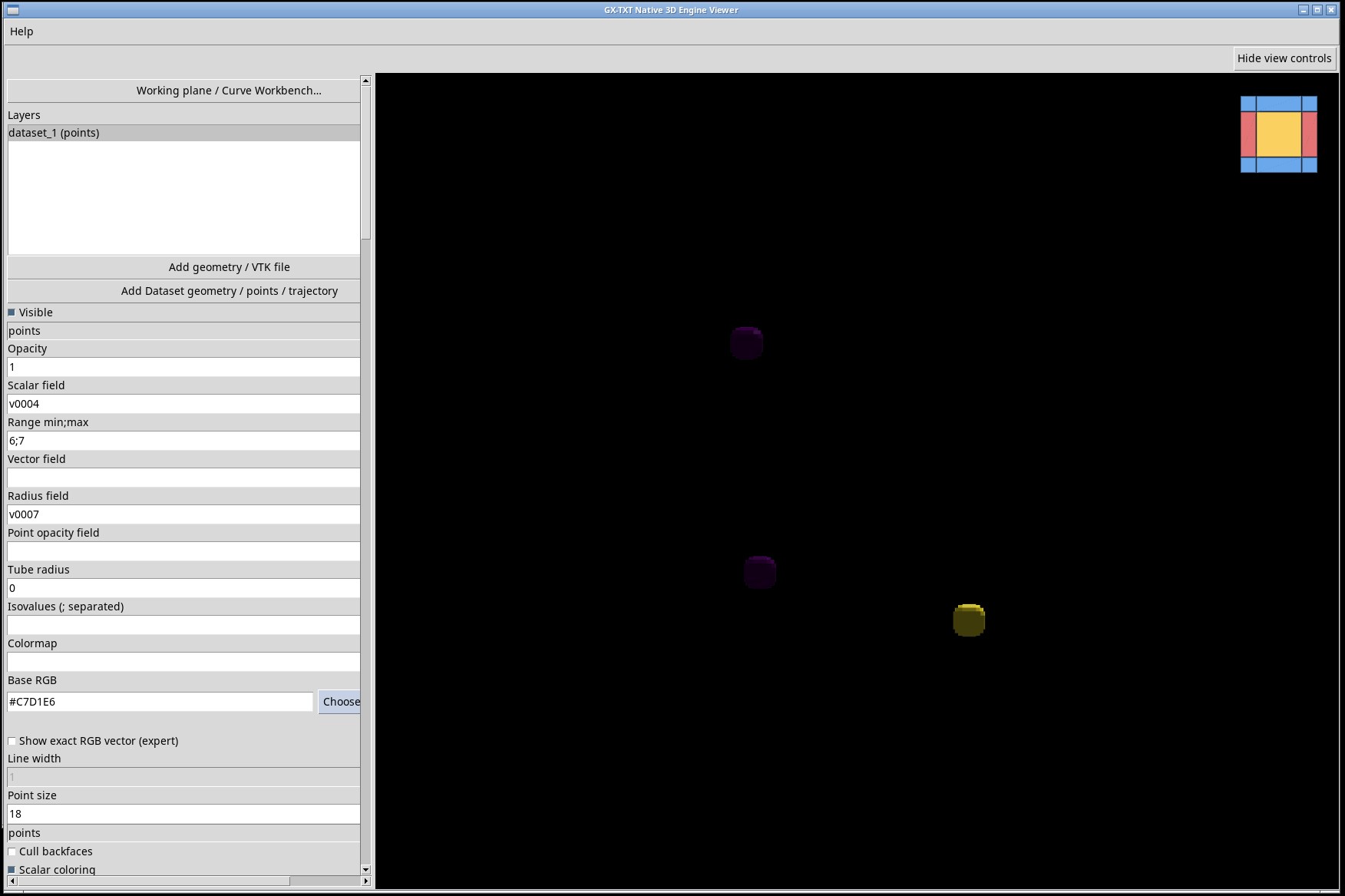
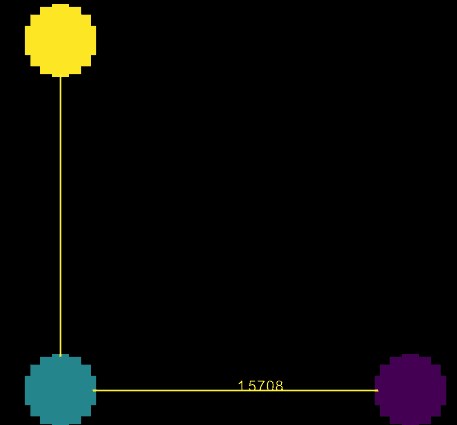
To test measurements on exact coordinates, import the three-point reference CSV. Map X/Y/Z to v0001/2/3, Scalar to v0004, and Radius to v0005. Use Fit scene, Front, and an orthographic view. Mark A=(1,0,0), B=(0,0,0), and C=(0,0,1). The angle measurement reads 1.5708 rad. The distance from A to B is 1 m in the CSV reference frame.
Commands and settings
- Gizmo reference frame ·
world - Align the handles with the scene’s X/Y/Z axes.
- Gizmo reference frame ·
local - Align the handles with the object’s local reference frame.
- Handles: axis,plane,free,rotate
- Enter a comma-separated list of axis, plane, free, and rotate. Omit families you do not want to show.
- World pivot x;y;z (optional)
- For a precise pivot, enter a world-coordinate triplet x;y;z. The same reference frame governs how the object turns.
- Pivot marker ID (optional)
- Use an existing marker ID to anchor the pivot to a reproducible point.
- Handle size (pixels)
- On-screen handle size in pixels, normally 96. Increase it if a handle is difficult to grab.
- Manipulate selected object
- Shows handles for a selection with one manipulable occurrence. Use the canvas to confirm or cancel the gesture.
- Mark selected point
- Saves the last valid pick as a local marker. Check the layer first. The first ID is marker_1.
- Marker A ID
- ID of the first marker. A signed difference is measured from A to B.
- Marker B ID
- ID of the second marker. B is the vertex for an angle.
- Marker C for angle
- ID of the third marker, required for angle. It identifies the second side extending from B.
- Measurement type ·
distance - Euclidean distance between A and B in coordinate units.
- Measurement type ·
delta_x - Signed X component of the difference between the two markers.
- Measurement type ·
delta_y - Signed Y component of the difference.
- Measurement type ·
delta_z - Signed Z component of the difference.
- Measurement type ·
angle - Unsigned angle with vertex B and sides BA and BC, read in radians.
- Add measurement
- Adds the chosen distance, difference, or angle. Check marker IDs and coordinate units before interpreting the value.