Computing a pathline from four time samples
Use four daily samples of 850 hPa wind to integrate a pathline in a time-varying field.
Exercise files
- wind850_20200101.vti (extract the ZIP first)
- wind850_20200102.vti (extract the ZIP first)
- wind850_20200103.vti (extract the ZIP first)
- wind850_20200104.vti (extract the ZIP first)
- vento_controllo.csv
Procedure in 3D Studio
Use the same NCEP/NCAR reanalysis as in the streamline exercise, now from January 1–4, 2020. The four fields share the same exercise CRS, arrays, units, dimensions, and imposed planar motion. Pathlines interpolate a time-varying field and depend on the model and step size. NOAA PSL daily samples
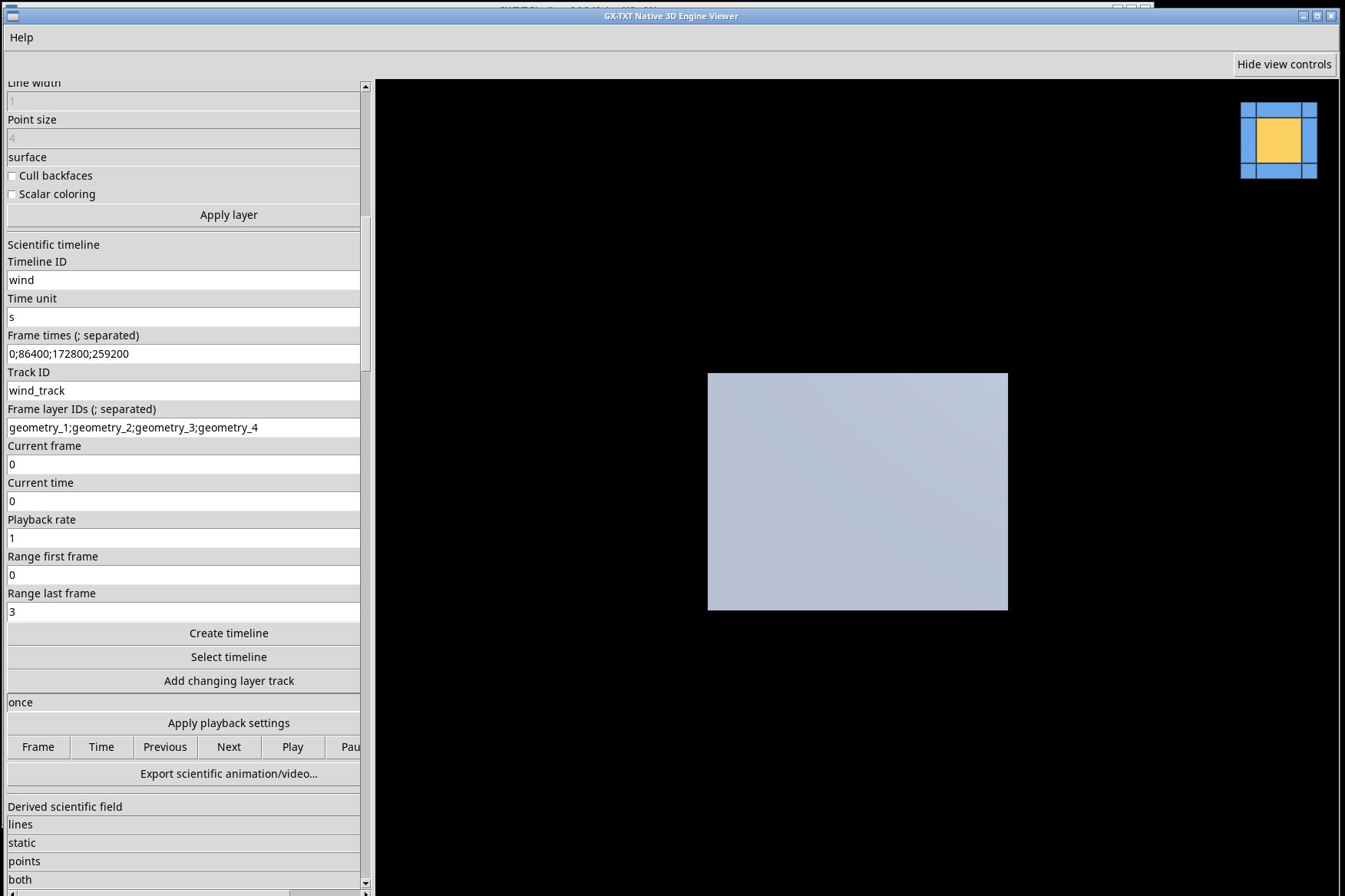
- Load all four VTI files as fields. Reduce the Opacity of each to 0.12. Set timeline
wind, time units, Frame times0;86400;172800;259200, and trackwind_track, using the four layer IDs in order. - Select
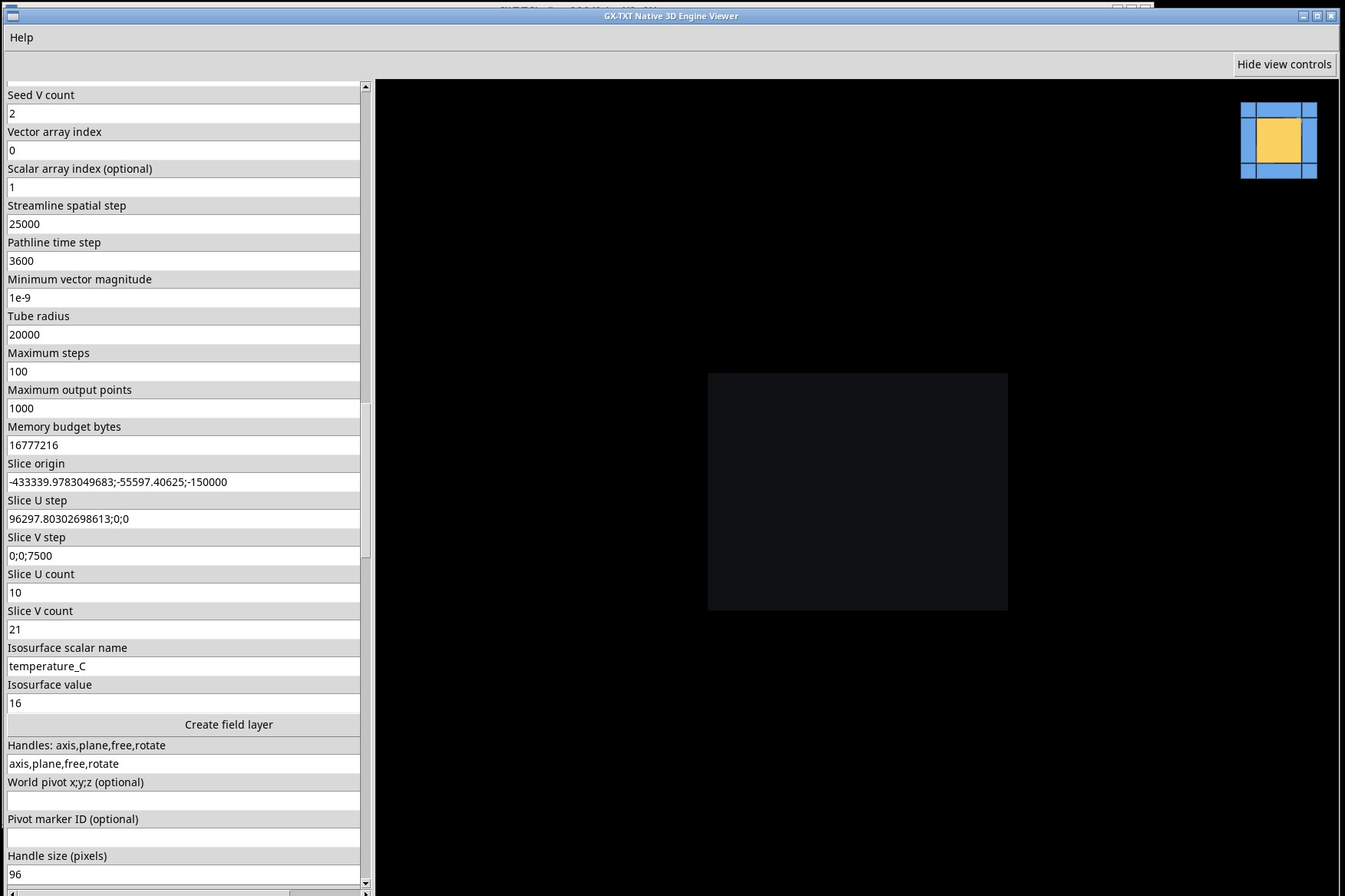
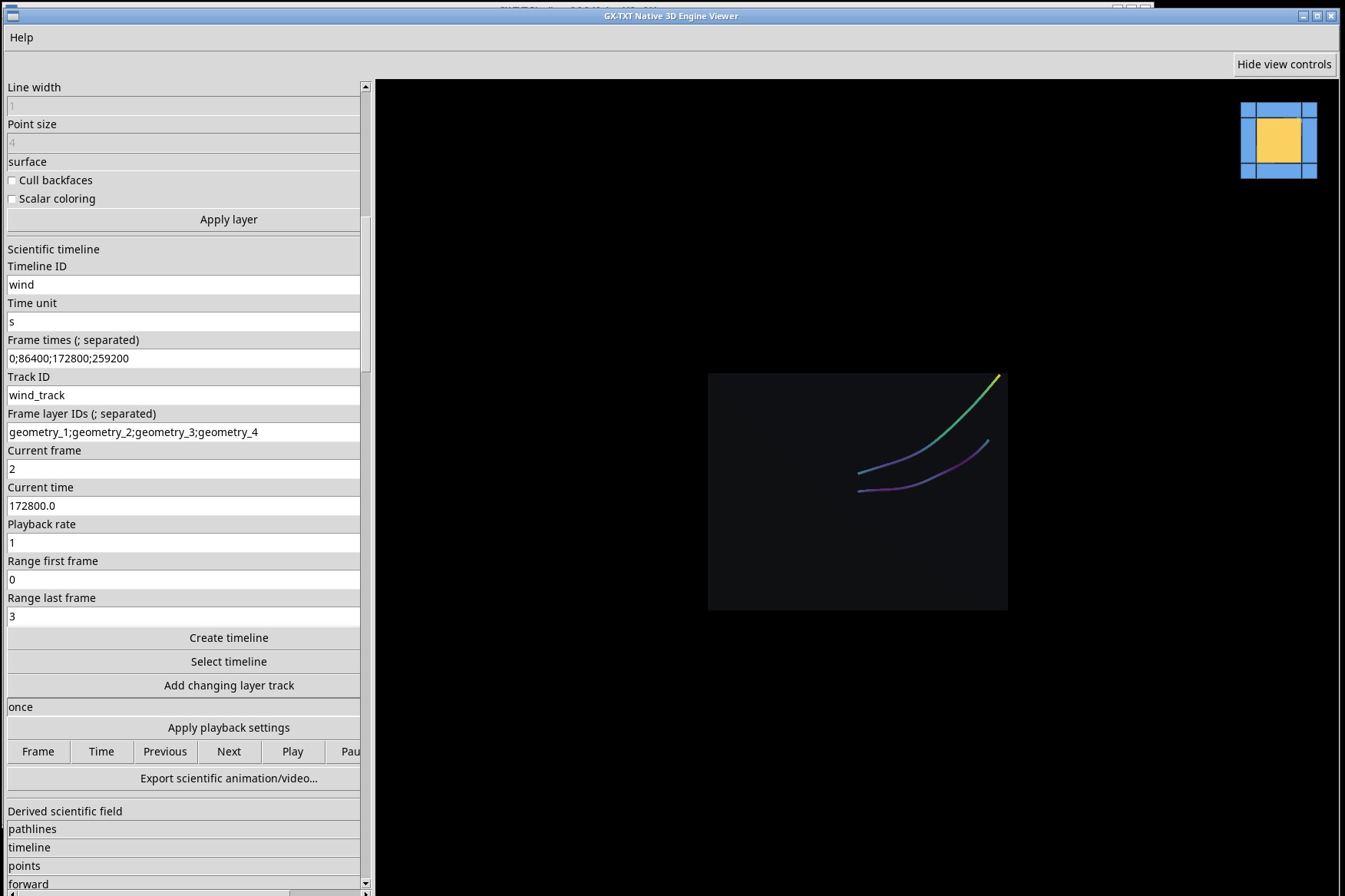
pathlines,timeline, and trackwind_track. Use vector array index 0, scalar index 1, and explicit seeds0;0;0|0;250000;0. Set Time step to 3600 s, Tube radius to 20000 m, Maximum steps to 100, and Maximum output points to 1000. - Click Create field layer. Advance from frame 0 to frame 2 (172800 s). Compare the pathline with the first frame, where the integration time is zero.
The result estimates a trajectory through daily reanalysis fields. Endpoints can leave the cropped domain. Check the initial sign and magnitude against the component CSV before comparing the pathline with the instantaneous streamline.
Screenshots and results