Clipping and extracting a section of Mount St. Helens
Load the Mount St. Helens terrain, set the working plane, and extract an elevation profile for comparison with a reference transect.
Exercise files
- sthelens_terreno.vtp (extract the ZIP first)
- sthelens_terreno.obj (extract the ZIP first)
- sthelens_transetto.csv
Procedure in 3D Studio
This exercise uses the same USGS 3DEP tile as the point exercise, covering ±2000 m along each axis at 25 m spacing. The VTP preserves the elevation_m scalar. The OBJ retains the same 25,921 vertices and the same triangles. Use it for extraction operations that require a mesh. At the center (0,0), the reference transect elevation is 2141.109 m. USGS source, public domain
- Load the VTP, click Fit scene, and try
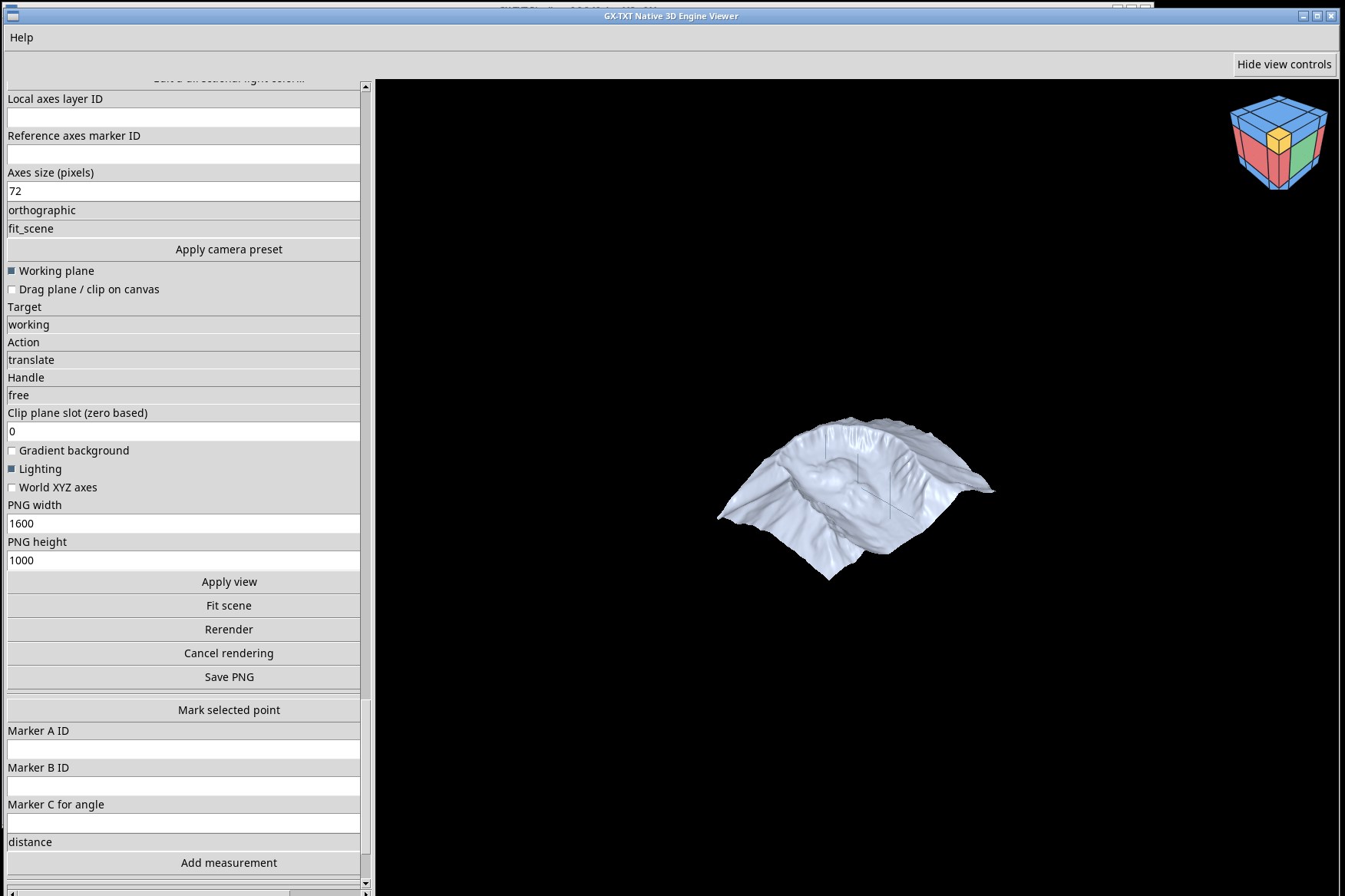
1,0,0,0in Clipping. Click Apply view to change what is visible. Clear the field to restore the full view. - To clip to a box, enter
-1800;-1200;1500;1800;1200;2700in Clip box, with minimum X/Y/Z followed by maximum X/Y/Z. The original VTP remains available for the full view. - To extract curves, open a Session with the OBJ. Set origin to
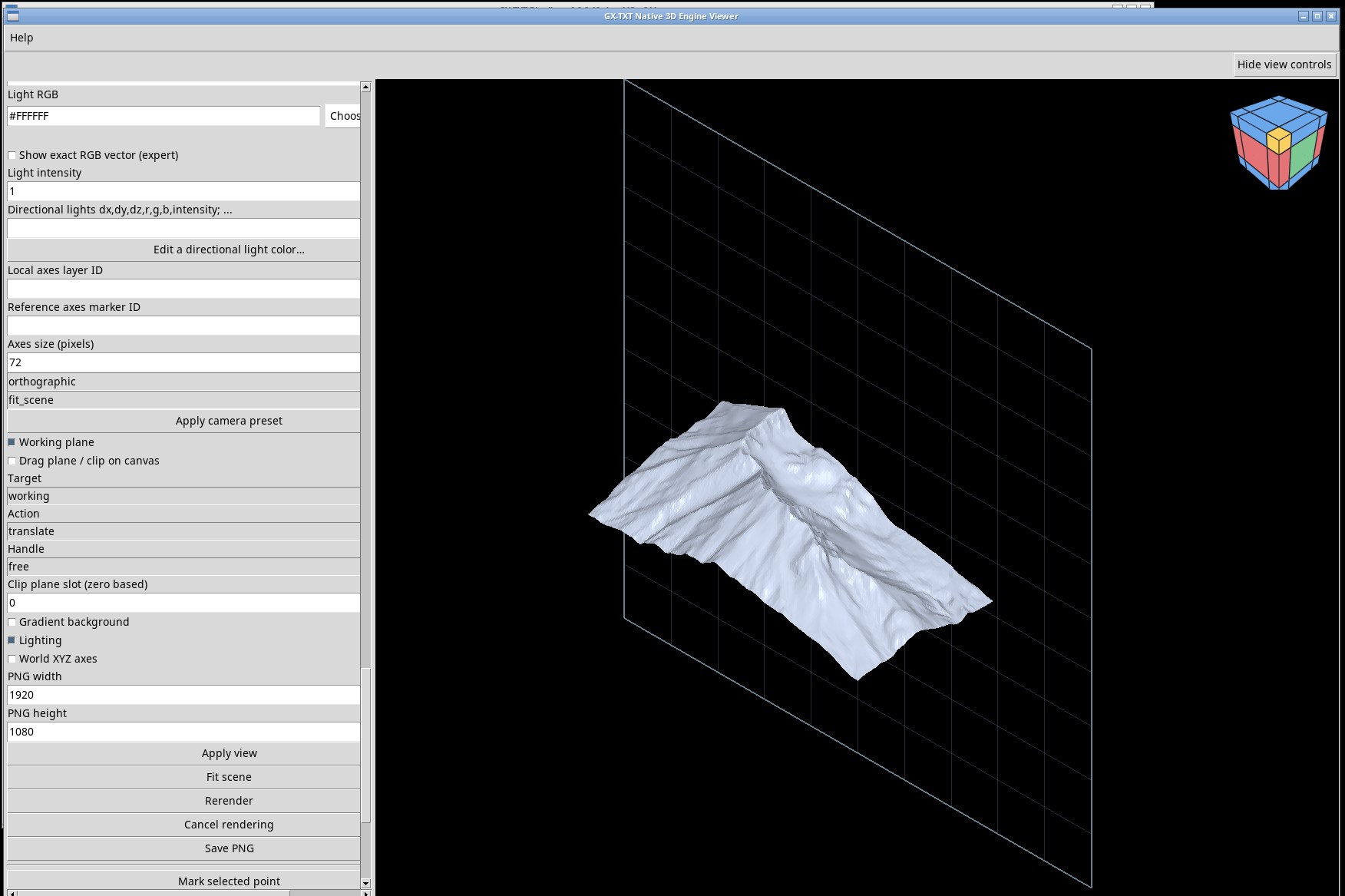
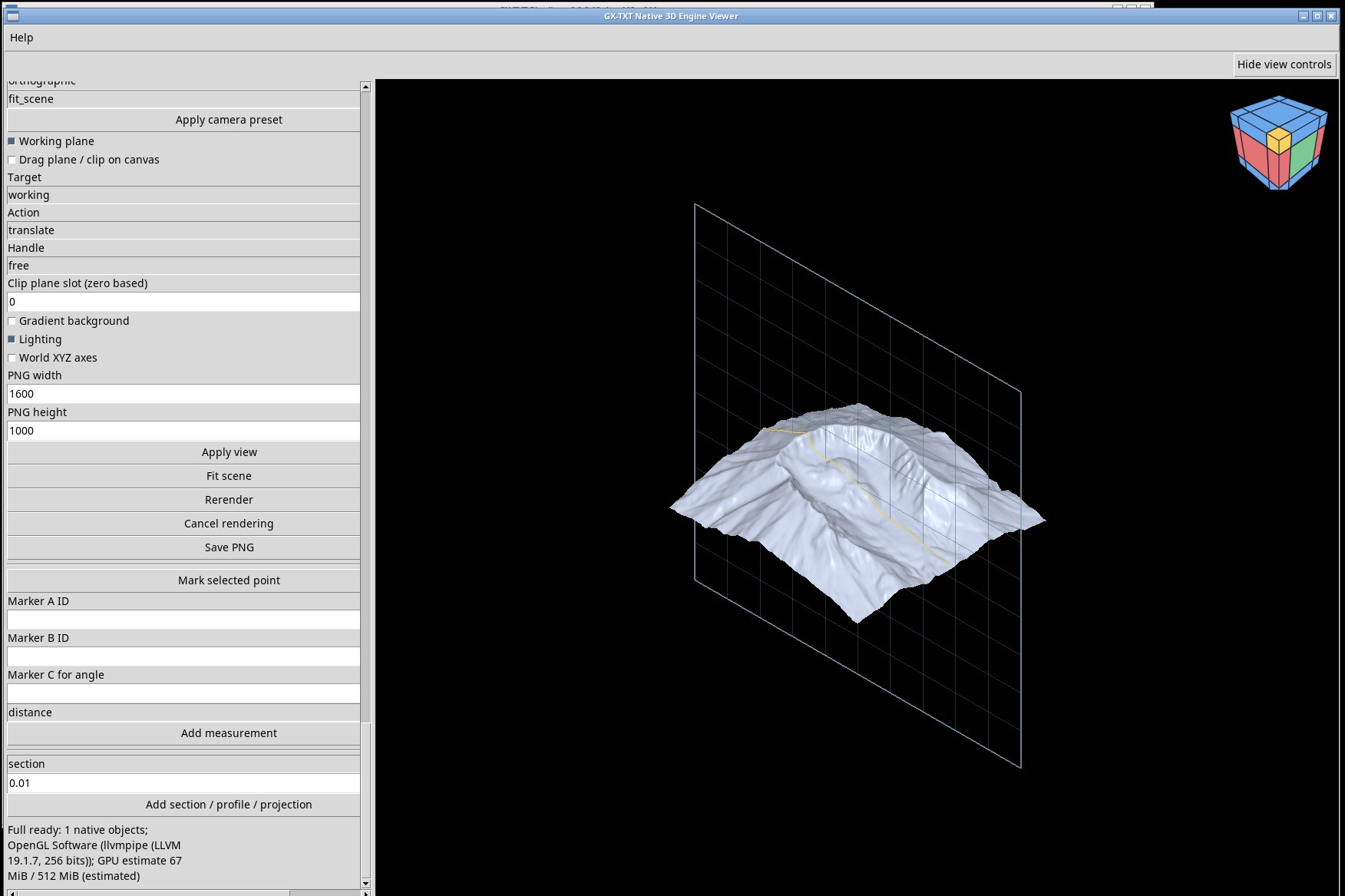
0;0;2100, normal to1;0;0, and U to0;1;0. Enable Working plane and apply the view. Select the mesh. Choosesection, set the tolerance to0.01, and click Add section / profile / projection. Compare the surface, curve, and reference elevations. - To try the bridge, use a horizontal plane at 2100 m with normal
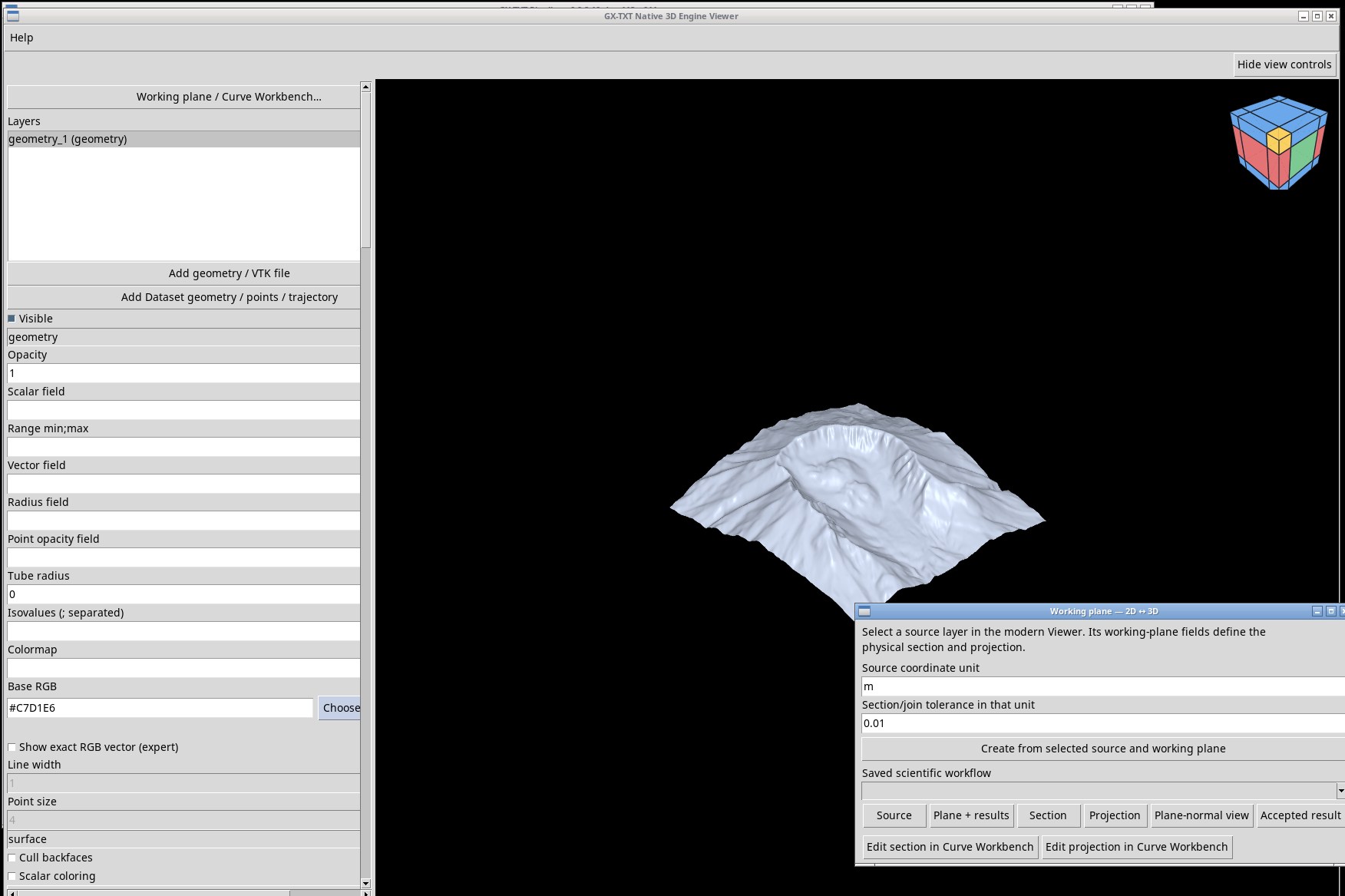
0;0;1and U1;0;0. Open Working plane / Curve Workbench…, set the unit to m, and use a tolerance of 0.01. Keep the workflow ID if creation succeeds. On the VTP, the vertical plane returned validate projected source boundary contours: DEGENERATE when creating the combined workflow. Visual clipping remains available.
Visual clipping determines which fragments are drawn. The CSV transect provides 161 elevations at X=0 for comparison with the mesh section. The elevations at the two ends are 2158.701 m and 1591.951 m.
Screenshots and results