

3D Geometry Import
Acquire 3D geometry, check the published Dataset, and open the model in GX-TXT.
acq.geometry_3d · Version 1.1.0
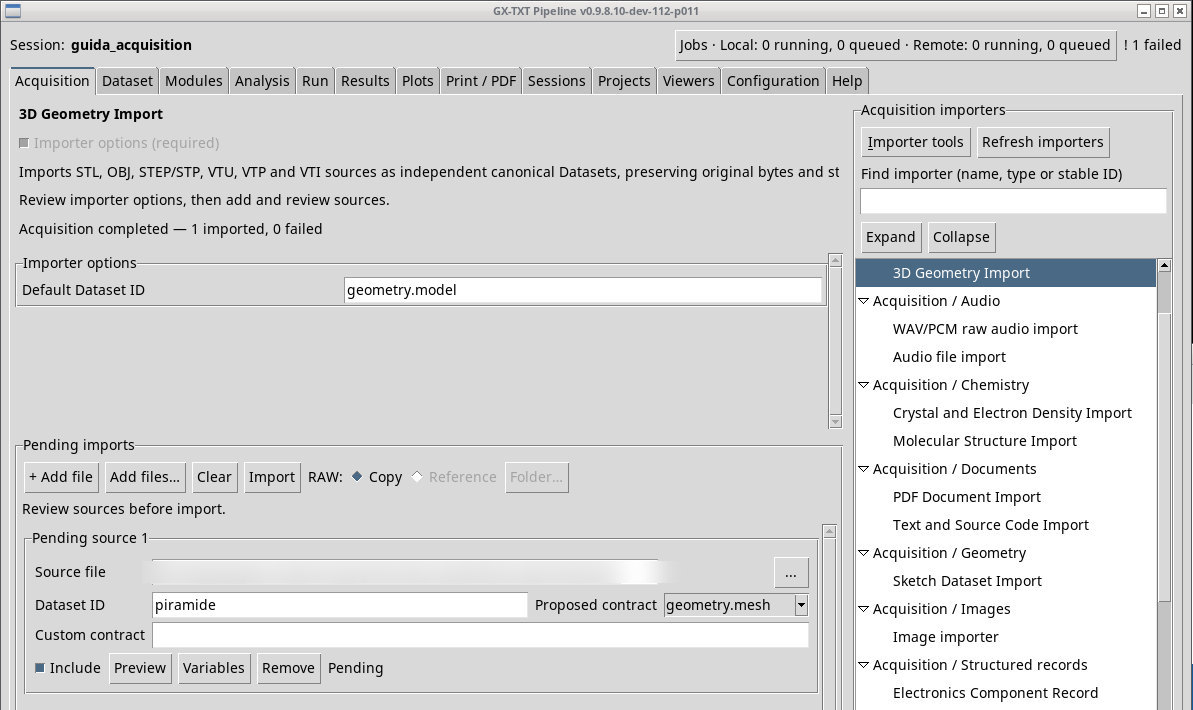
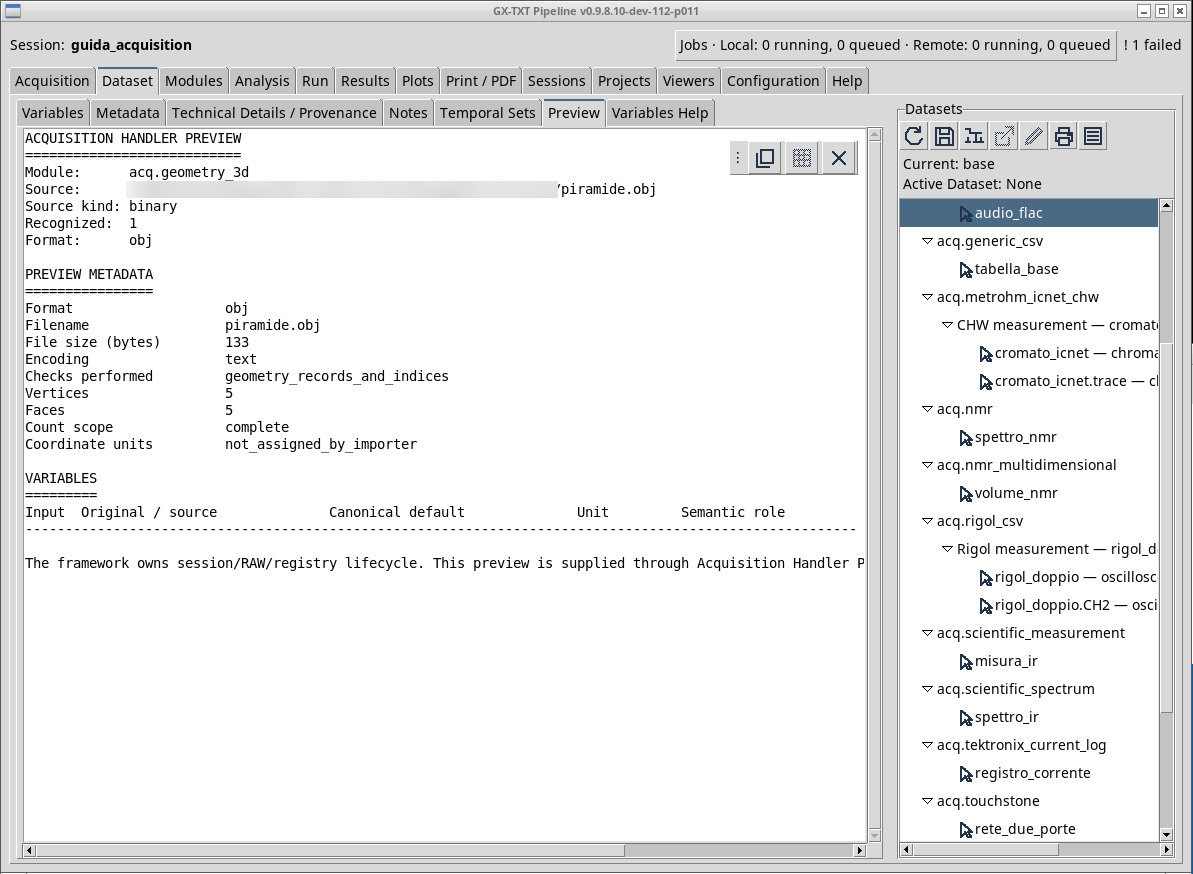
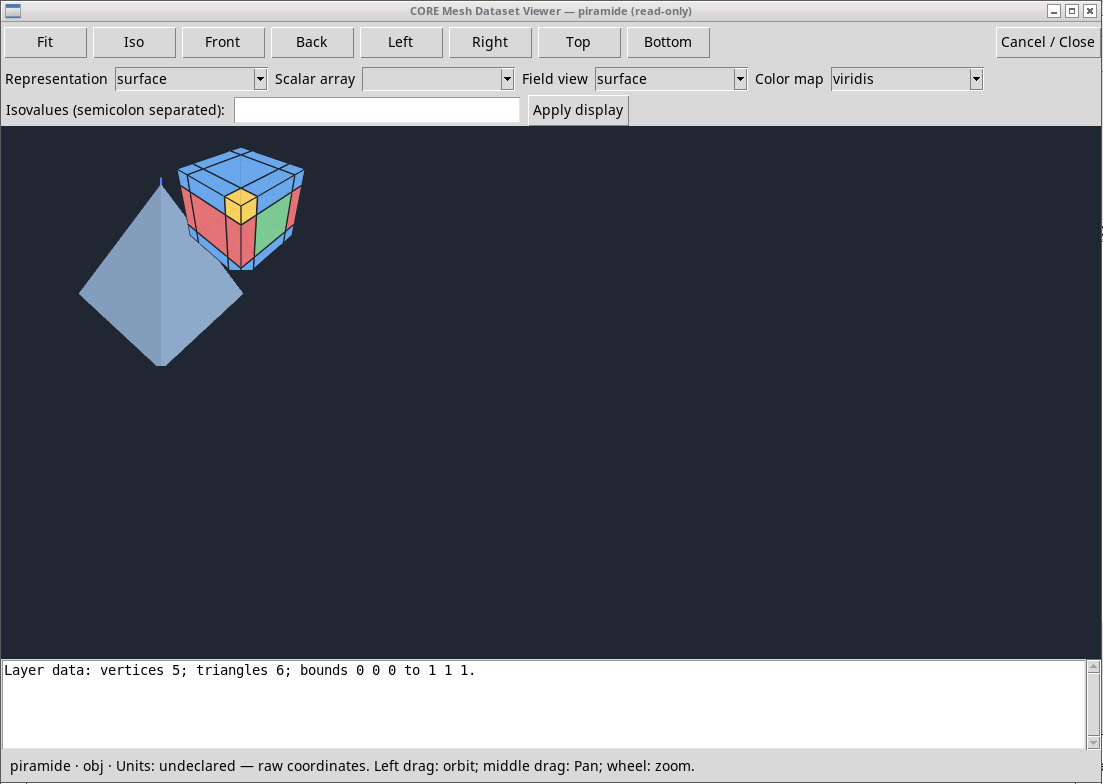
Queue piramide.obj with ID piramide. The exercise solid has a square base, four triangular faces, and five vertices. The file does not declare a unit. Use Preview to see which type is recognized, and open the Dataset with the installed 3D provider. A view may also use a triangulator, so count the source faces separately from the displayed elements.
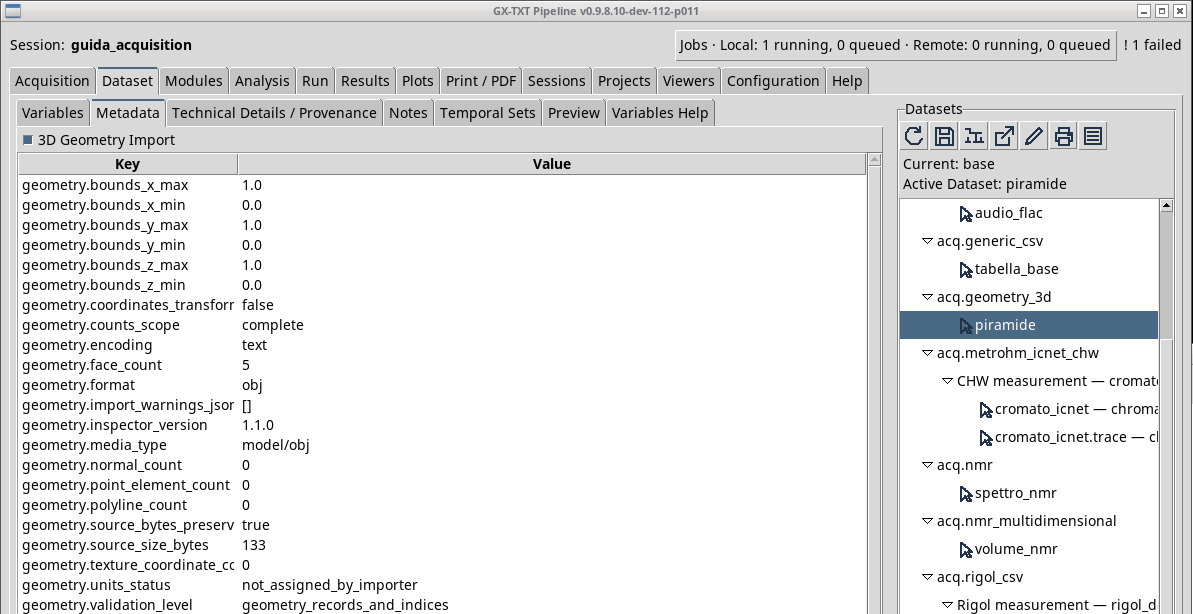
OBJ and STL are surfaces, STEP/STP is a CAD model and VTK XML formats retain a structure and can include fields. In tetra.vtu, look for points, cells, and arrays. For VTI, check the origin, spacing, and dimensions of the grid. For VTP, check polygonal primitives and array associations. Read the contract actually registered in Metadata. In 3D Studio, loading a file as an artifact is a different action. In Acquisition the source passes through the Dataset flow of the Session.
For griglia.vti, the source shape is 5 × 4 × 3, the origin is (0, 0, −1), and the spacing is (0.5, 0.5, 0.25). The scalar is named valore. sfera.vtp contains a surface of radius 1. In P011-bis, the importer records the original files and format checks. Carry out any mesh or scene operations in the selected viewer.
Exercise files
- piramide.obj (extract the ZIP first)
- box_unit.stl (extract the ZIP first)
- unit_box.step (extract the ZIP first)
- tetra.vtu (extract the ZIP first)
- griglia.vti (extract the ZIP first)
- sfera.vtp (extract the ZIP first)
Sources, licenses, and SHA-256
Screenshots
Open a screenshot to view it at full size.
Controls and settings
Scrollbar
Default Dataset ID
Default value in the basic configuration geometry.model.