

Molecular Structure Import
Import a molecular structure, check record selection, and open the 3D scene in a fresh Session.
acq.molecule_structure · Version 1.0.1
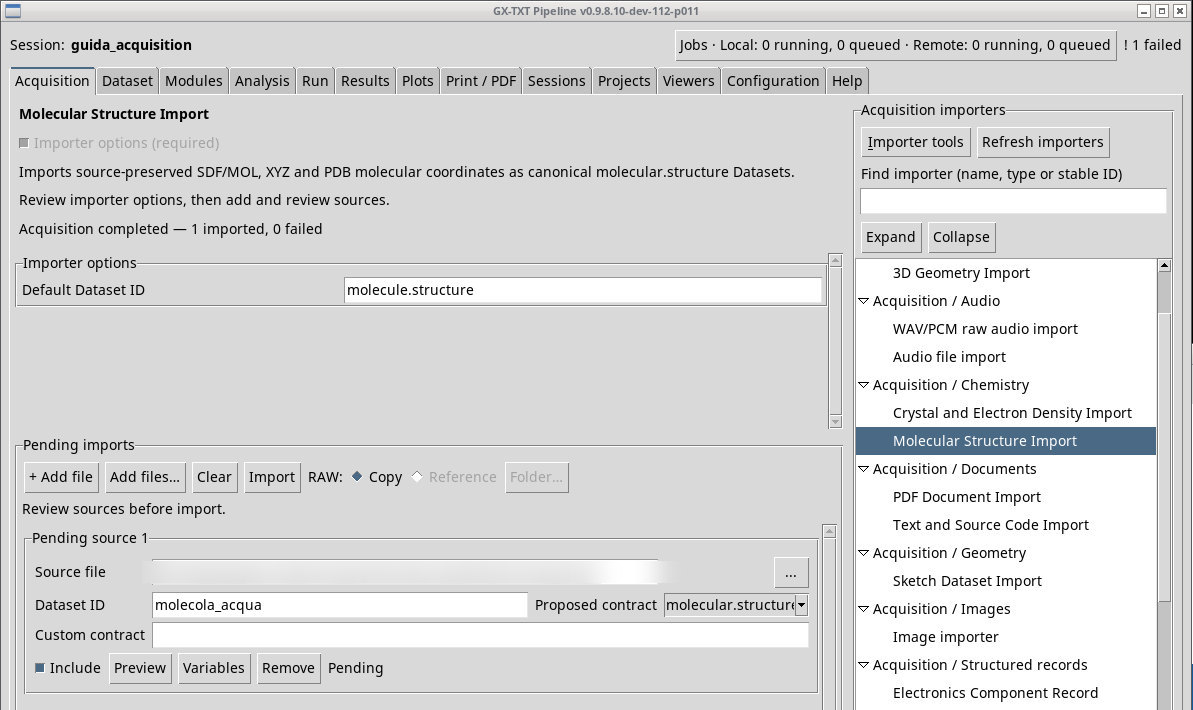
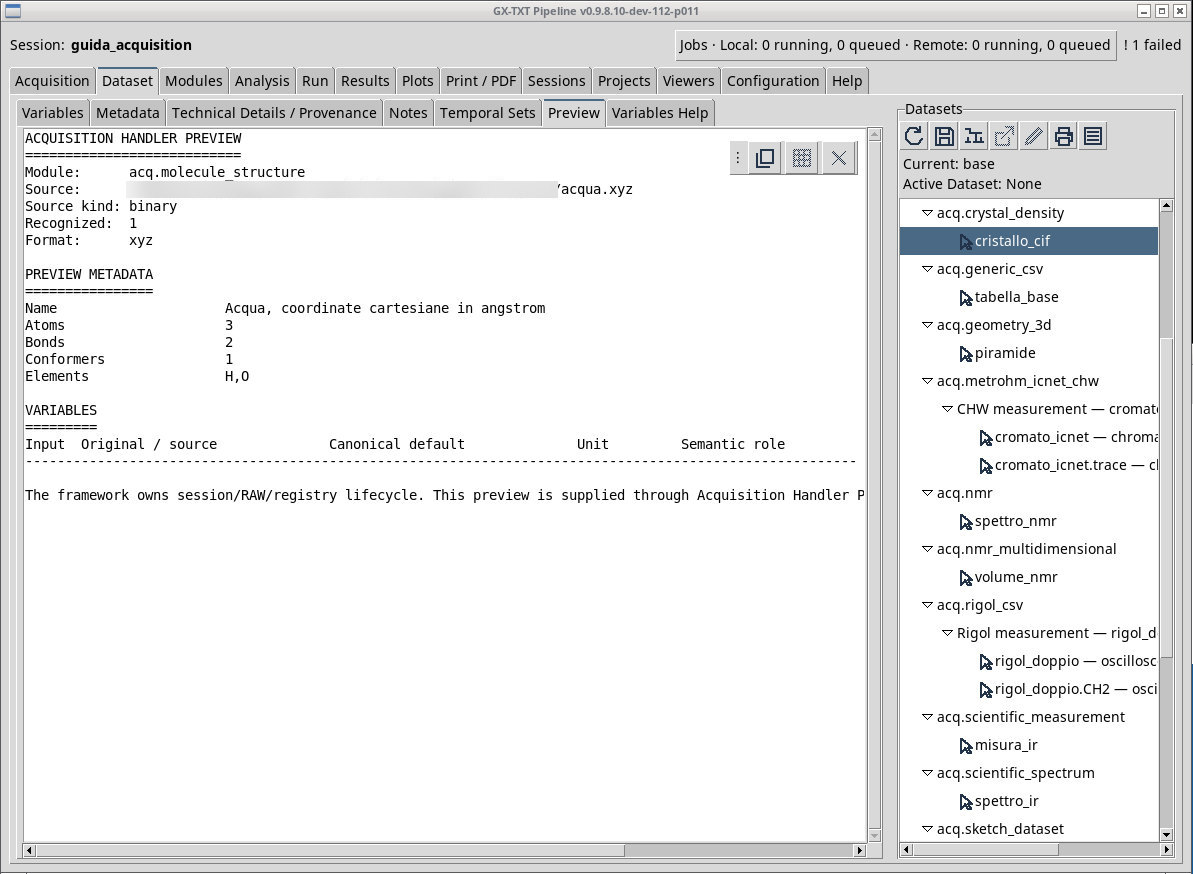
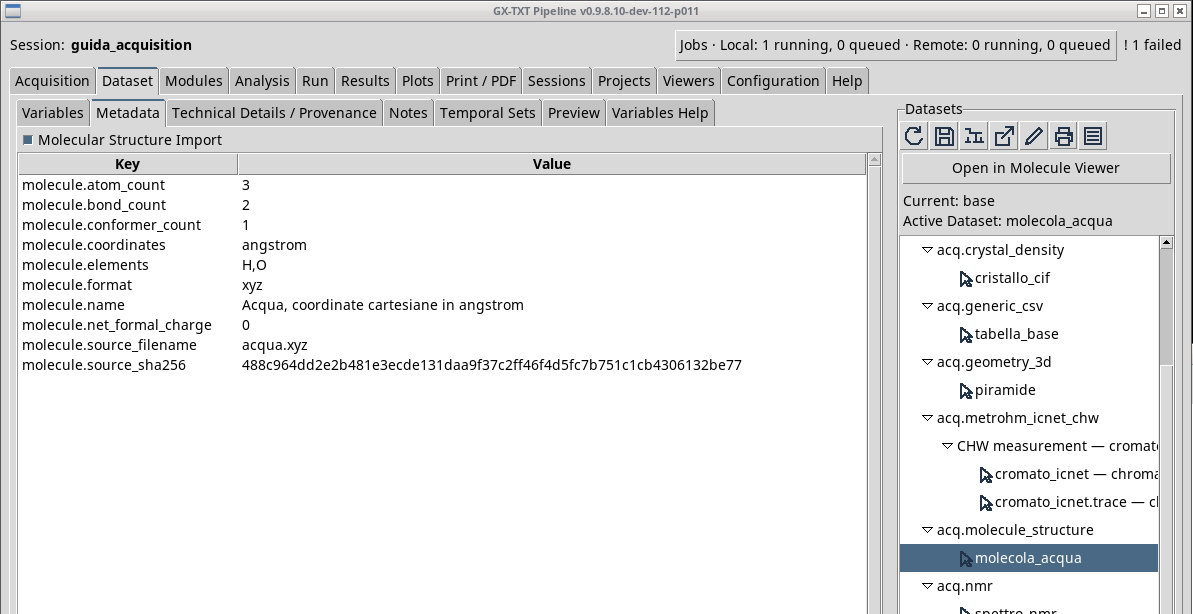
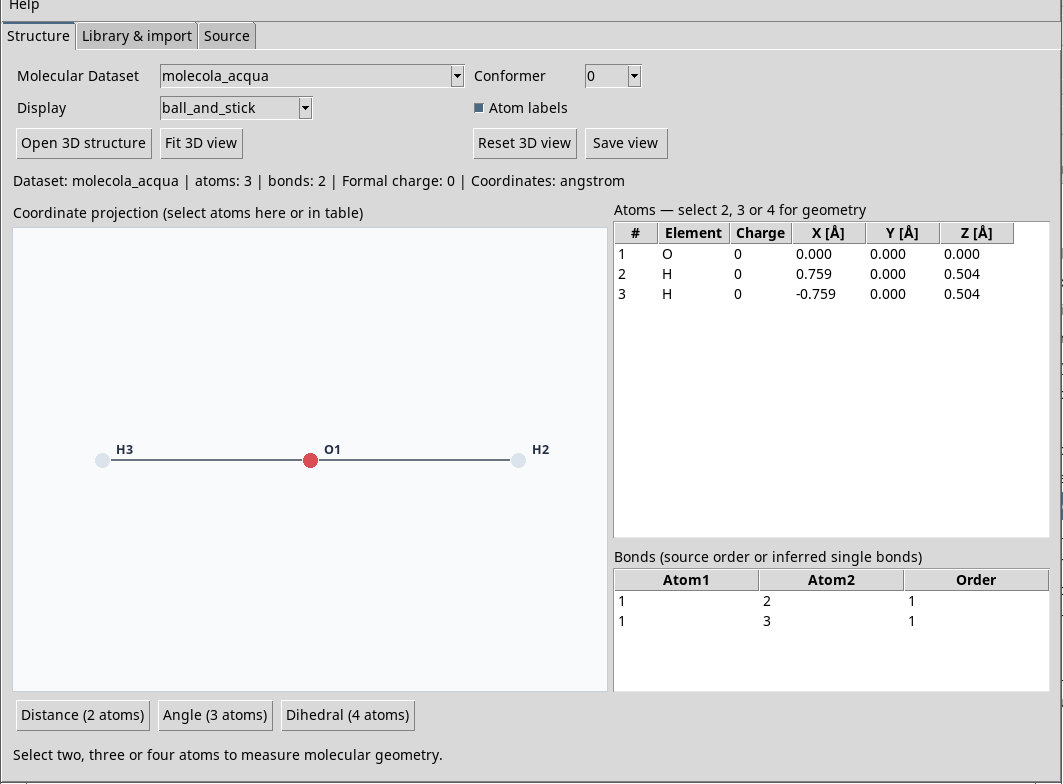
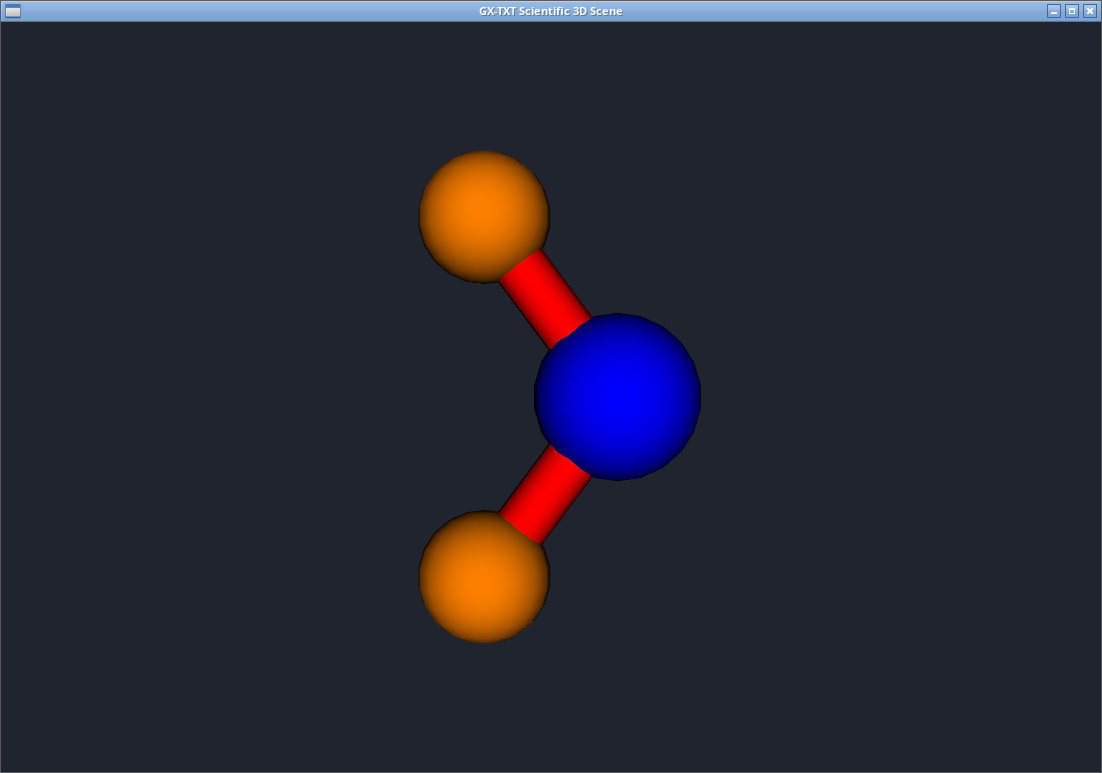
For the exercise, queue acqua.xyz, which declares three atoms with Cartesian coordinates in ångströms. Read the element and position of each atom in Preview. After Import, activate molecola_acqua and check the contract molecular.structure . Open it in the molecular viewer, if available, and check for one oxygen and two hydrogens. A representation may show bonds derived from the coordinates. The exercise XYZ stores atoms and coordinates only.
The chooser offers .sdf, .mol, .xyz, .pdb and .ent. MOL/SDF can store atoms and bonds explicitly, while PDB/ENT also attaches names and structural records to the model. For a structure with several records or models, check Preview and the metadata to see exactly what is accepted. If the dedicated viewer fails to open after publication, the Dataset inspection is still a check of the registered record.
In the Dataset tree, the row menu molecola_acqua offers Open in Molecule Viewer. This route opens the dedicated viewer. In a fresh Session you can also inspect the Dataset with Open active Dataset, which opened the CORE Mesh view in the test. The two routes let you tell molecular layout apart from resource inspection.
HOH_ideal.sdf and TYR_ideal.sdf are two separate records of ideal coordinates from the wwPDB Chemical Component Dictionary. Import them with different IDs and compare the listed atoms and the bonds declared in the records. For provenance and license, see the attached file molecular_sources.json .
Open the 3D scene in a fresh Session
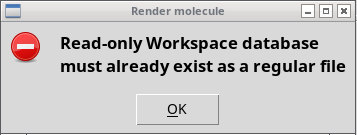
With Open 3D structure, P011-bis can show Read-only Workspace database must already exist as a regular file. In that Session, open Viewers → Worksheet, then Workspace → Import…. Choose workspace-inizializzazione.gxtxt-workspace.zip, type the Workspace name, and confirm with Apply. Return to Molecule Viewer and repeat Open 3D structure. In the test, hoh_ideale appears in the GX-TXT Scientific 3D Scene window. Atoms, bonds, and the Dataset can already be inspected after the viewer is first opened.
Exercise files
- acqua.xyz (extract the ZIP first)
- acqua.pdb (extract the ZIP first)
- acqua.mol (extract the ZIP first)
- acqua.sdf (extract the ZIP first)
- acqua-due-record.sdf (extract the ZIP first)
- TYR_ideal.sdf (extract the ZIP first)
- HOH_ideal.sdf (extract the ZIP first)
- molecular_sources.json (extract the ZIP first)
- workspace-inizializzazione.gxtxt-workspace.zip
Sources, licenses, and SHA-256
Screenshots
Open a screenshot to view it at full size.
Controls and settings
Scrollbar
Default Dataset ID
Default value in the basic configuration molecule.structure.