

Image importer
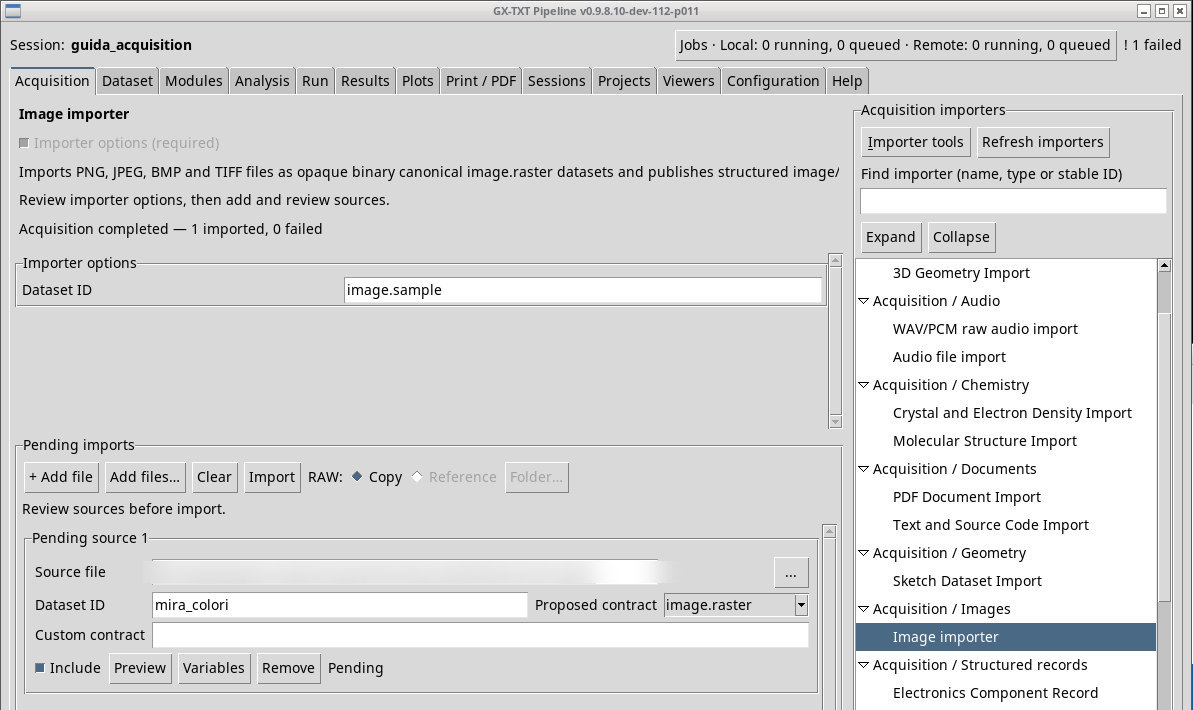
Queue an image, check its format and preview, and open the published result in the Session.
acq.image_binary · Version 1.2.1
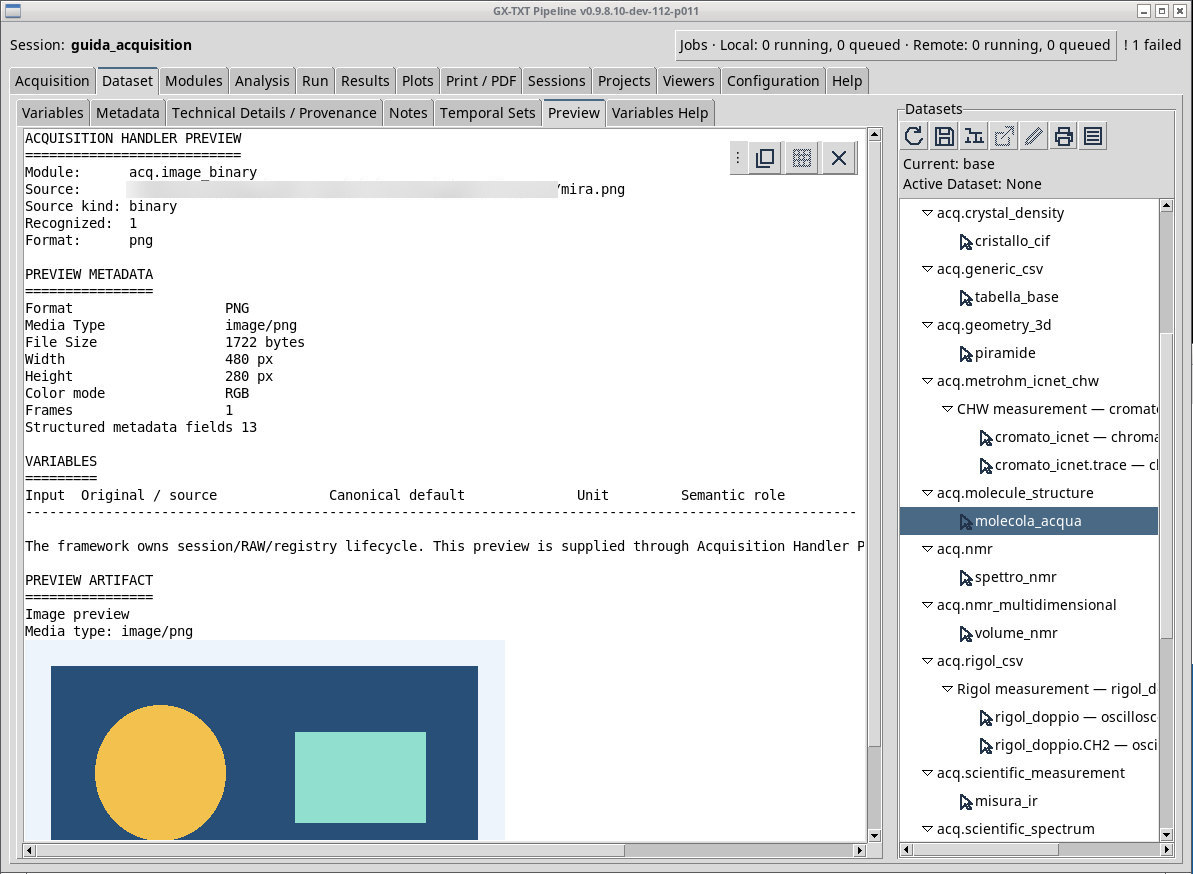
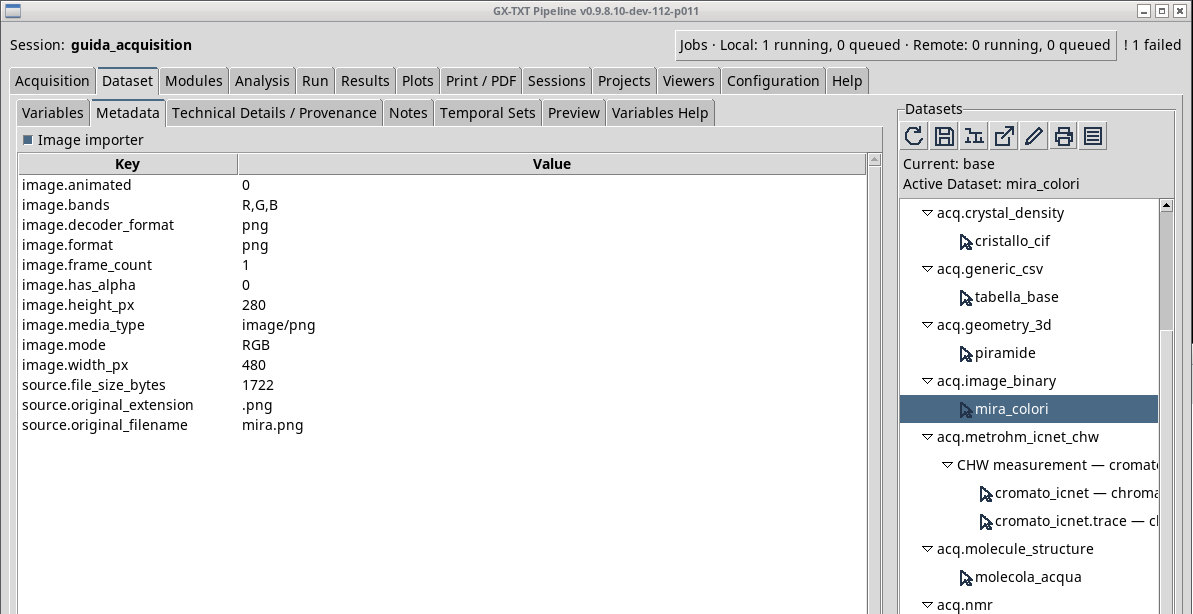
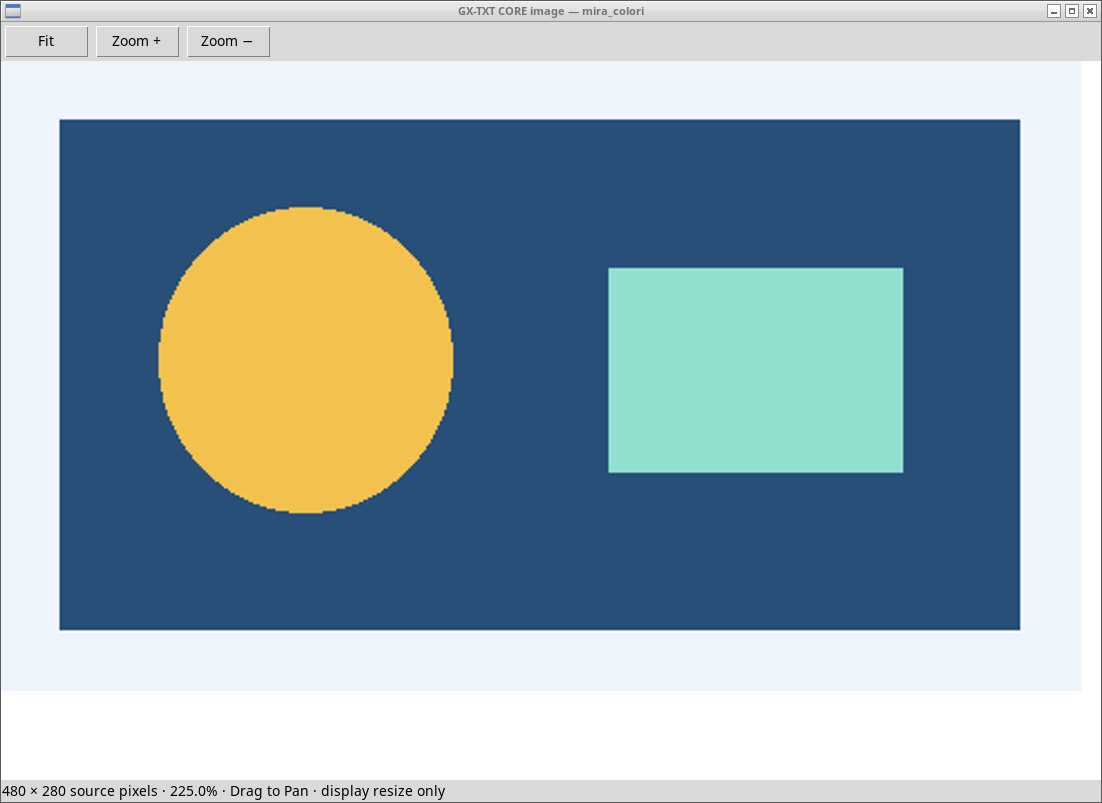
Queue mira.png and use Preview to see the rectangle and the two colored areas. The image measures 480 × 280 pixels. Use the zoom to read details and the Fit command to bring it back to the available space. After Import open the image.raster Dataset in the framework and compare dimensions, orientation, and colors.
The filter offers PNG, JPEG, BMP and TIFF. mira-rinominata.jpg keeps the PNG bytes. Format identification starts from the file bytes. The same PNG keeps its format with a JPG suffix. A file that cannot be decoded can get past the chooser through All files and fail at inspection. Extended metadata may depend on Pillow. For a multi-image TIFF, distinguish the pages actually reachable in Preview from the originals stored in the file.
Exercise files
- mira.png
- mira-rinominata.jpg (extract the ZIP first)
- testo-non-immagine.bin (extract the ZIP first)
- mira.jpg
- mira.bmp (extract the ZIP first)
- mira-due-pagine.tiff (extract the ZIP first)


Sources, licenses, and SHA-256
Screenshots
Open a screenshot to view it at full size.
Controls and settings
Scrollbar
Dataset ID
Default value in the basic configuration image.sample.