

Sketch Dataset Import
Import a GXSketch profile, check its schema, and review the result and diagnostics in the viewer.
acq.sketch_dataset · Version 1.0.0
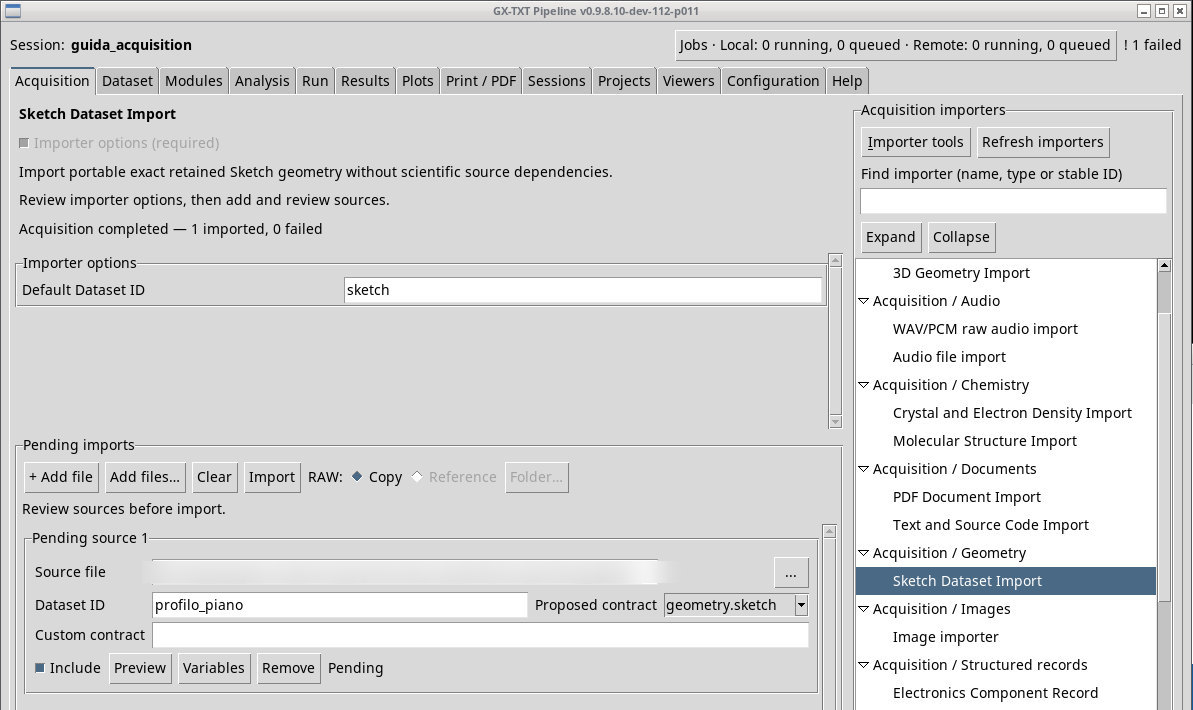
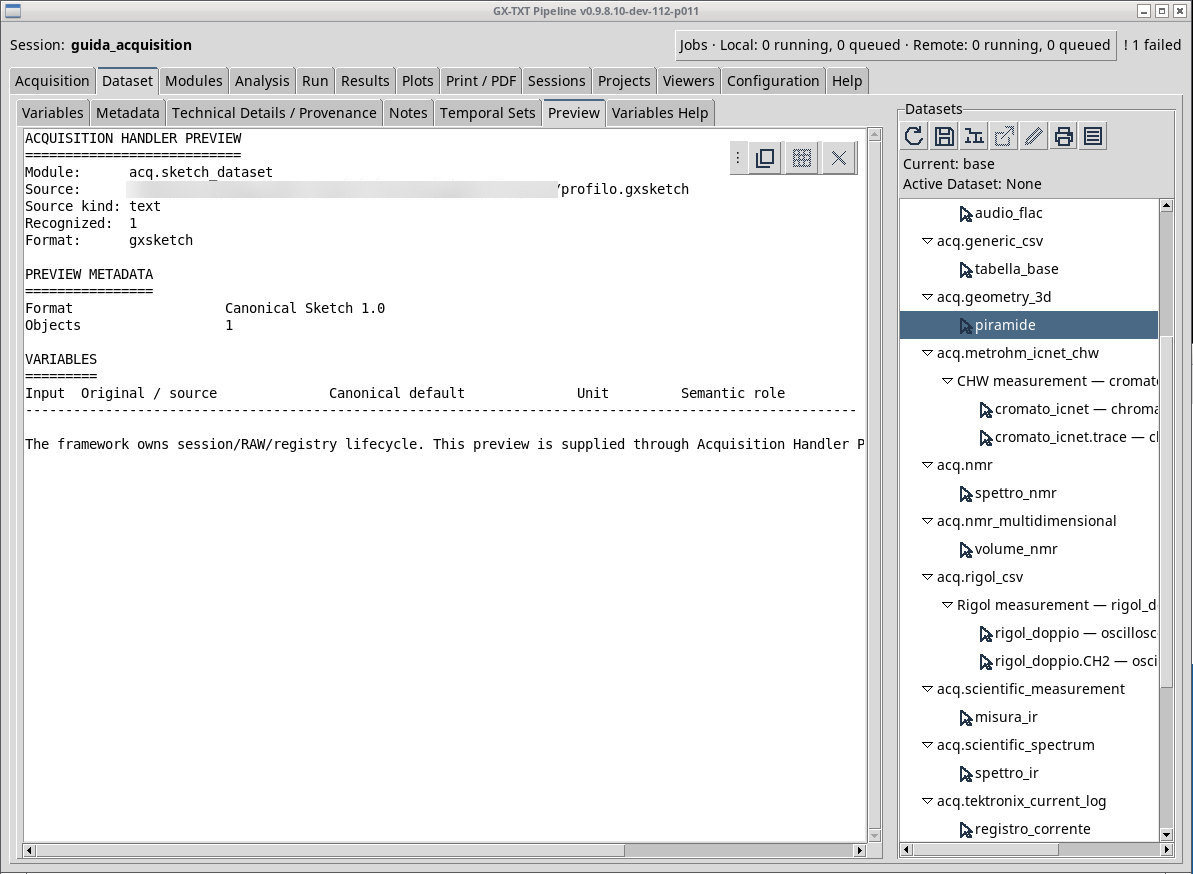
Queue profilo.gxsketch and check in Preview that the schema is gxtxt.geometry.sketch, version 1.0. It contains a polyline with four control points in millimeters. The two upper points have x-coordinates −2 and 2 and y-coordinate 2. The format keeps a geometry definition, including any relations or parameters, and publishes geometry.sketch.
In Dataset, activate the sketch and try Open active Dataset. When Curve Workbench is available, check that the sketch opens in the editor and that the polyline appears in the scene. Import and opening are two separate checks. If opening reports a Workspace problem, you can go back to Dataset to inspect the format and metadata. The figure in the Pending view only proves the preview. A schema version outside the supported range is rejected at inspection or import.
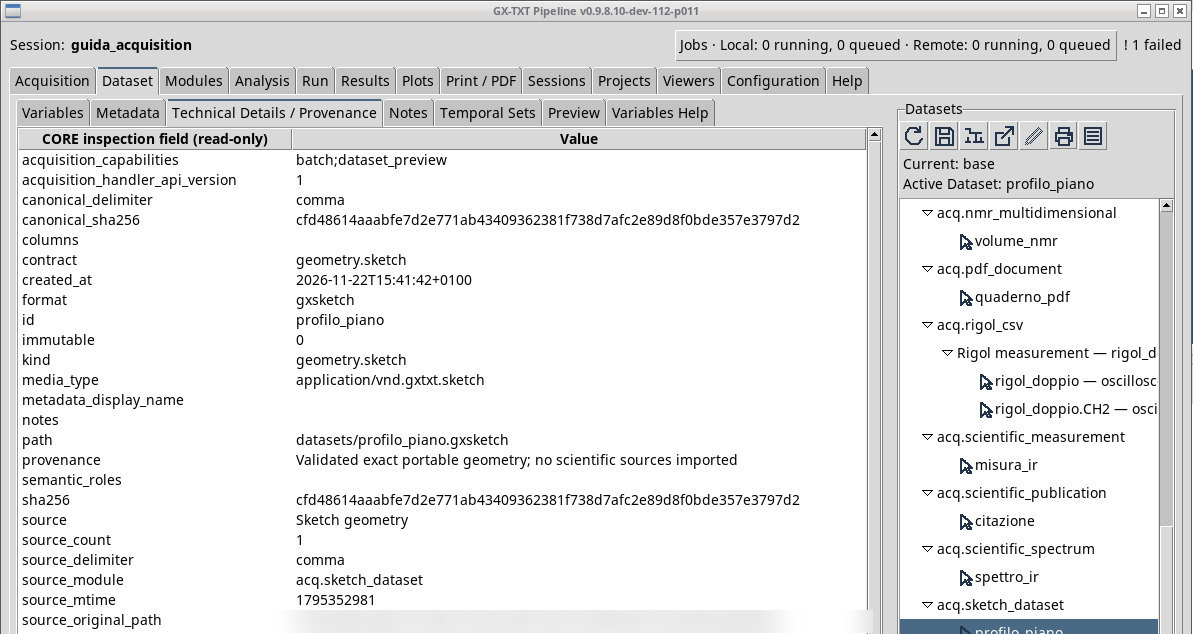
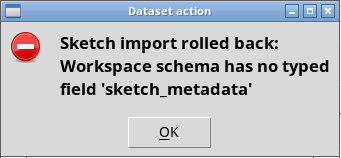
In P011-bis the exercise publishes profilo_piano. When you run Open active Dataset, Curve Workbench shows Sketch import rolled back: Workspace schema has no typed field ‘sketch_metadata’ and the draft stays without the polyline. The rollback also recurs with an already initialized Workspace archive. You can check the file and the Dataset from Dataset → Preview and Metadata. These views do not let you edit the sketch in Curve Workbench.
Exercise files
- profilo.gxsketch (extract the ZIP first)
- sketch-schema-errato.gxsketch (extract the ZIP first)
Sources, licenses, and SHA-256
Screenshots
Open a screenshot to view it at full size.
Controls and settings
Scrollbar
Default Dataset ID
Default value in the basic configuration sketch.