

Multidimensional NMRPipe import
Open NMRPipe maps and volumes in GX-TXT and inspect synthetic peaks and contours.
acq.nmr_multidimensional · Version 1.0.0
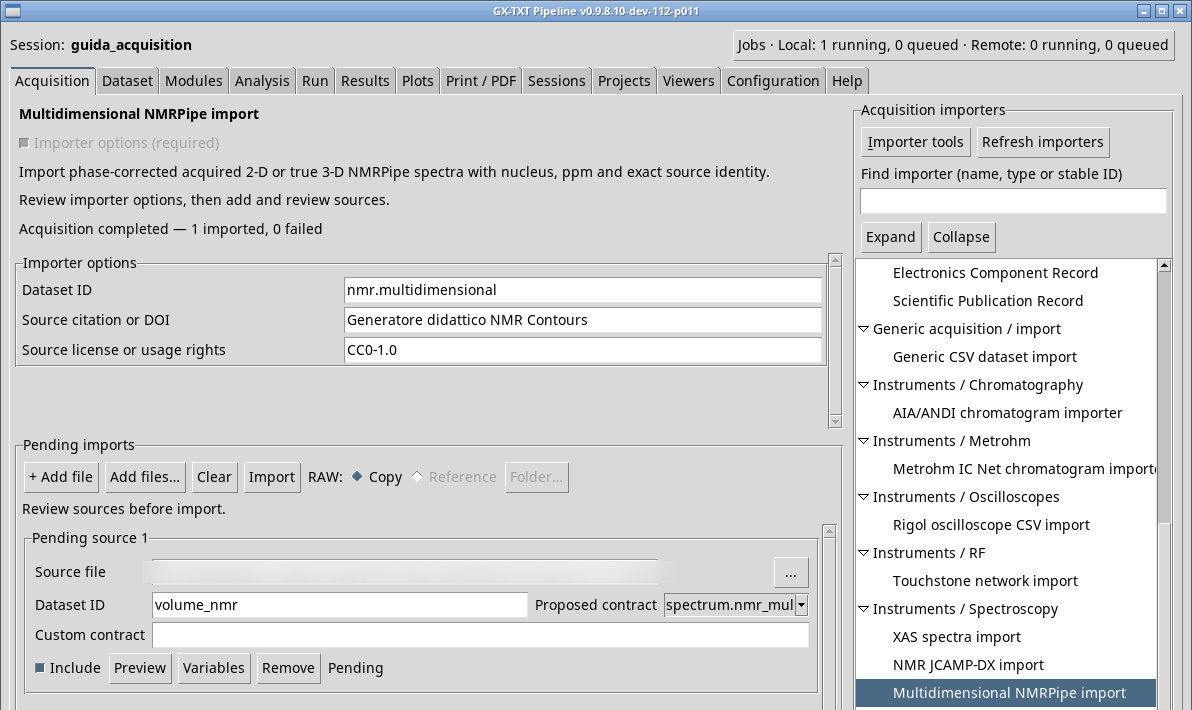
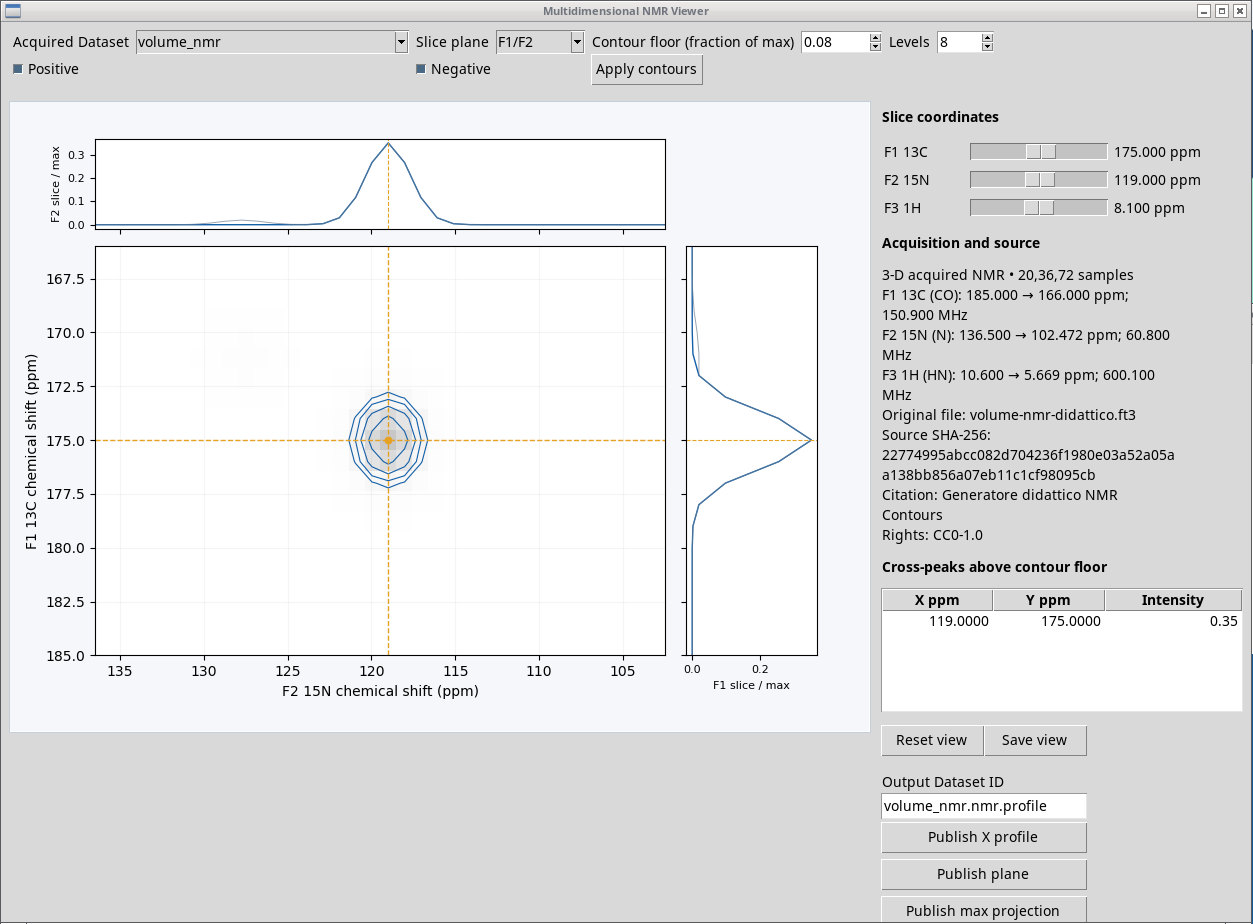
Use an NMRPipe file that is genuinely 2D or 3D. The proposed extensions include .ft2, .ft3, .spec, .dat and .pip. Renaming one does not change the number of dimensions, the quadrature, or the processing state. volume-nmr-didattico.ft3 is a synthetic test with its generator attached.
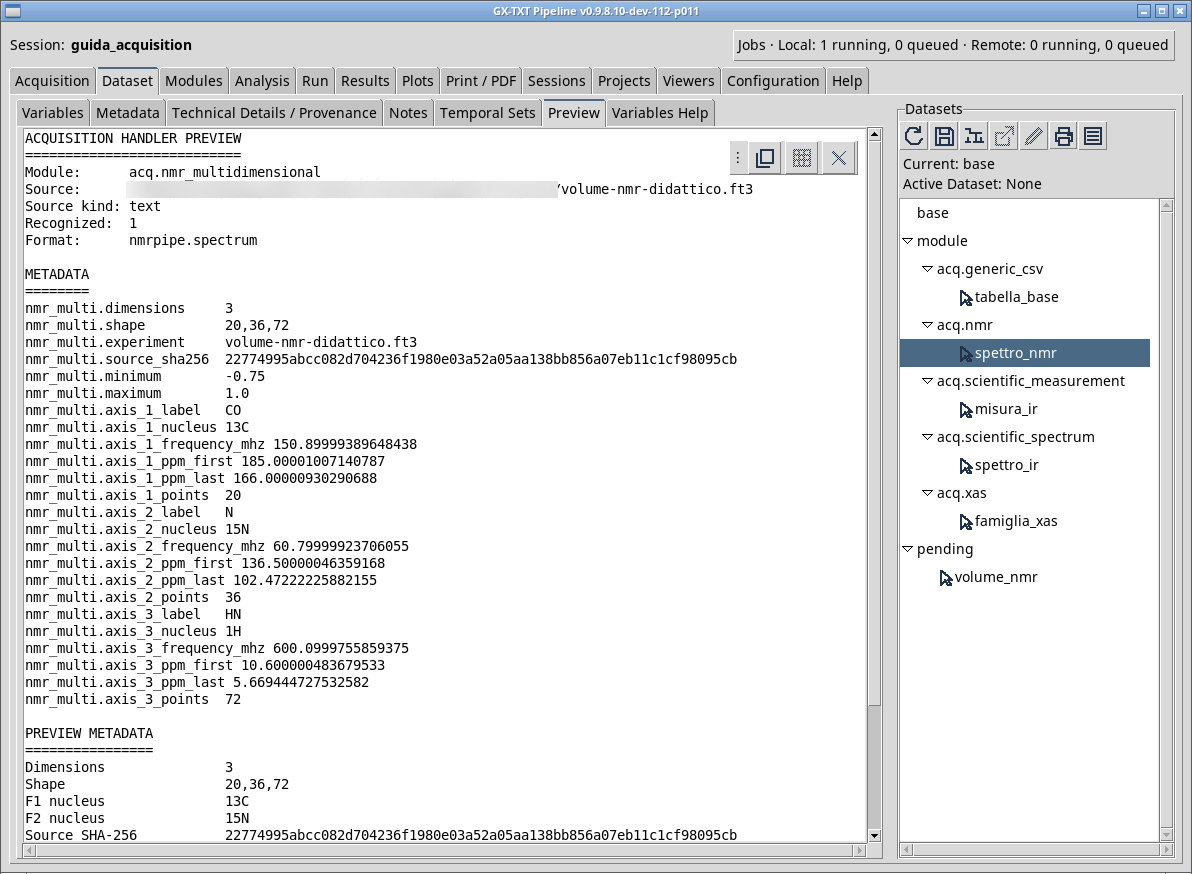
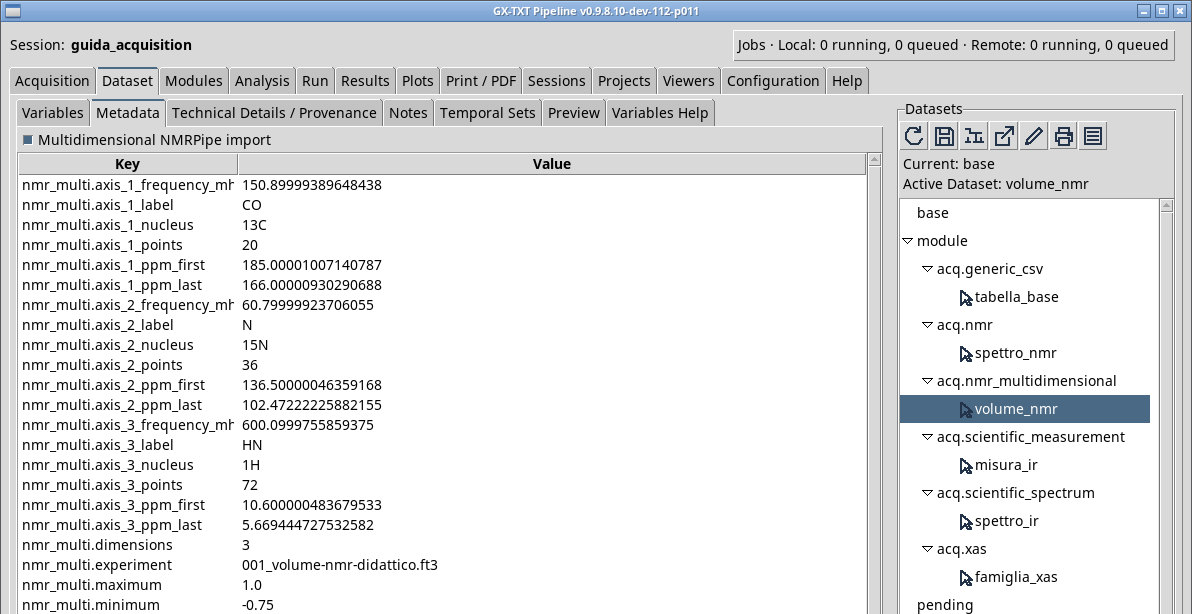
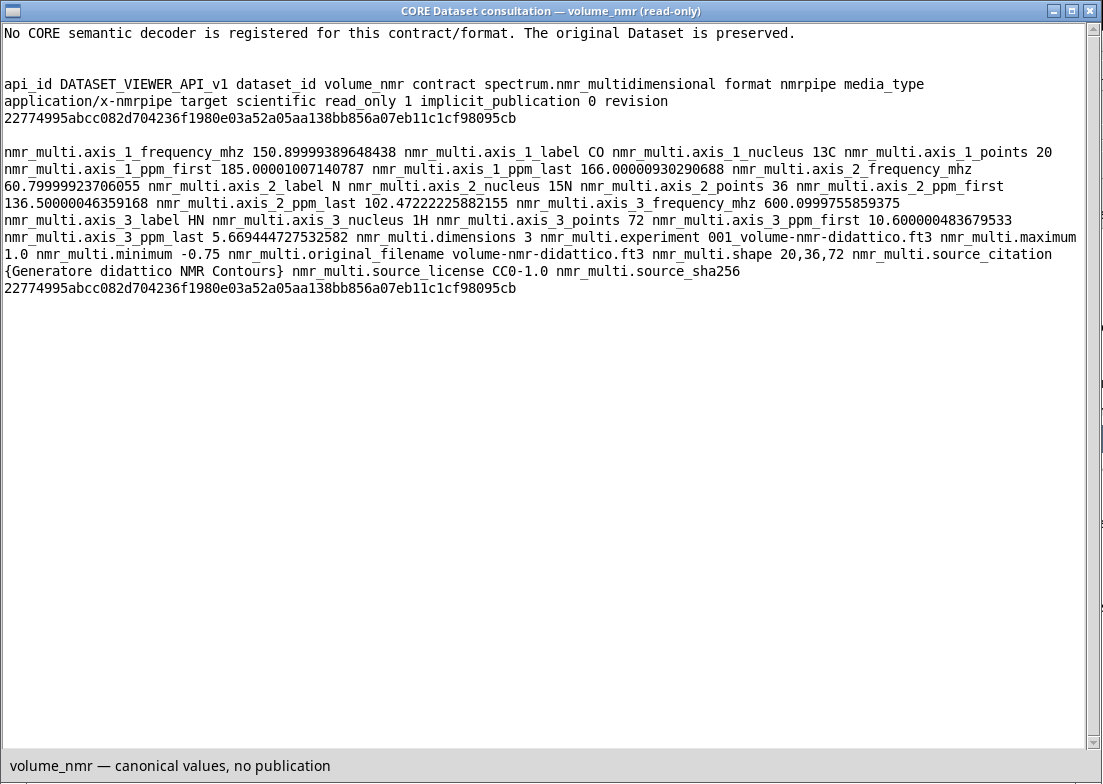
Enter a citation in Source citation or DOI and the license or terms of use in Source license or usage rights. Queue the file and read the rank, dimensions, and axis descriptions in Preview. After Import, check in Dataset that the contract is spectrum.nmr_multidimensional and that the origin, frequencies, sweep widths, and nuclei of the dimensions match the source. When Open proposes NMR Contours, start from a section of the volume and check the ppm axes before moving between planes.
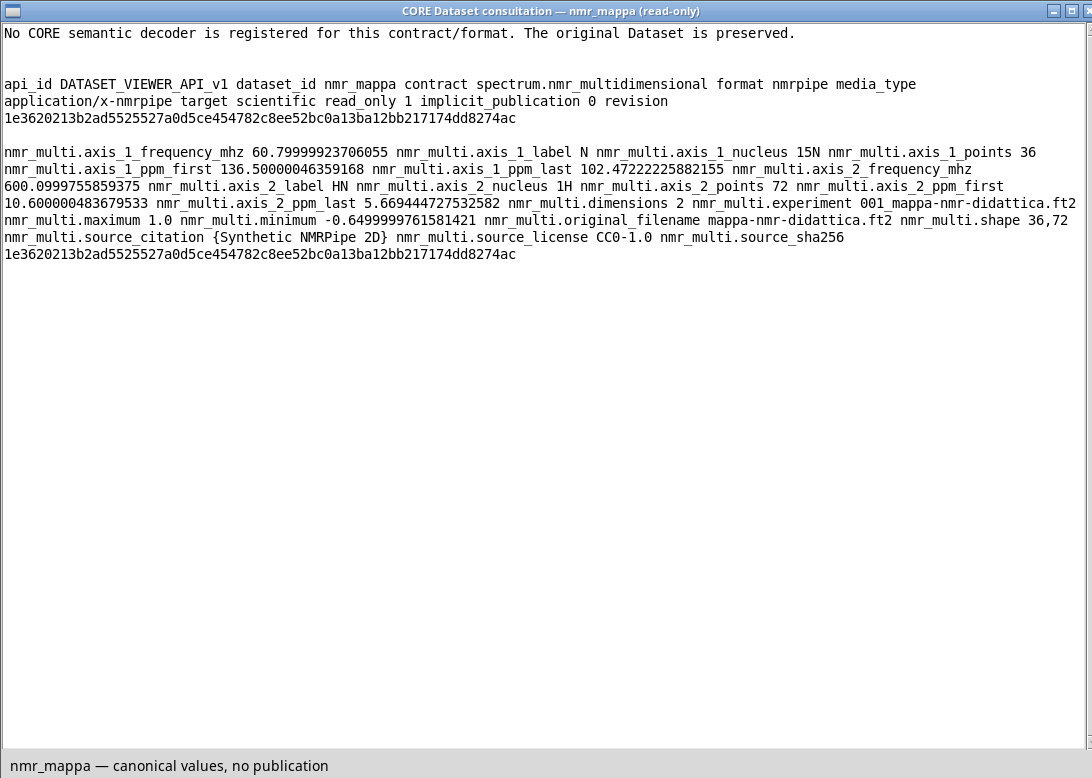
To open it directly, go to Viewers → NMR Contours and choose Acquired Dataset volume_nmr. The F1/F2 plane shows the slice at the current F3 index. In the training volume the axes are ¹³C, ¹⁵N, and ¹H. The same importer recognizes mappa-nmr-didattica.ft2, which contains 36 × 72 points on two axes. Check the rank in the Dataset tab before opening sections.
Exercise files
- volume-nmr-didattico.ft3 (extract the ZIP first)
- generate_volume.py (extract the ZIP first)
- mappa-nmr-didattica.ft2 (extract the ZIP first)
Sources, licenses, and SHA-256
Screenshots
Open a screenshot to view it at full size.
Controls and settings
Scrollbar
Dataset ID
Default value in the basic configuration nmr.multidimensional.
Source citation or DOI
The field is initially blank.
Source license or usage rights
CC0-1.0 for the synthetic fixture. The field is initially blank.