

PDF Document Import
Import a PDF into the Session, inspect its preview, and compare image-only and encrypted document examples.
acq.pdf_document · Version 1.0.1
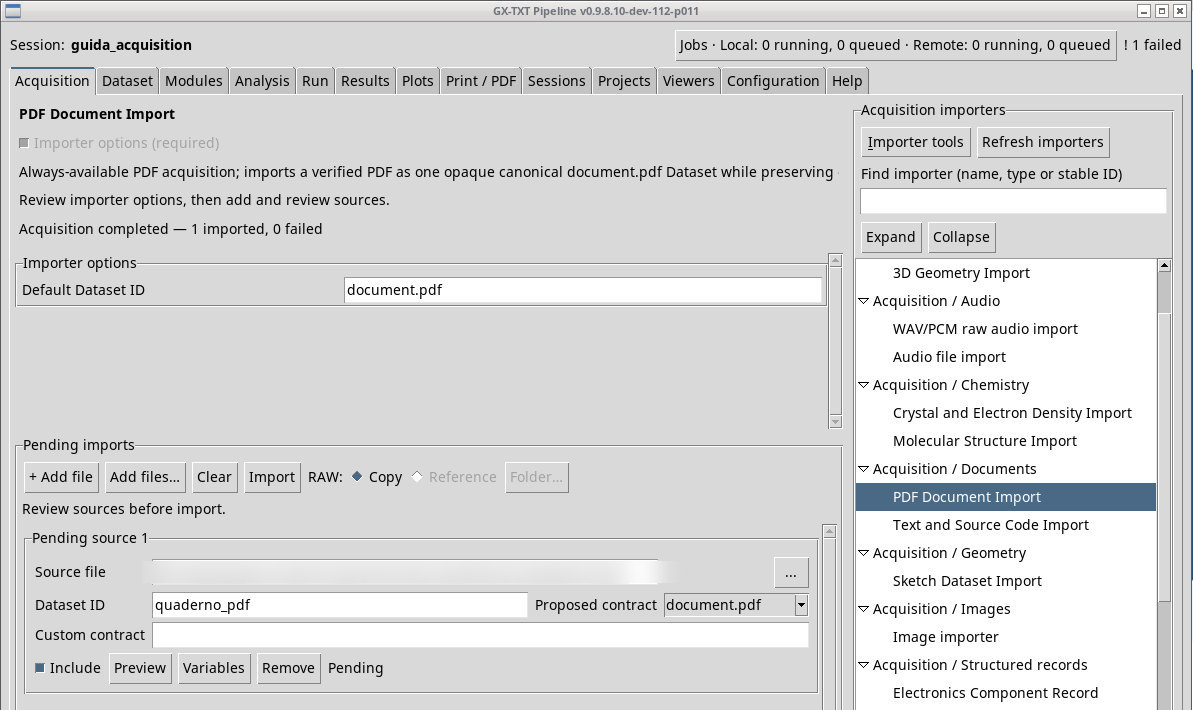
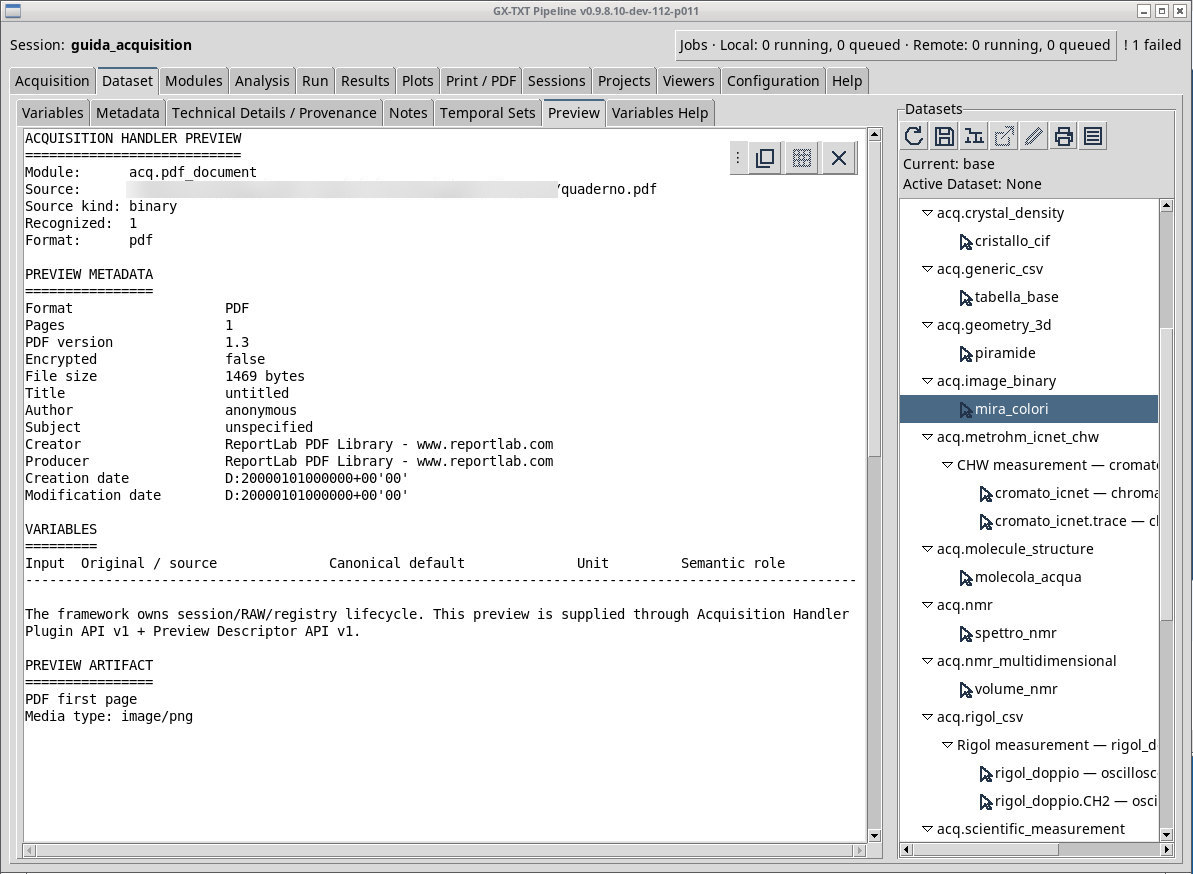
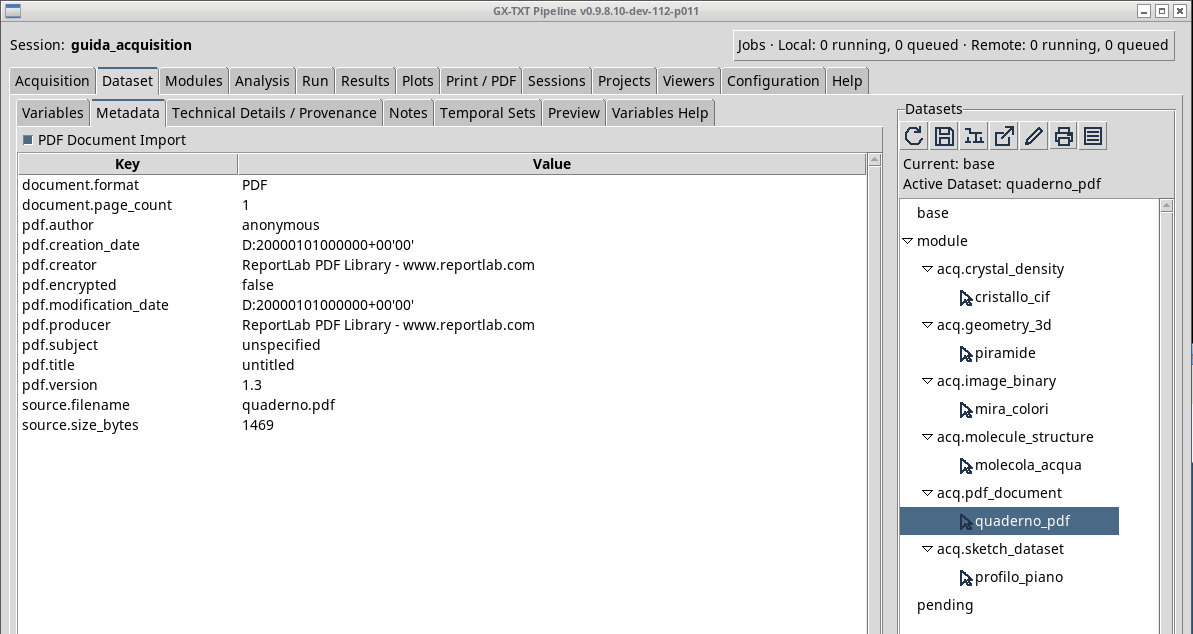
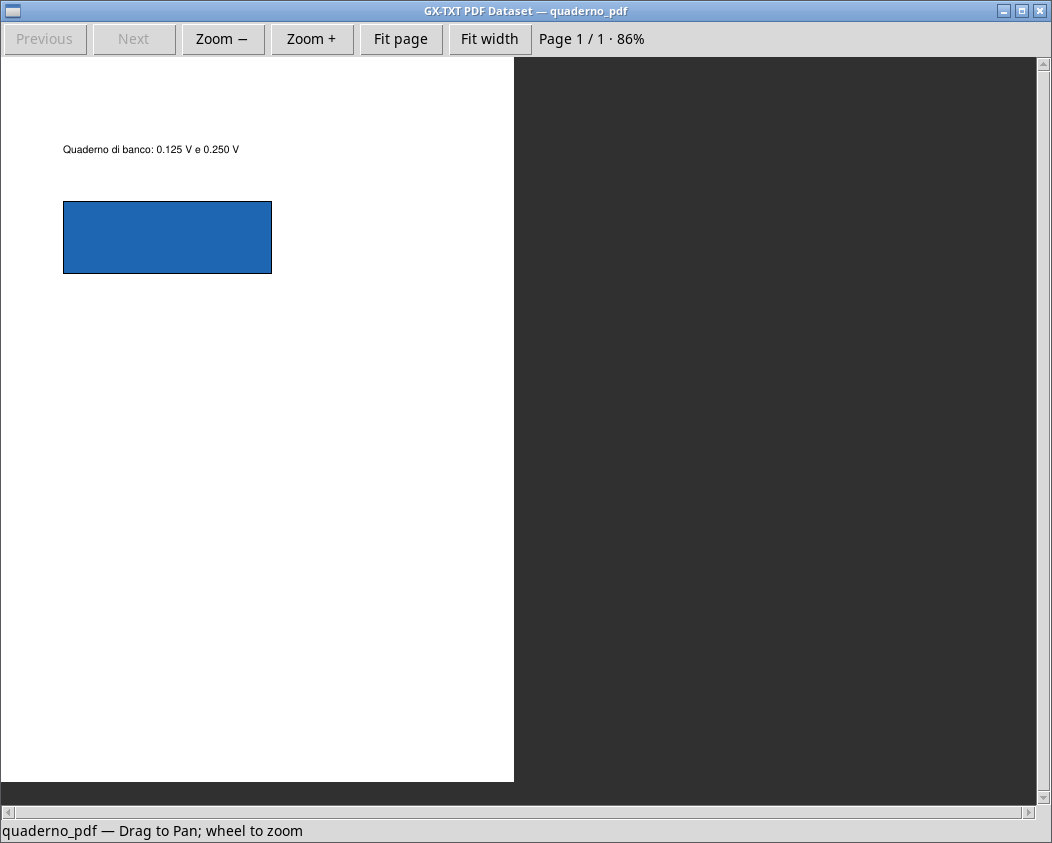
Import quaderno.pdf as document.pdf. It is a PDF generated for the exercise and contains one page, a line with the two readings, and a rectangular figure. After opening Preview, check the document status, then import and activate quaderno_pdf. Open it in the framework and check that the displayed page and the Dataset information match the source.
quaderno-solo-grafica.pdf is a valid PDF with no extractable text on that page. Rendering the page is a separate test from text extraction. For encrypted files, validator access depends on the module accepting the file. Validation uses Python/pypdf, and PDF rendering may require the Poppler components to be installed.
Exercise files
Sources, licenses, and SHA-256
Screenshots
Open a screenshot to view it at full size.
Controls and settings
Scrollbar
Default Dataset ID
Default value in the basic configuration document.pdf.