

Metrohm IC Net chromatogram importer
Import Metrohm IC Net CHW examples in GX-TXT and inspect the scaled signal and published group.
acq.metrohm_icnet_chw · Version 0.4.0
Select this importer for an IC Net CHW file that the parser can read. miscela-standard.chw and miscela-confronto.chw are reproducible synthetic containers, with digital samples and a header set by the generator.
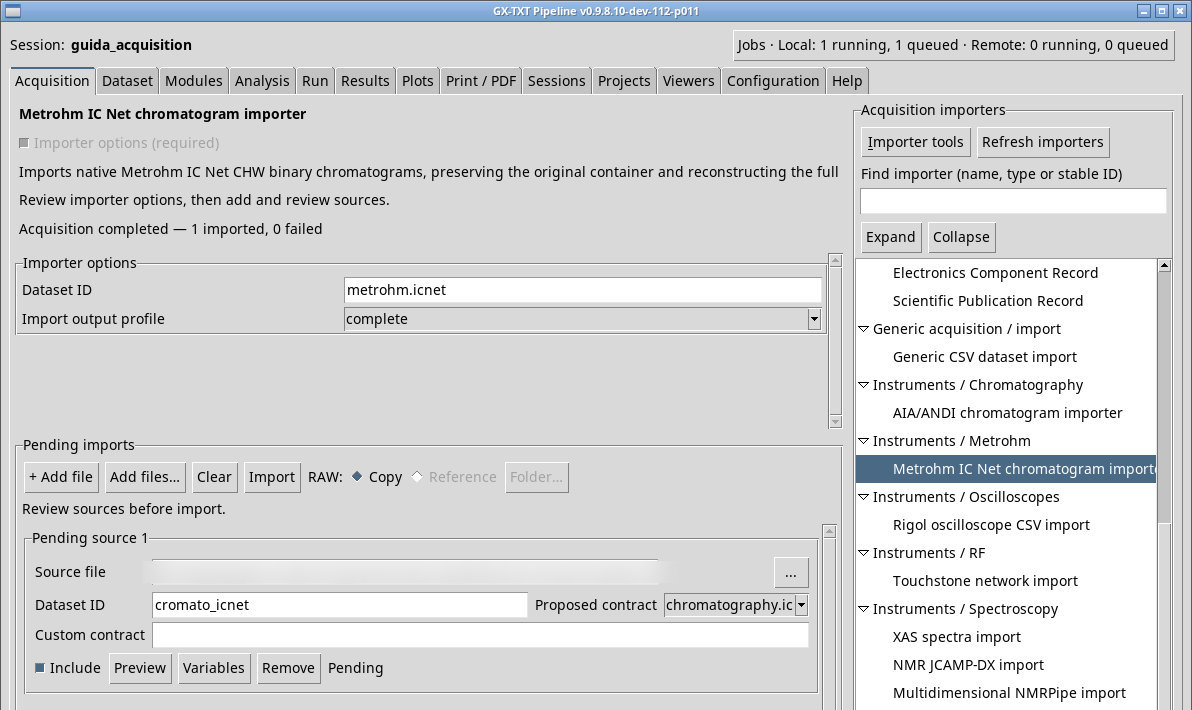
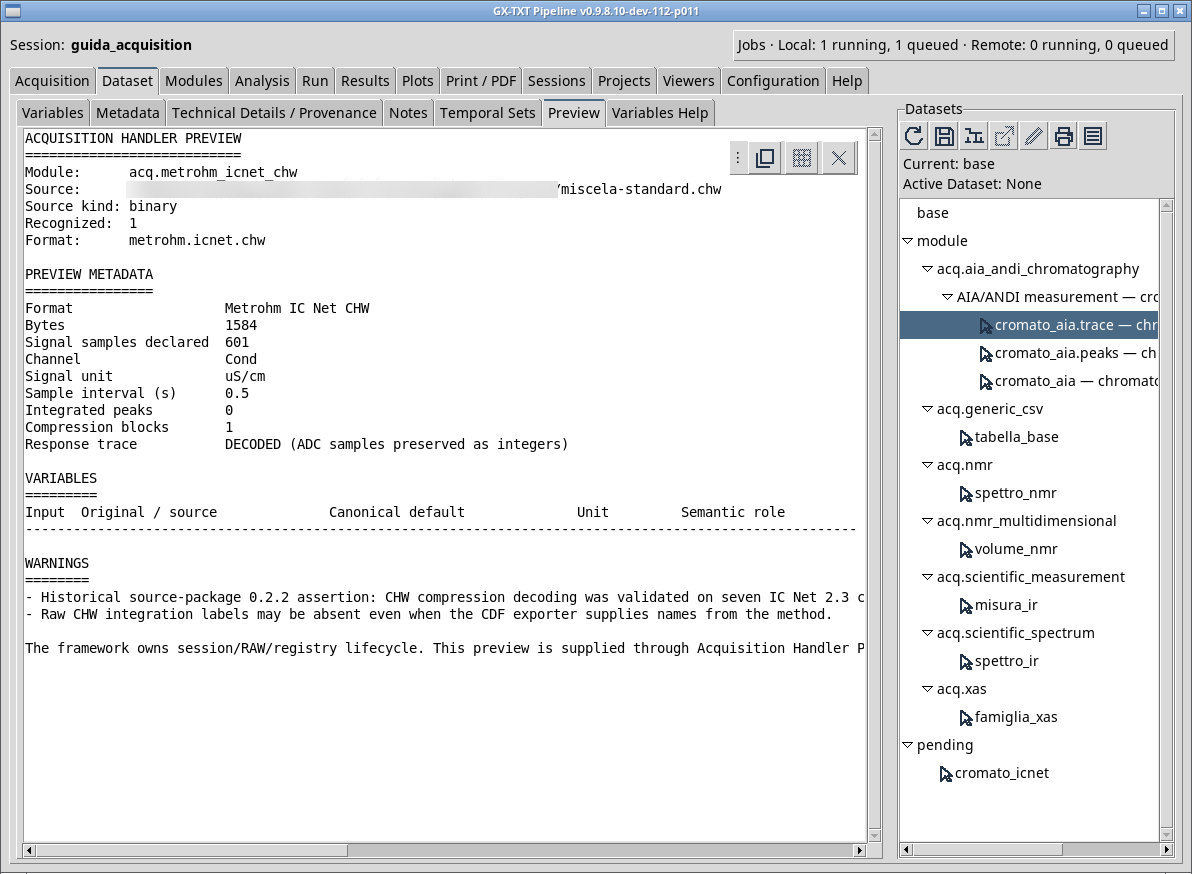
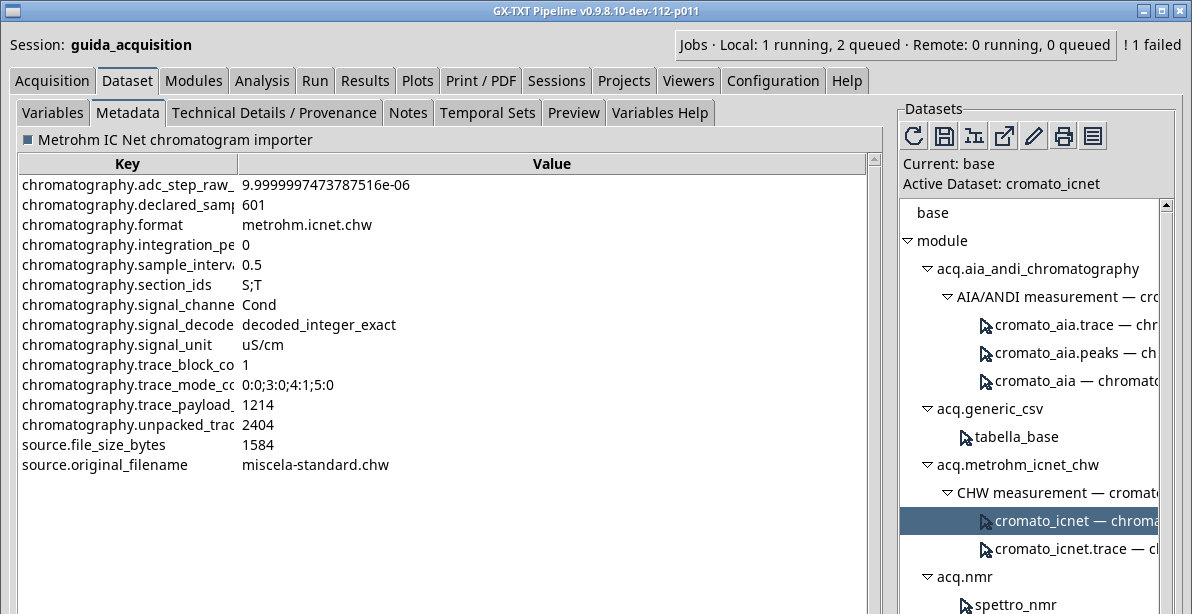
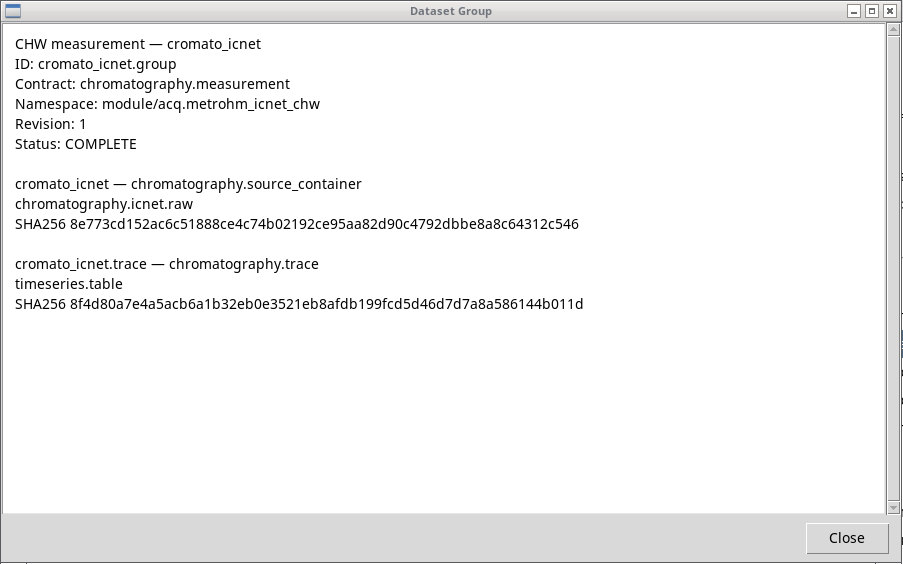
Queue miscela-standard.chw with the complete profile and ID cromato_icnet. Open Preview and check the trace, the time step, and the stated unit. After the import, open Inspect Group… to follow cromato_icnet.group, the primary member cromato_icnet.trace, and any peaks or registered binary file. trace_and_peaks selects the trace and any peaks present, trace_only the trace only. Compare the individual members from Dataset and use the chromatogram plot for a visual check.
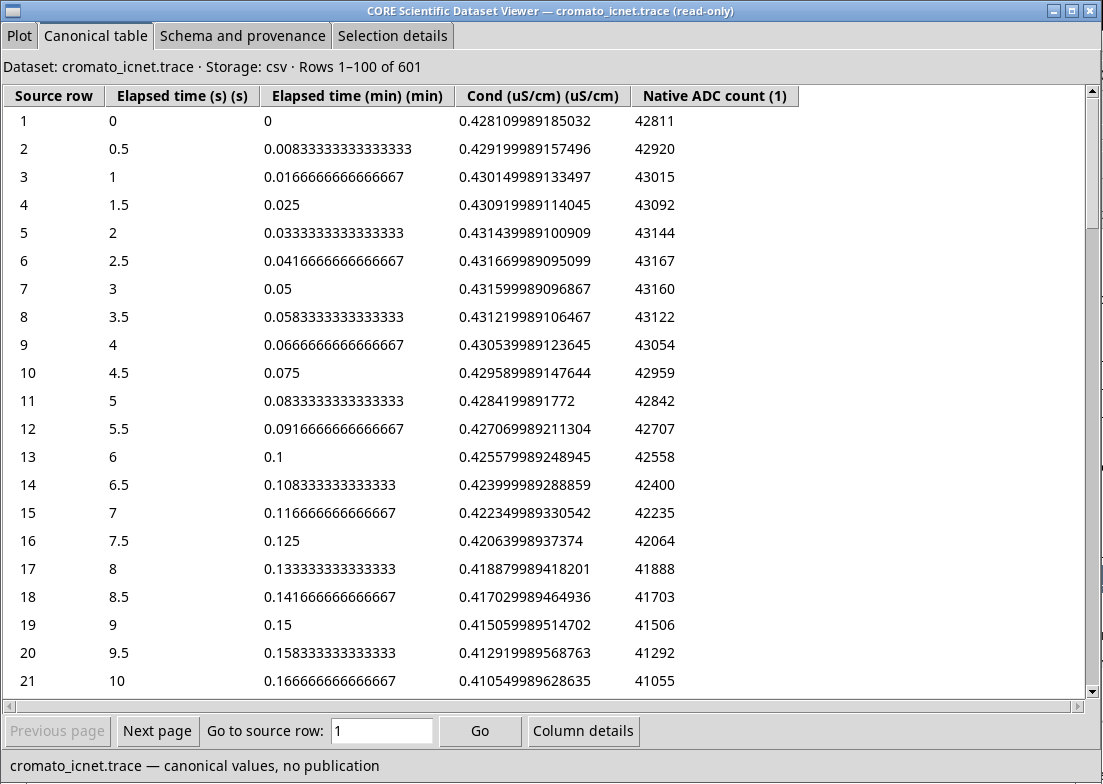
The synthetic CHW miscela-standard.chw contains detector samples and scale, with no peak sections. With trace_and_peaks you get the trace and its Group. With complete the binary file is also registered. In the trace Dataset, check for about 0.43 µS/cm at the first point and a step of 0.5 s. The generator produces different bytes for the second CHW, which is useful for comparing acquisitions.
Exercise files
- miscela-standard.chw (extract the ZIP first)
- miscela-confronto.chw (extract the ZIP first)
- generate_ic.py (extract the ZIP first)
Sources, licenses, and SHA-256
Screenshots
Open a screenshot to view it at full size.
Controls and settings
Scrollbar
Dataset ID
Default value in the basic configuration metrohm.icnet.
Import output profile
trace_only gives the trace. trace_and_peaks includes the peak table when the source provides it. complete can add the binary file as a registered member. Check group roles and members in the Dataset browser. Default value in the basic configuration complete.
complete· Choose additional documents to publish alongside the trace.trace_onlygives the trace.trace_and_peaksincludes the peak table when the source provides it.completecan add the binary file as a registered member. Check group roles and members in the Dataset browser.trace_and_peaks· Choose additional documents to publish alongside the trace.trace_onlygives the trace.trace_and_peaksincludes the peak table when the source provides it.completecan add the binary file as a registered member. Check group roles and members in the Dataset browser.trace_only· Choose additional documents to publish alongside the trace.trace_onlygives the trace.trace_and_peaksincludes the peak table when the source provides it.completecan add the binary file as a registered member. Check group roles and members in the Dataset browser.