

WAV/PCM raw audio import
Import WAV and raw PCM samples and verify the parameters needed to interpret and display the signal.
acq.wav · Version 1.0.0
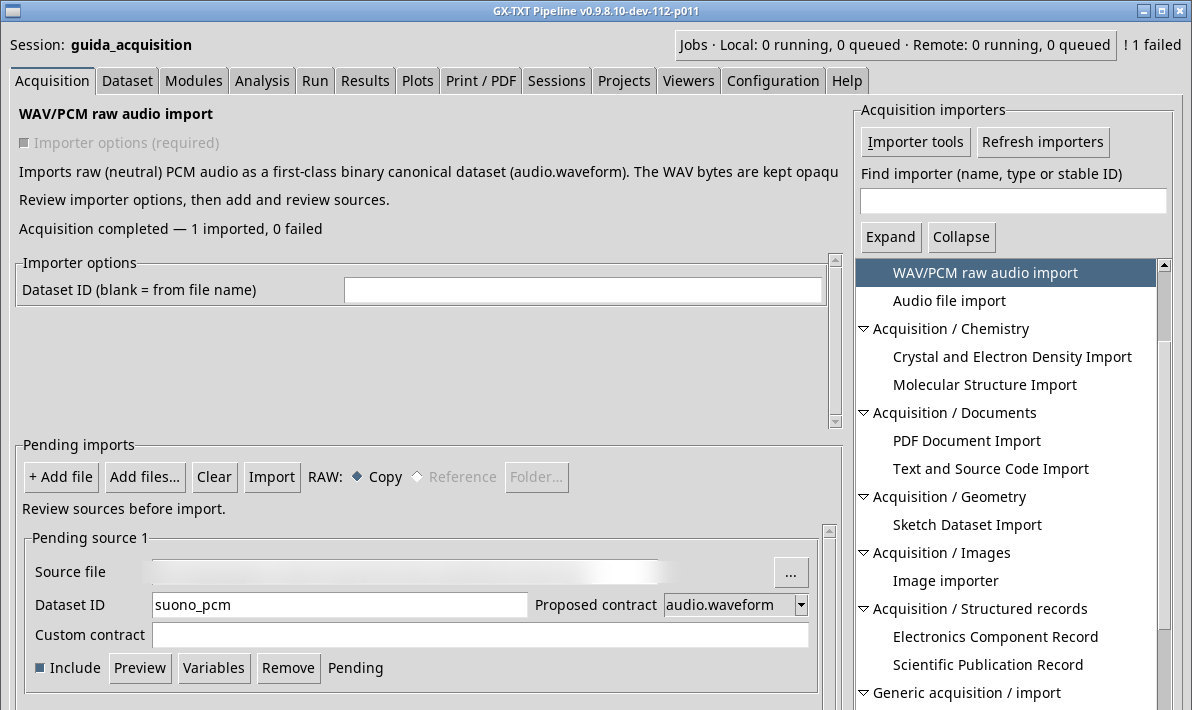
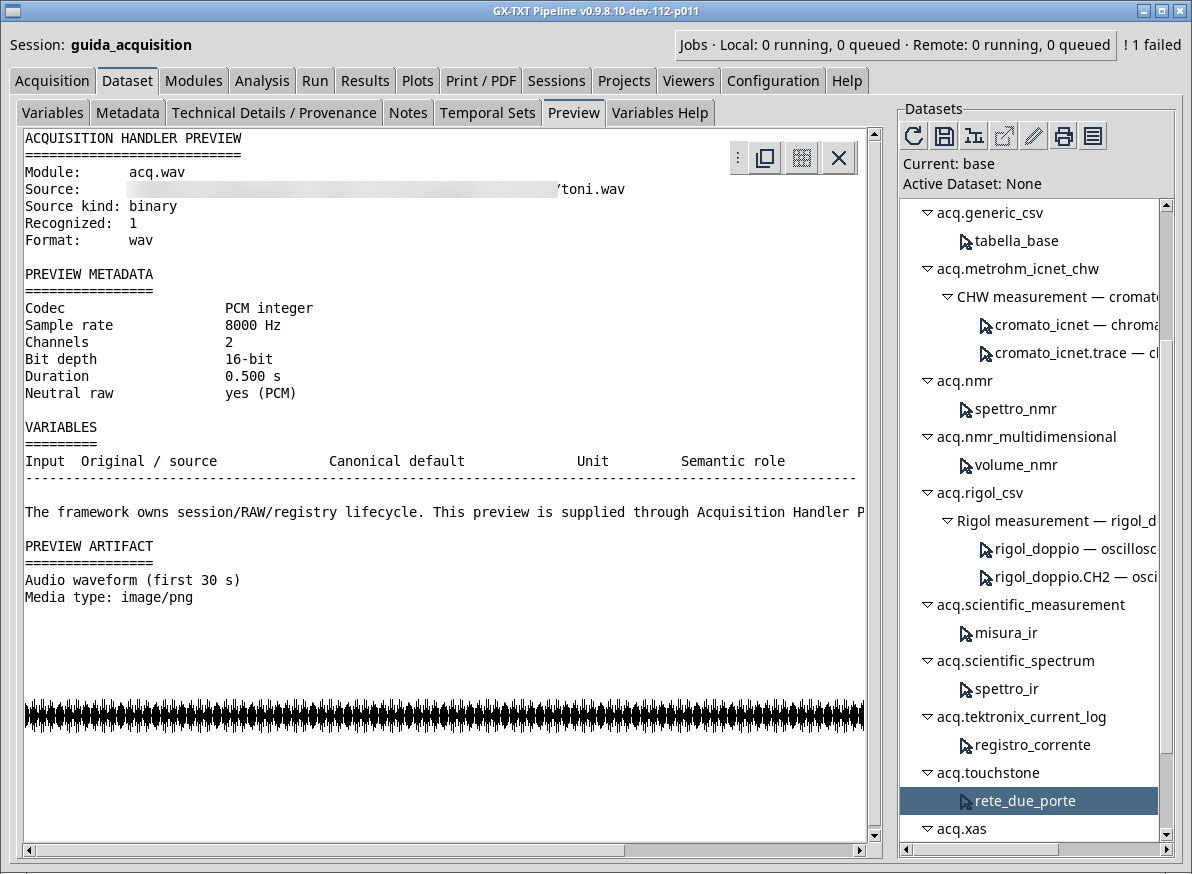
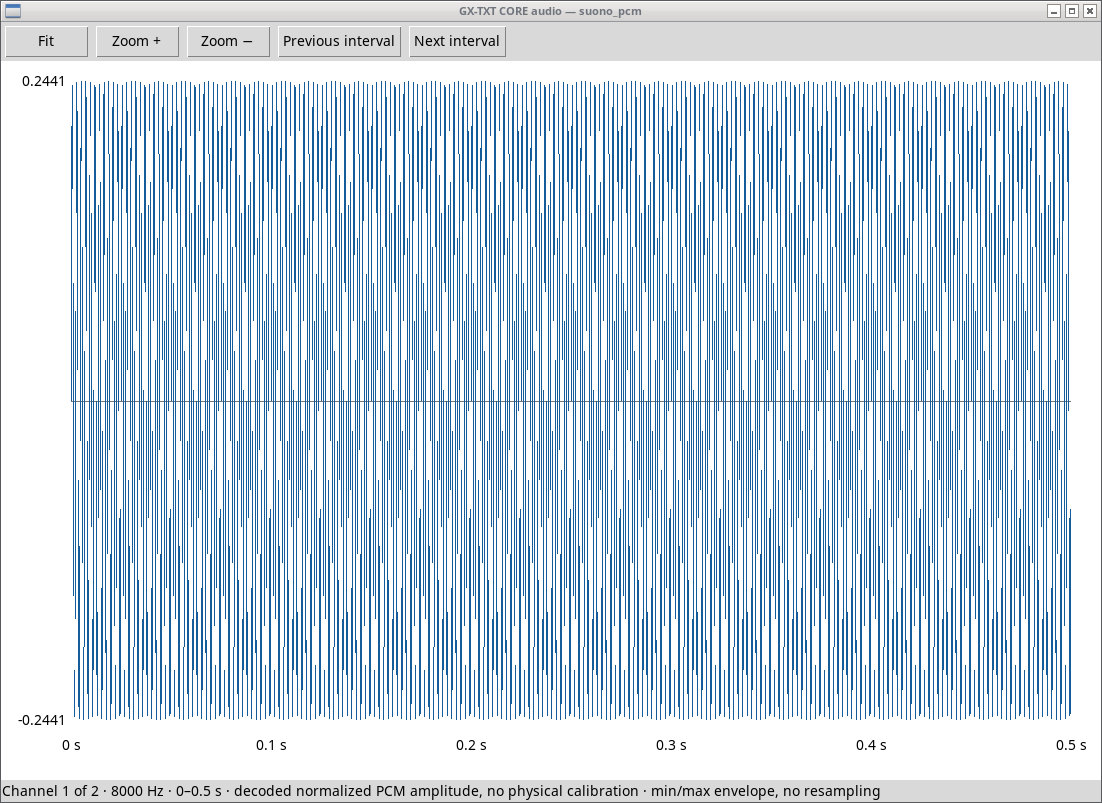
Use this module to store a PCM signal from a WAV container as audio.waveform. The toni.wav fixture is stereo 16-bit little-endian PCM at 8000 samples per second, with 4000 frames and a duration of 0.5 s. The channels contain 440 Hz and 660 Hz sinusoids. Queue the file, check its proposed ID, and verify channel count, sample rate, bit depth, and duration in the preview.
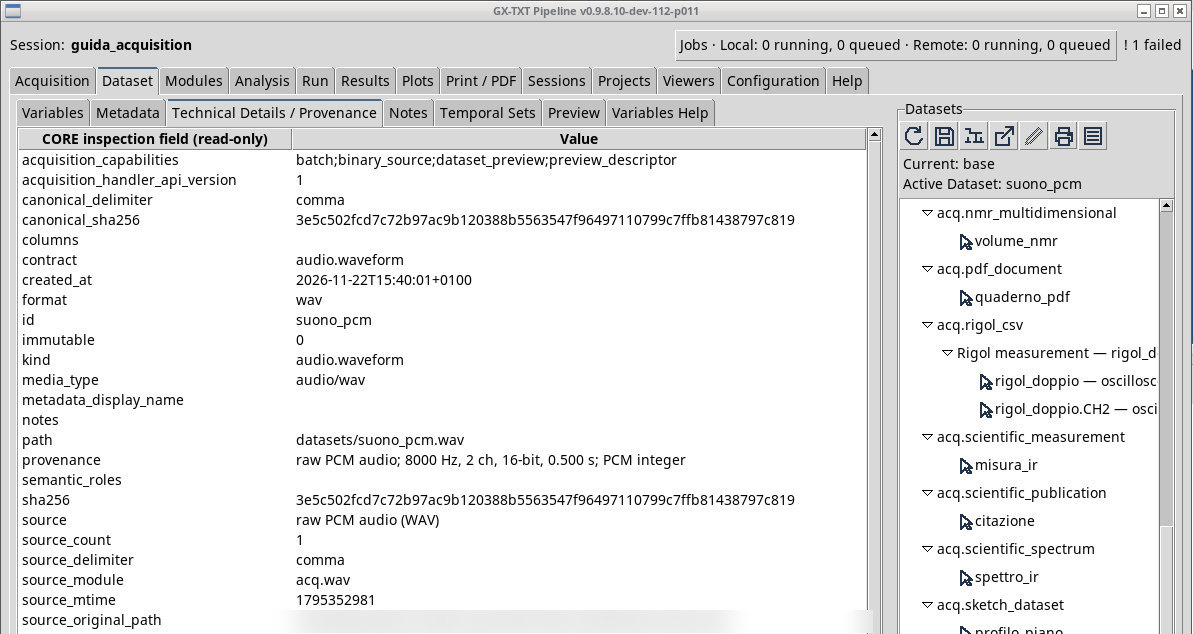
Leave Dataset ID (blank = from file name) blank to accept the proposed value or assign an ID in the queue row. After import, activate and open the Dataset. Check the codec and bytes in its properties. For ADPCM WAV, use Audio file import if the toolchain supports it. A .wav extension alone does not establish that the internal encoding is compatible.
Exercise files
- toni.wav (extract the ZIP first)
- toni-adpcm.wav (extract the ZIP first)
Sources, licenses, and SHA-256
Screenshots
Open a screenshot to view it at full size.
Controls and settings
Scrollbar
Dataset ID (blank = from file name)
The field is initially blank.