PDF Document Import

Import a PDF into the Session, inspect its preview, and compare image-only and encrypted document examples.

acq.pdf_document · Version 1.0.1

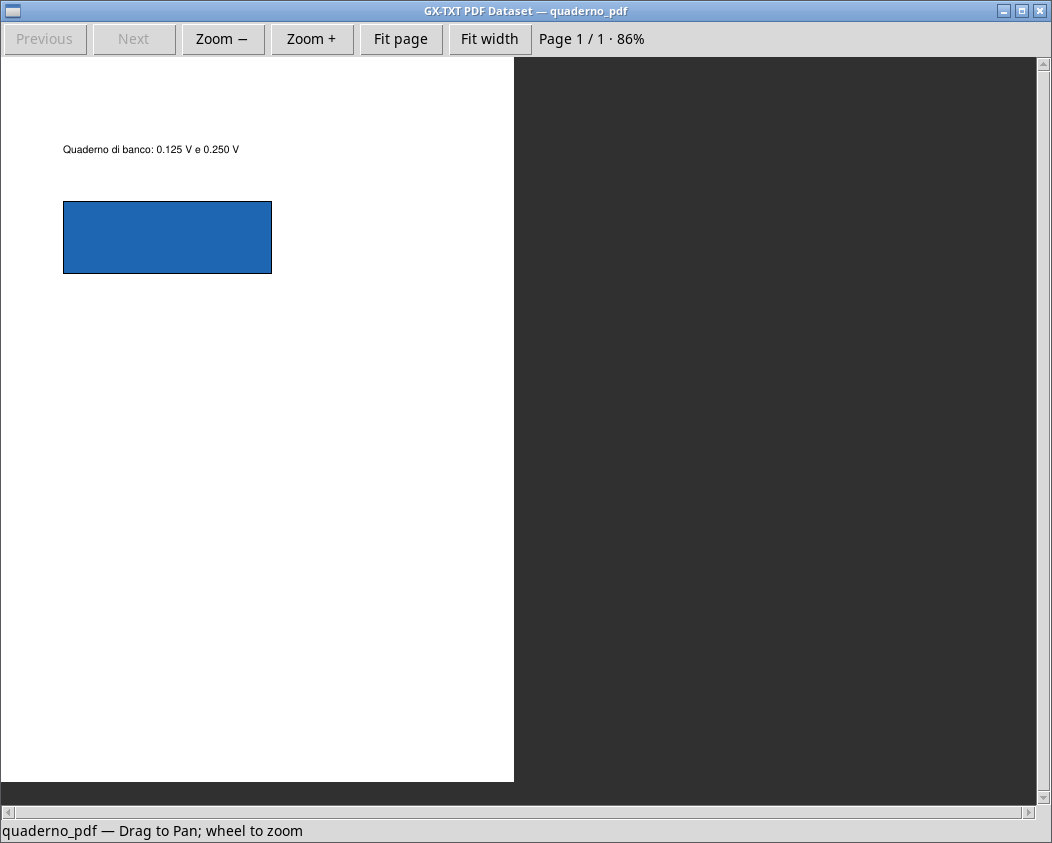
Import quaderno.pdf as document.pdf. It is a PDF generated for the exercise and contains one page, a line with the two readings, and a rectangular figure. After opening Preview, check the document status, then import and activate quaderno_pdf. Open it in the framework and check that the displayed page and the Dataset information match the source.

quaderno-solo-grafica.pdf is a valid PDF with no extractable text on that page. Rendering the page is a separate test from text extraction. For encrypted files, validator access depends on the module accepting the file. Validation uses Python/pypdf, and PDF rendering may require the Poppler components to be installed.

Exercise files

Sources, licenses, and SHA-256

Screenshots

Open a screenshot to view it at full size.
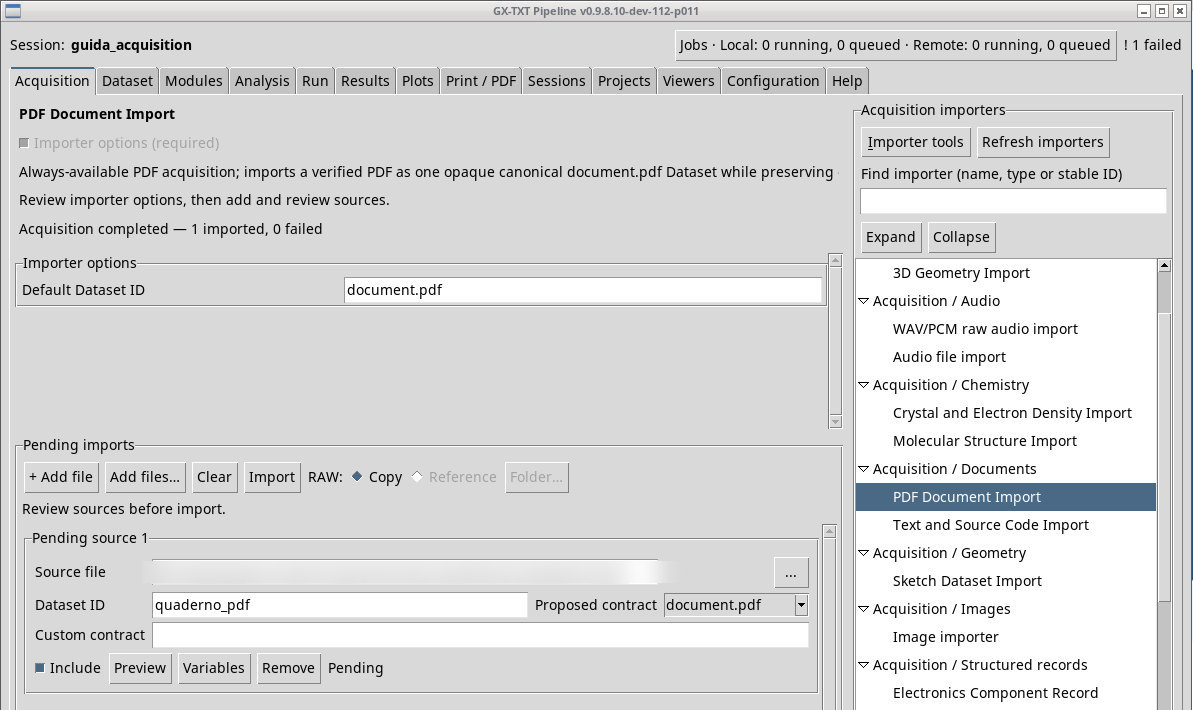
quaderno.pdf added in Acquisition with Dataset ID quaderno_pdf. The row shows the import settings.
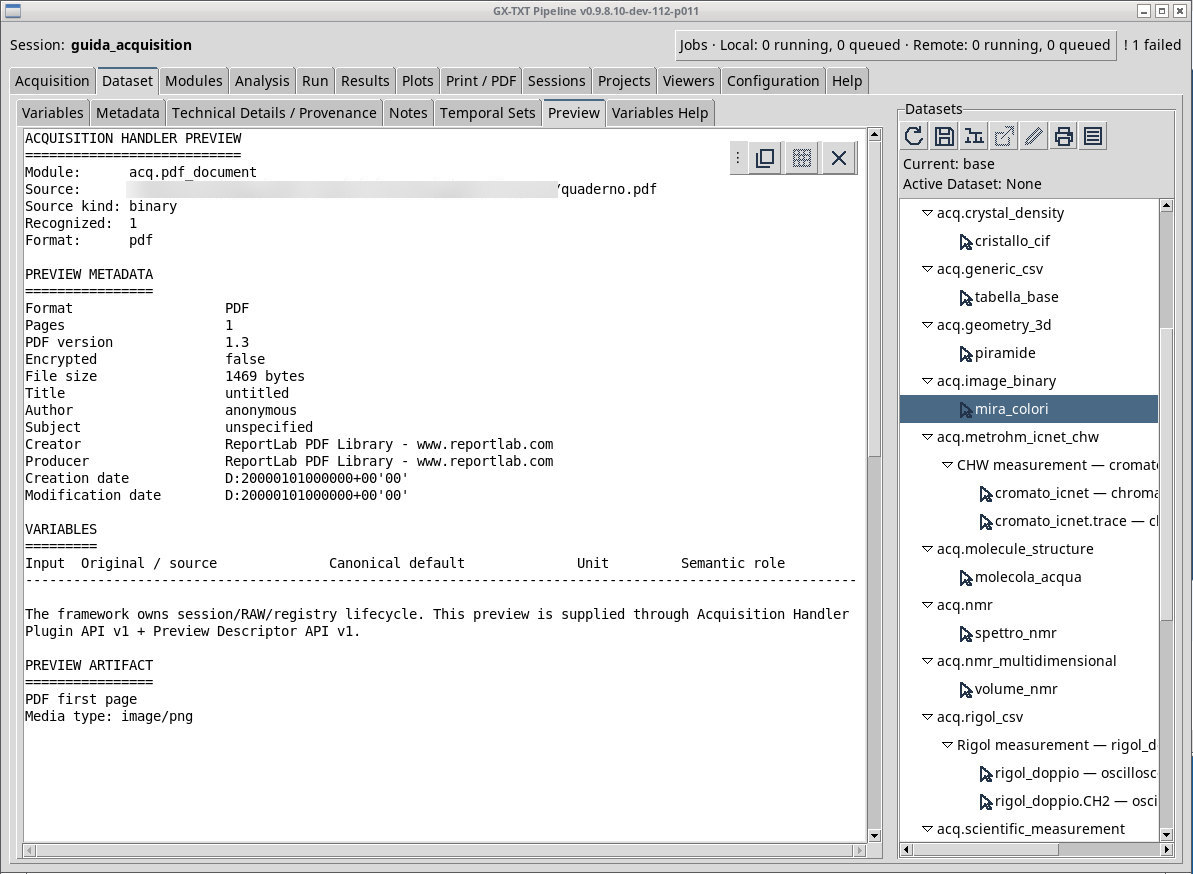
Pending Preview of quaderno.pdf with document properties, including the number of pages.
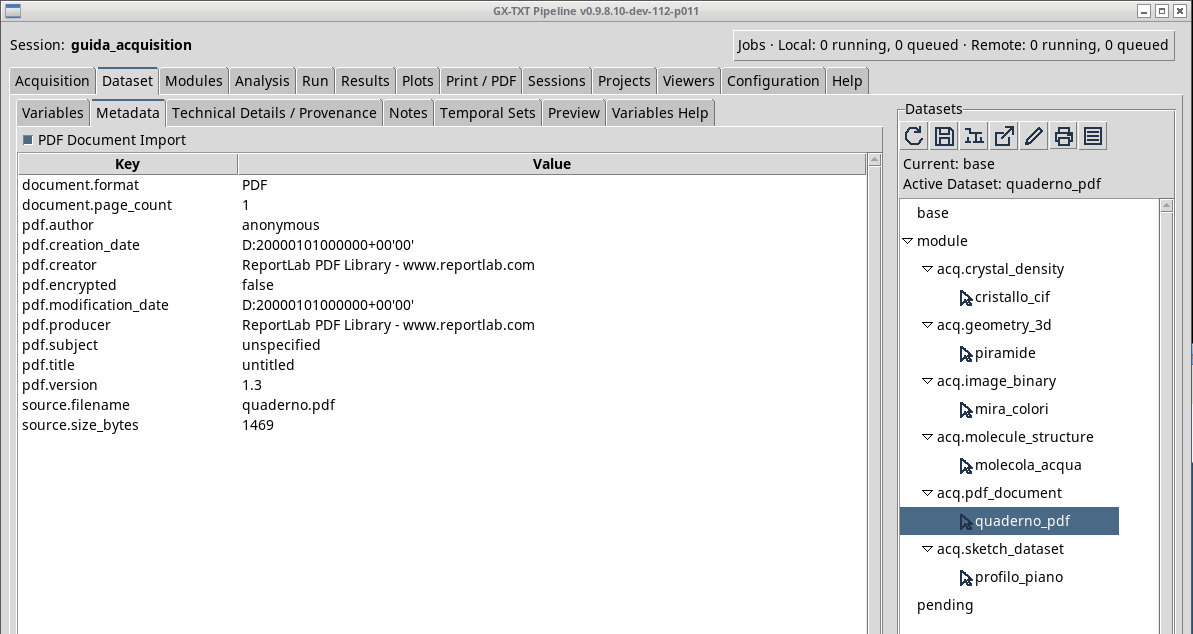
After Import, the browser shows Active Dataset: quaderno_pdf. The Metadata tab describes the recorded result.
The PDF viewer for the quaderno_pdf Dataset shows the page with the readings and the blue rectangle.

Controls and settings

Scrollbar

Use the horizontal or vertical scrollbar to reach fields, entries, or text outside the visible area.

Default Dataset ID

Sets a proposed ID for the sources you add with this importer. Check the actual ID in each row before Import. The Dataset browser uses the published ID to find the result.

Default value in the basic configuration document.pdf.

Scrollbar

Use the horizontal or vertical scrollbar to reach fields, entries, or text outside the visible area.