

Electronics Component Record
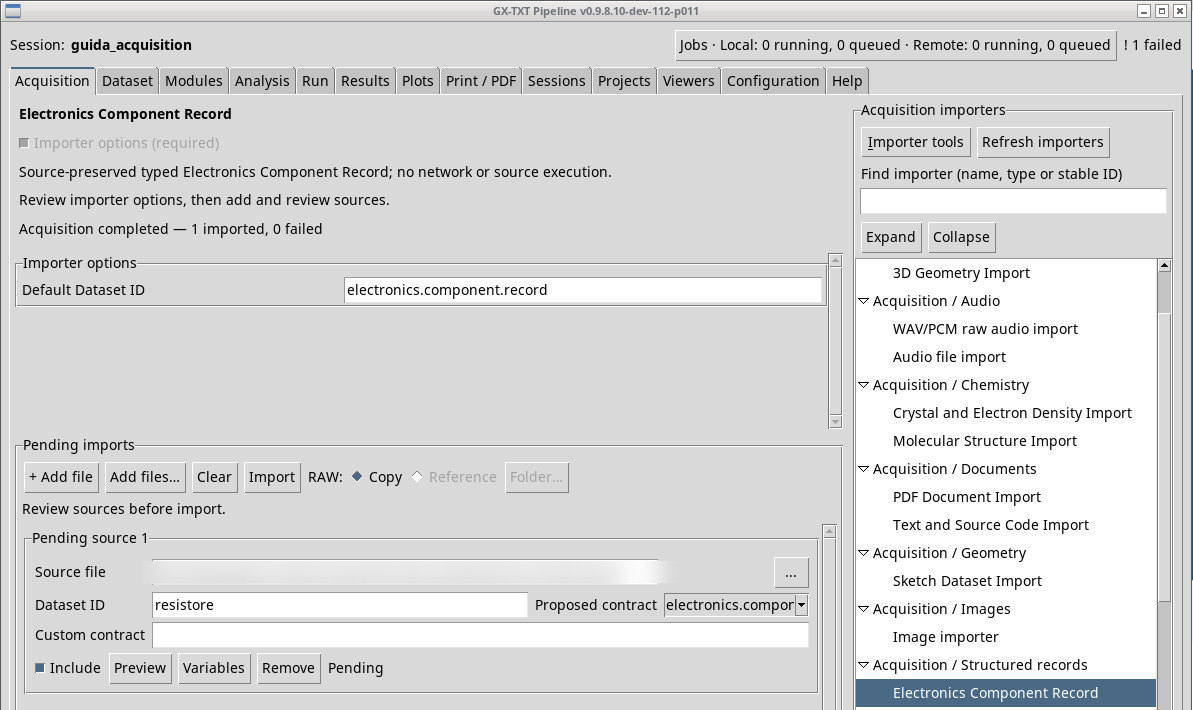
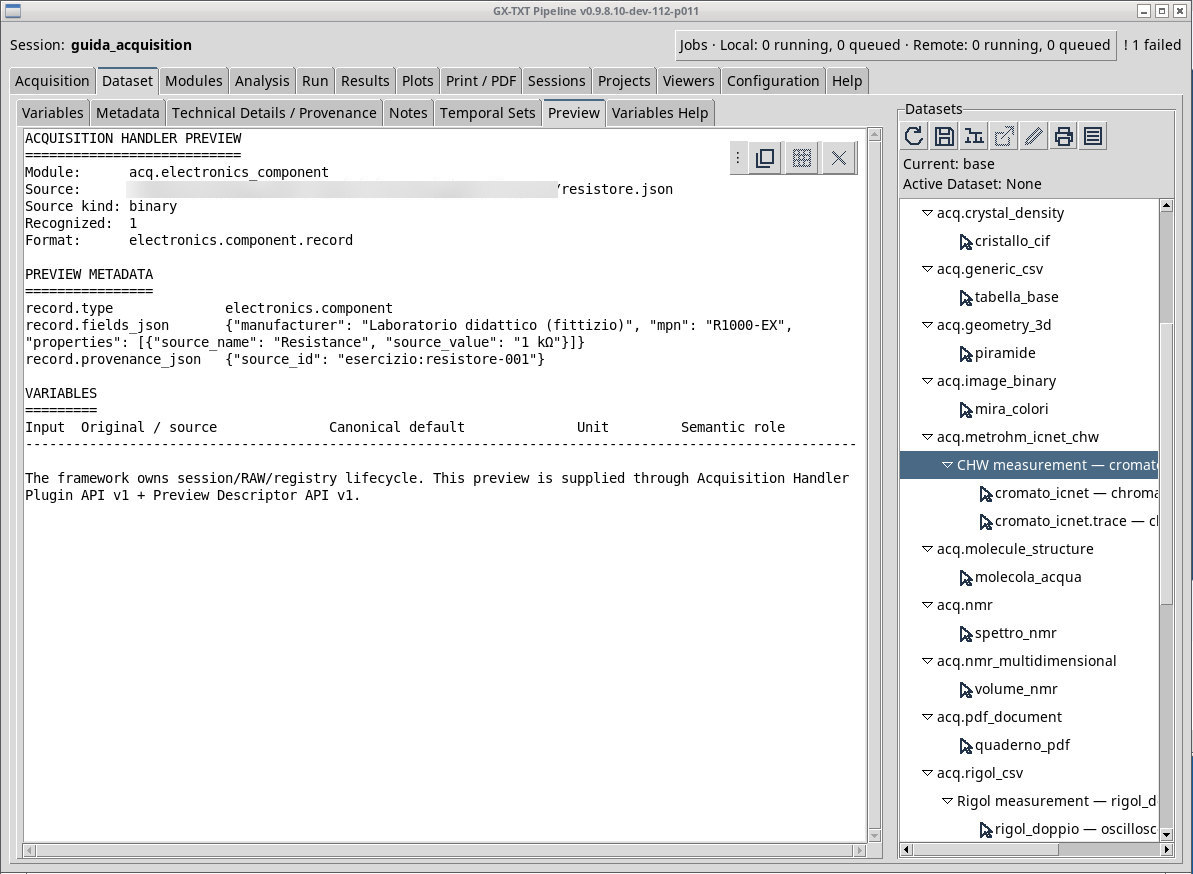
Import a component record in Acquisition and check the preview and the published result in the Session.
acq.electronics_component · Version 1.0.0
Use this importer for JSON of type electronics.component with the strings manufacturer and mpn inside fields and an identifier provenance.source_id . Any properties must keep source_name and source_value. The resistore.json fixture describes a fictitious component identified by R1000-EX, with a declared resistance of 1 kΩ.
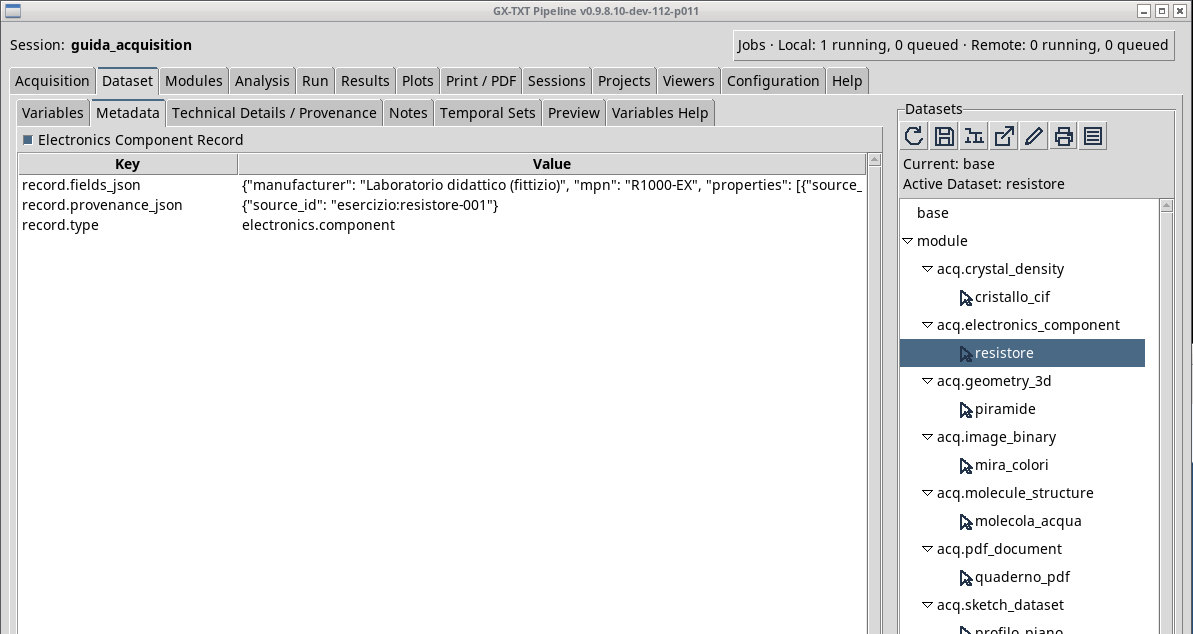
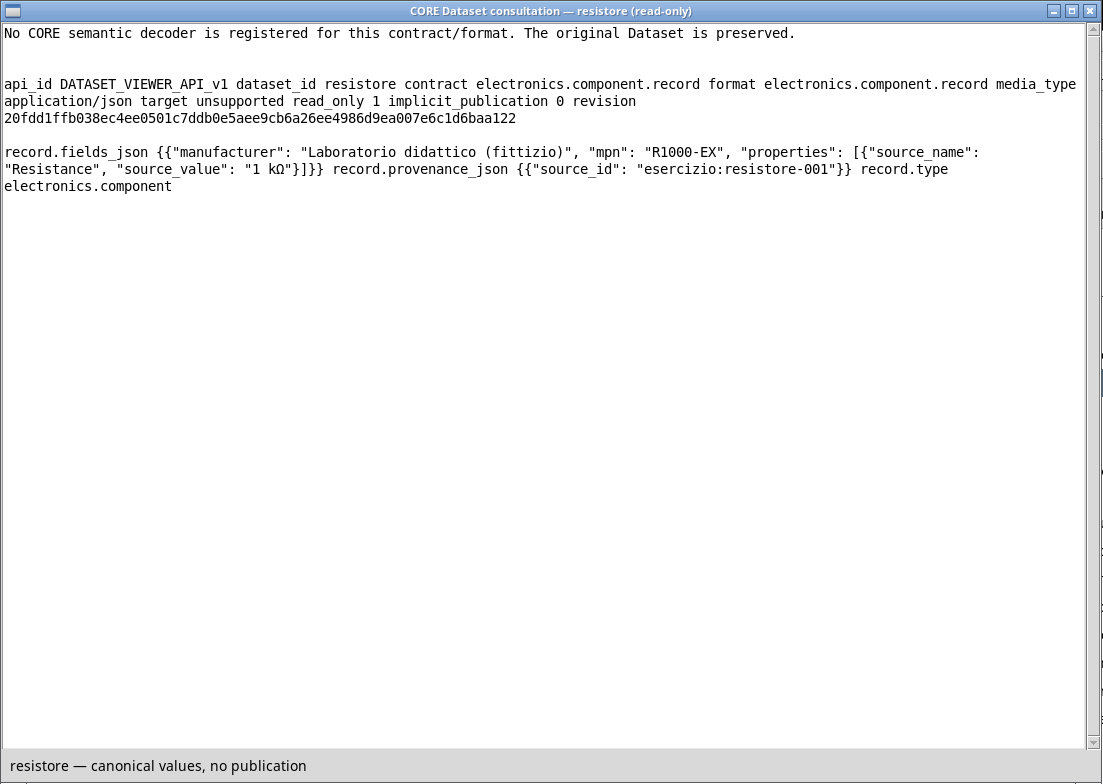
Queue the file, check the identification in Preview, publish, then activate resistore. Check electronics.component.record and open the record in the framework. If the installation offers metadata consultation as a fallback, read the provenance and recorded fields. The record keeps the JSON, including units as declared. If present, the datasheet and numeric curves are resources with their own identity and a separate workflow.
Exercise files
- resistore.json (extract the ZIP first)
Sources, licenses, and SHA-256
Screenshots
Open a screenshot to view it at full size.
Controls and settings
Scrollbar
Default Dataset ID
Default value in the basic configuration electronics.component.record.